$1499.95
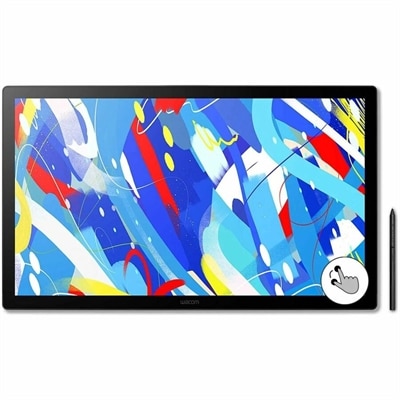
A professional drawing display with 2.5K WQHD resolution, etched anti-glare glass, multitouch, and pressure-sensitive stylus.
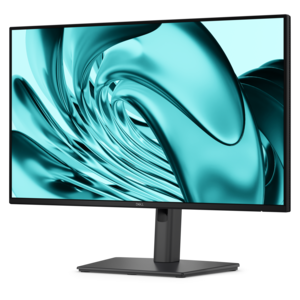
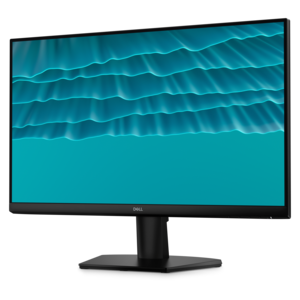
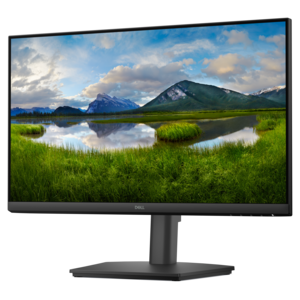
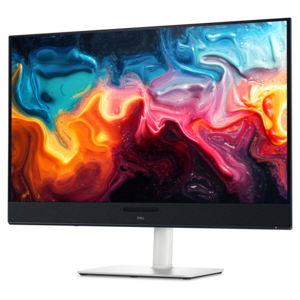
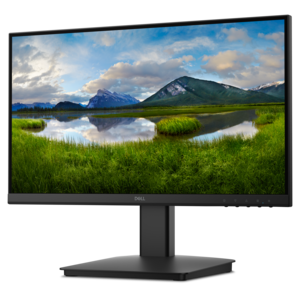
VESA-Compatible Displays for Custom Mounting offer versatile solutions for creating an ergonomic and organized workspace. Designed to fit a wide range of mounting arms, stands, and wall brackets, these displays make it easy to achieve the ideal viewing angle and save valuable desk space. Whether setting up a home office or optimizing a professional environment, VESA-Compatible Displays for Custom Mounting provide the flexibility needed for personalized setups. Explore options that support your unique workflow and enhance your overall visual experience.
A professional drawing display with 2.5K WQHD resolution, etched anti-glare glass, multitouch, and pressure-sensitive stylus.
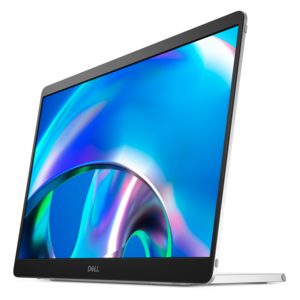
A full HD IPS pen display with battery-free pressure-sensitive stylus, secure encryption, anti-glare surface, and ExpressKeys.
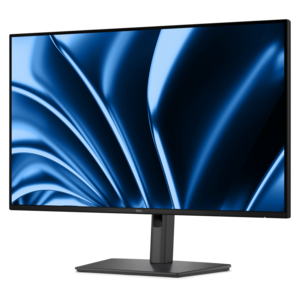
A FHD monitor with extensive connectivity, high refresh rate, and TÜV-certified 4-star eye comfort.
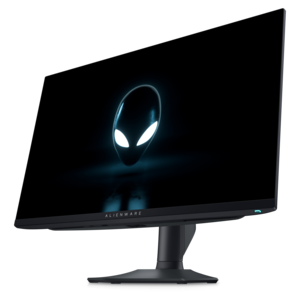
A smooth 144Hz monitor with 1ms MPRT and TÜV 3-star eye-comfort certification for everyday tasks.
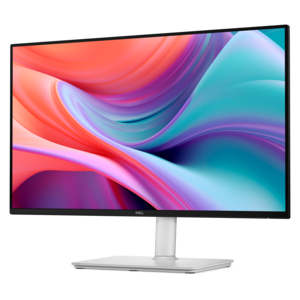
A TÜV-certified monitor offering 4-star eye comfort, seamless connectivity, and an adjustable stand for productive work.
A replacement laptop display featuring Full HD+ resolution, non-touch TruLife LCD technology, and a mounting bracket.
A 4K QD-OLED monitor with AI-enhanced 3D Spatial Audio for immersive entertainment.
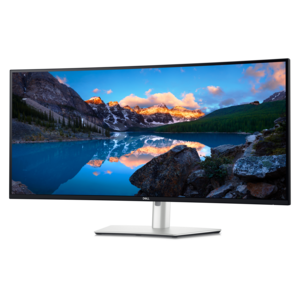
A curved 5K Thunderbolt hub monitor with a smooth 120Hz refresh rate for immersive productivity.
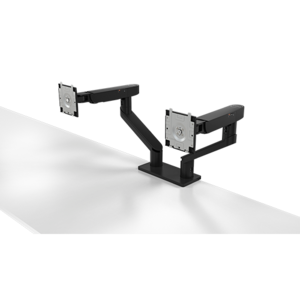
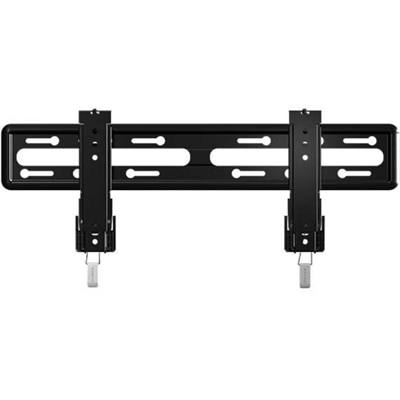
VESA-compatible displays bring flexibility to workspaces where a traditional monitor stand takes up too much room or puts the screen in the wrong position. A compatible display attaches to a suitable monitor arm, wall bracket, or other mounting system through a standardized mounting interface, allowing the screen to sit above the desktop or closer to a wall. VESA refers to the Video Electronics Standards Association, which defines mounting interface standards used across many displays and supports. For desktop monitors, common mounting patterns include 75 × 75 mm and 100 × 100 mm, measured from the center of one mounting hole to the center of the next. These measurements describe the attachment pattern, not the screen dimensions, and compatibility also depends on the display’s weight, mounting hardware, and rear housing design. The practical benefit is a workspace that can fit the person and the task rather than being shaped entirely around the original stand. In a compact home office, a mounted screen can leave more room for a full-size keyboard, handwritten notes, and a laptop beneath it. At a shared desk, an adjustable arm can make it easier to reposition the display between users. A fixed wall mount suits a screen that stays in one location, while an articulating arm allows more movement for changing tasks or seating positions. Dual-display arrangements can place reference material beside a working document without requiring two separate stands across the desk. VESA compatibility does not, by itself, guarantee height adjustment, rotation, or a particular range of movement; those functions come from the selected mount and the display’s supported orientation. This distinction makes the display and its mounting system complementary parts of the same setup, with screen performance determining the viewing experience and mounting compatibility determining how that experience fits into the room.
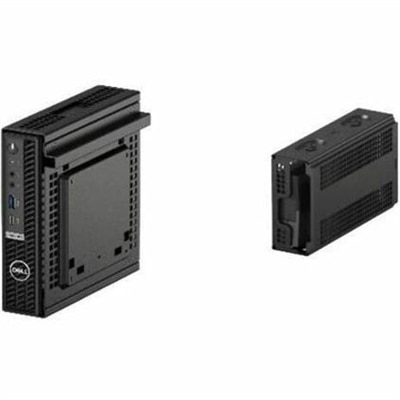
The fit between a display and its mount involves more than matching four holes. A mount’s supported weight range needs to accommodate the screen without its removable stand, and some adjustable arms have a minimum weight requirement as well as a maximum capacity. A very light display can be unsuitable for an arm designed for heavier equipment, just as an oversized screen can exceed a mount’s limits even when the mounting pattern matches. Screen dimensions, depth, and curvature can also affect clearance and positioning, particularly when two monitors sit side by side or a display needs to rotate into portrait orientation. Recessed mounting points, removable covers, and nearby connection ports influence how a mounting plate fits against the back of the screen. Compatible VESA kits can provide a mounting interface or supporting hardware for certain configurations, although the correct fit depends on the specifications of both the display and the accessory. Screw diameter, thread type, and insertion depth matter because hardware that is too long can damage internal components, while hardware that is too short may not secure the display properly. The surrounding furniture is part of that fit, too. Clamp-mounted arms depend on a desktop with suitable thickness, edge clearance, and structural strength; hollow, glass, or lightweight surfaces may have restrictions that differ from those of solid wood or metal-supported furniture. Wall-mounted setups depend on an appropriate wall structure, bracket, and anchors. Metal mounting plates and reinforced attachment points provide structural support, while the display’s outer plastic housing is not intended to serve as a clamping surface. Cable placement deserves similar attention. Power and video connections need enough clearance behind the display, and an adjustable setup needs sufficient cable slack to move without pulling on ports. These details become especially noticeable on a shallow desk, where a rear-facing connector or a bulky arm joint can prevent the screen from sitting as close to the wall as expected.
Once the mounting requirements are understood, the display itself should suit the work, entertainment, and viewing conditions it will support. Screen size and resolution influence how comfortably documents, spreadsheets, creative applications, and games fit within the viewing area. A larger screen can provide useful room for multiple windows, but its benefits depend on desk depth, viewing distance, and text scaling. Higher resolution can make fine details and lettering look sharper, while the right scaling settings help keep menus and everyday text readable. For a person who spends the morning comparing reports and the afternoon on video calls, a mounted display can keep working material at a consistent viewing height while leaving space below for a notebook or external camera controls. Someone editing photographs may place greater importance on color performance, while a frequent player may focus on refresh rate, response behavior, and compatibility with the connected computer. Wide viewing angles can be helpful when a screen is turned toward a colleague, and an antiglare surface can reduce distracting reflections in a bright room without eliminating the need for thoughtful placement. Portrait orientation can suit long documents or programming, provided both the display and mount support that position; the operating system may also need its display orientation adjusted. Connection types, power delivery capabilities, and access to frequently used ports remain important after mounting, especially when a laptop connects and disconnects each day. Long-term use also depends on care and mechanical stability. Display surfaces generally call for gentle cleaning with a soft, lint-free cloth and any cleaning method specified by the manufacturer, rather than pressure against the panel or liquid sprayed directly onto it. Keeping cables free from pinching and using the mount within its intended adjustment range helps protect connectors and moving parts. For home offices, study spaces, creative workstations, and shared desks, a well-matched VESA-compatible display offers practical flexibility without making the mounting system the focus of the room.
Add the products you would like to compare, and quickly determine which is best for your needs.