$799.99
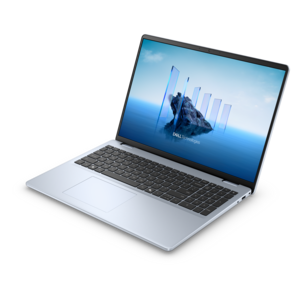
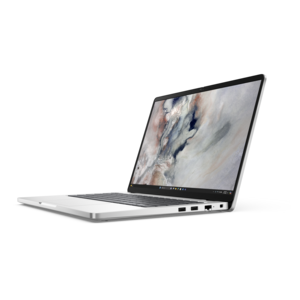
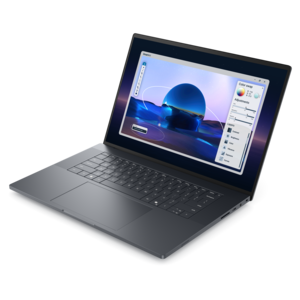
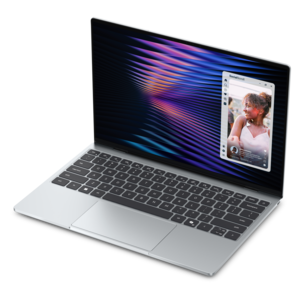
A remarkably thin, lightweight laptop designed for ultimate mobility and effortless everyday productivity.
Elevate your creative projects with video editing software for laptops, designed to bring your vision to life from anywhere inspiration strikes. Whether you’re a beginner exploring new skills or a seasoned professional producing polished content, the right tools can make all the difference. Discover options that cater to a variety of needs and workflows, helping you transform raw footage into captivating stories with ease and flexibility. Find the ideal video editing software for laptops to match your style and workflow, so you can focus on what matters most—your creativity.
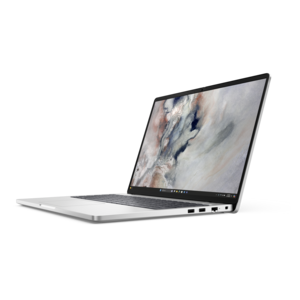
A remarkably thin, lightweight laptop designed for ultimate mobility and effortless everyday productivity.
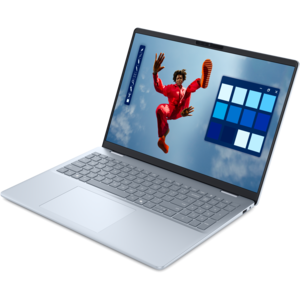
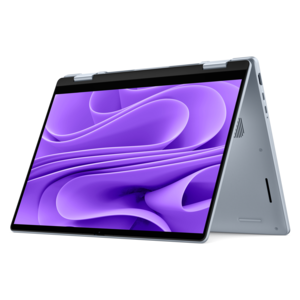
A modern laptop with Intel® Core™ processors and graphics for effortless productivity and captivating entertainment.
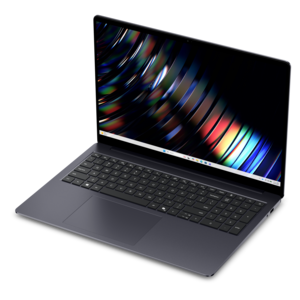
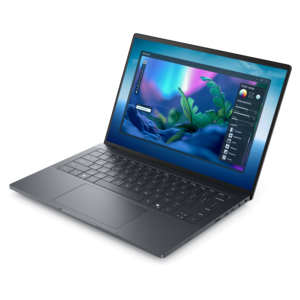
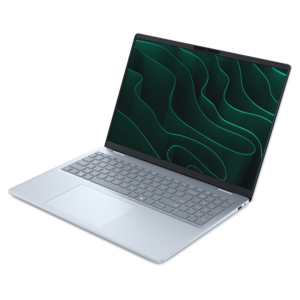
A sleek laptop powered by the latest AMD Ryzen AI 400 Series processors for demanding users.
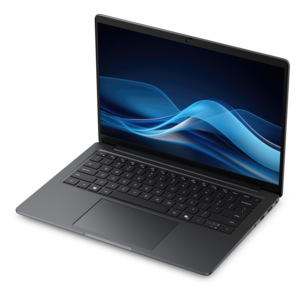
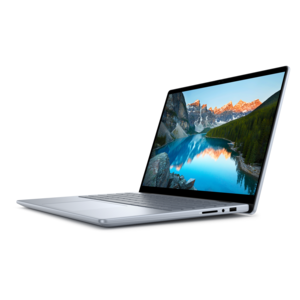
A durable, lightweight business laptop powered by AMD Ryzen processors with commercial-grade security and manageability.
A productivity-focused Copilot+ PC powered by a capable AMD CPU, GPU and NPU combination.
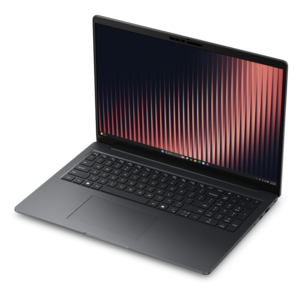
A sleek, modular laptop featuring durable construction, robust security, a spacious 16:10 display, and built-in AI.
A durable modular laptop with a 16:10 display, numeric keypad, robust security and built-in AI options.
A creator-focused laptop with built-in AI, a spacious display, and Intel Arc graphics for demanding workflows.
A sleek, high-performance laptop featuring advanced on-device AI for productive workflows wherever you go.
A thin, lightweight laptop featuring Intel Core Ultra processors, NVIDIA graphics, battery life, and on-device AI.
Video editing software for laptops can turn everyday footage into polished, memorable stories, whether you are assembling family clips, preparing a class presentation, creating social media videos, recording a gaming session or producing professional content for clients. The right application helps you move from a folder of scattered recordings to a finished video with a clear beginning, smooth pacing and a confident final touch. Browser-based editors are convenient for quick projects because they can work without a lengthy installation and often include templates, trimming tools, transitions, text overlays and simple audio controls. They can be especially useful on a shared laptop or when you need to make a quick edit while traveling. Windows laptops may also include accessible editing applications with drag-and-drop timelines, preset effects and straightforward tools for cutting clips, adding captions and adjusting the order of scenes. These features suit beginners who want to learn by doing, as well as experienced users who need to complete a short project efficiently. Other editing applications focus on short-form content and may offer automatic captions, filters, vertical video layouts and easy tools for adapting one recording to several platforms. This variety makes video editing software a practical gift for a student building a portfolio, a new creator documenting weekend trips, a small business owner producing product demonstrations or a family member who enjoys turning holiday footage into a keepsake. A laptop with a comfortable display, reliable keyboard and sufficient storage can make the process feel natural: you can sit at the kitchen table, drag a clip into place, hear the soft rise of background music and watch the finished sequence take shape without needing a separate workstation.
When comparing software for a laptop, begin with the kind of video you expect to make and the amount of control you want over each part of the project. Basic editors are often enough for trimming, joining clips, correcting orientation, adding titles and balancing simple audio. More advanced applications may provide layered timelines, keyframe animation, motion tracking, chroma key tools, detailed color correction and dedicated audio controls. These capabilities are valuable when you are matching shots recorded in different lighting, removing distracting background noise or creating a consistent visual style across a longer project. Check operating system compatibility before choosing an application, since software designed for Windows may not offer the same features on macOS or ChromeOS, and browser-based tools can vary in performance depending on the internet connection. Hardware also matters. Editing high-resolution footage places a heavier load on the processor and graphics system, while larger projects benefit from generous memory and fast solid-state storage. A laptop with an efficient processor and at least enough available space for original footage, project files, previews and exported videos will provide a more comfortable experience. For professional-grade workflows involving high-resolution video, complex effects or multiple audio tracks, consider a laptop with a capable graphics processor, ample memory and a high-quality display that makes fine color and detail easier to see. An entry-level laptop can still handle straightforward cuts and short clips, particularly when using lightweight software, but complicated timelines may require lower preview quality or additional patience during export. For shoppers looking for more robust Windows-focused tools, Advanced Video Editing Software for Windows can be a useful place to explore applications intended for demanding creative work.
The most satisfying editing experience often comes from matching the software to the editor’s habits rather than choosing the most feature-heavy option available. Someone creating short cooking clips may value quick templates, automatic captions and simple vertical layouts, while a student making a documentary may need precise timeline control, voice-over recording and dependable file organization. A photographer moving into video may care most about color tools and support for high-resolution footage. A parent preserving a child’s first recital may prefer a gentle learning curve, clear menus and fast exports over elaborate visual effects. Open-source and lightweight applications can be a sensible choice for older laptops or systems with limited memory, offering essential cutting, transitions and audio functions while using fewer resources. Free editions can also help a new editor learn the basics before committing to a more advanced workflow, although available export options, supported formats and included features can vary. Look for support for the file types produced by your phone or camera, along with options for common resolutions and aspect ratios. Automatic saving, project recovery and organized media bins are small conveniences that become extremely valuable after an hour of careful work. It is also worth considering caption tools, because readable captions improve accessibility and help viewers follow a video when sound is muted. A comfortable laptop setup can make long sessions easier: a bright, accurately rendered screen reveals subtle changes in exposure, while a responsive trackpad or connected mouse helps with precise timeline adjustments. Whether the finished video is a quiet montage of a rainy afternoon, a lively travel reel filled with street sounds or a carefully edited presentation for work, suitable video editing software gives those moments structure, clarity and a lasting sense of place.
Add the products you would like to compare, and quickly determine which is best for your needs.