$99.99
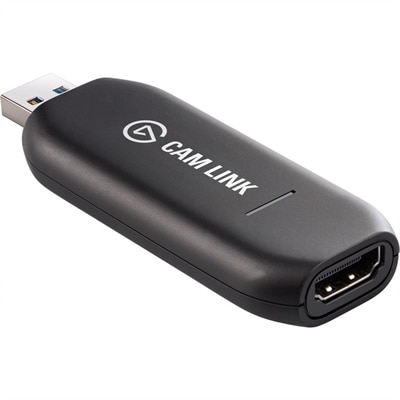
A low-latency 4K capture device that turns DSLR, camcorder, or action cameras into webcams.
Enhance your video calls, online meetings, and streaming sessions with webcams for Mac and PC. Whether you're working from home, connecting with friends, or creating content, discover a wide selection of reliable options designed to deliver clear visuals and smooth performance. Find the perfect webcam to suit your setup and enjoy seamless compatibility with both Mac and PC devices.
A low-latency 4K capture device that turns DSLR, camcorder, or action cameras into webcams.
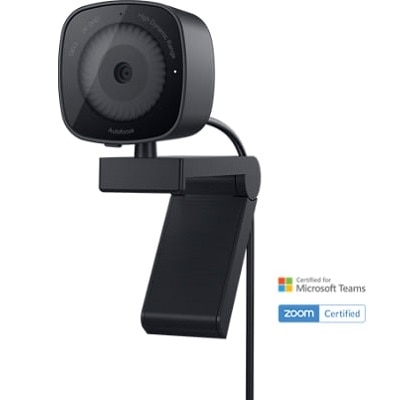
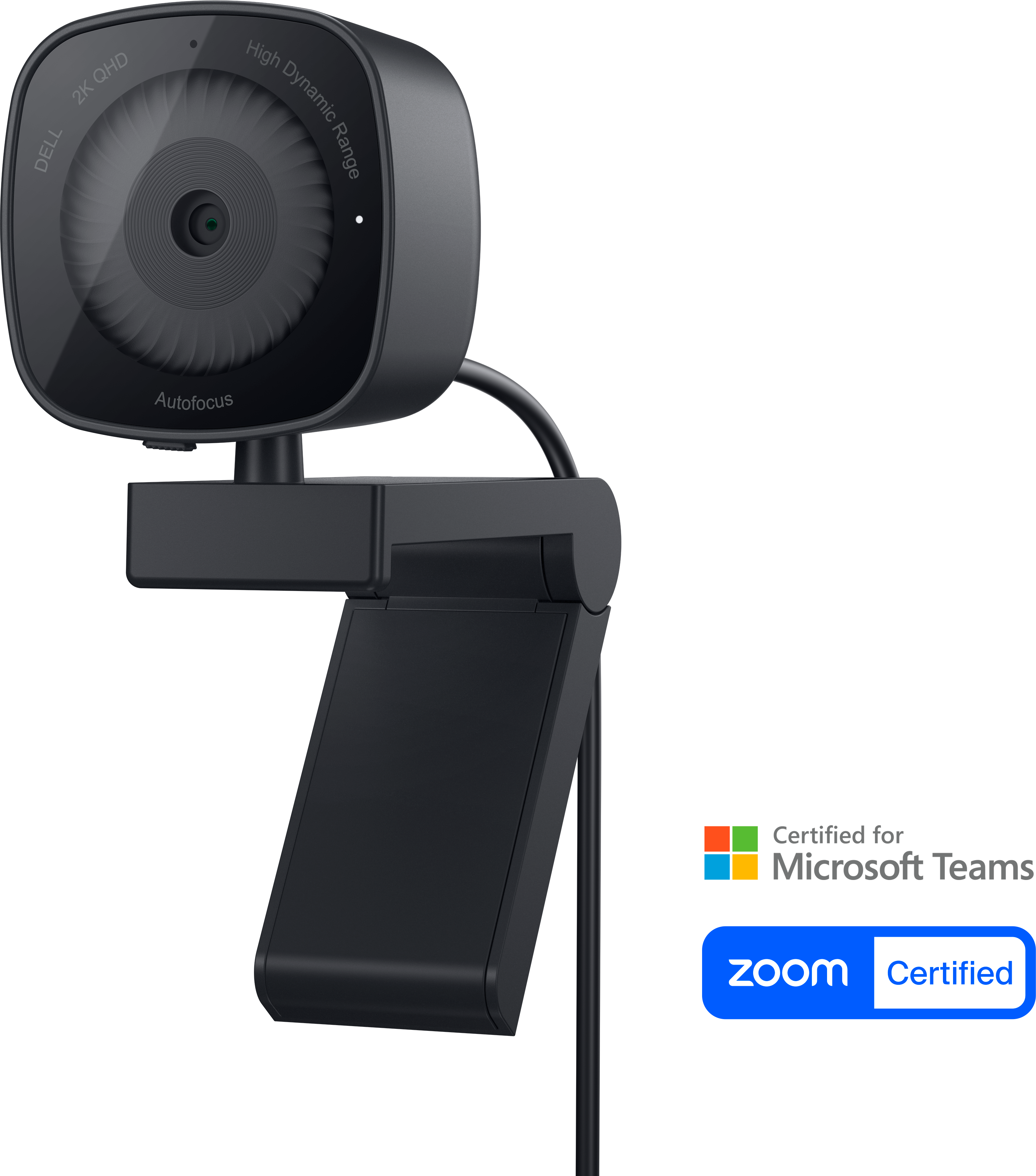
A professional 2K QHD webcam delivering clear visuals, secure features, and seamless collaboration across leading platforms.
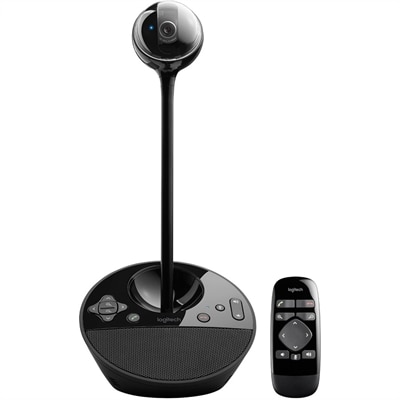
A 1080p conference camera with full-duplex speakerphone audio, autofocus, remote pan-tilt-zoom, and echo cancellation.
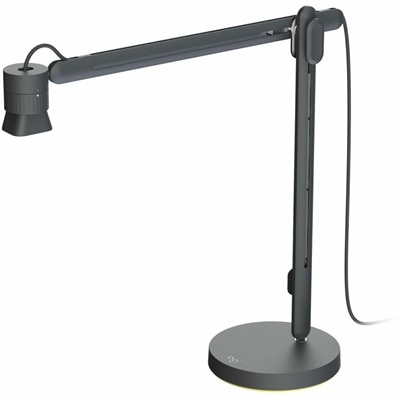
An articulating overhead camera arm with base mount, 1080p60 video, USB connectivity, and versatile pivoting controls.
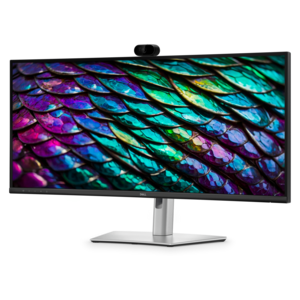
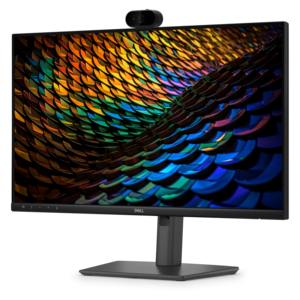
A curved WQHD IPS conferencing monitor with built-in webcam, speakers, microphone, and USB-C hub.
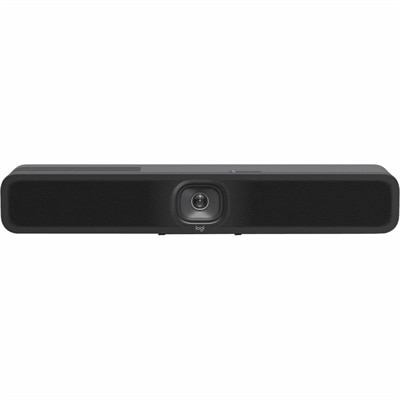
An AI-powered USB conference camera with intelligent audio, video features, flexible mounting, and BYOD compatibility.
Choosing a webcam for Mac and PC starts with matching image quality and features to the way it will be used. A built-in laptop camera can be adequate for a quick call, but an external webcam often provides a clearer, more flattering view with better positioning flexibility. Resolution is one of the first specifications to compare: 720p can work well for casual conversations and basic video calls, while 1080p delivers a sharper, more polished image for remote work, online classes, interviews, and regular meetings. Higher-resolution 2K and 4K webcams can capture finer detail, which is especially useful for presentations, demonstrations, content creation, and close-up views of artwork or products. They may also offer better cropping options, allowing the image to be reframed without making the picture appear as soft. A higher resolution does not automatically guarantee a better experience, however. Lighting, lens quality, autofocus, frame rate, and software support all influence how a webcam looks in practice. For a natural picture during everyday conversations, look for smooth motion at 30 frames per second or more, dependable autofocus, and automatic exposure that can adjust when daylight shifts across a room. A wide-angle lens can include more than one person or show a larger workspace, while a narrower field of view can keep attention on one speaker. Consider the room where the webcam will live: a compact model that clips securely to a laptop or monitor is convenient for a small desk, while a tripod-ready design can be placed on a shelf or positioned farther away for a more deliberate setup. Compatibility is equally important. Many USB webcams are designed to work across macOS and Windows, but checking the connection type, operating system requirements, and available software controls helps prevent surprises when moving between a Mac desktop, MacBook, Windows laptop, or Windows desktop. For additional Windows compatibility considerations, explore Webcams Compatible With Windows 11.
Audio can make as much difference as video, particularly when a webcam is used for work or school. Built-in stereo or dual microphones may help create a more balanced sound, while noise reduction can soften the hum of a fan, the tapping of a keyboard, or activity in a nearby room. Microphone performance still depends on distance and surroundings, so people who lead long meetings, record voiceovers, or stream regularly may prefer using a separate headset or microphone alongside the webcam. Privacy is another practical consideration. A physical lens cover or shutter provides a reassuring way to block the camera when it is not in use, without relying only on an on-screen setting. Indicator lights can show when the camera is active, and a stable clip or mount helps keep the frame from drifting after a desk is bumped. Software controls may allow adjustments to brightness, contrast, white balance, zoom, field of view, and background effects. Those controls are helpful in real rooms where the best position is not always directly in front of a window. During the cooler months, when shorter daylight hours can leave a home office dim in the afternoon, a webcam with strong low-light handling can preserve facial detail and color. Even so, a small lamp placed slightly to the side of the display often improves the result more than increasing resolution alone. Avoid placing a bright window directly behind you, and keep the camera close to eye level for a more comfortable, natural perspective. A webcam that can tilt or rotate also makes it easier to switch between a seated call, a standing presentation, and a shared activity at the same desk.
Webcams can suit a wide range of people, from remote professionals and students to families staying connected across distances. A clear camera can make a routine team check-in feel more personal, help an instructor see a learner’s presentation, or let relatives share a relaxed conversation from a kitchen table or living room. They can also be thoughtful gifts for someone setting up a first home office, taking online courses, attending virtual appointments, creating videos, or exploring live streaming as a hobby. When selecting one as a gift, prioritize broad compatibility, simple USB setup, a secure monitor clip, and automatic image adjustments that do not require technical experience. A physical privacy cover is a useful detail for shared homes, while a flexible mounting option can benefit anyone who alternates between a laptop and a larger monitor. Content creators and streamers may value 4K capture, higher frame rates, manual controls, and the ability to frame a subject smoothly, whereas someone joining occasional calls may be happier with a straightforward 1080p webcam that starts quickly and produces reliable audio. Users who move around during demonstrations may appreciate subject tracking or automatic framing, while those who prefer a fixed professional composition may want a stable, manually positioned camera. Before choosing, think about the available desk space, the lighting at different times of day, the apps used for calls or recording, and whether the webcam will remain attached to one computer or travel between several devices. The right webcam for Mac and PC should feel easy to live with: it should connect without unnecessary steps, stay steady during a conversation, show a clear and natural image, and provide enough control to adapt as the workspace changes.
Add the products you would like to compare, and quickly determine which is best for your needs.