$65.99
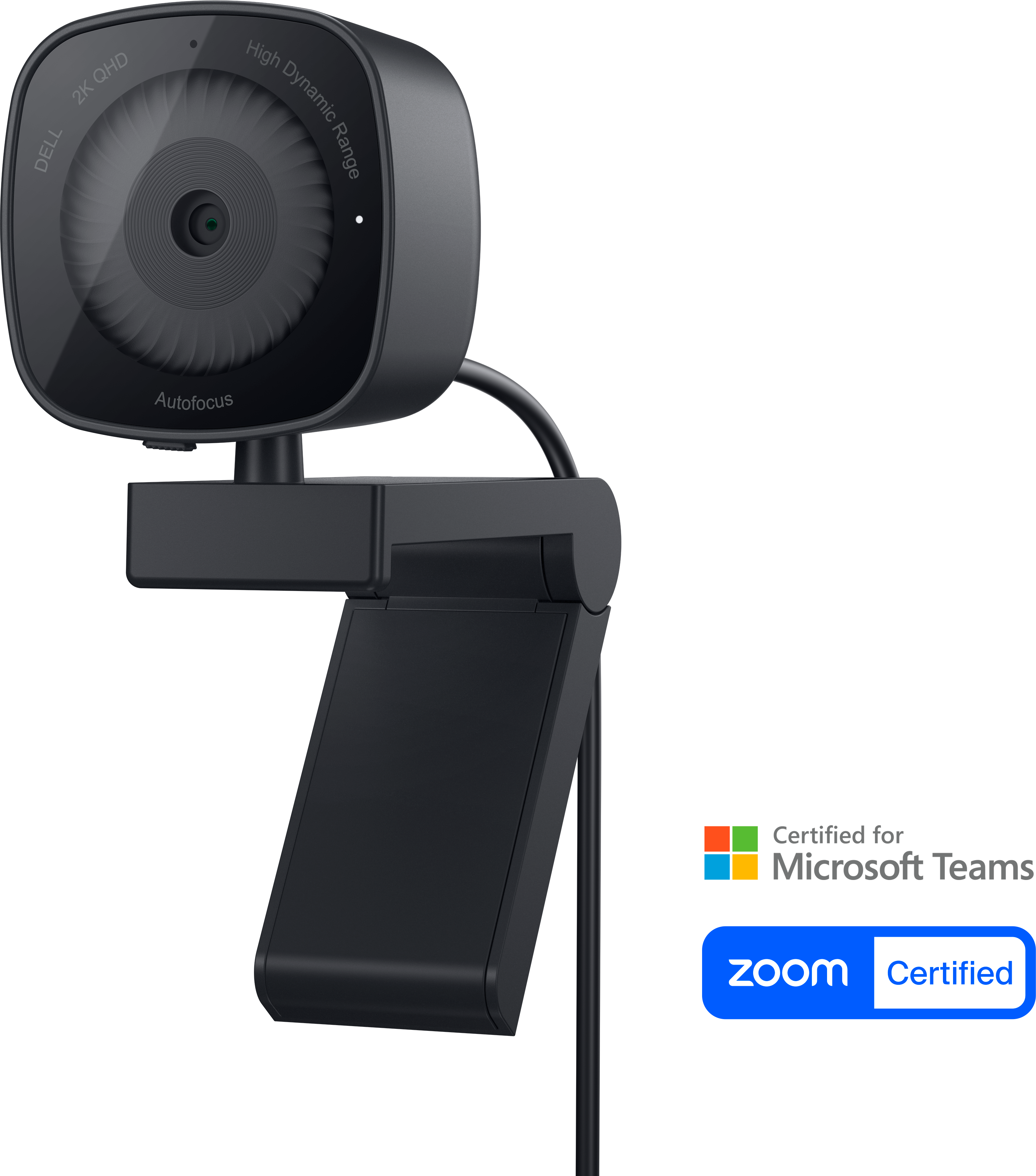
A 2K QHD webcam designed for clear, confident everyday video collaboration.
Enhance your video calls, virtual meetings, and online collaborations with webcams for Mac computers. Designed to integrate seamlessly with your Mac devices, these webcams offer a reliable solution for clear and consistent communication. Whether you're working from home, connecting with friends and family, or streaming content, discover a selection of webcams tailored to meet the needs of Mac users. Find the perfect match to elevate your digital experience and stay connected with confidence.
A 2K QHD webcam designed for clear, confident everyday video collaboration.
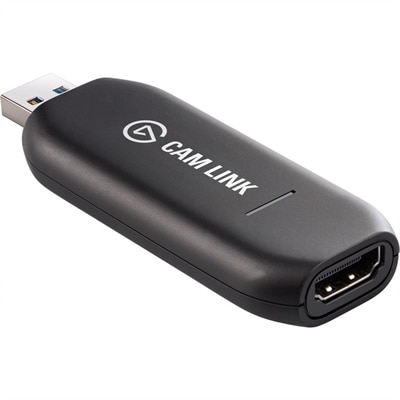
A low-latency 4K capture device that turns DSLR, camcorder, or action cameras into webcams.
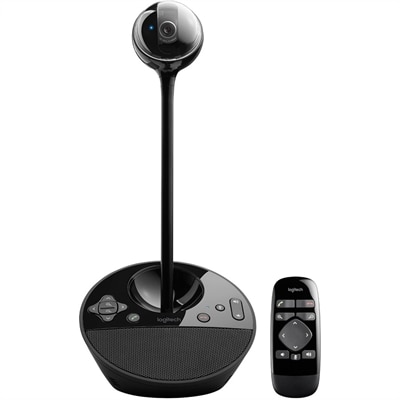
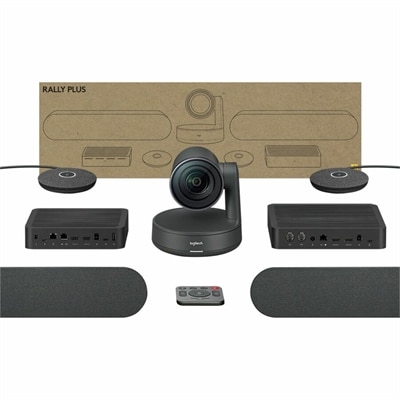
A 1080p conference camera with full-duplex speakerphone audio, autofocus, remote pan-tilt-zoom, and echo cancellation.
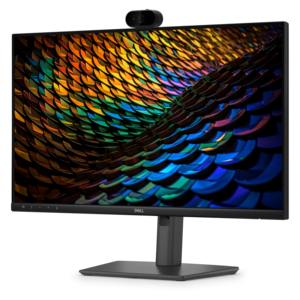
A curved WQHD IPS conferencing monitor with built-in webcam, speakers, microphone, and USB-C hub.
Webcams for Mac computers offer a simple way to improve video calls, online classes, interviews, livestreams and recorded presentations beyond what a built-in camera can provide. An external webcam can sit on top of a laptop or monitor, attach to a tripod, or rest on a desk, giving you more flexibility to position your face at eye level and create a more natural-looking frame. Most modern USB webcams use the USB Video Class standard, which means they are typically recognized by macOS without a separate driver. After connecting the camera, you can usually select it from the video settings in your preferred calling, recording or streaming application. Before choosing a model, check the available ports on your Mac computer and confirm whether you need a USB-C connection, a USB-A connection or an adapter. It is also helpful to review compatibility with your version of macOS and the applications you use most often. A webcam with 1080p resolution can provide a clear, detailed image for everyday calls, while 4K resolution may be useful for content creators, presenters or anyone who wants additional room to crop and reframe video. Resolution is only part of the picture, however. Frame rate, lens quality, autofocus and image processing all influence how smooth and natural your video looks. A 30-frame-per-second camera is well suited to meetings and classes, while a higher frame rate can make movement appear more fluid during demonstrations, streaming or active presentations.
Lighting has a noticeable effect on webcam performance, especially in a home office, dorm room or shared living space where natural light can change throughout the day. Look for features such as automatic light correction, HDR or exposure adjustment if you often work near a window, under overhead lighting or during the darker part of the day. A camera that balances highlights and shadows can help preserve facial detail when the background is bright, while autofocus can keep your image sharp if you lean toward the screen, hold up notes or move around while speaking. Built-in microphones are convenient for casual conversations, but microphone quality varies, and a headset or dedicated microphone may still be preferable in a busy room. Some webcams use multiple microphones to reduce background noise and focus on the speaker’s voice, which can be useful when family members, roommates, pets or household appliances are nearby. A physical privacy shutter or sliding cover adds reassurance when the camera is connected, and an indicator light can make it easier to tell when video is active. Mounting design matters as well. A sturdy clip should grip a thin laptop display or thicker monitor without slipping, while a standard tripod mount can help position the camera at a flattering height. If you regularly switch between a laptop and a desktop monitor, consider a model that is easy to remove and reposition. For additional options suited to conversations, meetings and remote collaboration, browse Logitech Webcams for Video Calls.
The right webcam depends on how you spend time in front of your Mac computer. Remote employees may appreciate a sharp image, reliable autofocus and a wide enough field of view to include a second person during a shared presentation. Students can use an external camera for virtual classes, tutoring sessions and group projects, particularly when the laptop needs to be moved around the room or connected to another display. Families may find one useful for keeping in touch with relatives during the cooler months, when more conversations happen from indoors, while a clean design and straightforward setup can make a webcam a thoughtful gift for someone starting a new job, attending school from home or building a creative workspace. Streamers and video creators may want 4K capture, stronger low-light performance, a wider field of view and software controls for color, exposure and framing. Presenters who move while speaking can benefit from automatic framing or tracking features, though these functions may depend on the application and companion software. If you use an iPhone with a compatible Mac and operating system, Continuity Camera may provide another way to appear on video, but it generally requires a suitable mount to hold the phone securely and may not be as convenient as a dedicated webcam for frequent calls. A dedicated camera remains easy to leave connected, adjust and use across multiple applications. For any setup, place the lens close to eye level, face a soft light source rather than a bright window, clear distracting objects from the background and test the camera and microphone before an important call. Whether your priority is dependable communication, polished content or a more comfortable everyday workspace, webcams for Mac computers can make video feel clearer, more personal and easier to manage.
Add the products you would like to compare, and quickly determine which is best for your needs.