$1330.00
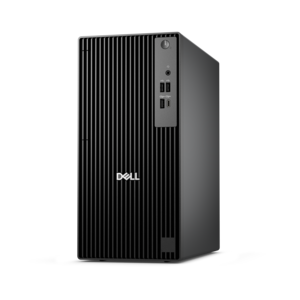
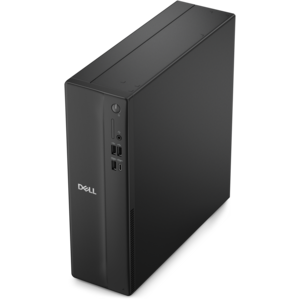
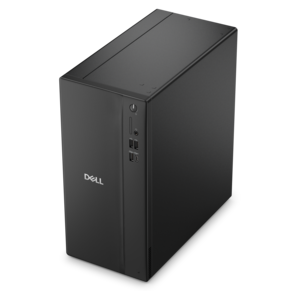
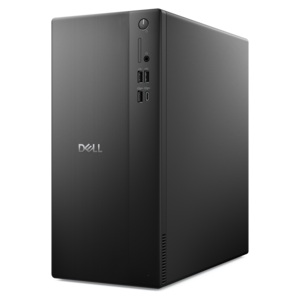
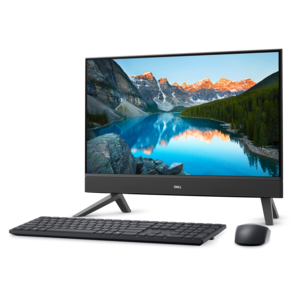
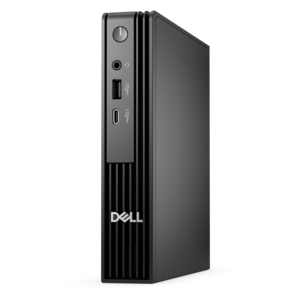
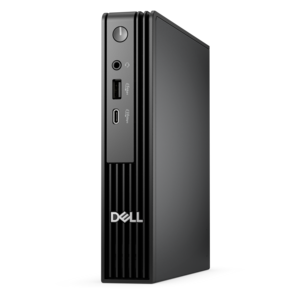
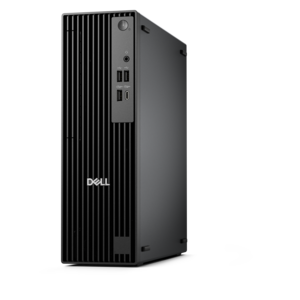
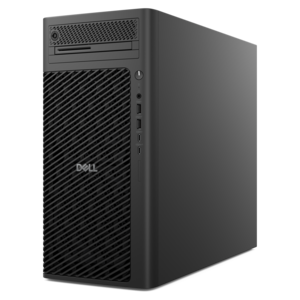
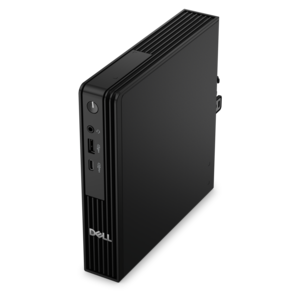
A reliable workstation desktop delivering excellent performance with professional graphics for demanding productivity and creative workloads.
Discover what are the best Dell desktops for programming and coding? Finding the right desktop can make a significant difference in productivity, efficiency, and overall experience for developers. Whether you're building complex applications, running multiple virtual machines, or handling large datasets, choosing a reliable and powerful Dell desktop is essential. Explore options designed to support your coding needs, streamline workflows, and help you tackle projects with confidence.
A reliable workstation desktop delivering excellent performance with professional graphics for demanding productivity and creative workloads.
A high-performance AI-ready business desktop with security, seamless manageability, and expandable capabilities for demanding tasks.
A powerful desktop featuring advanced graphics and expansive upgradeability for creative workloads, gaming, and demanding tasks.
A business-ready tower desktop with Copilot+ PC options, robust security, manageable features, and expandable performance.
A powerful desktop designed to boost everyday productivity in a streamlined setup.
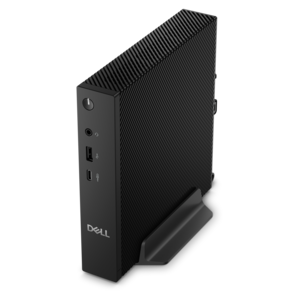
A compact thin client supporting cloud software, ThinOS, Windows 11 IoT Enterprise, or no operating system.
A business-ready tower desktop delivering reliable everyday performance with essential security features for productive workflows.
A compact desktop designed for everyday productivity and creative tasks.
A space-saving desktop delivering reliable performance and security for everyday productivity.
A compact desktop delivering reliable performance and security for everyday productivity.
A business-ready tower desktop delivering dependable performance and security for everyday productivity workloads.
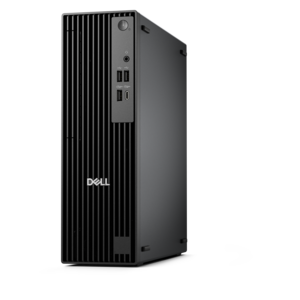
A space-saving, business-ready desktop delivering reliable everyday performance with essential security features.
A powerful, space-saving tower desktop designed to boost everyday productivity.
A versatile desktop designed for everyday productivity and creative projects.
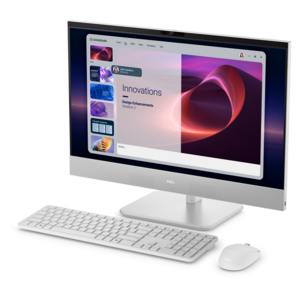
A compact all-in-one desktop designed for productive work and everyday entertainment.
An ultracompact business desktop with Copilot+ PC options, AI-enhanced productivity, robust security, and streamlined manageability.
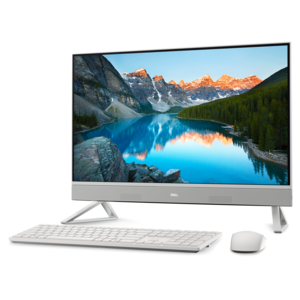
A space-saving all-in-one desktop designed for productive work and entertaining.
A sleek all-in-one desktop featuring a spacious display for streamlined computing and everyday productivity.
A compact, high-performance business desktop for heavy workloads, featuring advanced security, manageability, and optional AI productivity.
A space-saving desktop engineered for exceptional speed and efficiency in a sleek, compact design.
A high-performance business desktop with AI PC options, robust security, and seamless manageability for productivity.
A high-performance business desktop built for demanding workloads, advanced security, manageability, and AI-enhanced productivity.
A business-ready tower desktop with AI-enhanced productivity, robust security, seamless manageability, and expandable performance.
A scalable desktop delivering the world’s fastest single-threaded performance for demanding professional workloads.
The best Dell desktops for programming and coding are designed to keep development work responsive as projects become more complex. A capable desktop can support code editors, documentation, browsers, testing tools, terminals and communication apps at the same time, helping developers move from an idea to a working build without constant pauses. For most programming workflows, begin with the processor. A modern multi-core processor, such as an Intel Core Ultra 5 or Intel Core Ultra 7, or an AMD Ryzen 5 or AMD Ryzen 7 processor, can help shorten compile times and maintain smooth performance while several demanding applications are open. More cores are especially useful for software engineering, game development, mobile application testing and workloads that involve compiling large projects. Memory is equally important. 16 GB can suit introductory coding, web development and lighter coursework, while 32 GB provides more room for integrated development environments, browser tabs, containers, emulators and virtual machines. Developers working with large codebases, machine learning tools or multiple test environments may benefit from even more memory. A fast NVMe solid-state drive can also make a noticeable difference by helping the desktop start quickly, opening projects with less delay and keeping frequently used development tools responsive. Capacity should match the way the computer will be used: 512 GB may be suitable for a focused coding setup, while 1 TB or more gives room for source files, applications, virtual environments, software development kits and project archives.
Different desktop formats can suit different programming routines and workspaces. A tower desktop is a practical choice for a developer who wants strong performance, room for additional memory or graphics capability and the flexibility to adapt the computer over time. It can fit naturally beneath or beside a desk, leaving the main work surface available for notebooks, reference material and a larger display. A more compact desktop may be a better match for apartments, shared offices, study areas or home workspaces where every inch matters, while still offering the processing power needed for everyday development. Developers who create 3D applications, build games, work with graphics-heavy interfaces or experiment with compute-intensive artificial intelligence tools may want a dedicated graphics processor. For text-based programming, scripting and general application development, integrated graphics are often sufficient, allowing more of the budget to go toward the processor, memory and solid-state drive. A workstation-class configuration can be appropriate for professional software teams, engineering applications, advanced data analysis and business environments where reliability, security features and sustained performance are priorities. Windows 11 Pro may be useful for organizations that need additional management and security capabilities, while a standard Windows edition can meet the needs of many independent developers, students and home users. Before choosing, check compatibility with the programming languages, frameworks, emulators and deployment tools used in a typical workflow. It is also worth considering the number and types of display connections, USB ports, audio support and wireless capabilities, particularly when the computer will connect to multiple monitors, external drives, development boards or other accessories.
A coding desktop can serve a wide range of people, from a student learning a first programming language to an experienced developer managing several projects. Students may use one for coursework, software design, robotics projects and portfolio development, while career changers can benefit from a dependable setup for online classes, practice exercises and certification preparation. Independent developers and freelancers often appreciate the control of a desktop workstation, especially when their workday includes video calls, code reviews, testing environments and creative applications. Families may also choose a desktop as a shared computer for schoolwork, personal projects and productivity, provided each user has enough account space and a comfortable workspace. During the cooler months, a dedicated indoor desk can become a useful place to work through tutorials, refine an application or explore a new language without the distractions of a mobile setup. Pairing the desktop with a clear, height-adjustable monitor can reduce scrolling and make it easier to view code beside documentation or a test window. A full-size keyboard, precise mouse, headset and dependable power protection can further improve comfort during long sessions. Developers who need a computer away from a fixed desk may prefer the flexibility described in What Are the Best Dell Laptops Under $800 for Programming and Coding?. For a desktop, the strongest overall match comes from balancing processor class, core count, memory, solid-state drive capacity, graphics needs, upgrade options and physical size rather than selecting the highest specification in every category. That approach helps ensure the computer feels quick for everyday coding while leaving enough headroom for the projects, tools and learning goals that may grow over time.
Add the products you would like to compare, and quickly determine which is best for your needs.