$550.00
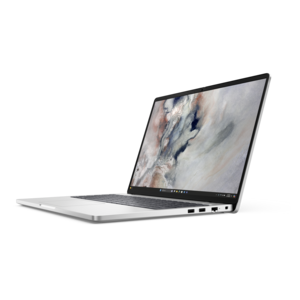
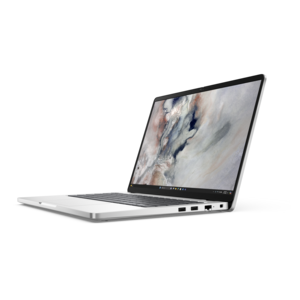
A durable, serviceable Chromebook designed specifically for education environments.
Stay connected wherever you go with WiFi for laptops, offering seamless access to the internet whether you're working, streaming, or browsing on the move. Explore a wide range of solutions designed to keep your laptop online at home, in the office, or on the road. Find the right WiFi options to enhance your productivity and entertainment experience, ensuring reliable connectivity for all your digital needs.
A durable, serviceable Chromebook designed specifically for education environments.
A durable, serviceable Chromebook laptop or 2-in-1 designed specifically for K-12 learning environments.
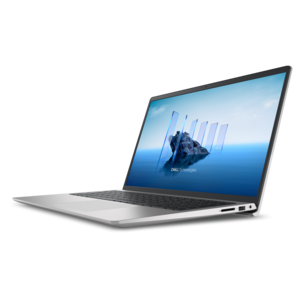
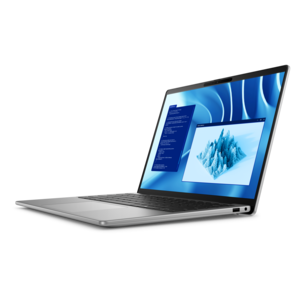
A slim, lightweight laptop with Intel® Core™ processors and graphics for productive work anywhere.
A lightweight AI-powered laptop designed for creative professionals and small businesses.
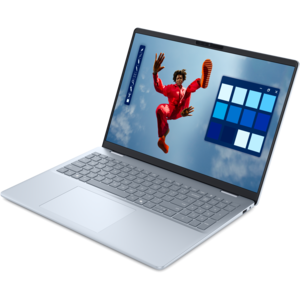
A sleek laptop powered by AMD Ryzen AI 400, delivering capable performance for modern multitasking.
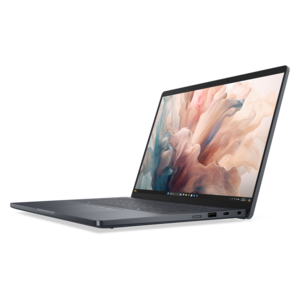
A durable productivity laptop featuring an expansive 16:10 display and convenient numeric keypad.
A lightweight AI-powered laptop with Intel Arc graphics, ideal for creative professionals and small businesses.
A durable, modular laptop featuring robust security, spacious 16:10 display, numeric keypad, and optional built-in AI.
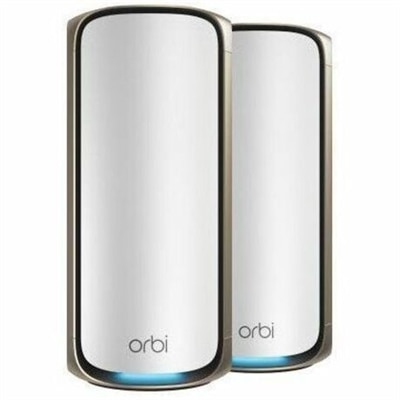
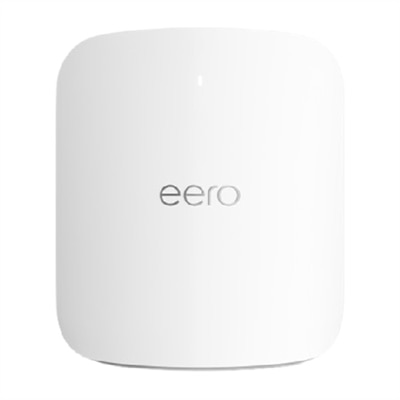
A Wi-Fi 7 router delivering up to 27Gbps, 10Gb connectivity, and coverage for 200 devices.
A durable modular laptop with robust security, a spacious display, and optional built-in AI for workdays.
A spacious-display laptop with built-in AI and Intel Arc graphics for creative and development workflows.
A durable, modular laptop with robust security, numeric keypad, spacious 16:10 display, and built-in AI.
A durable, lightweight business laptop powered by AMD Ryzen processors with commercial-grade security and manageability.
A durable, lightweight business laptop powered by AMD Ryzen processors with commercial-grade security and manageability.
A durable, lightweight business laptop with commercial-grade security, manageability, and reliable everyday productivity.
A secure, scalable commercial AI laptop featuring a durable aluminum design and productivity-focused display.
A remarkably thin professional laptop combining portability and performance with Intel Core Ultra Series 3 processors.
A productivity-focused Copilot+ PC powered by a capable AMD CPU, GPU and NPU combination.
A remarkably thin laptop powered by AMD Ryzen AI PRO 400 Series processors for professional performance.
A sleek, modular laptop featuring durable construction, robust security, a spacious 16:10 display, and built-in AI.
A premium laptop delivering powerful on-device AI, game-changing unplugged performance, and outstanding battery life.
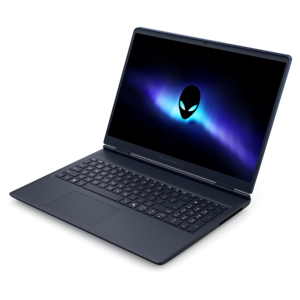
A streamlined gaming laptop delivering essential performance with up to NVIDIA GeForce RTX 50 Series graphics.
A premium laptop with QHD+ resolution, ComfortView Plus, built-in AI, and Intel vPro platform.
An AI-powered tablet with optional keyboard, active pen, advanced thermals, HDR cameras, and Intel Core Ultra.
Reliable Wi-Fi can make a laptop feel much more capable, whether it is used at a kitchen table, in a quiet study, at a shared workspace or while traveling between familiar places. The products listed on this page are intended to help laptops connect to nearby wireless networks, refresh an older wireless connection or add flexibility when built-in connectivity is limited. Many laptops already include an internal wireless card, so the first step is usually simple: select the Wi-Fi or network icon on the Windows taskbar or macOS menu bar, turn Wi-Fi on if it is disabled, choose the correct network name, and enter the security key when prompted. If the connection does not appear, moving closer to the wireless source, restarting the laptop, checking that airplane mode is off and confirming that the wireless driver is enabled can often resolve basic issues. A compact USB wireless adapter is another practical option when the internal card is outdated, damaged or unable to support the wireless standard used by a newer home or workplace connection. These adapters plug into an available USB port and may be especially useful for an older laptop that still performs well for schoolwork, video calls, browsing and everyday productivity. Before choosing one, check the laptop’s available port type, operating system compatibility and supported Wi-Fi generation. A newer standard can improve efficiency and responsiveness when the surrounding wireless equipment supports it, while a smaller adapter may be easier to leave connected in a travel bag or carry between rooms. Consider the laptop’s age, the number of available ports and whether the adapter will be used at a desk or on the go. A low-profile design is less likely to catch on a sleeve or backpack, while an adapter with a larger antenna may be helpful for a stationary laptop that sits farther from the wireless source.
Wireless accessories can suit a wide range of laptop users. A student may use one to connect an older notebook in a residence hall or library, while a remote worker may depend on a steady connection for meetings, shared documents and cloud-based applications. Families can keep a dependable older laptop useful for homework, recipes, streaming or video calls without replacing the entire computer. A wireless adapter can also be a thoughtful practical gift for someone who has recently started working from home, returned to school or moved into a new living space, particularly when the laptop itself remains fast enough for its daily tasks. Travelers may prefer a small accessory that fits beside a charger and can provide another way to connect when a built-in card has trouble recognizing a network. When comparing options, look beyond the maximum advertised speed. Actual performance depends on the wireless standard, distance, walls, interference, internet service and the capabilities of the connected equipment. Compatibility matters just as much: confirm support for Windows or macOS, review whether drivers are included or downloaded automatically, and make sure the adapter works with the laptop’s USB connection without blocking neighboring ports. Security support is also important, since current encryption standards help protect information sent over a wireless connection. For video meetings, remote desktops and online games, low latency and consistent connectivity may matter more than peak throughput. For email, browsing and document work, a straightforward adapter may be all that is needed. If a laptop has a replaceable internal component and the issue is tied to its built-in wireless card, explore compatible Laptop Wireless Cards and verify the exact laptop model, supported component specifications and installation requirements before purchasing. Internal replacement can provide a clean, permanent solution, but it may require more technical confidence than connecting a USB accessory.
A laptop can also reach the internet through a mobile hotspot, which shares a phone’s cellular connection with the computer over Wi-Fi. This can be useful during travel, temporary service interruptions or work away from a familiar network. To use it, enable the hotspot feature on the phone, note the hotspot name and password, then select that network from the laptop’s Wi-Fi menu and connect. Because hotspot use draws on a mobile data plan and battery, review data limits, keep the phone charged and disable the hotspot when it is no longer needed. For any wireless connection, place the laptop where it has a clear, practical path to the wireless source, keep software and drivers updated, and use a private password rather than an open connection whenever possible. If the laptop connects but feels slow, test it near the wireless source, pause large downloads, close unused applications and compare performance on another device. If no networks appear, check the physical wireless switch or function-key control, restart the computer, inspect device settings and run the operating system’s network troubleshooter. A USB adapter that works on another computer may still need a compatible driver on the laptop in question, so retaining the setup instructions can save time. During the cooler months, a lightweight laptop and a compact Wi-Fi accessory can make it easier to move from a home office to a living room or another comfortable workspace without giving up access to files and conversations. The best choice comes down to the laptop’s ports, operating system, built-in wireless capability, expected distance from the connection and the activities that matter most. By matching those details to the appropriate wireless accessory or connection method, shoppers can support dependable laptop use for work, learning, communication and entertainment in the places where they spend their time.
Add the products you would like to compare, and quickly determine which is best for your needs.