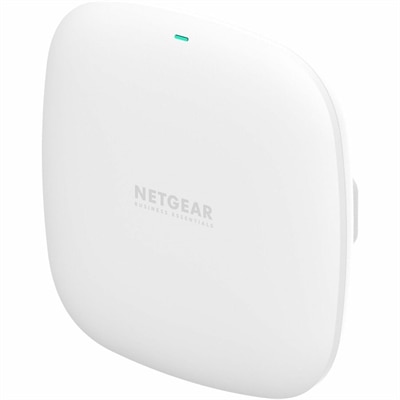
$79.99
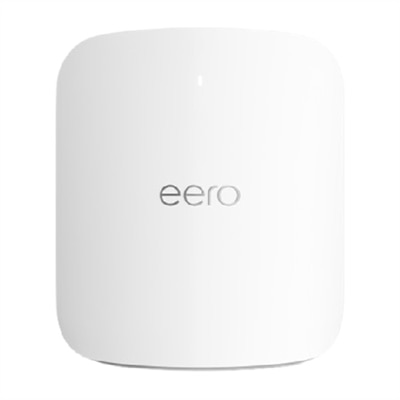
A compact dual-band Wi-Fi 6 access point delivering up to 1.8Gbps with PoE or DC power.
WiFi solutions make it easy to stay connected at home, in the office, or on the go. Whether you’re streaming, working, or studying, reliable connectivity is essential for all your devices. Discover a wide range of WiFi solutions designed to support seamless online experiences and help you get the most from your laptops, desktops, monitors, and accessories. Find options that fit your needs and create a network environment that keeps you productive and entertained.
A compact dual-band Wi-Fi 6 access point delivering up to 1.8Gbps with PoE or DC power.
A 4K streaming player featuring Dolby Vision, HDR10+, long-range Wi-Fi, voice search, and USB cable.
A wireless adapter enabling Wi-Fi and Wi-Fi Direct connectivity between mobile devices and compatible multifunction printers.
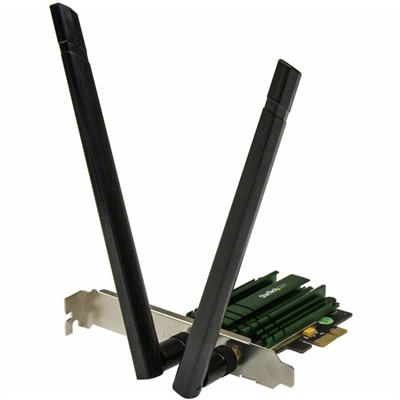
A dual-band PCIe Wi-Fi adapter delivering AC1200 speeds with detachable 2T2R antennas and 802.11a/b/g/n compatibility.
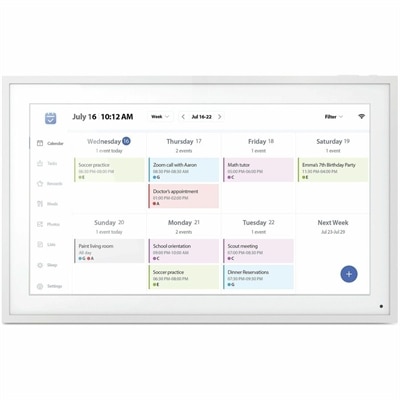
A smart Wi-Fi digital frame featuring 1080p IPS touchscreen, calendar syncing, task planning, and auto-rotation.
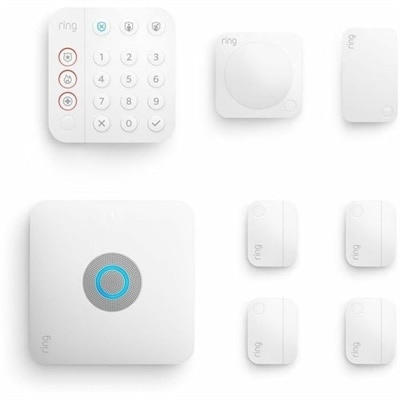
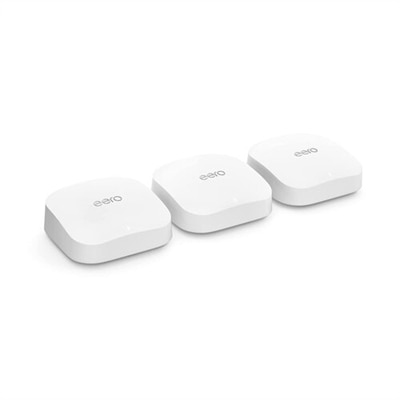
An eight-piece home security kit featuring an integrated Wi-Fi 6 router and backup internet connectivity.
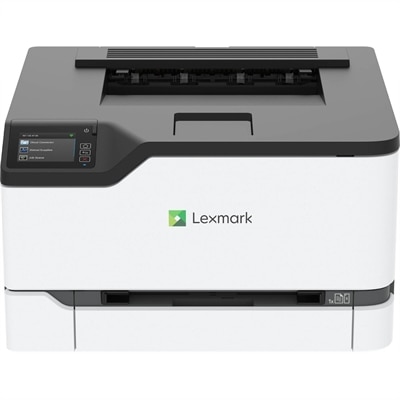
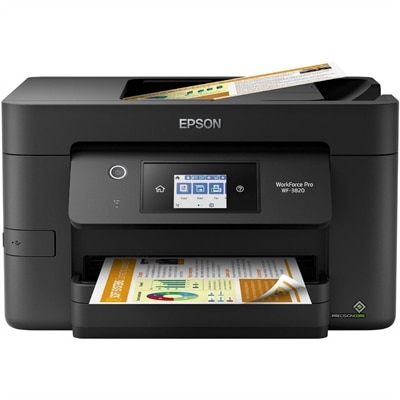
A compact color wireless laser printer with steel construction, duplex printing, mobile connectivity, and Unison toner.
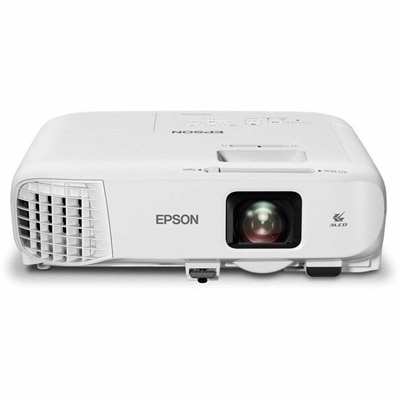
A bright white 4,100-lumen Full HD projector featuring 3LCD technology, Wi-Fi 6/6E, and wireless screen mirroring.
WiFi solutions support the everyday connection between a computer and the places where work, learning, and entertainment happen. For laptops and desktops, that means more than a wireless specification: it means the ability to join a video meeting from a spare bedroom, follow an online lecture at the kitchen table, or settle into an evening of streaming without rearranging the room around a cable. WiFi connects a compatible device to a local wireless network; the internet connection serving that network determines access to online content and services. Both influence the experience, so a newer computer cannot, by itself, increase the speed of an internet plan or overcome every weak-signal area. WiFi-capable computers suit different routines, from a lightweight laptop carried between classes to a desktop that stays at a dedicated workspace. Built-in wireless connectivity can keep a desk less cluttered and make furniture placement more flexible, although walls, distance, and interference still affect reception. A student sharing an apartment, a remote worker handling frequent calls, and a household with several people watching videos may all value dependable wireless performance for different reasons. The most useful distinction is between the connection a device supports and the workload the computer can comfortably handle. Opening browser-based applications, presenting slides during a call, and editing a document at the same time depend on processing power and memory as well as connectivity. Camera quality, microphone clarity, and a comfortable display also shape how natural a connected workday feels. In a small home office, a laptop paired with a separate monitor can provide a roomier workspace while retaining the flexibility to move elsewhere afterward. At a permanent desk, a wireless-capable desktop offers another way to connect without requiring a wired connection at that location. These everyday settings give WiFi solutions their practical purpose: helping compatible computers fit the room, the routine, and the people using them.
Wireless specifications provide useful context when comparing computers, but the generation name is only part of the picture. WiFi 6 can improve efficiency in compatible environments where several devices are active, while WiFi 6E adds access to the 6 GHz band when supported by the network and permitted in the location. WiFi 7 introduces further capabilities, including features that can support higher throughput and more responsive connections with compatible equipment. Actual results depend on the computer’s implementation, software support, signal conditions, and the rest of the connection. A device described as supporting a newer generation will not necessarily include every optional feature associated with that standard. Frequency bands also have different characteristics: 2.4 GHz generally reaches farther but is often more crowded, while 5 GHz and 6 GHz can offer more capacity at shorter distances. The 6 GHz band is not a promise of better reception through several walls. For a laptop used near its usual connection point, newer wireless capabilities may be helpful during large downloads or other demanding online tasks. For a computer tucked into a distant room, the physical environment may matter more than the headline specification. Brick, concrete, metal furniture, and even the position of a computer beneath a desk can influence signal quality. Busy households introduce another variable, since simultaneous calls, streaming, and downloads share the available internet capacity. Clear product specifications help distinguish supported WiFi generations, frequency bands, and operating-system requirements without treating theoretical maximum speeds as everyday guarantees. The related WiFi Upgrades page offers another place to explore this theme alongside considerations for a connected workspace. For gaming, live collaboration, or remote presentations, consistency and latency can be as important as download speed. A brief interruption during a conversation is more noticeable than a small delay while a background download finishes, which makes intended use a more meaningful comparison point than a single performance number.
Physical design, fit, and care remain important when wireless connectivity is part of a computer purchase. A laptop that travels daily needs to feel manageable in a backpack and comfortable on the surfaces where it will be used, whether that is a library desk, an airport table, or a quiet corner at home. Chassis materials such as aluminum and engineered plastics influence weight, feel, and rigidity, but material alone does not establish durability; hinge construction, assembly quality, and careful handling matter too. Screen size, keyboard spacing, and battery life deserve attention alongside wireless capabilities, especially for someone who moves through a full day without staying near an outlet. Battery results vary with brightness, applications, and activity, including video calls and sustained wireless transfers. For a desktop, fit involves enough room for the enclosure, unobstructed ventilation, and a position that does not unnecessarily shield its wireless antennas. External antenna placement, where applicable, should follow the manufacturer’s directions rather than being hidden behind a metal cabinet for appearance alone. Workspace accessories can make connected routines more comfortable without changing the internet connection itself. A monitor offers more space for shared documents, a headset can make voices easier to hear, and a well-positioned keyboard and mouse can support a more natural working posture. Connection compatibility matters here, too: WiFi, Bluetooth, and USB serve different purposes and should not be treated as interchangeable. Routine care helps keep the overall setup dependable. Clear ventilation openings, gentle cleaning with manufacturer-approved methods, and protection from spills support the physical condition of a computer. Current operating-system updates and wireless drivers can address compatibility, reliability, and security issues, although they do not guarantee stronger reception. For a gift recipient starting college, setting up a home office, or replacing an aging family computer, the best fit reflects established habits rather than the newest specification alone. A portable design may matter most to someone working in several places, while a comfortable screen and consistent everyday performance may matter more to someone who stays at one desk. Thoughtful WiFi solutions bring those needs together in computers and workspaces suited to daily life.
Add the products you would like to compare, and quickly determine which is best for your needs.