Wireless Accessories for Laptops

Find wireless accessories for laptops to reduce cable clutter and build a setup that works for you. Compare connection types, laptop compatibility, and battery or charging requirements to choose accessories that fit your computer and everyday needs.

Filters

$29.99

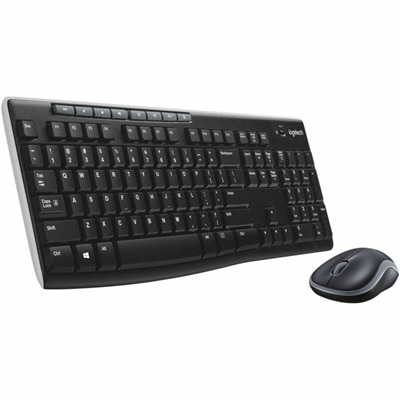
A black wireless keyboard and mouse combo with 2.4 GHz connectivity and long battery life.

$29.99
$29.99

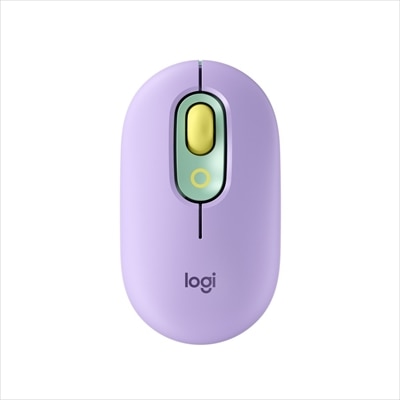
A lilac wireless Bluetooth mouse with quiet clicks, programmable emoji buttons, SmartWheel scrolling, and three-device connectivity.

$29.99
$78.99

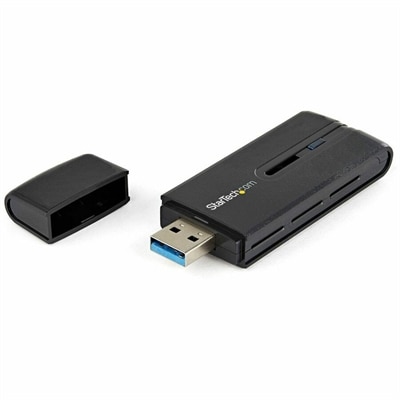
A dual-band USB 3.0 Wireless-AC adapter delivering up to 867 Mbps with WPS and backward compatibility.

$78.99
$22.99

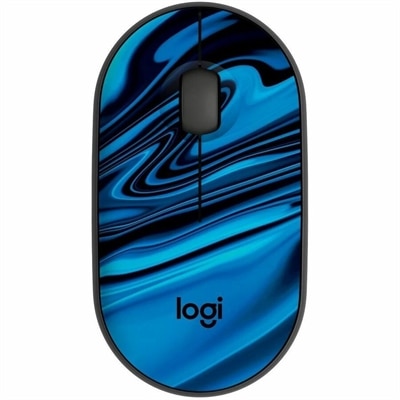
A blue galaxy wireless mouse made with recycled plastic, featuring silent clicks and a USB receiver.

$22.99
$34.99

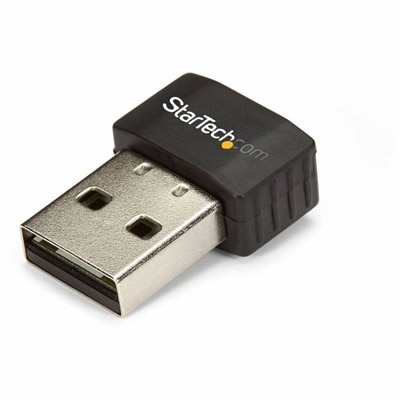
A compact dual-band USB Wi-Fi adapter supporting 802.11ac, 433Mbps at 5GHz, 150Mbps at 2.4GHz, and USB2.0.

$34.99
$21.99

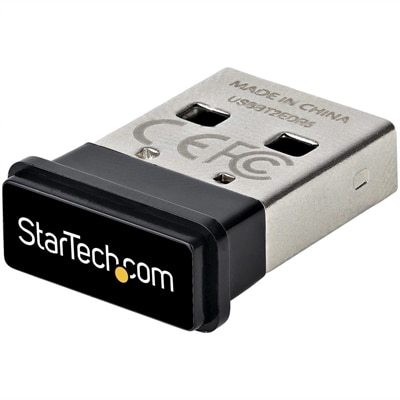
A compact USB Bluetooth 5.0 adapter with EDR/BLE, 2 Mbps transfers, and 33-foot range for PCs.

$21.99
$84.99

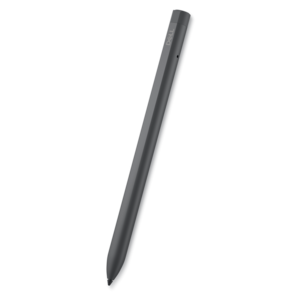
A rechargeable active pen with precision writing, Tile location tracking, and compatibility with select 2-in-1s.

$84.99
$159.99

A tri-mode wireless gaming keyboard with magnetic snap-on charging and customizable controls for enhanced performance.

$159.99
$69.99

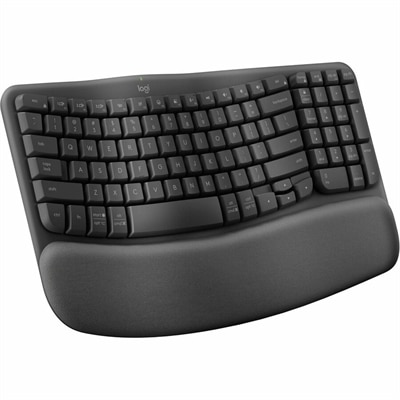
An ergonomic wireless keyboard in graphite with cushioned memory-foam palm support, Bluetooth, and multi-device switching.

$69.99
$99.99

A right-hand-focused wireless gaming mouse with 26,000 DPI, reliable connectivity, and robust battery life.

$99.99
$139.99

A wireless headset with AI-based noise cancellation for comfortable, uninterrupted all-day conferencing.

$139.99
$149.99

A comfortable tri-mode wireless gaming headset delivering tactile audio precision with Dolby Atmos® for extended sessions.

$149.99
$159.99

A wireless speakerphone with portable connectivity and AI-powered dual-directional noise-canceling microphones for clear audio.

$159.99
$39.99

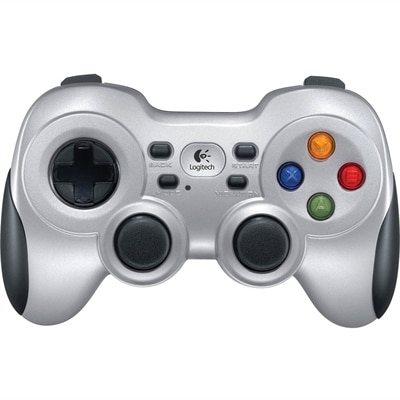
A wireless gaming controller with dual vibration feedback, XInput/DirectInput support, responsive D-pad and Android TV compatibility.

$39.99
$129.95

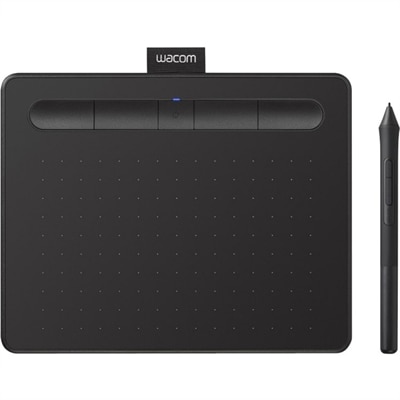
A black wireless graphics drawing tablet with pressure-sensitive pen, Bluetooth connectivity, included software, and Chromebook compatibility.

$129.95
$74.99

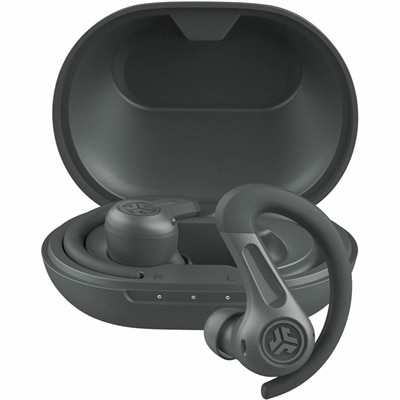
A graphite workout earbuds with hybrid ANC, IP66 sweat resistance, multipoint Bluetooth, and 60-plus hours playtime.

$74.99
$318.99

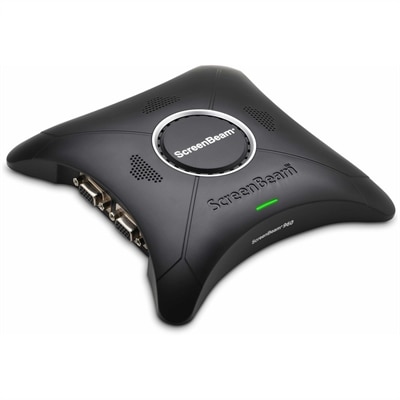
A wireless display receiver enabling app-free presentations, extended desktops, interactive touch, and centralized remote management.

$318.99
$64.99

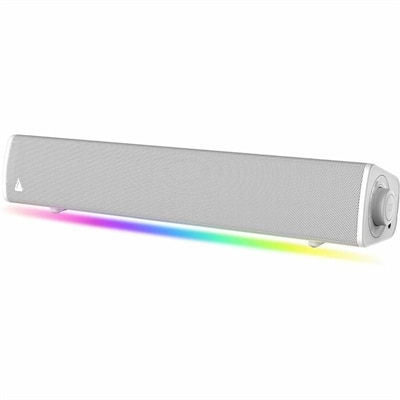
A compact white soundbar delivering immersive SuperWide audio, Bluetooth 5.4, USB-C, AUX-in, headphone-out, and customizable lighting.

$64.99

Wireless Accessories for Laptops

Wireless accessories for laptops include wireless mice, keyboards, headsets, earbuds, speakers, and presentation remotes that support everyday computing with fewer connecting cables. These peripherals can make a laptop more comfortable at a desk, easier to use across a meeting room, or better suited to a quiet evening of music and movies. A compact mouse adds precise cursor control without taking much space in a laptop bag, while a separate keyboard allows the screen and typing surface to sit at different heights. Wireless audio accessories bring listening and conversation closer without a cord stretching across the workspace. Connection type is one of the main distinctions within this category. Bluetooth accessories can pair directly with a laptop that has a compatible Bluetooth radio, while many receiver-based peripherals communicate through a small USB receiver plugged into the computer. Some support both methods, offering flexibility between a permanent desk setup and a lighter travel arrangement. A receiver that works with one accessory is not necessarily compatible with another, even when both use the same wireless frequency. USB-A and USB-C receivers also require a matching port or a suitable adapter, an important detail on slim laptops with limited connections. Operating system support matters for basic pairing as well as advanced features such as programmable buttons, customized shortcuts, and device-switching controls. Accessories designed to remember multiple devices can simplify moving between a compatible laptop and another computer, although the number of saved connections and the switching process vary. Battery design is another practical difference: rechargeable models need occasional charging, while models with replaceable batteries require the correct battery type. Published battery estimates depend on use, settings, and enabled features. Wireless accessories reduce cable clutter during use, but rechargeable models may still need a charging cable, and not every accessory can operate while charging. The most useful combination depends on where the laptop goes and what happens around it, from hours of spreadsheet work to short calls between classes.

Comfort becomes especially noticeable during a full afternoon at the keyboard or a long stretch of detailed cursor work. Wireless mice range from low-profile travel shapes to fuller designs that support more of the palm, with differences in width, button placement, handedness, and grip texture. A small mouse may slip neatly into a side pocket yet feel cramped in a larger hand, while a larger shape may feel steadier at a desk but occupy more room in transit. Contoured and vertical designs offer different hand positions, though no single shape suits every person. Keyboard size creates a similar trade-off. Compact layouts leave more space for mouse movement and fit comfortably on narrow tables, while full-size layouts provide a dedicated number pad for frequent numerical entry. Key spacing, key travel, adjustable tilt, and typing sound all affect the experience, especially in shared rooms where a crisp keystroke can be more noticeable than expected. Used with an appropriately positioned laptop or external display, a separate keyboard and mouse allow greater flexibility in arranging the work surface. Audio accessories have their own fit considerations. Over-ear cushions surround the ears, on-ear designs rest against them, and earbuds rely on a secure fit at the ear. Weight, headband adjustment, cushion softness, and ear tip sizing influence comfort during longer listening sessions. For video calls, microphone placement and background-noise handling can matter as much as speaker quality. Active noise cancellation reduces some surrounding sound for the listener, while microphone noise reduction addresses what other participants hear; these are different functions. Accessible mute controls can be helpful when a conversation is interrupted by a doorbell or nearby discussion. For games, video editing, and other timing-sensitive activities, connection latency deserves attention because wireless performance varies by accessory, connection mode, and software. A presentation remote serves a different purpose, allowing a speaker to advance slides while standing away from the laptop, subject to application compatibility and the accessory’s operating range.

Materials and construction help determine how wireless laptop accessories feel in daily use and how well they handle repeated packing, handling, and cleaning. Molded plastic housings can keep weight manageable, metal components can add rigidity, and rubberized surfaces may improve grip. Fabric coverings and soft ear cushions provide a different feel from smooth, wipeable surfaces, but they also have different care requirements. A mouse carried loose beside keys or a charging plug may collect scratches, while a headset squeezed into an overfilled bag can place stress on hinges and ear cups. Protective pouches, dedicated compartments, and receivers that store inside an accessory can help keep small components together during travel. Foldable designs may pack neatly, although hinge construction and the folded dimensions matter as much as the folding feature itself. For regular care, manufacturer instructions take priority over assumptions about what a surface can tolerate. A soft, dry cloth is often suitable for routine dust removal, and liquids should stay away from openings, charging contacts, and exposed electronics. Removable cushions or washable parts should only be cleaned using methods approved for those components. Moisture resistance, where specified, does not automatically mean an accessory is waterproof or suitable for immersion. Long-term usefulness also depends on practical details such as replaceable ear cushions, clearly labeled controls, reliable charging connections, and battery replacement options where supported. Students may value compact dimensions and easy packing, while home-office users may prefer full-size controls and comfortable audio for recurring calls. Frequent travelers benefit from accessories that pack securely and reconnect without an elaborate setup. Wireless peripherals can also make thoughtful birthday or graduation gifts when the recipient’s laptop compatibility, preferred hand position, and listening habits are known. For a broader look at complementary options, explore Best Laptop Accessories. A well-matched wireless setup brings together comfortable fit, appropriate connections, and manageable upkeep, whether the laptop spends most days on a kitchen table, in a study space, or moving between workspaces.

FAQs:

Add the products you would like to compare, and quickly determine which is best for your needs.
Add the products you would like to compare, and quickly determine which is best for your needs.