Wireless Color Laser Printers
Transform your printing experience with wireless color laser printers, a perfect blend of technology and convenience for both home and office environments. These innovative devices offer seamless connectivity, allowing you to print vibrant, high-quality documents from virtually anywhere. Whether you're tackling large projects or handling everyday tasks, wireless color laser printers deliver exceptional performance and reliability. Explore a variety of models designed to meet your specific needs, ensuring that every print job is handled with precision and efficiency. Discover the freedom of wireless printing and elevate your productivity today.
This product is not available
Check out the following recommendations.
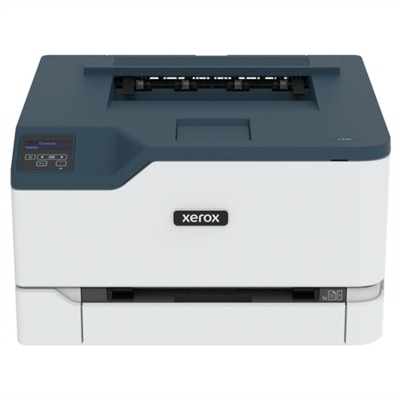
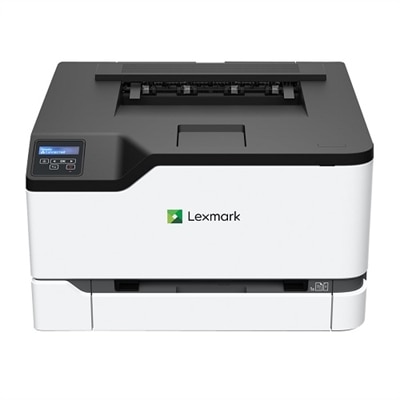
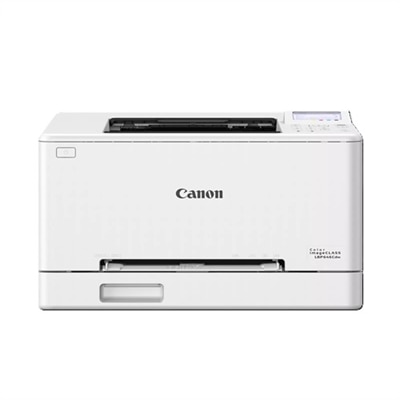
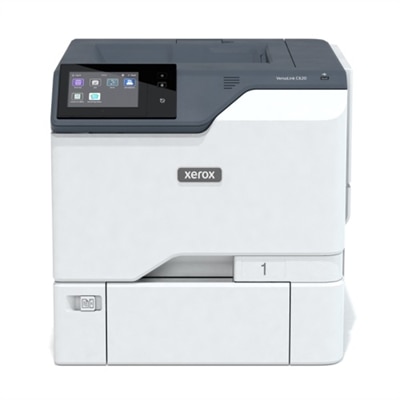
Wireless Color Laser Printers
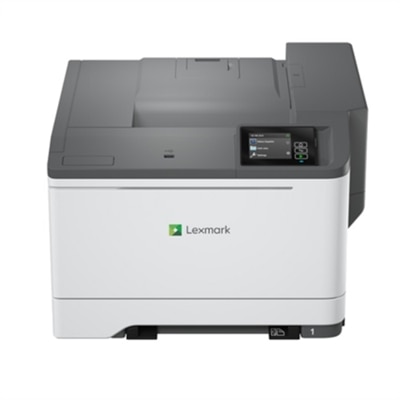
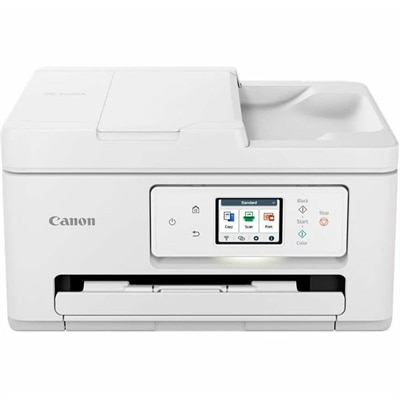
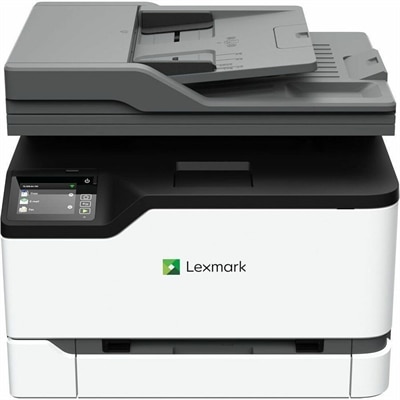
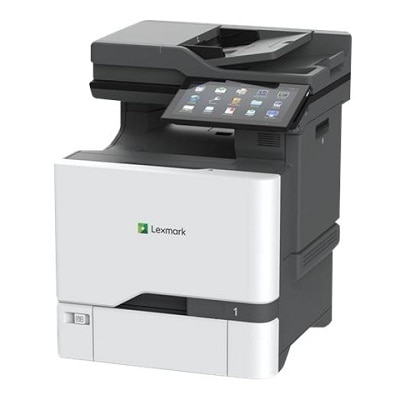
Wireless color laser printers bring the convenience of cable-free printing together with the crisp text and durable color output associated with laser technology. Connected to a home or office Wi-Fi network, they can receive documents from laptops, desktops, tablets, and compatible mobile devices without requiring a direct USB connection each time. That flexibility is especially useful in shared spaces: a printer placed on a shelf or side table can serve a home office, a family workstation, or a small team without everyone gathering around one desk. Color laser printing is well suited to everyday documents that need more visual impact than plain black-and-white pages, including presentations, school projects, forms, charts, menus, travel itineraries, and lightly illustrated reports. Text typically appears clean and sharply defined, while color can help distinguish headings, highlight important details, or bring diagrams and handouts to life. When comparing options, begin with the way the printer will be used. A compact single-function printer may be a practical fit for someone who already scans and copies with other equipment, while an all-in-one model can combine printing, scanning, and copying in one convenient unit. Some households appreciate having a scanner available for signed forms, receipts, children’s artwork, or old photographs, while a home-based professional may value quick document copying without needing to leave the workspace. Wireless setup is another important consideration. Look for straightforward network configuration, support for common mobile printing features, and compatibility with the operating systems used by the people who will share the printer. A dependable connection makes it easier to send a document from a laptop at the kitchen table or print a boarding pass from a phone while getting ready to leave.
Print speed and paper handling have a noticeable effect on day-to-day convenience. Speed is commonly measured in pages per minute, or ppm, and many capable wireless color laser printers fall in the mid-20s to mid-30s ppm range, though actual performance can vary with document complexity, color coverage, and the selected print settings. Someone who prints occasional forms may not need the same speed as a busy home office that produces meeting packets, invoices, or classroom materials in batches. It is also helpful to check the recommended monthly volume and duty cycle so the printer matches the expected workload rather than being asked to handle more pages than intended. A standard input tray holding around 250 sheets can reduce interruptions for frequent users, while a smaller footprint or manual feed slot may matter more in a space where every inch counts. Automatic two-sided printing, often called duplex printing, can make longer documents easier to manage and help reduce paper use without requiring users to turn pages by hand. Consider the paper sizes and media types supported as well, particularly if you plan to print envelopes, labels, cardstock, or borderless photos. Color laser printers are generally designed for sharp business and household documents rather than the soft tonal range of a dedicated photo printer, so reviewing color resolution and media compatibility can help set realistic expectations. Toner access and replacement costs deserve attention before purchase. Check the expected page yield of standard and high-capacity toner cartridges, the number of cartridges required, and whether the printer provides clear supply-level notifications. A model that uses separate color cartridges can allow one color to be replaced without changing the others, while automatic monitoring and easy front access can simplify maintenance. For a broader look at available options, explore Color Laser Printers.
The right wireless color laser printer can become one of those quiet household tools that earns its place through small, repeated conveniences. During the warmer seasons, it may produce camp forms, activity schedules, packing lists, and brightly colored maps; during the cooler months, it can handle study sheets, recipes, budget pages, and work documents without requiring a trip to a print shop. In a home office, fast text output and automatic duplexing can turn a stack of draft pages into a finished packet with less paper handling. In a family setting, a wireless model lets one person print from a desktop while another sends a worksheet from a tablet, provided the printer’s connection and queue management support shared use. It can also be a thoughtful practical gift for someone setting up a first apartment, organizing a small business, or creating a dedicated study area, especially when desk space is limited and the ability to print from multiple devices matters. Look for a design that fits comfortably near a suitable power outlet and leaves enough room to open the paper tray, replace toner, and collect finished pages. Features such as a clear display, intuitive controls, quiet operation, and strong security settings can make a difference when the printer is used every day. Wireless security is particularly important for shared networks, so review available encryption, administrator controls, firmware update support, and options for limiting access to authorized users. Energy-saving modes may help reduce power use between print jobs, while a sturdy paper path and easy-to-clear access panels can make routine upkeep less frustrating. Before choosing, estimate how many pages will be printed in a typical month, decide whether scanning and copying are necessary, measure the available space, and compare speed, paper capacity, duplex capability, connectivity, toner yield, and ongoing operating requirements. A thoughtful match between the printer’s features and the user’s habits will make wireless color printing feel less like another piece of equipment to manage and more like a reliable part of the home or office routine.
FAQs:
Wireless color laser printers offer fast, high-quality printing with vibrant color output, making them ideal for home offices that require professional documents, presentations, or marketing materials. The wireless connectivity allows users to print from multiple devices—including laptops, smartphones, and tablets—without the need for physical cables, streamlining workflow and reducing clutter.
Yes, most wireless laser printers support mobile printing through dedicated apps or cloud print services, enabling you to send documents and photos directly from your smartphone or tablet. This feature is especially convenient for busy households and offices where multiple users need to print from different devices.
For frequent multi-page printing, consider models with automatic duplex (double-sided) printing, a large Automatic Document Feeder (ADF), and high-capacity toner cartridges. These features help save time, reduce manual intervention, and lower the overall cost per page.
Wireless color laser printers are well-suited for printing high-quality graphics, charts, and business presentations. While they may not match the photo-realistic quality of specialized photo printers, they produce sharp, vibrant color prints that are excellent for creative projects, flyers, and marketing materials.
Wireless color laser printers enhance productivity in shared workspaces by allowing multiple users to connect and print from their own devices without the need for direct connections. Features such as cloud print integration, high-speed output, and multi-function capabilities (print, scan, copy, fax) make them versatile solutions for collaborative environments.