$29.99
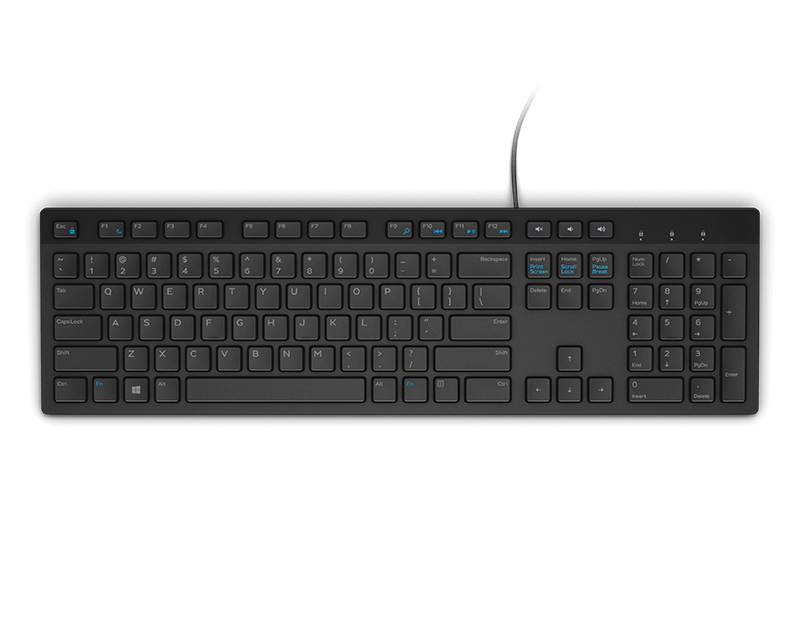
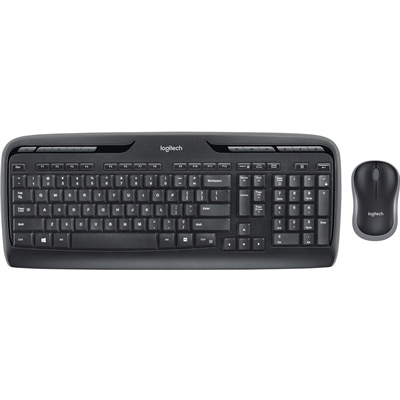
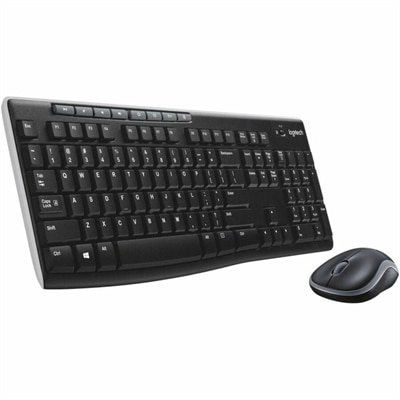
A black wireless keyboard and mouse combo with 2.4 GHz connectivity and long battery life.
Discover the convenience and flexibility of wireless keyboard and mouse sets for multiple devices, designed to streamline your workspace and enhance productivity. Perfect for home offices, professional setups, or casual use, these versatile accessories allow you to seamlessly switch between computers, tablets, and more. Explore a range of options that make it easy to stay connected and efficient across all your favorite devices.
A black wireless keyboard and mouse combo with 2.4 GHz connectivity and long battery life.
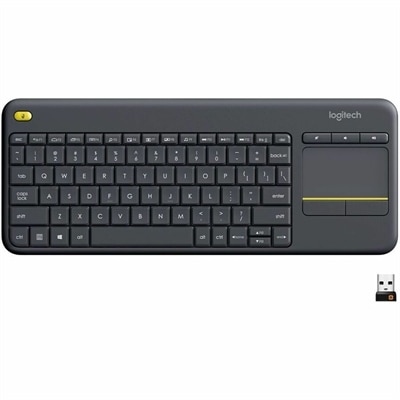
A wireless keyboard with integrated touchpad, comfortable media controls, and 10-meter range for seamless entertainment navigation.
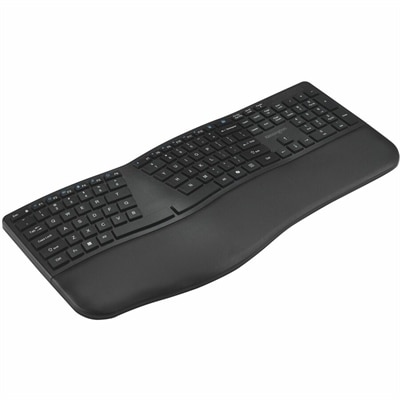
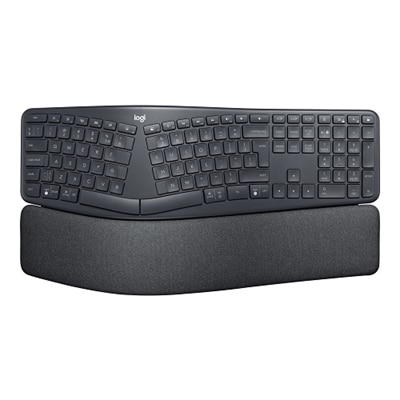
A black rechargeable keyboard with a full-size split layout, wrist pad, and three-device wireless connectivity.
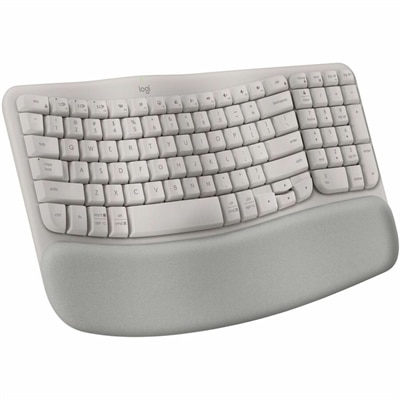
A sand-colored ergonomic wireless keyboard with a cushioned memory-foam palm rest, Bluetooth, Easy-Switch, and long-lasting battery.
Wireless keyboard and mouse sets for multiple devices bring a more orderly feel to workspaces that serve several purposes throughout the day. A single desk may hold a work laptop, a personal computer, a tablet for reading, and a phone used for messages or reference, each with its own screen and input method. Instead of reaching across the desk for a different keyboard or relying on a small touchscreen, a multi-device set lets you use familiar full-size or compact controls across compatible devices. Most models connect through Bluetooth, a USB receiver, or both, with dedicated switching buttons that make it possible to move from one device to another with a deliberate press rather than a lengthy pairing process. This arrangement suits remote workers who move between professional and personal computers, students who use a laptop alongside a tablet, and households where one keyboard and mouse need to serve more than one person’s setup. It can also help keep a shared workspace looking calm during the cooler months, when more time is often spent indoors at a desk, kitchen table, or home office. When comparing options, begin by counting the devices you expect to connect and checking whether the keyboard and mouse can maintain those connections at the same time. Some sets support two or three Bluetooth profiles, while others pair Bluetooth with a small wireless USB receiver for computers that do not offer convenient Bluetooth access. Dedicated device buttons are especially useful when moving between a laptop and a desktop during a busy afternoon, while a clearly marked layout can prevent accidental switching. For additional options focused on comfortable typing and everyday productivity, explore Wireless Keyboards For Work.
Comfort and compatibility deserve as much attention as the connection method. Keyboard layouts vary widely, so consider whether you prefer a full-size design with a number pad, a space-saving tenkeyless layout, or a compact model that leaves more room for a mouse and notebook. Low-profile keys can provide a lighter, laptop-like feel, while deeper keys may offer more pronounced travel for people who prefer clear tactile feedback. A gently shaped wrist area, stable feet, and a layout that places frequently used keys where your hands expect them can make a noticeable difference during long writing sessions. The mouse should feel natural in your hand without requiring a tight grip; look for a size and shape that supports your preferred palm, claw, or fingertip style, along with a scroll wheel that moves smoothly through long documents and web pages. Adjustable tracking sensitivity can be helpful when switching between a large monitor and a smaller laptop display, especially if your work includes detailed selections, photo organization, or spreadsheets. Compatibility should be checked before purchase, particularly in a mixed-device environment. Confirm support for the operating systems used by your computer, tablet, or phone, and review whether all keyboard functions remain available across platforms. Basic typing and pointing may work broadly, while shortcut keys, media controls, gesture functions, or customizable buttons can vary. A set with both Bluetooth and USB receiver connectivity offers useful flexibility when a tablet relies on Bluetooth but a desktop has limited wireless options. Battery design is another practical consideration. Replaceable batteries can be convenient for users who keep spares nearby, while rechargeable models reduce the need to handle batteries and can often be used after a short charging period. Battery indicators, automatic sleep features, and an accessible charging port are small details that matter when the keyboard is used every day.
These sets are well suited to people who value a tidy desk and a predictable routine. A professional can keep a laptop open for video meetings while using a larger monitor for documents, then switch to a personal computer without placing a second keyboard in front of the first. A student can type a research outline on a laptop, move to a tablet to review reading material, and keep the mouse ready for a desktop display used for design or coursework. In a family room, a compact keyboard and mouse may make it easier to browse, manage files, or control a computer connected to a larger screen without standing up to reach the device. They can also make thoughtful gifts for someone setting up a first home office, refreshing a study area, or simplifying a crowded desk, since the benefit is practical and easy to notice from the first use. Features such as a built-in tablet stand, quiet keys, rounded or sculpted keycaps, and a compact footprint may influence the best choice depending on the recipient’s habits and surroundings. Quiet operation is considerate in a shared room or open workspace, while a number pad is valuable for budgeting, inventory, and frequent numeric entry. For travel or flexible work arrangements, check the keyboard dimensions, mouse storage, receiver storage, and whether the set can be packed without pressing keys or buttons. A reliable multi-device wireless keyboard and mouse should feel uncomplicated: it should connect to the devices you use, switch when you ask it to, track smoothly across your working surface, and remain comfortable through ordinary tasks. Considering connection types, device capacity, operating-system support, key feel, mouse shape, power options, and available desk space will help narrow the selection to a set that fits naturally into both your technology and your daily rhythm.
Add the products you would like to compare, and quickly determine which is best for your needs.