$24.99
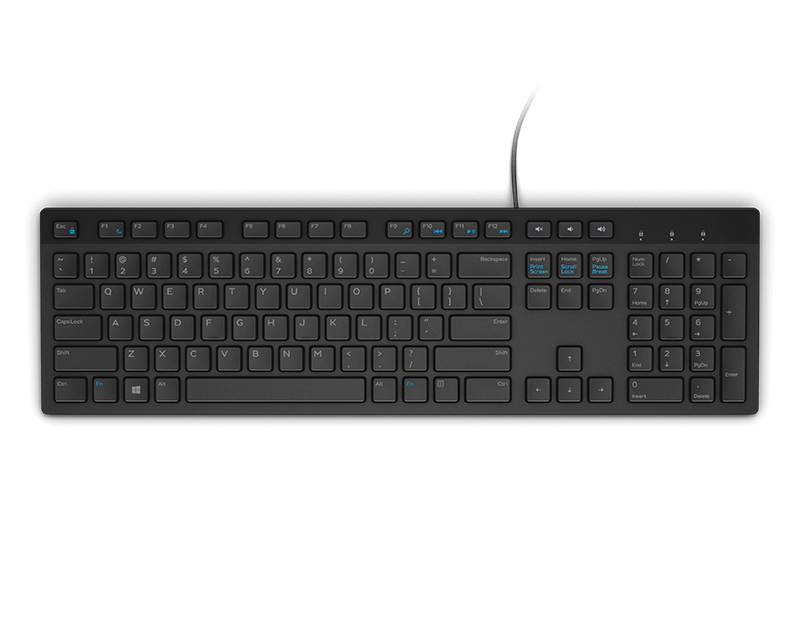
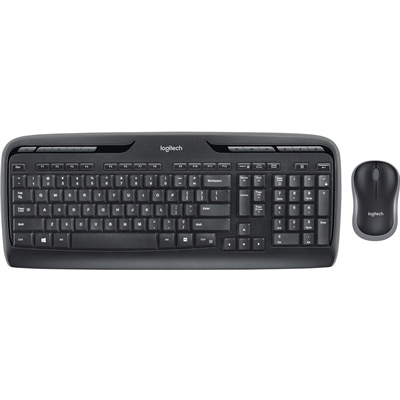
A reliable wireless keyboard and mouse combo designed for everyday productivity and lasting performance.
Elevate your productivity and enjoy a clutter-free workspace with wireless keyboards for work. Designed to support seamless multitasking and flexible desk arrangements, these keyboards offer the freedom to move and organize your setup just the way you like it. Whether you're outfitting a home office or upgrading your professional environment, discover a variety of wireless keyboards for work that combine convenience and efficiency to help you stay focused throughout the day.
A reliable wireless keyboard and mouse combo designed for everyday productivity and lasting performance.
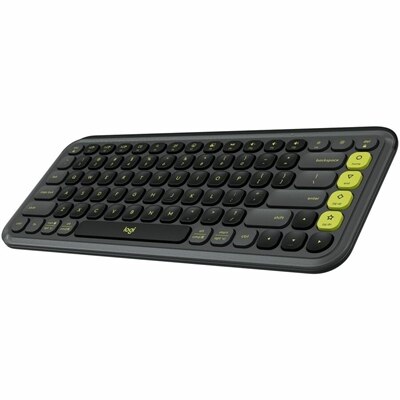
A graphite-and-green keyboard featuring quiet low-profile typing, programmable Action Keys, and switching between three devices.
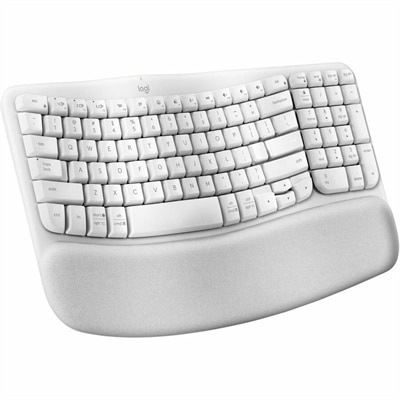
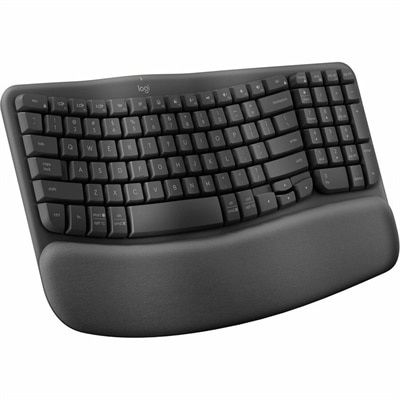
An off-white wireless ergonomic keyboard with memory-foam wrist support, Bluetooth, Logi Bolt, and recycled plastic.
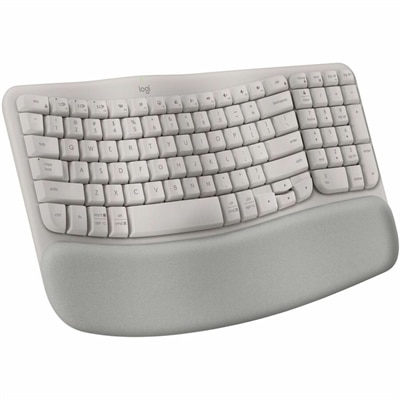
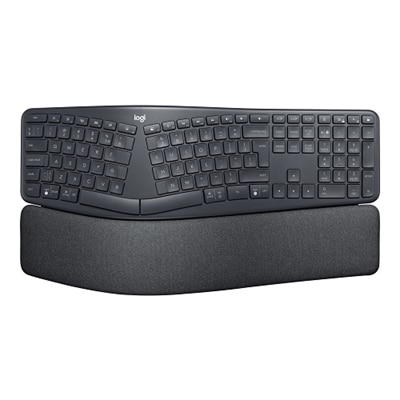
A sand-colored ergonomic wireless keyboard with a cushioned memory-foam palm rest, Bluetooth, Easy-Switch, and long-lasting battery.
A tri-mode wireless gaming keyboard with magnetic snap-on charging and customizable controls.
Wireless keyboards for work can make a desk feel calmer, more flexible, and better suited to the way people actually work. Without a cable running across the desktop, there is more room for a notebook, coffee mug, monitor stand, or paperwork, and the keyboard can be positioned where your hands and shoulders feel most relaxed. A wireless keyboard may be a practical choice for a home office, a shared workspace, a classroom, or a flexible office where one laptop moves between a desk, conference room, and kitchen table. It can also be useful for anyone who types throughout the day, from spreadsheet users and project managers to writers, students, customer service professionals, and people who regularly join video meetings. When choosing a keyboard, begin with the layout. A full-size design includes a dedicated number pad that can speed up data entry, budgeting, inventory tasks, and calculations, while a compact or tenkeyless layout leaves more space for a mouse and may be easier to carry. Some compact models retain the arrow keys and function row in a smaller footprint, while others use layered shortcuts to conserve space. Consider where the keyboard will be used, how much desk space is available, and whether a familiar layout will help you work without adjusting to a new arrangement. For a home office that doubles as a dining table or guest room, a slim wireless design can be moved aside at the end of the workday and stored neatly until it is needed again. For a permanent workstation, a larger layout with dedicated controls may provide a more comfortable rhythm during long sessions.
Connectivity is another important consideration. Bluetooth keyboards pair directly with compatible laptops, tablets, and desktop computers, helping reduce the number of cables and receivers on a crowded desk. Some wireless keyboards can remember multiple devices and switch between them with a dedicated button or shortcut, which is convenient for moving from a work laptop to a personal computer or tablet. A keyboard with a USB wireless receiver can provide a dependable connection with responsive keystrokes, and some receivers are designed to stay connected with minimal setup. Check the available ports on your computer before choosing a receiver-based model; newer laptops may require an adapter if they do not include a traditional USB port. Battery life also affects everyday convenience. Rechargeable keyboards can reduce the need for disposable batteries and may operate for weeks or longer between charges, depending on lighting and usage. Battery-operated models can be helpful when you prefer quick replacement instead of charging, with some designed to run for many months. A low-battery indicator is especially useful during an important presentation or a busy afternoon of reports. Key feel and sound deserve equal attention. Low-profile, laptop-style keys often have a short travel distance and a familiar, quiet feel that works well in shared rooms and near microphones. Membrane designs can provide soft, subdued keystrokes, while mechanical keyboards offer a more tactile response and may appeal to people who enjoy a defined point of actuation. Quieter mechanical switches can deliver feedback without creating a sharp clicking sound that carries across a room. For a closer look at a focused selection, visit Logitech Wireless Keyboards for Everyday Work.
Comfort becomes increasingly important when typing fills much of the day. Look for a shape and height that allow your wrists to remain relatively straight rather than bent upward or angled toward the little fingers. A gently curved or split layout can encourage a more natural hand position, although it may require a brief adjustment period. Integrated wrist support can provide a soft place to rest between bursts of typing, while a separate wrist rest allows more control over height and material. The keyboard should sit at a level that lets your elbows remain close to your sides, and your shoulders should feel relaxed instead of raised toward your ears. Backlighting can help when the room is dim, particularly if the brightness is adjustable or switches off automatically to preserve battery life. Dedicated media, volume, shortcut, and dictation keys may save time during calls and everyday tasks, but they should be positioned where they are easy to recognize without causing accidental presses. Some people appreciate customizable keys for frequently used applications, while others prefer a straightforward layout with little to learn. Keep the surrounding setup in mind as well: a keyboard works best when paired with a screen positioned near eye level and a mouse that allows a comfortable, neutral grip. During the warmer season and into the cooler months, wireless flexibility can make it easier to move work between rooms, take a laptop to a brighter window, or clear the desk for other activities. These keyboards can also make thoughtful gifts for remote workers, college students, new graduates, and anyone setting up a first dedicated workspace, especially when the recipient values a tidy desk and spends long hours writing, communicating, or organizing information. A well-chosen wireless keyboard is a small change that can bring quieter keystrokes, cleaner cable management, and a more comfortable routine to the workday.
Add the products you would like to compare, and quickly determine which is best for your needs.