$34.99
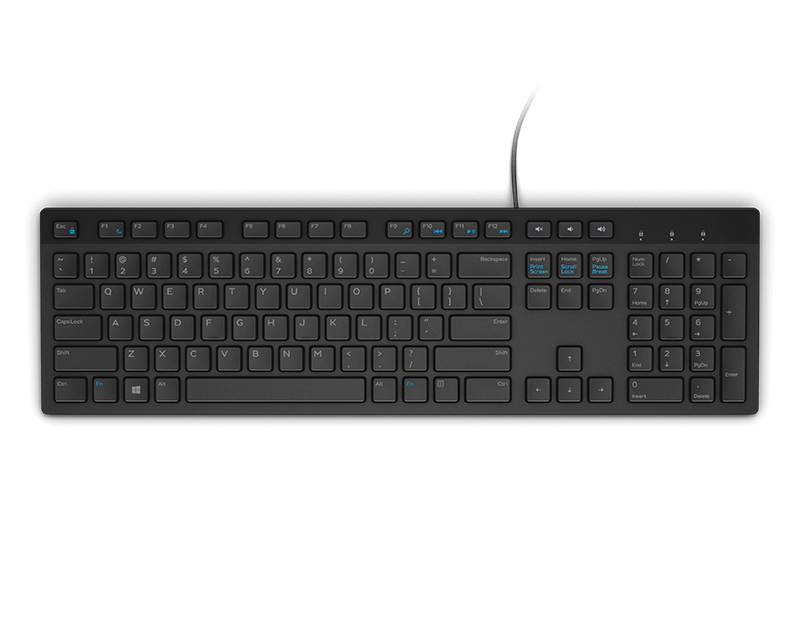
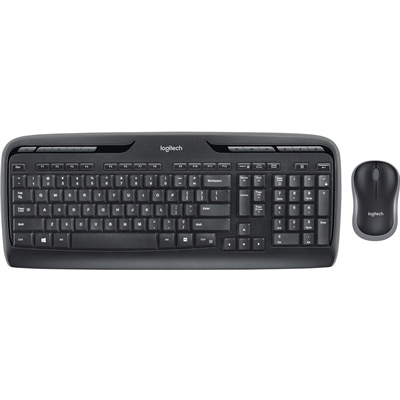
A wireless keyboard and mouse combo with 2.4GHz connectivity, multimedia keys, programmable F-keys, and long-lasting batteries.
Wireless keyboards with a caps lock indicator offer a convenient and efficient typing experience for any workspace. These keyboards are designed to provide freedom from tangled wires while ensuring you always know when the caps lock function is active. Whether you're working from home, gaming, or managing daily tasks, wireless keyboards with a caps lock indicator help streamline your workflow and reduce typing errors. Explore a range of options to find the perfect addition to your setup, combining comfort, style, and reliable performance.
A wireless keyboard and mouse combo with 2.4GHz connectivity, multimedia keys, programmable F-keys, and long-lasting batteries.
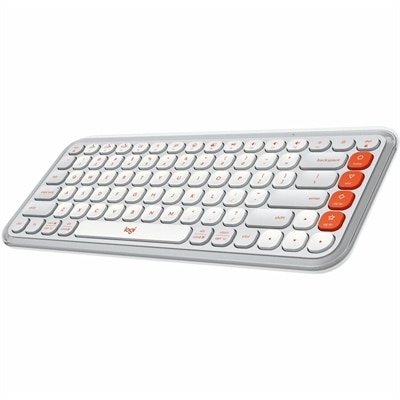
A compact off-white and orange Bluetooth keyboard with quiet low-profile keys, programmable controls, and three-device switching.
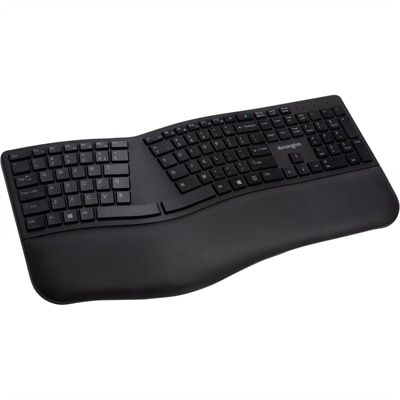
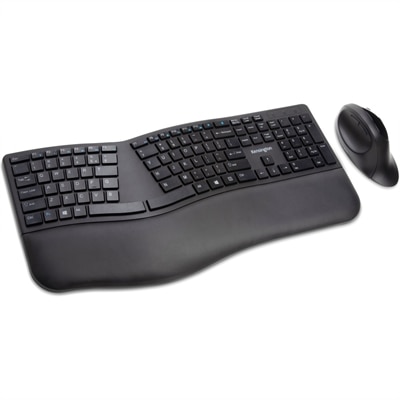
A black ergonomic wireless keyboard with split, sloped design, spill-proof keys, wrist rest, and encrypted connectivity.
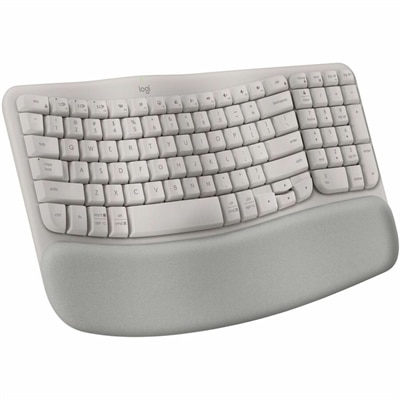
A sand-colored ergonomic wireless keyboard with a cushioned memory-foam palm rest, Bluetooth, Easy-Switch, and long-lasting battery.
A tri-mode wireless gaming keyboard with magnetic snap-on charging and customizable controls.
Wireless keyboards with Caps Lock indicators combine a cable-free workspace with a visible cue that helps distinguish uppercase typing from normal text entry. That small signal can make a noticeable difference when entering a case-sensitive password, labeling spreadsheet columns, or moving between capitalized reference codes and everyday messages. A dedicated indicator usually takes the form of a small light near the keyboard’s status symbols or an illuminated area on the Caps Lock key itself. Its purpose is to show whether Caps Lock is active, rather than simply confirm that the keyboard has power or a wireless connection. General key backlighting is a separate feature: illuminated letters can make typing easier in a dim room, but they do not necessarily communicate Caps Lock status. Physical indicators and software notifications also serve different needs. A light on the keyboard provides a nearby visual reference without requiring a notification on the display, while a software-based indicator depends on operating system support, settings, or a companion application. Some keyboards may use a brief status light rather than continuous illumination, so the indicator’s behavior matters as much as its presence. For someone who regularly switches between a document and a sign-in screen, a clearly labeled, easy-to-see light offers useful reassurance before typing. For a shared family computer, it can help the next person notice that uppercase mode was left on. Visibility varies with placement, brightness, viewing angle, and surrounding light; a tiny indicator tucked above the number pad may be less noticeable than one beside the key. Wireless keyboards in this category suit home offices, study spaces, reception desks, and everyday desktop setups where straightforward feedback is more useful than extra visual complexity. The appeal is practical: fewer moments spent retyping a sentence in the correct case, and a clearer sense of the keyboard’s current state during routine tasks. An indicator does not prevent every typing error, but it makes one common source of frustration easier to spot.
Size, layout, and key feel shape how comfortably a wireless keyboard fits into a daily routine. A full-size layout provides a dedicated number pad for expense reports, calculations, and repeated numeric entry, while a tenkeyless layout removes that section to leave more room for a mouse. Smaller compact layouts take up less space beside a laptop or inside a travel bag, although navigation keys and secondary functions may require combinations that take time to learn. For someone working at a narrow desk, the extra mouse space can help keep frequently used controls within a comfortable reach. Key spacing, the shape of the keycaps, and the height of the front edge all affect the experience, particularly during long stretches of writing. Low-profile keys offer shallower movement, while taller designs can provide a more pronounced press. Membrane, scissor-switch, and mechanical constructions have different characteristics, but neither typing sound nor firmness can be judged by construction alone. A quiet workspace may call for subdued key noise, whereas someone who types by feel may appreciate a distinct tactile response. Adjustable feet change the typing angle, though a steeper angle is not automatically more comfortable; a position that allows relaxed shoulders and relatively straight wrists is the more useful consideration. A palm rest can support the hands during pauses without replacing appropriate desk and chair positioning. Connection type matters, too. Bluetooth can connect to compatible devices without occupying a USB port, while a USB receiver requires a suitable port or adapter. Keyboards that support multiple paired devices may simplify switching between a laptop and a desktop, but compatibility and switching behavior vary. Caps Lock feedback should be considered alongside those connections, especially when a setup relies on software notifications that may not work identically across operating systems. For a broader view of layouts suited to documents, correspondence, and everyday office tasks, Wireless Keyboards For Work offers a related category to explore. The most suitable format balances clear status feedback with the space, controls, and typing feel the work actually requires.
Materials, power requirements, and everyday care influence how well a wireless keyboard holds up beyond the first few weeks. Plastic housings can keep weight manageable for moving between rooms, while metal top plates or reinforced construction may add rigidity and weight for a keyboard that stays on a desk. Neither material alone guarantees durability; stable feet, securely seated keycaps, consistent key action, and a housing that resists flex are also meaningful details. Keycap surfaces range from smooth to lightly textured, and frequently touched keys may develop a polished appearance over time. The method used to apply the legends affects how those markings wear, so clear, durable lettering is especially useful on a keyboard shared by several people. For portable use, a protective sleeve and a separate compartment help limit scratches and pressure on the keys. At a desk, keeping drinks away from the keyboard and removing dust regularly can reduce avoidable wear. Cleaning is generally simplest with the keyboard turned off and disconnected from charging power, using a soft cloth and the cleaning method specified by the manufacturer. Liquid should not be sprayed directly between keys, and keycaps should only be removed when the design and care instructions permit it. A spill-resistant construction, when specified, is not the same as waterproof protection. Power is another practical consideration: some wireless keyboards use replaceable batteries, while others have a rechargeable battery and a charging cable. Battery runtime depends on usage, lighting, wireless features, and power-saving settings, so a Caps Lock light should not be treated as evidence of either short or long battery life. Automatic sleep and wake behavior may also affect when status feedback appears. These details matter to students writing papers, remote workers handling correspondence, and households sharing a computer for forms and appointments. A wireless keyboard can also be a thoughtful graduation or birthday gift when the recipient’s device compatibility, preferred layout, and typing habits are known. Clear Caps Lock feedback adds a focused convenience to that everyday accessory, supporting a workspace that feels easier to use without requiring unnecessary complexity.
Add the products you would like to compare, and quickly determine which is best for your needs.