$249.00
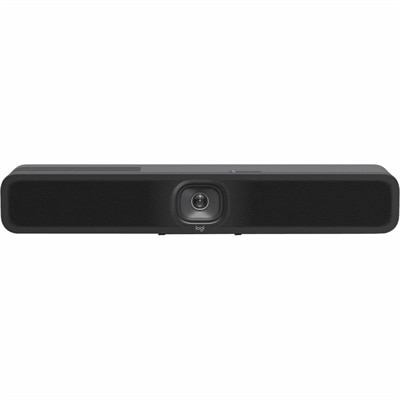
A 1080p conference camera with full-duplex speakerphone audio, autofocus, remote pan-tilt-zoom, and echo cancellation.
Zoom conferencing cameras are designed to help you connect clearly and efficiently during virtual meetings, online classes, or remote collaborations. Whether you’re working from home or setting up a professional office space, these cameras provide the essential tools for seamless video communication. Explore options that integrate easily with your setup and deliver reliable performance for all your Zoom conferencing needs. Find the right Zoom conferencing cameras to enhance your virtual presence and keep your interactions productive.
A 1080p conference camera with full-duplex speakerphone audio, autofocus, remote pan-tilt-zoom, and echo cancellation.
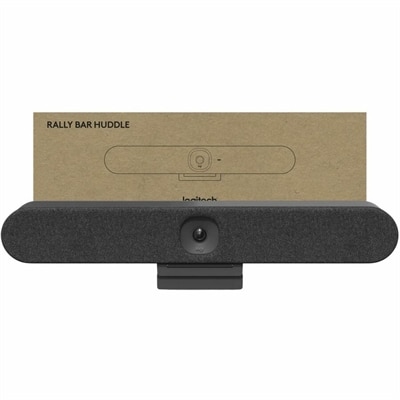
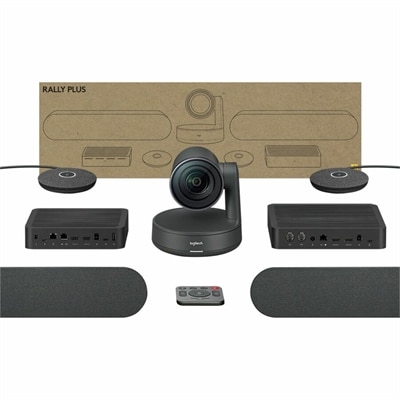
An AI-powered USB conference camera with intelligent audio, video features, flexible mounting, and BYOD compatibility.
An all-in-one 4K conferencing bar featuring AI-powered audio, noise suppression, automatic shutter, and flexible mounting.
An intelligent 4K webcam delivering vibrant, full-spectrum clarity for secure, next-level collaboration.
A 2K QHD webcam designed for clear, confident everyday video collaboration.
As remote work and virtual collaboration become an everyday part of both professional and personal life, the demand for high-quality Zoom conferencing cameras continues to grow. Whether you’re joining a daily stand-up from your home office, leading a creative brainstorming session from a co-working space, or connecting with family and friends across the country, a reliable video camera can make all the difference. The right conferencing camera captures clear images, adapts to changing light, and offers crisp audio, helping you present your best self on screen. As the weather warms and routines shift with the season, many find themselves working from new locations—sunlit kitchens, shaded patios, or shared living spaces—making it even more important to choose a camera that performs well in a variety of settings. For those who travel frequently or like to set up impromptu workstations, portability and easy setup become essential features. A compact, plug-and-play camera can slip into a backpack or laptop sleeve, ready for meetings on the go, while advanced features like autofocus, background blur, and wide-angle lenses ensure you stay in sharp focus, no matter where you’re calling from.
Zoom conferencing cameras are not just for business professionals or remote workers; they’re a thoughtful gift for students gearing up for virtual classes, teachers leading hybrid classrooms, or grandparents who want to stay connected with grandchildren during family calls. As summer unfolds and schedules become more flexible, many people use this time to reconnect with loved ones, organize virtual reunions, or participate in online workshops and hobby groups. A quality conferencing camera can transform these experiences, making every conversation feel more personal and engaging. When choosing a camera, consider the environment where it will be used most often. Some models excel in low-light conditions, perfect for early morning calls or evening check-ins, while others offer noise-canceling microphones to minimize background distractions in busy households. Mounting options also matter—some cameras clip easily to a laptop or monitor, while others come with tripods or magnetic bases for versatile placement. For those who value privacy, built-in shutters or quick-disable features add peace of mind between meetings.
Beyond technical specifications, comfort and usability play a big role in long-term satisfaction. Look for conferencing cameras with intuitive controls, clear setup guides, and compatibility with a wide range of devices and operating systems. Many users appreciate software enhancements that allow for easy adjustments to framing, exposure, and audio settings, ensuring you always look and sound your best. If you’re exploring options for a home office upgrade or searching for a useful, practical gift, take time to compare features and read user feedback. For those interested in exploring trusted, high-performance options, you can browse a curated selection of Logitech Webcams for Video Meetings to find the right fit for your needs. With the right conferencing camera, every virtual interaction—from team updates to family catch-ups—can feel more natural, productive, and enjoyable, no matter the season or setting.
Add the products you would like to compare, and quickly determine which is best for your needs.