1. Compatibility
2. Functionality
3. Affordability
4. Ease of Use
Choosing the right software can help students achieve academic success and stay organized. Here are some important aspects to consider when selecting student software.
1. Compatibility
2. Functionality
3. Affordability
4. Ease of Use

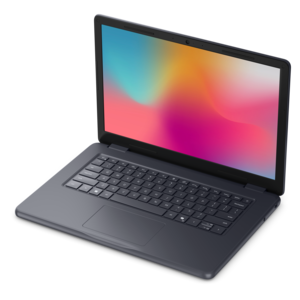
A durable modular laptop with a 16:10 display, numeric keypad, robust security, and built-in AI options.
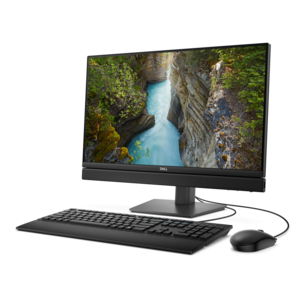
A space-saving all-in-one desktop with AI options, enhanced productivity, and robust security and manageability features.
Students often benefit from productivity software such as word processors, spreadsheet tools, and presentation programs. Additionally, educational software, note-taking apps, graphic design tools, and collaboration platforms can support academic success and group projects.
Yes, many software options for students include features like calendars, task lists, reminders, and project management tools to help organize assignments and manage deadlines effectively.
Absolutely. Collaboration software allows students to work together in real time, share files, and communicate efficiently, making group projects easier to manage and complete.
Yes, there are specialized programs designed to help students organize research materials, generate citations, and manage bibliographies, streamlining the process of writing academic papers.
Definitely. Students pursuing creative studies can take advantage of software for graphic design, video editing, audio production, and digital illustration, which offer a range of tools to support their coursework and creative projects.








Add the products you would like to compare, and quickly determine which is best for your needs.