$699.99
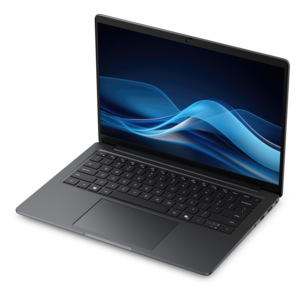
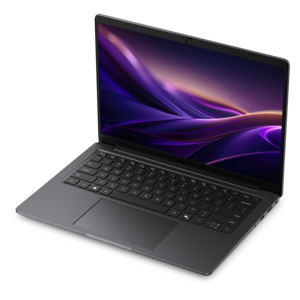
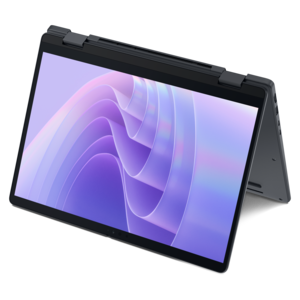
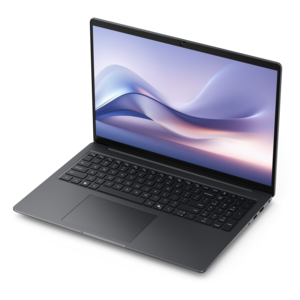
A laptop featuring Intel® 13th Gen processors, a built-in FHD camera, and an enlarged ergonomic keyboard.
Windows laptops for students offer the perfect blend of versatility and performance to support learning, creativity, and productivity. Designed to keep up with busy academic schedules, these devices make it easy to complete assignments, collaborate on projects, and stay connected both in and out of the classroom. Explore a wide range of options that cater to every student's unique needs and budget, ensuring you find the right fit for your educational journey.
A laptop featuring Intel® 13th Gen processors, a built-in FHD camera, and an enlarged ergonomic keyboard.
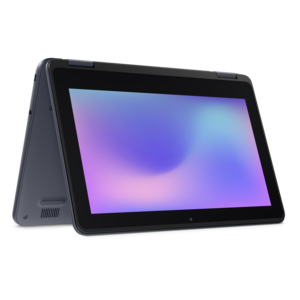
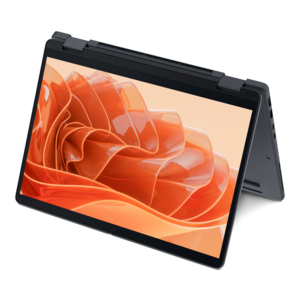
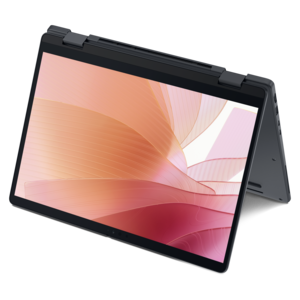
A durable, serviceable laptop or 2-in-1 designed specifically for demanding education environments.
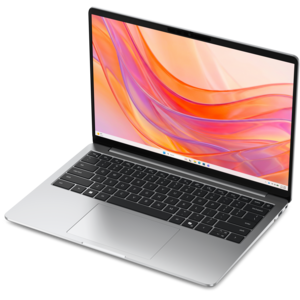
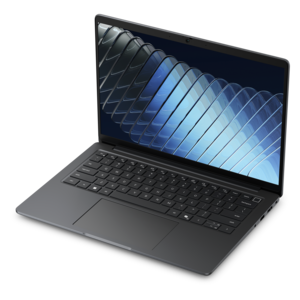
A thin, lightweight laptop crafted with eco-friendly materials and powered by AMD Ryzen 200 Series processors.
A thin, lightweight laptop crafted from eco-friendly materials with Series 3 Intel Core processors for productivity.
A durable, serviceable laptop designed specifically for demanding education environments.
A thin, lightweight laptop made with eco-friendly materials and Series 3 Intel Core processors for productivity.
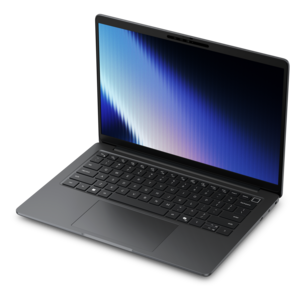
A durable, modular productivity laptop featuring robust security, a 16:10 display, numeric keypad and AI options.
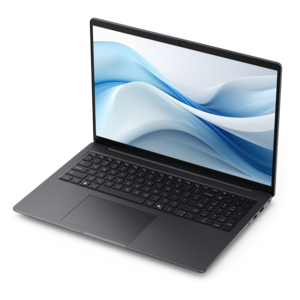
A sleek, portable laptop with an expansive 16:10 display for reliable productivity anywhere.
A slim, lightweight laptop with Intel® Core™ processors and graphics for productive work anywhere.
A laptop featuring an FHD camera, enlarged ergonomic keyboard, and AMD Ryzen™ processors for everyday productivity.
A remarkably thin and lightweight laptop designed for ultimate mobility.
A sleek laptop powered by AMD Ryzen™ AI 400, designed for powerful performance and modern multitasking.
A remarkably thin professional laptop combining portability and performance with Intel Core Ultra Series 3 processors.
A sleek laptop with AI-enhanced performance and accelerated creative workflows for demanding productivity.
A productivity-focused Copilot+ PC powered by a capable AMD CPU, GPU and NPU combination.
A remarkably thin 2-in-1 laptop powered by AMD Ryzen AI PRO 400 Series processors for performance.
A powerful, ultra-thin laptop featuring a durable chassis designed for productive work wherever you go.
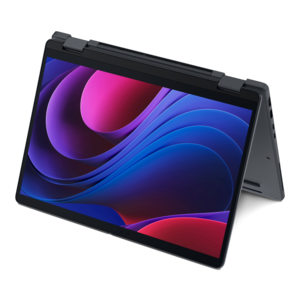
A thin 2-in-1 laptop combining versatility, portability, and performance with Series 3 Intel Core Ultra processors.
A Copilot+ PC combining powerful Intel® CPU, GPU, and NPU performance for productive everyday computing.
A thin 2-in-1 laptop powered by AMD Ryzen AI PRO 400 Series processors for versatile performance.
A thin, lightweight Copilot+ PC with powerful AMD CPU, GPU, and NPU performance for productive multitasking.
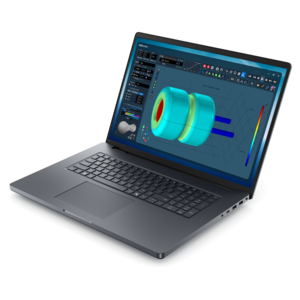
A powerful productivity laptop with scalable performance and advanced on-device AI capabilities.
A thin 2-in-1 laptop combining portability and versatility with Series 3 Intel Core Ultra processors.
A thin, lightweight Copilot+ PC with powerful Intel CPU, GPU, and NPU performance for productive multitasking.
Windows laptops for students bring research, writing, class meetings, and creative projects together on a computer that can travel from a kitchen table to a lecture hall. The right fit depends on the coursework as much as the student: a laptop used for essays and online assignments has different demands from one running engineering applications or editing video for a media class. For everyday schoolwork, useful starting points include a comfortable keyboard, a clear display, an SSD for responsive file access, and enough memory to keep several applications open. An 8GB memory configuration can support basic writing, browsing, and video calls, while 16GB provides more breathing room for larger research sessions, coding tools, and multitasking. More demanding design, simulation, or data analysis work may require additional memory and specialized graphics, so a program’s published computer requirements matter more than any single specification. A 512GB SSD offers room for many common combinations of documents, applications, and class projects, although large video files, design assets, or offline course libraries can call for more capacity. Students who mainly work in browser-based learning platforms may have lighter hardware needs, but compatibility still deserves attention: required testing software, laboratory applications, and accessibility tools can have specific operating system or processor requirements. For a closer look at computers suited to foundational coursework, Entry Level Laptops For Students offers a related category to explore. Across different fields of study, the most useful student laptop is one that supports the actual rhythm of the semester. That might mean opening a spreadsheet beside a lab report, following a recorded lecture while taking notes, or switching between a group presentation and a video meeting without losing momentum. Consistent responsiveness makes those ordinary tasks feel less interrupted, especially when a short break between classes is the only time to finish an assignment.
Portability and physical comfort shape how well a laptop fits into student life. A computer that feels manageable on a desk can feel different after a long walk across campus with textbooks, a water bottle, and its charger in the same bag. For students carrying a laptop every day, a weight under four pounds can be a useful reference point, though the total carrying load and the laptop’s dimensions also matter. Smaller displays generally make it easier to work on compact classroom desks, while larger screens provide more space for side-by-side documents, detailed spreadsheets, and editing timelines. Screen resolution, brightness, and surface finish affect everyday readability; an anti-glare display can reduce distracting reflections near classroom windows, but visibility still depends on the surrounding light. Keyboard spacing, key feel, and a responsive touchpad are worth considering for long writing sessions, and a numeric keypad may be useful for frequent data entry. A touchscreen or a convertible design can suit students who annotate readings or sketch diagrams, with active pen support depending on the particular configuration. Materials contribute to the feel and practicality of the device rather than telling the whole durability story. Plastic housings can help keep weight manageable, while metal housings may feel more rigid; hinge construction, panel fit, and careful handling matter with either material. A padded sleeve and a backpack compartment that keeps pressure off the lid help protect a laptop during daily travel. Battery life is another practical consideration for afternoons spent moving between classrooms and the library. Published battery figures are best treated as reference points, since screen brightness, video calls, wireless use, and demanding applications can change runtime substantially. Charging options matter as well: compatible USB-C charging can simplify a student’s setup, but not every USB-C port accepts power, and the charger must meet the laptop’s requirements. The most comfortable combination balances screen space, carrying weight, and enough unplugged time for the places where schoolwork actually happens.
A student laptop also needs to work comfortably beyond the classroom, whether it sits on a shared dorm desk, connects to a monitor at home, or supports an evening study group. Port selection influences how easily that setup comes together. Connections for an external display, a headset, removable media, or other accessories can reduce the need for adapters, while compatible docking support can make it simpler to switch from a backpack to a full desk arrangement. A clear webcam and usable microphone are helpful for remote lectures, tutoring appointments, and presentations; a physical camera shutter, when included, adds a straightforward way to cover the lens between calls. Students in quiet study spaces may also appreciate cooling that remains unobtrusive during routine tasks, although heavier workloads can increase fan noise. Intended use should guide graphics expectations: integrated graphics can handle everyday coursework and many media tasks, while some three-dimensional modeling, rendering, and creative applications benefit from a dedicated graphics processor. Software requirements provide the clearest basis for that distinction. Longevity depends on both the original configuration and ongoing care. Memory and internal drive upgrades are possible on some laptops but limited on others, making model-specific service information important for students expecting their workload to grow. Regular updates, strong sign-in protection, and dependable backups help keep assignments accessible and personal information protected. Cloud synchronization can make files easier to reach across devices, but checking backup settings and keeping another copy of essential work helps avoid unpleasant surprises before a deadline. Physical care is equally straightforward: carry the computer with its lid closed, keep drinks away from the keyboard, and leave ventilation openings clear rather than resting the laptop on bedding during a long work session. Cleaning should follow the manufacturer’s directions, with liquids kept out of ports and seams. For a student receiving a laptop as a graduation gift or preparing for a new academic year, these everyday details can be more meaningful than an impressive specification alone. A well-matched computer supports focused study, creative exploration, and the changing mix of assignments that arrives with each new term.
Students should prioritize features such as long battery life, lightweight design for portability, a comfortable keyboard for extended typing sessions, and a high-resolution display for clear viewing of documents and presentations. Reliable performance with at least 8GB of RAM and a fast SSD is also important for multitasking and quick file access.
Yes, 2-in-1 Windows laptops can be an excellent choice for students who value versatility. These devices allow users to switch between laptop and tablet modes, making them ideal for note-taking, drawing, and reading. They are especially popular among students in creative fields or those who prefer handwriting notes during lectures.
For most students, a minimum of 256GB SSD storage is recommended to comfortably store documents, assignments, and necessary applications. However, students working with large files, such as videos or design projects, may benefit from 512GB or more to ensure ample space and faster performance.
Windows 11 offers several features that benefit students, including a streamlined interface, improved multitasking tools like Snap Layouts, and enhanced security. Compatibility with a wide range of educational software and productivity apps also makes Windows 11 a strong platform for academic success.
Absolutely. A Windows laptop is versatile enough to handle academic tasks like research, writing, and presentations, as well as recreational activities such as streaming, gaming, and video chatting with friends and family. Many models offer dedicated graphics and high-quality displays to enhance both work and play.
Add the products you would like to compare, and quickly determine which is best for your needs.