$99.99
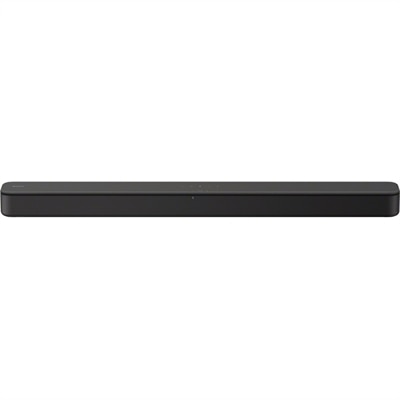
A black two-channel sound bar with Bass Reflex, virtual surround, HDMI ARC, USB and Bluetooth streaming.
Browse devices with Bluetooth support for wireless connections to compatible equipment. Compare each product’s connectivity specifications and compatibility requirements to find an option that works with your existing setup.
A black two-channel sound bar with Bass Reflex, virtual surround, HDMI ARC, USB and Bluetooth streaming.
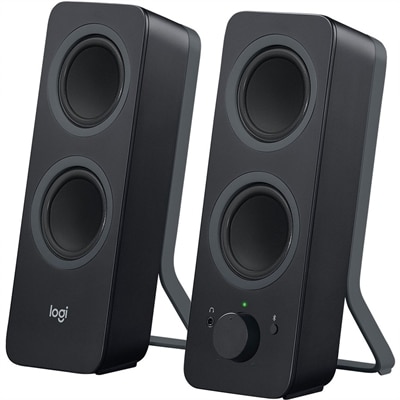
A black Bluetooth speaker system with four drivers, 10W peak power, 3.5mm input, and Easy-Switch controls.
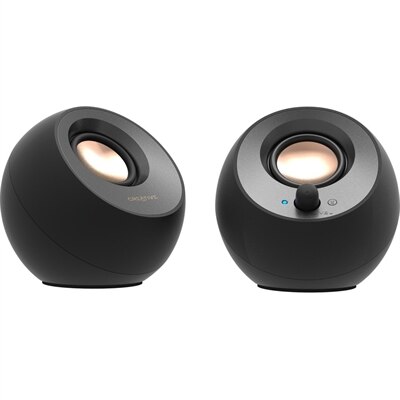
A black 2.0 speaker system with USB-C audio, Bluetooth 5.0, 8W RMS output, and Clear Dialog processing.
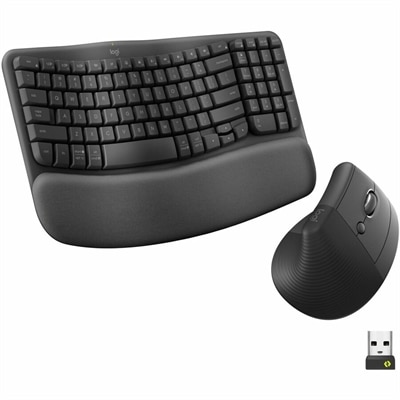
An ergonomic wireless keyboard-and-mouse combo in graphite with cushioned palm rest, Bluetooth connectivity, and multi-OS compatibility.
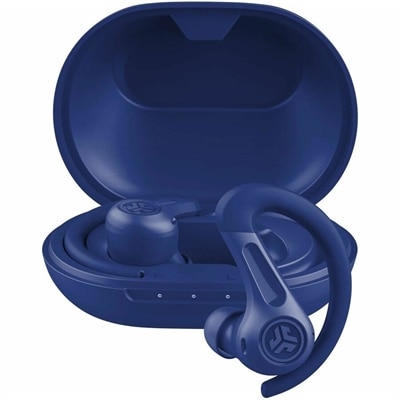
A sweatproof IP66 earbuds with hybrid ANC, spatial audio, 60+ hours battery, multipoint connectivity, and wireless charging.
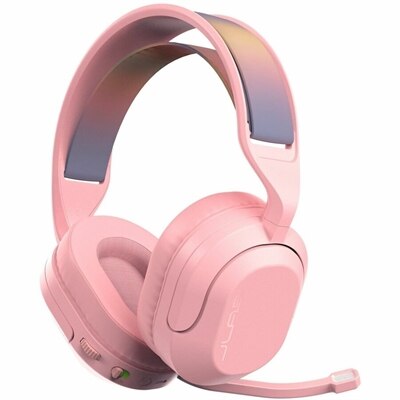
A wireless gaming headset with 50mm drivers, Bluetooth, USB-C connectivity, flip-to-mute mic, and Cloud Foam comfort.
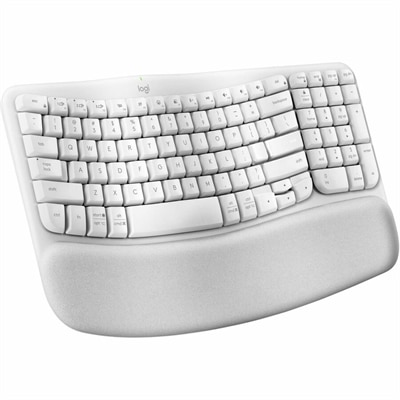
An off-white wireless ergonomic keyboard with memory-foam wrist support, Bluetooth, Logi Bolt, and recycled plastic.
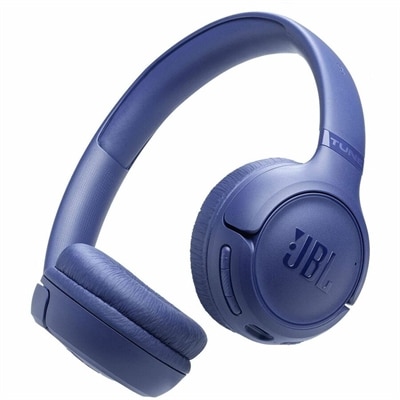
A wireless on-ear headset with Pure Bass Sound, clear calls, Bluetooth 6.0, and 76-hour battery life.
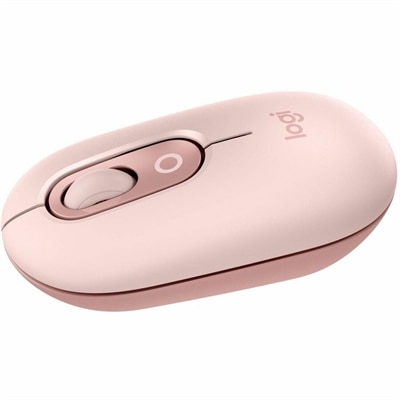
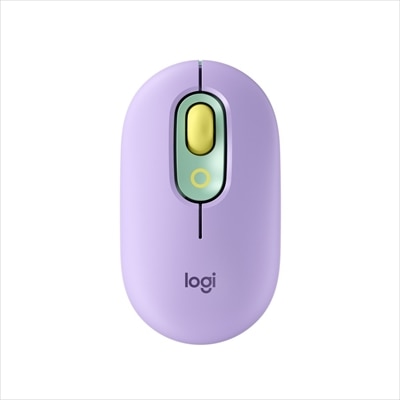
A rose compact wireless mouse with Bluetooth, programmable buttons, quiet clicks, and switching between up to three devices.
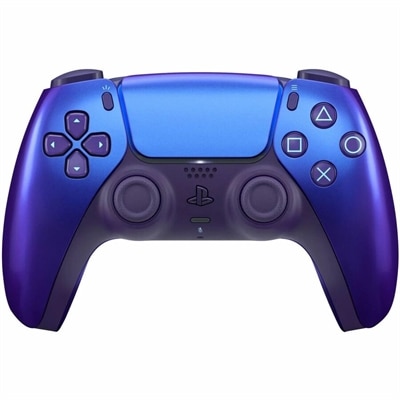
A Chroma Indigo gaming controller featuring haptic feedback, adaptive triggers, motion sensing, Bluetooth, and USB-C.
A compact black wireless mouse with 2.4GHz and Bluetooth 5.0 connectivity for versatile PC pairing.
A wireless headset with AI-based noise cancellation for comfortable, uninterrupted all-day conferencing.
A tri-mode wireless gaming keyboard with magnetic snap-on charging and customizable controls.
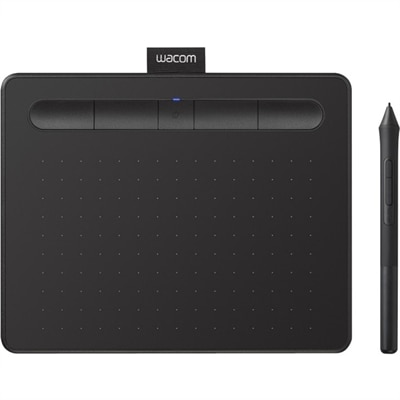
A wireless black graphics tablet with pressure-sensitive pen, Bluetooth, USB connectivity, and creative software for artistry.
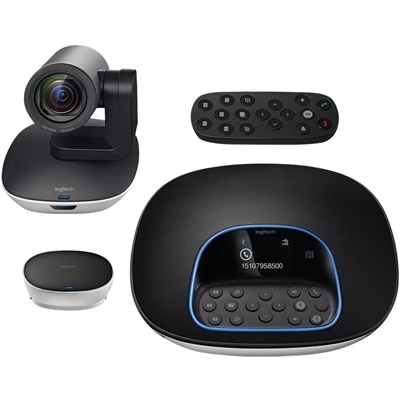
A plug-and-play conferencing system delivering 1080p video, 90-degree viewing, 10X zoom, and clear audio.
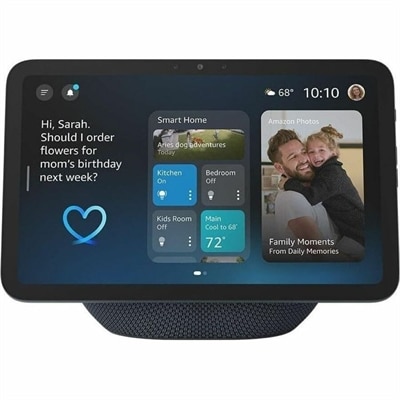
A graphite smart display with Alexa, Wi‑Fi 6E, Zigbee, Bluetooth, spatial audio, and smart home hub.
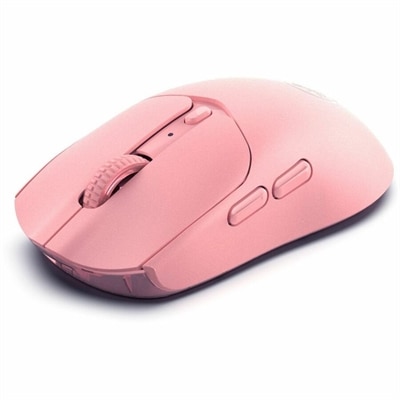
A pink wireless gaming mouse with a 12000 DPI optical sensor, six buttons, Bluetooth, 2.4GHz connectivity and rechargeable battery.
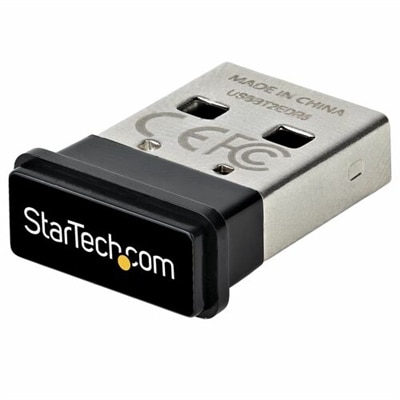
Bluetooth support allows compatible computers and accessories to communicate wirelessly over short distances, connecting a mouse beside a laptop, a keyboard at a desktop workstation, or a headset used for everyday calls. A computer needs Bluetooth hardware, compatible operating-system support, and an appropriate driver to connect with Bluetooth accessories. Many laptops and desktops have this capability built in, while others require a compatible USB Bluetooth adapter. Wi-Fi capability alone does not confirm Bluetooth support, and a USB receiver supplied with one wireless accessory is not necessarily a general-purpose Bluetooth adapter. For everyday use, the important distinction is whether the computer and accessory support the connection and functions needed, not simply whether both are described as wireless. Bluetooth version numbers provide useful context, but they do not guarantee that every feature will work across every pairing. Supported Bluetooth profiles, operating-system requirements, and manufacturer compatibility information help establish whether a connection can carry keyboard input, audio playback, microphone sound, or another intended function. A laptop used between a kitchen table and a home office may benefit from built-in connectivity that leaves USB ports free, while a desktop with no Bluetooth hardware may accommodate a small adapter in an accessible port. Adapter fit matters when neighboring ports hold other accessories: a compact body can reduce crowding, although positioning behind a metal computer case may affect reception. Computers managed by an employer or school may also have restrictions on wireless connections or software installation. Checking those requirements before choosing an accessory helps avoid a mismatch between the intended setup and the computer’s permitted features. Support for several paired devices should not be confused with simultaneous use, either. A computer may remember multiple accessories, while the number and type of active connections depend on its hardware, software, and the accessories themselves. For a workspace that moves between focused writing, video calls, and casual listening, these details matter more than a version number on its own.
Bluetooth keyboards, mice, headsets, and other personal-computing accessories serve different routines, so comfort and construction deserve as much attention as connectivity. A keyboard for a permanent desk may prioritize a familiar layout, stable feet, and comfortable key spacing, while one carried between rooms may benefit from a slimmer body and lower weight. Mouse fit depends on hand size, grip style, and the amount of desk space available; a shape that feels comfortable during a brief session may feel different after several hours of detailed work. Smooth plastic surfaces are generally easy to wipe clean, while textured grips can provide a more secure hold but may need extra attention around seams. Headset fit involves another set of considerations, including headband adjustment, ear-cushion pressure, overall weight, and whether the design leaves the ears open or surrounds them. Someone taking occasional calls at a quiet desk may prefer a different balance of coverage and portability than someone working beside a busy household. Battery design also shapes daily use. Rechargeable accessories need access to a suitable charging connection, while models with replaceable batteries require the correct battery type and a secure compartment. Stated battery life depends on usage patterns, settings, and features, so frequent calls or extended listening can create a different charging routine from occasional typing. For travel, a protective pouch or a dedicated compartment can help keep keys, ear cushions, and exposed connectors from rubbing against other belongings. At home, keeping accessories away from spills, excessive heat, and pressure inside crowded drawers helps protect their housings and controls. Cleaning should follow the manufacturer’s directions, particularly around openings, charging contacts, fabric coverings, and microphone ports. A soft cloth and careful handling are generally more suitable than spraying liquid directly onto an electronic accessory. For students, remote workers, or anyone refreshing a personal workspace, the most useful choice is one that fits the person’s hands, habits, and computer—not simply the accessory with the longest feature list.
Audio introduces additional compatibility details because listening and speaking place different demands on a wireless connection. The Bluetooth Audio collection offers another way to explore this part of a computer setup, with intended use helping narrow the relevant features. Music during paperwork, spoken instructions in an online class, and a conversation with coworkers all benefit from dependable sound, but they do not necessarily call for the same microphone design, isolation, or controls. Audio quality depends on both connected devices, their supported audio formats, the application, and the listening environment. Using a headset microphone can change the audio mode on some systems, which may affect playback quality during calls. Multipoint connectivity, where supported, can help an accessory maintain connections with more than one device, but switching behavior varies and should not be assumed from Bluetooth support alone. Video watching and interactive activities also make latency worth considering, since a wireless audio connection can introduce delay that may be more noticeable in some applications than others. Everyday reliability depends partly on placement: walls, metal furniture, a computer tucked beneath a desk, and nearby wireless activity can influence the usable connection. Advertised range is therefore a general specification rather than a promise that every room will behave the same way. When a computer does not detect an accessory, common causes include disabled Bluetooth, an accessory that is not in pairing mode, a depleted battery, or a connection already active with another device. Missing or outdated drivers can also prevent otherwise compatible hardware from working correctly. If a computer has no Bluetooth hardware, changing a software setting alone will not add it; a supported adapter may provide that capability. These distinctions help separate a compatibility limitation from a temporary connection issue. For a shared home computer, a study corner, or a flexible work area, dependable Bluetooth support comes from matching the computer’s capabilities with comfortable accessories, clear operating-system requirements, and features that suit the way the setup will actually be used.
Add the products you would like to compare, and quickly determine which is best for your needs.