$369.99
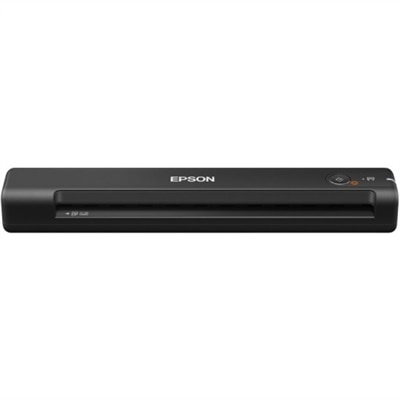
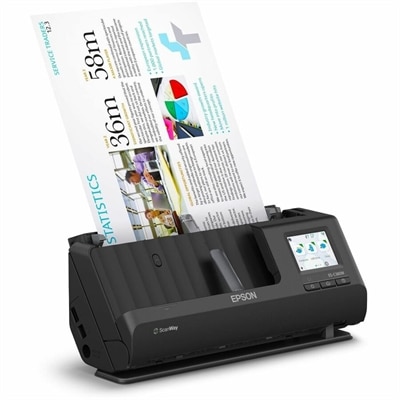
A wireless sheetfed scanner with 600-dpi optical resolution, duplex scanning, 20-page ADF, and 30-ppm performance.
Color scanners offer a seamless way to digitize documents, photos, and artwork with vibrant accuracy. Whether for home, office, or creative projects, these devices are designed to capture every detail in full color, making them an essential tool for anyone seeking high-quality digital reproductions. Explore a range of color scanners to find the perfect solution for your scanning needs.
A wireless sheetfed scanner with 600-dpi optical resolution, duplex scanning, 20-page ADF, and 30-ppm performance.
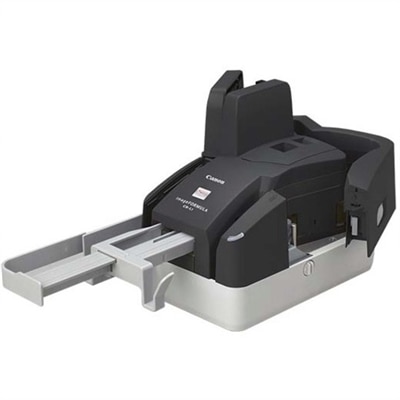
A compact 300 dpi sheetfed scanner delivering precise MICR accuracy and reliable high-volume check processing.
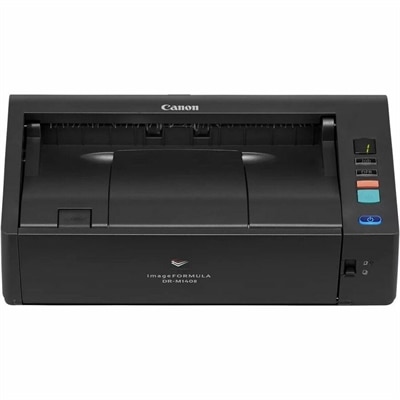
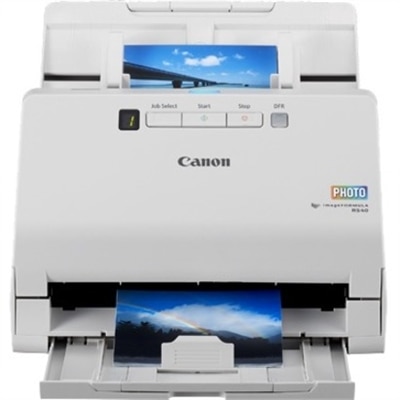
A versatile 600 dpi sheetfed scanner that scans up to 40 pages per minute in color.
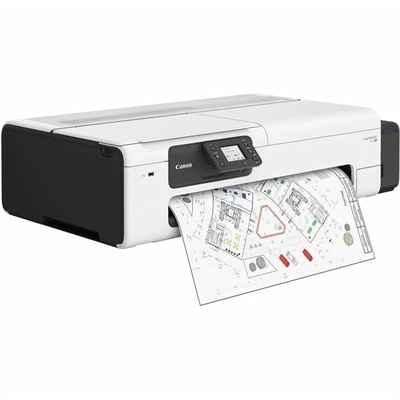
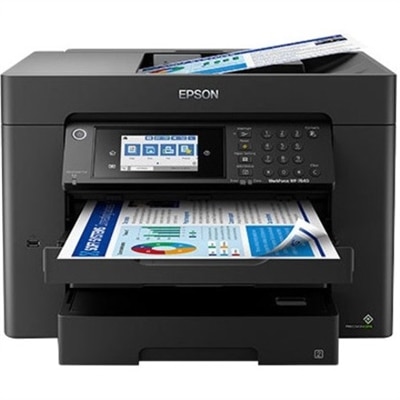
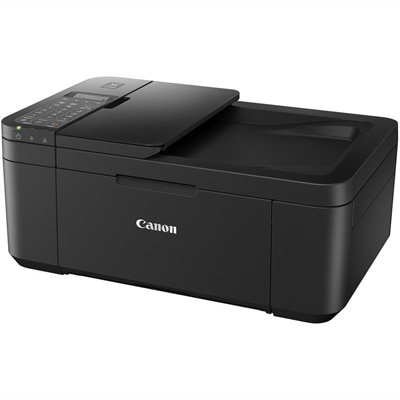
A color large-format inkjet printer with an integrated scanner and cartridge-free, high-capacity ink tanks.
Color scanners make it easier to preserve, share, and work with physical material while retaining the shades, textures, and fine details that distinguish a color original from a basic black-and-white copy. Families often use them to digitize photo albums, children’s artwork, handwritten recipes, postcards, and other keepsakes that might otherwise remain tucked away in a drawer. Home offices use them for receipts, signed forms, insurance records, and reference documents, while creative professionals may scan sketches, paintings, fabric swatches, or printed illustrations before refining them on a computer. A flatbed color scanner is a versatile choice for many of these tasks because its glass surface supports photographs, single pages, book pages, and delicate originals without requiring them to pass through rollers. The hinged cover can accommodate thicker material, and the stationary glass bed helps keep an image aligned during capture. For oversized artwork, posters, maps, or other wide originals, a Large Format Scanners page can help shoppers explore options designed for broader materials. Sheet-fed scanners offer a different kind of convenience by drawing pages through automatically, making them useful for paperwork, invoices, school records, and other loose sheets. Models with an automatic document feeder, often called an ADF, can process a stack of pages with less hands-on attention, which is valuable when sorting a filing cabinet or preparing a large batch of documents for digital storage. Some scanners combine a flatbed with an ADF, giving households and small offices flexibility for both fragile originals and everyday paperwork.
Resolution is one of the most visible specifications when comparing color scanners, but the right level depends on the material and the intended use. Resolution is measured in dots per inch, or DPI. Around 300 to 600 DPI is generally sufficient for standard documents, forms, schoolwork, and snapshots that will be viewed on a screen or printed at a similar size. Higher optical resolution can be useful for enlarging photographs, capturing intricate artwork, or preserving small originals with the option to crop and edit later. For detailed photo, negative, or film archival, shoppers may look for optical resolution around 4800 x 4800 DPI or higher, provided the scanner’s optical system—not only an interpolated software setting—supports that detail. Color depth also affects the smoothness and accuracy of a scan. A scanner with 48-bit internal color depth can record a broad range of tones, helping preserve subtle transitions in skies, skin tones, painted surfaces, and faded photographs. The final file may be saved at a lower bit depth for ordinary sharing, but additional captured information can provide more flexibility during correction and editing. Software features deserve equal attention. Dust and scratch reduction can make aging photos look cleaner, while fade correction can help restore contrast in prints that have spent years in albums or boxes. Optical character recognition, or OCR, converts printed words into editable and searchable text, which is particularly useful for receipts, contracts, meeting notes, and archived correspondence. Automatic cropping, blank-page removal, skew correction, and color adjustment can also reduce repetitive cleanup. When comparing products, consider the file types they support, the included scanning software, and whether they connect through USB, wireless networking, or another compatible method. A scanner that fits naturally into an existing computer setup is more likely to become part of a regular routine rather than an appliance used only for occasional projects.
The best color scanner for a home, classroom, studio, or office depends on the originals being handled most often and the amount of time available for each job. A flatbed design suits someone digitizing treasured family photographs, bound books, certificates, or artwork that should be handled gently. It can also be a thoughtful gift for a relative organizing generations of printed memories, especially when old albums contain images that are too meaningful to leave vulnerable to fading, spills, or accidental damage. A sheet-fed model with an ADF is better suited to someone clearing a backlog of paperwork, managing administrative tasks, or maintaining organized digital records. In a small business, it can help turn signed documents and receipts into searchable files without requiring every page to be placed on the glass individually. Creative users may prioritize high optical resolution, accurate color reproduction, a larger scanning area, and software that supports image editing. Students and remote workers may value compact dimensions, straightforward controls, and quick scans for assignments, applications, or forms. During the warmer and cooler parts of the year alike, scanning can be a practical indoor project: a quiet afternoon may be enough to sort a box of family photos, while a rainy or chilly day can provide time to bring household paperwork into a more manageable digital system. Before choosing, measure the available desk or shelf space, check the maximum document size, review the expected scan speed, and think about whether originals will be scanned one at a time or in batches. Also consider duplex scanning for double-sided pages, the ability to save directly to a computer or cloud-connected workflow, and the quality of included color-management tools. A well-matched color scanner can protect irreplaceable memories, make everyday administration less cumbersome, and give physical documents a useful place in a modern digital workflow.
Add the products you would like to compare, and quickly determine which is best for your needs.