$44.99
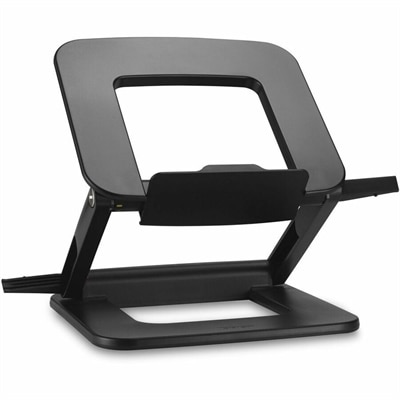
A compact laptop stand offering six adjustable viewing angles, dual locking latches, and a fold-flat design.
Find compact office solutions for smaller desks, home offices, and shared workspaces. Compare office technology by dimensions, connectivity, and everyday work needs to choose options that fit your available space while leaving room to work comfortably.
A compact laptop stand offering six adjustable viewing angles, dual locking latches, and a fold-flat design.
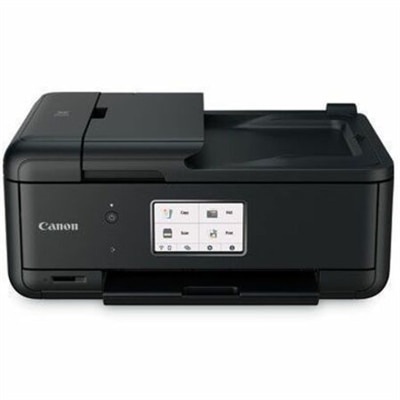
A compact wireless all-in-one inkjet printer with five-ink printing, duplexing, scanning, faxing, and smartphone connectivity.
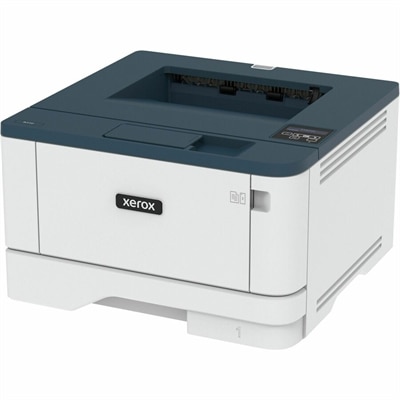
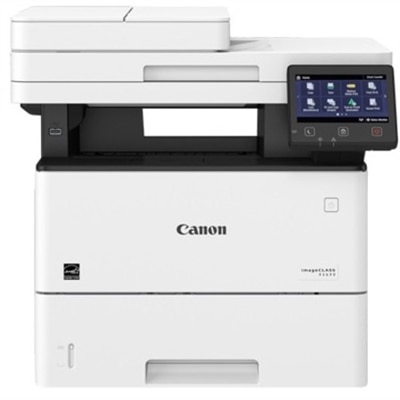
A compact monochrome laser printer with wireless connectivity, automatic two-sided printing, and 250-sheet capacity for offices.
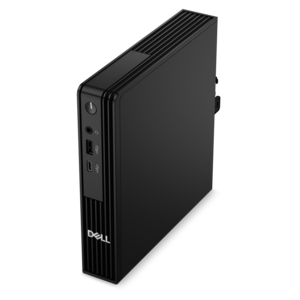
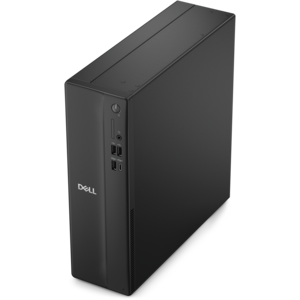
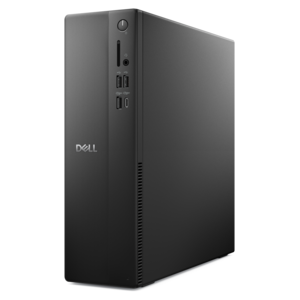
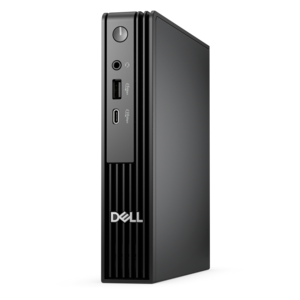
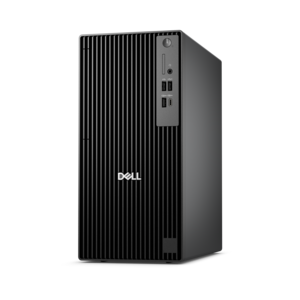
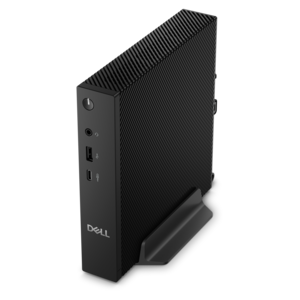
A compact desktop delivering reliable performance and security for everyday productivity.
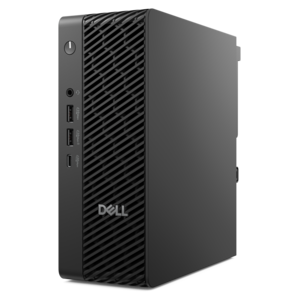
A space-saving desktop engineered for exceptional speed and efficiency in a sleek, compact design.
A compact desktop designed for everyday productivity and creative tasks.
A space-saving desktop delivering reliable performance and security for everyday productivity.
A monochrome laser multifunction printer delivering 45 ppm, 600x600 dpi, duplex scanning, and 2,300-sheet capacity.
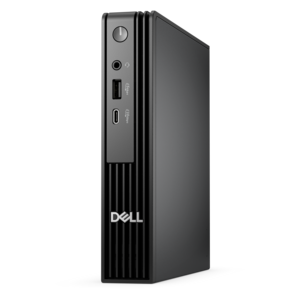
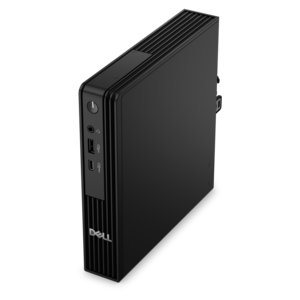
An ultracompact business desktop offering Copilot+ PC options, AI-enhanced productivity, robust security, and seamless manageability.
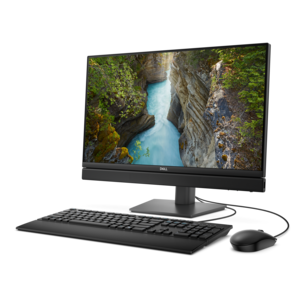
A space-saving all-in-one desktop with AI options, enhanced productivity, and robust security and manageability features.
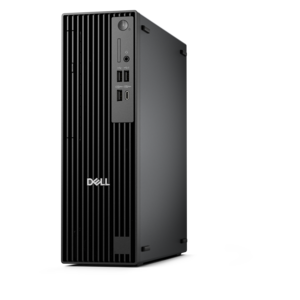
A space-saving business desktop delivering reliable everyday performance with essential security features for productive workflows.
A compact, high-performance AI-ready desktop delivering secure, manageable performance for demanding business workloads.
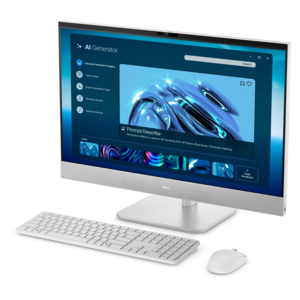
A space-saving all-in-one desktop designed for productive work and everyday entertainment.
A compact business desktop with AI PC options, robust security and streamlined manageability for productive workflows.
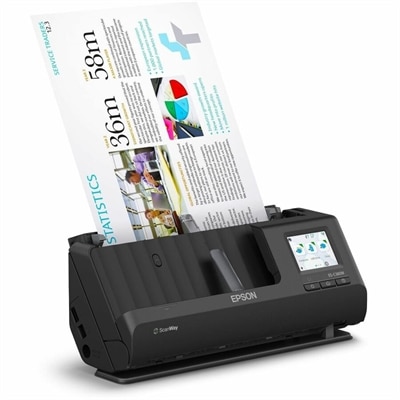
A wireless sheetfed scanner with 600-dpi optical resolution, duplex scanning, 20-page ADF, and 30-ppm performance.
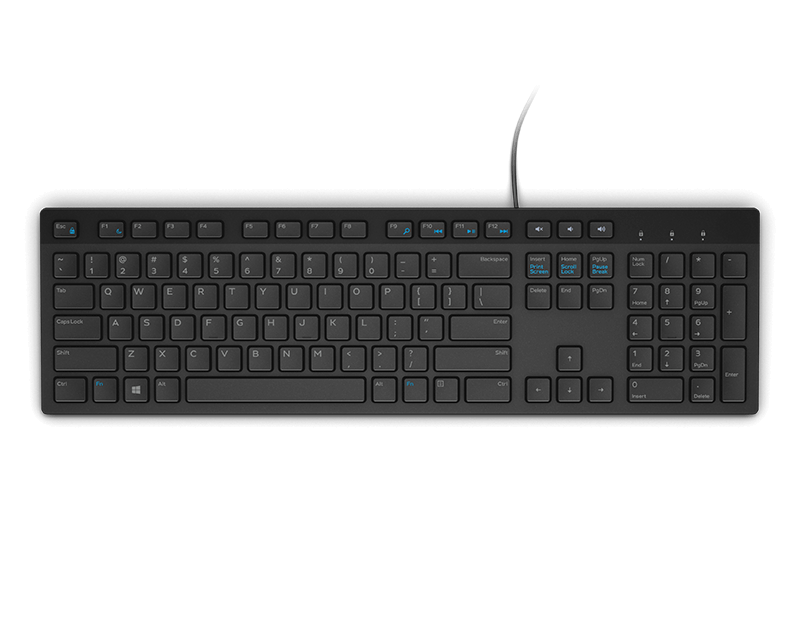
A wired English-US keyboard in black, designed for convenient everyday home and office computing.
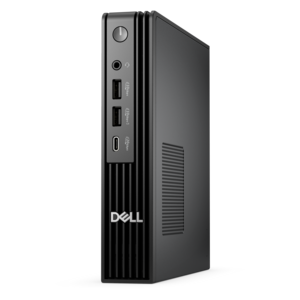
An ultracompact AI-ready business desktop with robust performance, exceptional security, and seamless manageability.
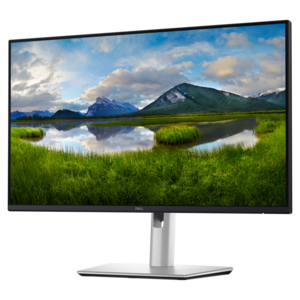
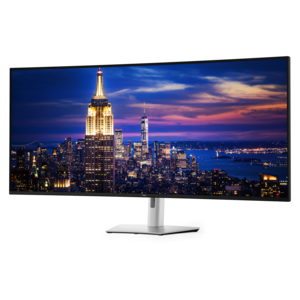
A QHD USB-C hub monitor with extensive connectivity and TÜV-certified four-star eye comfort.
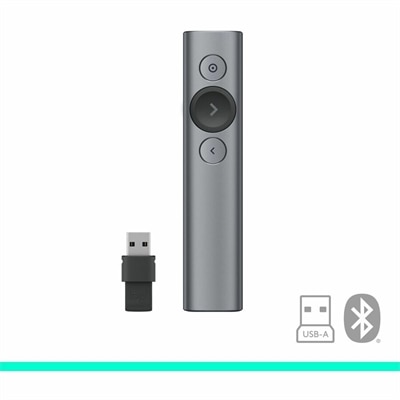
A compact wireless mouse with silent clicks, scrolling and gliding, plus RF dongle and Bluetooth connectivity.
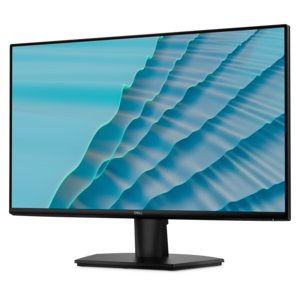
A 27-inch monitor with TÜV-certified eye comfort, 144Hz refresh rate, low blue light, and compact design.
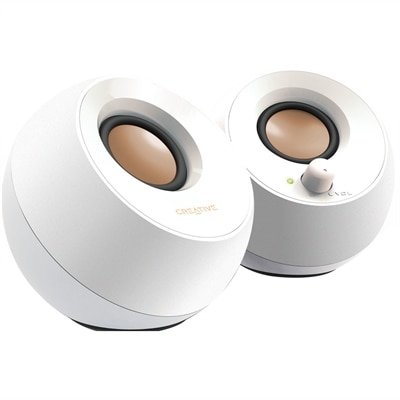
A white orb-shaped 2.0 speaker system with 4.4W RMS, elevated sound projection, passive radiators, and USB power.
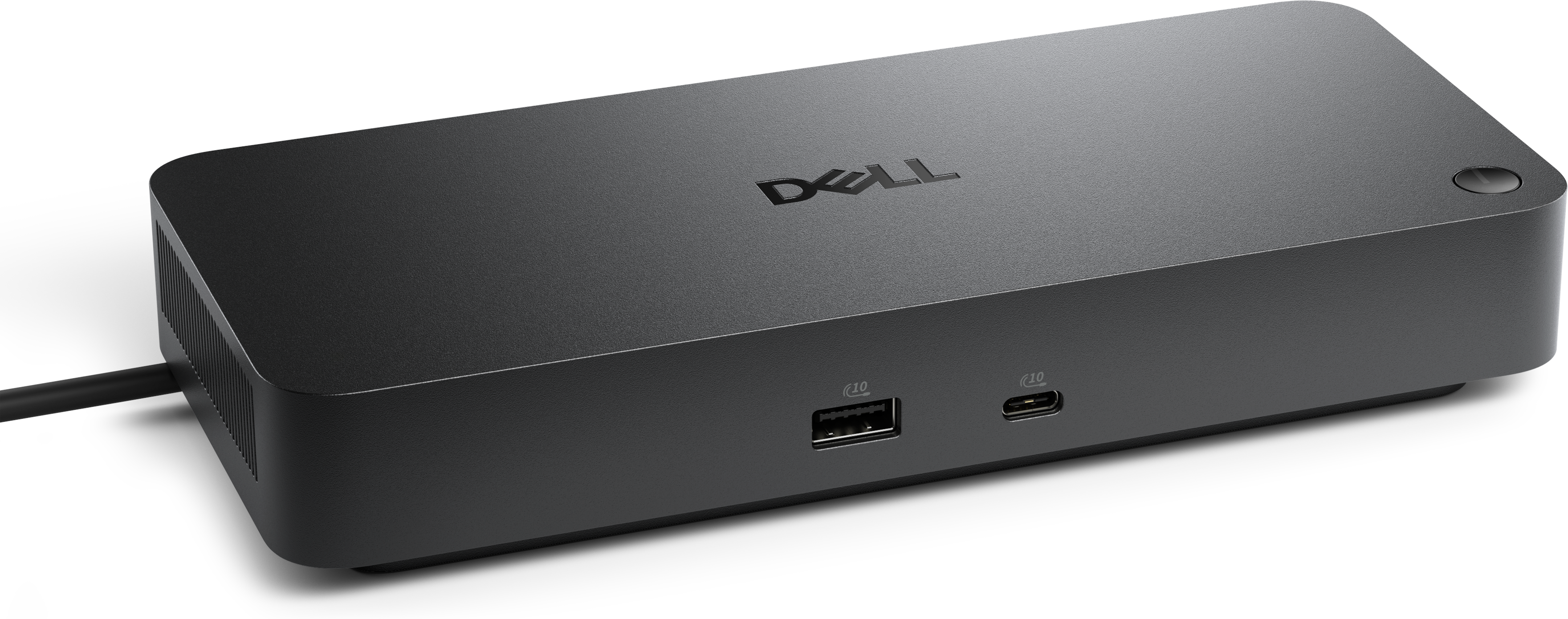
A portable 7-in-1 USB-C hub offering fast charging and versatile connectivity for modern professionals.
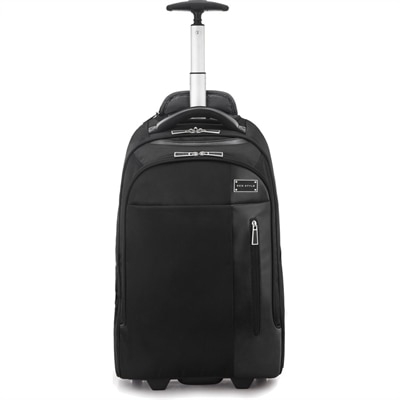
A sleek black rolling backpack with ergonomic straps, protective laptop and tablet compartments, plus overnight storage.
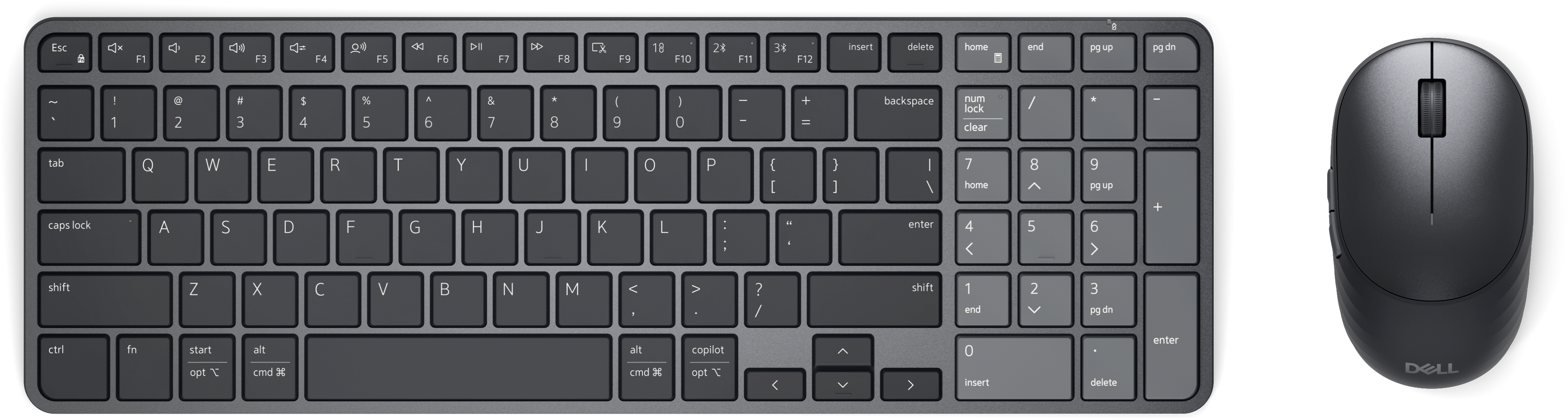
A rechargeable keyboard and mouse combo with quiet operation, adaptive scrolling, and macOS and Windows compatibility.
Compact office solutions bring everyday computing into spaces where a full-size workstation would feel out of place: a shallow desk beside a window, a corner of a studio apartment, or a small room that doubles as a guest bedroom. The right combination of a computer, display, and accessories can make these spaces comfortable for focused work without letting equipment take over the room. Laptops suit workdays that move between a desk, a meeting room, and a kitchen table, while compact desktops offer a more permanent setup with a relatively small footprint. All-in-one computers combine the screen and computing hardware in a single enclosure, reducing the number of separate components on the work surface. Each format creates a different balance of portability, screen placement, cable management, and flexibility. For email, scheduling, documents, and browser-based applications, everyday responsiveness matters more than an oversized system; more demanding creative work or frequent multitasking may call for additional processing power and memory. Physical fit goes beyond the dimensions of the computer itself. A desk needs room for typing, moving a mouse, setting down a notebook, and keeping vents clear. The position of power outlets and the reach of charging cables also affect how naturally equipment fits into the space. A compact computer tucked behind a display may leave the desktop open, but its connections still need to remain accessible. Likewise, a laptop used with an external screen works best when its placement leaves enough space for airflow and comfortable access to essential controls. Port types, display support, and charging requirements vary, so compatibility between the computer and its accessories is an important part of a cohesive setup. For people who move between locations, the size and weight of a power adapter can matter almost as much as the computer’s dimensions. These practical details help distinguish a workspace that merely looks tidy from one that supports a full afternoon of writing, reviewing spreadsheets, or joining video calls.
Displays and input accessories have an equally important role in making a small office feel usable rather than cramped. A screen that fits neatly on a narrow desk still needs to provide comfortable viewing space for the work at hand. Spreadsheets, design layouts, and side-by-side documents place different demands on screen size and resolution than email or appointment scheduling. A larger display can consolidate several open windows, while a smaller screen may preserve room for paper documents and other essentials. Stand depth is another meaningful measurement: a display with a broad base can occupy more desk space than its screen dimensions suggest. Where compatible, an adjustable arm or wall mount can free the surface below, although the attachment method, supported weight, and condition of the desk or wall all matter. Height adjustment and tilt help place the screen at a comfortable viewing angle without relying on a stack of books. Compact keyboards leave more room for mouse movement, while layouts with a number pad may better suit frequent data entry. Neither approach is automatically better; the fit depends on the tasks that fill the day. Wireless accessories can reduce visible cords, while wired connections avoid the need to manage accessory batteries. Materials and finishes also influence everyday use. Smooth housings and gently rounded edges are generally easier to wipe clean than deeply textured surfaces, and a stable base helps equipment stay put during typing or adjustment. Durable hinges, secure cable connections, and well-supported stands are especially relevant when a workspace is rearranged often. Care remains straightforward but important: manufacturer-approved cleaning methods help protect screen coatings, and keeping liquids away from openings reduces unnecessary risk. Dust around vents and cable routes can be easier to overlook when equipment sits close together. A headset can keep conversations contained in a shared room, while a thoughtfully positioned camera helps maintain a natural appearance on calls. Together, these details support a workspace that feels orderly without sacrificing comfort.
The most useful compact office arrangements reflect the people and routines they serve. A remote employee may need a dependable place for long video meetings, a college student may alternate between research and writing, and an independent professional may spend the morning handling appointments before turning to invoices or project work. In a shared household, the same desk might support several people throughout the day, making easy adjustments and clearly accessible connections particularly valuable. Portable equipment can simplify those transitions, while a dedicated desktop arrangement can keep the work area consistent from one session to the next. A compact workspace can also be part of a larger plan for Small Business Office Solutions, especially when individual desks need to fit within a shared room or a growing workplace. Similar connection types and straightforward accessory setups can make it easier for different people to settle in without repeatedly rearranging the entire desk. Comfort matters just as much in these smaller settings as it does in a separate office. Enough depth to view a screen comfortably, space to rest the forearms naturally, and a clear path for the chair can make a modest work area feel more accommodating. Daylight adds warmth to a room, but screen placement relative to a window affects glare and visibility during calls. Equipment noise may also be noticeable in a quiet apartment or shared workspace, particularly when demanding applications keep a computer working hard. Ventilation requirements remain important even when the goal is a clean, understated appearance; enclosing equipment too tightly can interfere with cooling. For someone furnishing a first apartment, beginning a new role, or setting up an independent business, workspace accessories can be thoughtful gifts when compatibility and personal preferences are understood. The lasting appeal of compact office equipment comes from this combination of useful capability and an unobtrusive physical presence. A setup that leaves space for a cup of coffee, a handwritten reminder, and the day’s paperwork can feel like a natural part of the room rather than a temporary compromise.
Add the products you would like to compare, and quickly determine which is best for your needs.