$399.99
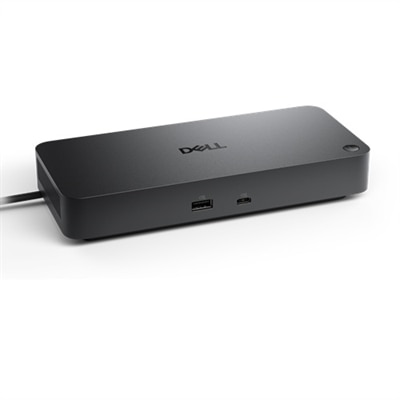
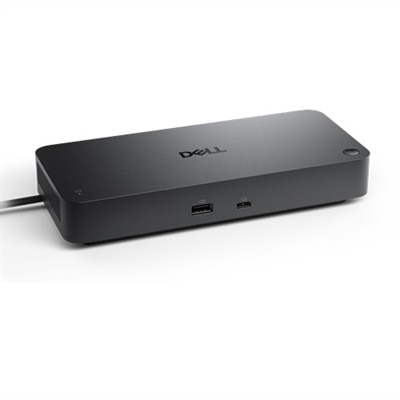
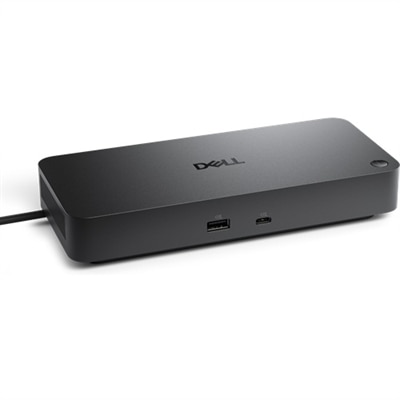
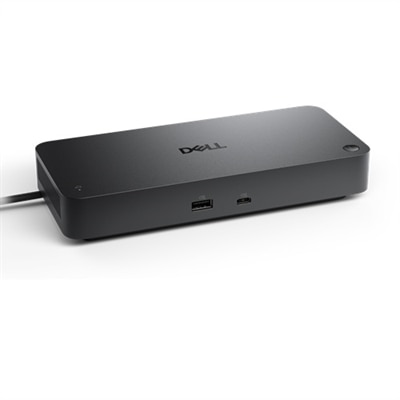
A powerful Thunderbolt 4 smart dock offering 130W power and remote management for multiple operating systems.
Hybrid office solutions empower teams to stay connected, productive, and flexible, no matter where work happens. Explore a curated selection of technology and tools designed to support seamless collaboration between remote and in-office environments. With hybrid office solutions, it's easier than ever to create a workspace that adapts to your team's evolving needs, helping everyone achieve their best work from any location.
A powerful Thunderbolt 4 smart dock offering 130W power and remote management for multiple operating systems.
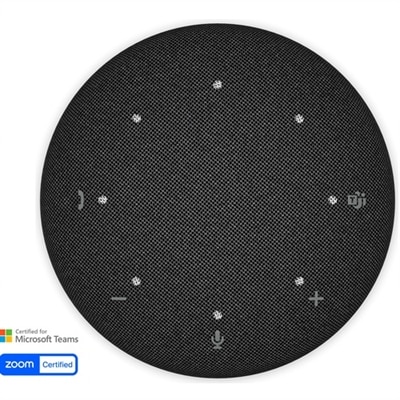
A portable wireless speakerphone featuring AI-powered dual-directional noise-canceling microphones for clear audio anywhere.
A 27-inch QHD IPS display with a 2K camera, dual microphones, and built-in speakers for seamless collaboration.
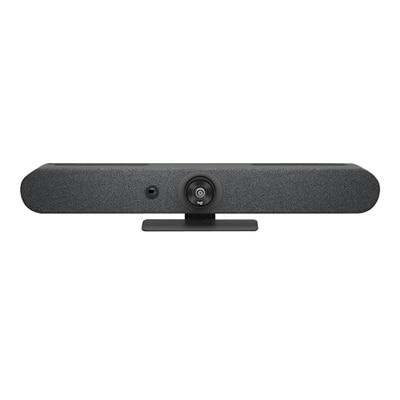
A graphite video conferencing camera offering AI-driven insights, seamless connectivity, and advanced audio engineering.
A 75-inch 4K touch monitor with 20-point InGlass Touch and USB-C power for seamless collaboration.
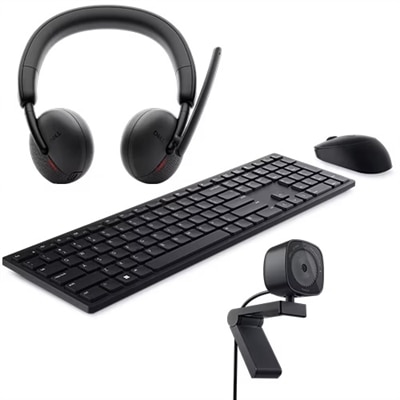
A productivity-enhancing bundle featuring a wireless keyboard, mouse, 2K webcam, and AI noise-canceling headset.
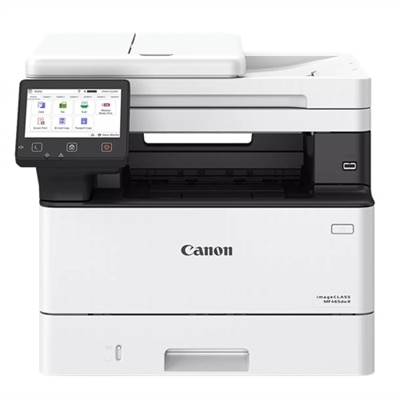
A fast, wireless duplex laser printer with a 5" touchscreen and automatic two-sided scanning for efficient workflows.
An immersive 49-inch dual QHD monitor with IPS Black panel and eco-friendly, arsenic-free glass.
A 42.5'' 4K monitor with multi-PC connectivity and four unique FHD partitions for enhanced productivity.
A versatile pro dock providing up to 100W power delivery and extensive connectivity options.
A 27-inch QHD monitor with Thunderbolt 4 connectivity, offering superior eye comfort and productivity.
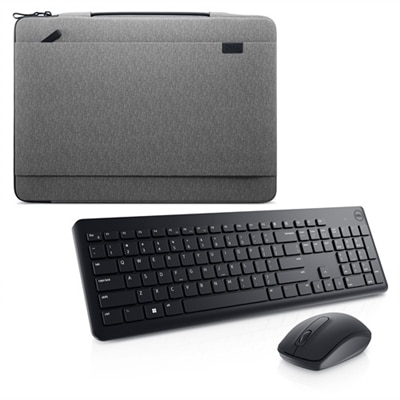
A sustainable heather gray sleeve paired with a wireless keyboard and mouse for seamless, clutter-free productivity.
A reliable wireless keyboard, mouse, and AI noise-cancelling headset combo for enhanced home office productivity.
A 37.5-inch WQHD+ curved monitor with IPS Black panel and 21:9 aspect ratio for immersive viewing.
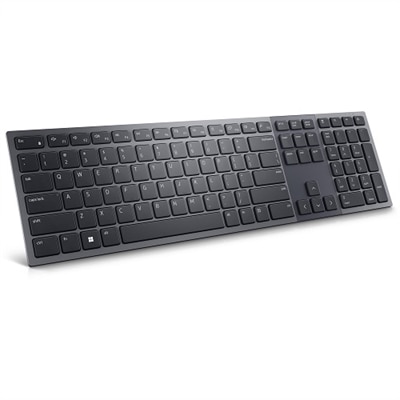
A Zoom-certified rechargeable keyboard with 15 programmable keys and a numeric keypad for enhanced productivity.
A versatile 14-inch portable monitor with a 16:10 aspect ratio and anti-glare, mercury-free glass.
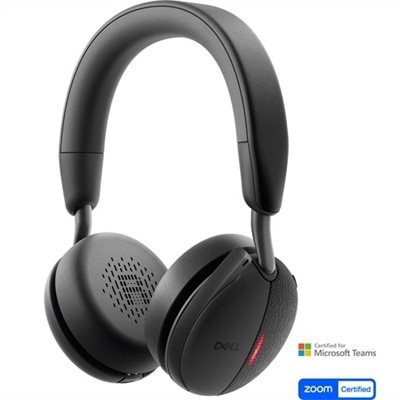
A wireless on-ear headset with AI-based microphone and Active Noise Cancellation for enhanced communication.
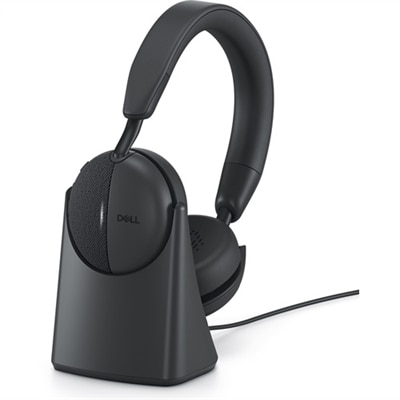
An on-ear headset with AI microphone, Hybrid ANC, and a wireless stand for rapid charging.
A versatile smart dock with up to 130W power delivery and remote management for multiple operating systems.
An all-in-one stand with integrated cable management and adjustable height for a tidy workspace.
An adjustable 23.8-inch monitor with eye comfort technology and eco-friendly materials for enhanced productivity.
A 27-inch 4K monitor with extensive connectivity and TUV-certified eye comfort technology.
A versatile pro dock with 130W power delivery, LED indicator, and broad operating system compatibility.
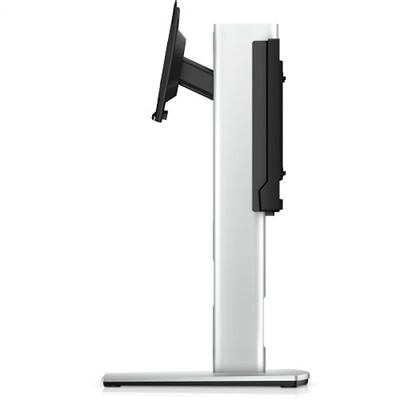
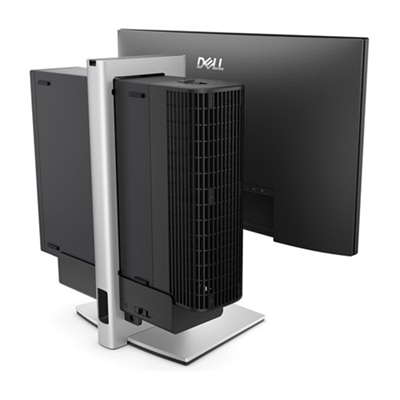
A silver ergonomic stand that secures a Slim desktop to a VESA-compatible monitor for a clutter-free workspace.
Hybrid office solutions bring together the flexibility of working from home with the structure and energy of a shared workplace. A well-planned hybrid setup gives employees a dependable place to focus, join meetings, handle projects and connect with colleagues, whether they are seated at a dedicated desk, moving between work areas or settling in at home. The most effective approach usually includes several types of work zones rather than one uniform arrangement. Quiet areas support writing, analysis and other tasks that require concentration, while collaborative spaces make it easier for small groups to review ideas, share screens and work through decisions together. Flexible layouts can include movable dividers, modular furnishings and desks that serve different people throughout the day, helping a workplace adapt when attendance changes. For additional inspiration across connected work styles, explore Smart Office Solutions. When choosing technology for a hybrid office, consider how each item will fit into the full workday. A laptop can provide a consistent experience across home, office and travel, while a desktop may be a practical choice for a permanent workstation or a role that benefits from a larger, fixed setup. A monitor can make long documents, spreadsheets and shared presentations easier to view, and a second screen can help keep a video meeting, reference material or project timeline visible without constant window switching. Accessories such as keyboards, mice, headsets, webcams and docking equipment can reduce clutter and make transitions between locations smoother. Look for comfortable designs, straightforward compatibility and simple controls that employees can learn without extensive support.
The right solution depends on the people using it, the spaces available and the rhythm of the organization. A small business may need a compact collection of flexible workstations that can serve several roles, while a larger team may benefit from clearly defined areas for private concentration, scheduled meetings and informal collaboration. Managers and team leads often need displays that make shared planning easier, along with reliable audio and video tools for conversations with colleagues who are working elsewhere. Designers, analysts and other visually focused professionals may place greater value on screen size, resolution and the ability to arrange multiple applications side by side. Employees who move between rooms or locations may prioritize lightweight devices, long battery life, comfortable input accessories and an easy way to reconnect to a larger display. Home workspaces deserve the same practical attention as office desks. A spare bedroom, dining nook or corner of a living room can become a productive work area when the screen is positioned at a comfortable height, lighting is controlled and cables are kept out of the way. During the cooler months, when more people may spend extended stretches indoors, these small details can make a noticeable difference. A supportive chair, clear desktop and dependable audio can turn a temporary arrangement into a workspace that feels calm and intentional.
Hybrid office technology also works best when it supports consistent habits rather than adding complexity. Before selecting equipment, measure the available desk space, identify the connections required and consider whether employees will use the same setup every day or share it with others. Standardizing a few essentials can make onboarding easier and help people move from a home office to a shared workspace with less adjustment. It is also useful to think about placement: displays should limit glare from windows, cameras should frame the speaker naturally, and microphones or headsets should help conversations remain clear without forcing someone to raise their voice. Shared rooms may benefit from a simple schedule or desk-booking process so employees know where to work when they arrive. A focus zone should be separated from high-traffic areas, while a collaboration space should provide enough room for participants to gather without crowding screens or work surfaces. Families, remote professionals and students may also appreciate many of these items as practical gifts, especially when a dedicated workspace is still taking shape. A monitor can give a learner more room for research and coursework, while a comfortable keyboard, mouse or headset can make remote classes, creative projects and everyday communication more manageable. Whether outfitting a home office, refreshing a team workspace or preparing a flexible environment for changing attendance, prioritize comfort, compatibility, ease of use and room to grow. The goal is a setup that fades into the background during focused work and feels ready when collaboration begins.
A hybrid office setup typically includes a combination of portable laptops or desktops, high-resolution monitors, ergonomic accessories such as keyboards and mice, and collaboration tools like webcams and headsets. These elements work together to support productivity and comfort whether you're working remotely or in a shared office space.
Hybrid office solutions are ideal for professionals who split their time between home and office, students engaged in remote learning, freelancers, and anyone who values flexibility in their work environment. These solutions are also useful for organizations aiming to support diverse work styles and enhance employee satisfaction.
Desk booking systems streamline the process of reserving workspaces in shared environments, making it easy for employees to find and book available desks. This supports flexible seating arrangements, optimizes office space usage, and helps teams collaborate more effectively by allowing them to choose where and how they work.
When selecting accessories for a hybrid office, look for ergonomic designs, wireless connectivity, and compatibility with your primary devices. Consider items like portable docking stations, noise-cancelling headsets, and adjustable stands to create a comfortable and efficient workspace wherever you are.
Technology supports collaboration in hybrid work environments by enabling seamless communication through video conferencing tools, shared digital workspaces, and real-time document editing. High-quality monitors, webcams, and audio equipment help ensure that both remote and in-office participants can engage and contribute effectively during meetings.
Add the products you would like to compare, and quickly determine which is best for your needs.