$239.99
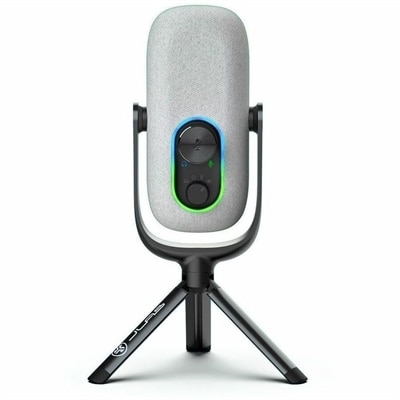
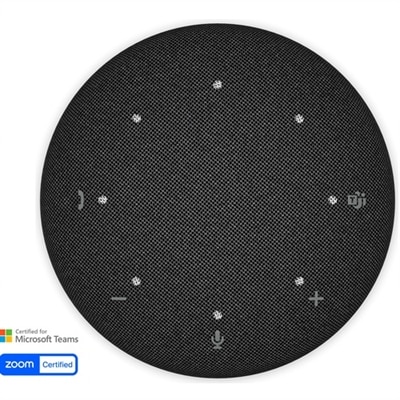
A smart conference speakerphone with eight microphones, 16-foot pickup, AI noise reduction, transcription, and 32GB storage.
Conference systems are essential tools for modern businesses, educational institutions, and remote teams seeking seamless communication and collaboration. Designed to support a variety of meeting environments, conference systems help facilitate clear audio and video connections, making virtual interactions more productive and engaging. Explore a wide selection of conference systems to find the right fit for your workspace, whether you're hosting large boardroom meetings or connecting with colleagues across different locations. Discover solutions that can help enhance your conferencing experience and keep your team connected efficiently.
A smart conference speakerphone with eight microphones, 16-foot pickup, AI noise reduction, transcription, and 32GB storage.
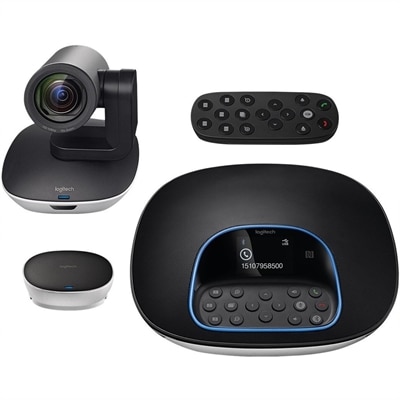
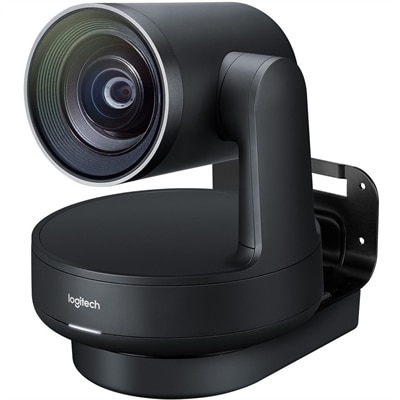
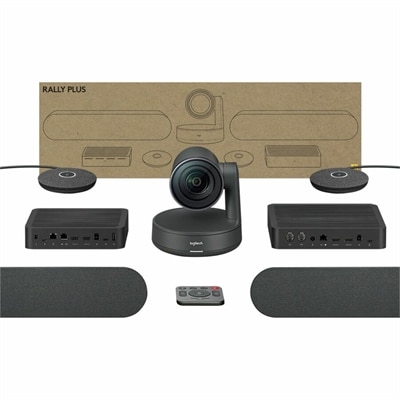
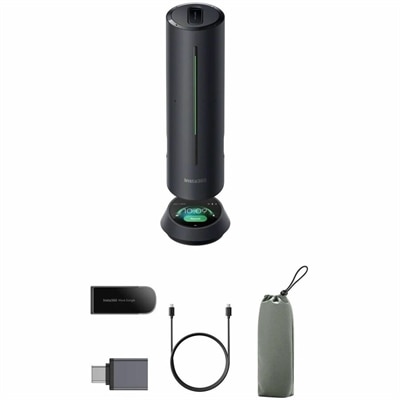
A plug-and-play conferencing system delivering 1080p video, 90-degree viewing, 10X zoom, and clear audio.
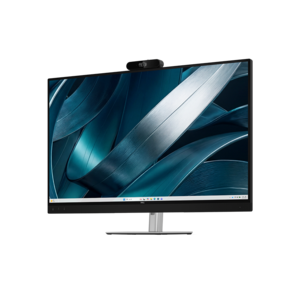
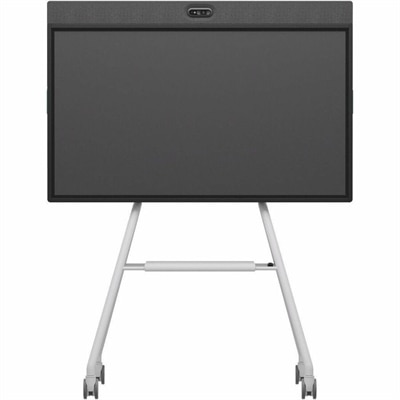
A 4K conferencing monitor with integrated webcam, speakers, and microphone, designed for effortless group collaboration.
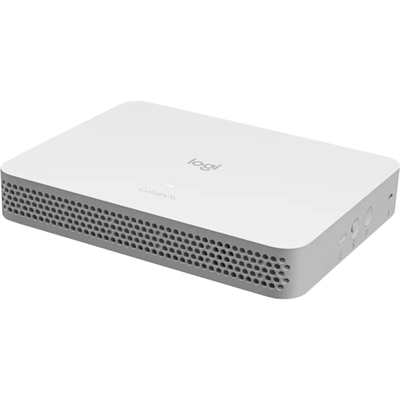
A purpose-built conferencing appliance supporting Zoom Rooms and Teams Rooms with USB cameras and HD displays.
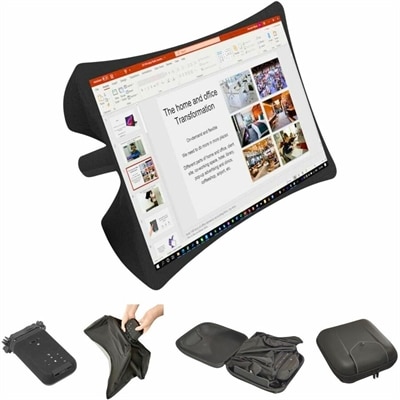
A foldable, rugged projection system with a nanomaterial screen, built-in battery, HDMI and USB-C connectivity.
A compact appliance bundle with touch-to-join control and remote management for rooms with existing conference cameras.
A studio-quality conferencing system with modular audio, voice clarity, cable management, and premium finishes.
An all-in-one mobile conferencing system with touchscreen collaboration, AI-powered audio/video, recycled plastic, and lockable cart.
Conference systems bring the essential tools for clear, productive meetings into one coordinated setup. A typical configuration may combine microphones, speakers, cameras, displays, connection accessories and software compatibility to help people communicate whether they are seated around a table or joining from another location. Audio is the foundation: voices should sound natural, with enough volume for everyone in the room and enough noise control to reduce keyboard clicks, air conditioning and other distractions. Options such as tabletop microphones, boundary microphones, ceiling-mounted microphone arrays and Conference Speakerphones can suit different room layouts and meeting styles. Speaker placement matters as well, since balanced coverage helps participants hear without leaning toward one side of the room. For video meetings, a high-definition camera can make remote attendees feel more present, while pan, tilt and zoom capabilities help capture a presenter, a whiteboard or a group discussion. Automatic framing and speaker tracking may be useful in spaces where people move around or take turns leading a conversation. A display with a sharp image makes shared documents, presentations and remote participants easier to see, particularly in rooms where people sit farther from the screen. Together, these components create a more consistent experience than relying on a single built-in laptop camera and microphone for every meeting.
When choosing a conference system, start with the room and the way people use it rather than selecting equipment by specifications alone. A compact huddle space may need a straightforward camera, microphone and display arrangement that can be started quickly, while a larger boardroom may benefit from multiple audio pickup points, broader camera coverage and a central control interface. Consider the number of participants, the shape of the table, the distance between seats and the amount of background noise. A glass-walled room, open office or space near a busy hallway may require stronger echo cancellation and noise reduction than a quiet private room. Compatibility is equally important. Many workplaces use more than one collaboration platform, so look for conference equipment that works with the applications used for video meetings, voice calls, screen sharing and calendar scheduling. Bring-your-own-device setups can make it easier for guests to connect a laptop, while dedicated room setups may offer a more consistent start-to-finish experience. Wired connections can provide dependable performance for fixed installations, and wireless casting can simplify presentations when several people need to share content. It is also worth checking connection types, cable length, mounting options, privacy features and the controls required to adjust volume, camera position or screen sharing. Clear status indicators and simple touch controls can reduce the few minutes of confusion that often delay a meeting. If the room changes frequently, choose equipment that can be repositioned or expanded without replacing the entire setup.
Conference systems can support a wide range of users, from small businesses and home offices to schools, healthcare teams, nonprofit organizations and larger workplaces with distributed employees. A sales team can use a camera and shared display to walk through a proposal with clients, while a training group can combine presenter video with shared materials so remote learners can follow along. Project teams may use a microphone arrangement that lets everyone contribute from around a table, and interview panels can use clear audio and video to create a more comfortable experience for candidates joining from elsewhere. Remote and hybrid workers may also appreciate a well-equipped meeting space at home, especially when a quiet room, laptop and monitor need to serve both focused work and group calls during the cooler months. For a thoughtful gift, conference accessories can be practical for a remote professional, student, consultant or small-business owner who regularly meets with clients or classmates, particularly when the accessory improves audio clarity or simplifies connections. Before purchasing, think about how often the system will be used, who will operate it and whether visitors need to connect without extensive setup. A reliable conference system should make conversation feel direct, presentations easy to follow and collaboration less dependent on where each participant happens to be. With the right combination of audio, video, display and connectivity features, a meeting room becomes a welcoming space where people can see, hear and work with one another more naturally.
Add the products you would like to compare, and quickly determine which is best for your needs.