$2649.99
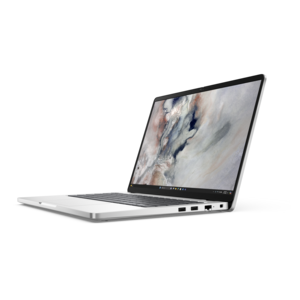
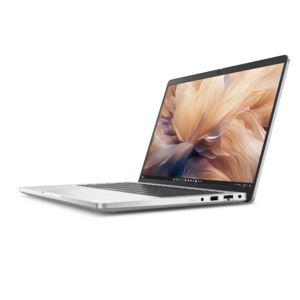
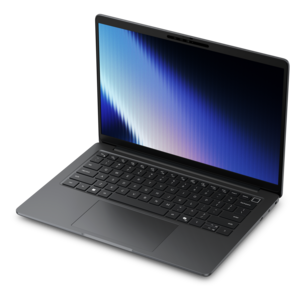
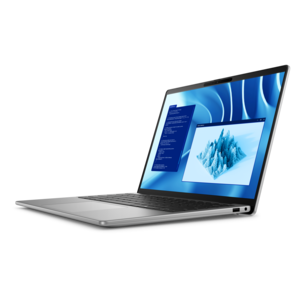
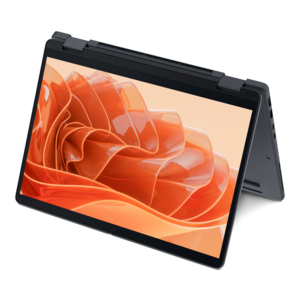
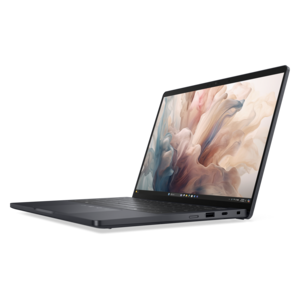
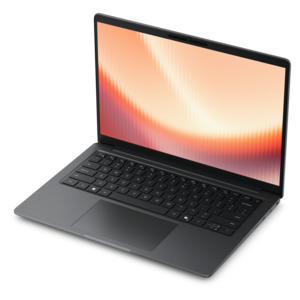
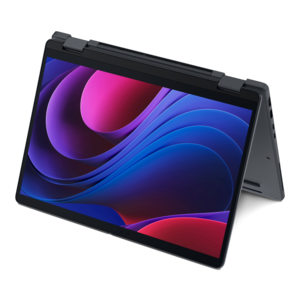
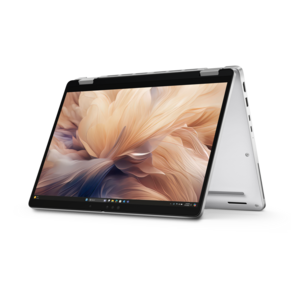
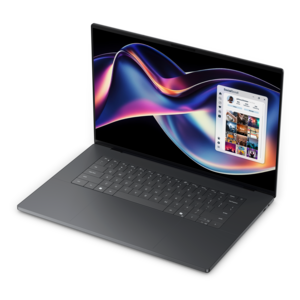
A thin, high-performance creator laptop delivering exceptional battery life for demanding creative work.
Elevate your creative potential with top-tier content creator laptops designed to meet the demands of artists, designers, and multimedia professionals. Whether you're editing videos, designing graphics, or producing music, these laptops offer the perfect blend of power, performance, and portability. Discover a range of options tailored to enhance your workflow and bring your creative visions to life with unparalleled efficiency. Explore our selection and find the ideal content creator laptop that matches your unique needs and style.
A thin, high-performance creator laptop delivering exceptional battery life for demanding creative work.
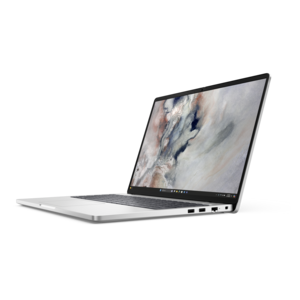
A laptop featuring an FHD camera, enlarged ergonomic keyboard, and AMD Ryzen™ processing.
A versatile 2-in-1 laptop with Intel Core processors, DDR5 memory, and multiple modes for creative work.
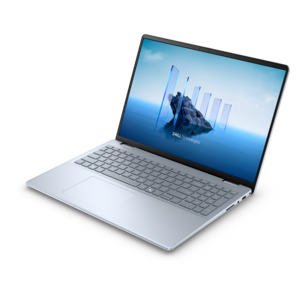
A modern laptop with AMD Ryzen™ processors, delivering effortless productivity and captivating entertainment in a design.
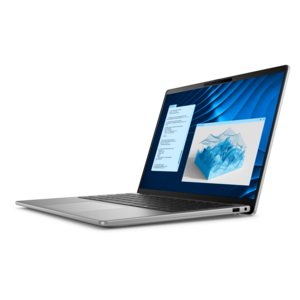
A stylish, lightweight AI-powered laptop designed to boost productivity for creatives and small businesses.
A sleek laptop powered by AMD Ryzen AI 400, designed for smooth, capable multitasking.
A durable modular laptop with robust security, a spacious 16:10 display, and built-in AI options.
A sleek laptop powered by the latest AMD Ryzen™ AI 400 Series processors for demanding users.
A versatile 2-in-1 laptop with AI experiences, all-day battery life, and seamless multitasking.
A professional laptop delivering powerful on-device AI, impressive unplugged performance, and groundbreaking battery life.
A durable modular laptop with a spacious 16:10 display, numeric keypad, robust security, and AI options.
A sleek laptop with AI-enhanced performance and accelerated creative workflows for demanding productivity.
A remarkably thin laptop powered by AMD Ryzen AI PRO 400 Series processors for professional performance.
A modern laptop with Intel® Core™ processors and graphics for effortless productivity and captivating entertainment.
A laptop with modular design, durable construction, 16:10 display, numeric keypad, robust security, and AI options.
A lightweight AI-powered laptop with Intel Arc graphics, designed for creative professionals and small businesses.
A commercial AI laptop with advanced security, scalability, and a sleek, durable aluminum body for productivity.
A remarkably thin professional laptop combining portability and performance with Intel Core Ultra Series 3 processors.
A premium laptop delivering powerful on-device AI, game-changing unplugged performance, and outstanding battery life.
A remarkably thin 2-in-1 laptop powered by AMD Ryzen AI PRO 400 Series processors for performance.
A lightweight AI PC delivering outstanding performance and battery life for highly mobile professionals.
A remarkably thin laptop powered by AMD Ryzen AI PRO 400 Series processors for professional performance.
A thin 2-in-1 laptop combining versatility, portability, and performance with Series 3 Intel Core Ultra processors.
A secure, scalable commercial AI laptop in a sleek, durable aluminum body for on-the-go multitasking.
Content creator laptops are designed for people who do more than browse the web, stream video or work with basic documents. They provide the responsive performance and visual quality needed to turn ideas into polished photos, videos, illustrations, animations, podcasts and other digital projects. A photographer may use one to organize large image libraries, adjust exposure and color, and export high-resolution files while traveling between shoots. A video creator may build a multi-layer timeline, preview effects, record voiceover and produce a finished 4K file from the same computer. Graphic designers, social media professionals, musicians, students, freelancers and small-business owners can also benefit from a laptop that keeps creative tools, reference material and communication apps running together without constant pauses. When comparing options, begin with the processor, since a modern multi-core CPU helps with importing media, applying effects, rendering previews, compressing files and exporting finished work. A dedicated graphics processor can provide an important advantage for 3D modeling, motion graphics, advanced video effects, image enhancement and other workloads that use GPU acceleration. Integrated graphics may be sufficient for light photo work, illustration and everyday editing, but creators handling demanding projects should consider a laptop with dedicated graphics and enough graphics memory for their preferred applications. Memory matters just as much: 16GB can support many entry-level photo and 1080p video workflows, while 32GB or more gives demanding editors greater room for 4K footage, large layered files, virtual instruments, browser tabs and background applications. Fast solid-state storage also makes a noticeable difference when launching software, opening project files and moving between folders. Since raw photos, recorded footage and project caches can consume space quickly, a generous internal drive is helpful, and compatibility with external storage can make it easier to archive completed work without slowing down the main workspace. For additional guidance on choosing a system around editing performance, explore Laptops For Editing.
The display is one of the most important parts of a content creator laptop because it is where color, detail and timing come together. Look for a high-resolution screen that keeps text sharp and lets you inspect fine lines, skin tones, shadows and small interface controls without excessive scrolling. A panel with broad color coverage and strong color accuracy is especially valuable for photography, video editing and design, where an image that looks correct on the laptop should remain dependable when viewed on another display or prepared for print. Coverage of familiar creative color spaces such as sRGB or DCI-P3 can help indicate how much of a project’s intended color range the screen can reproduce, while a brighter panel is easier to see in a sunny room, shared workspace or outdoor setting. OLED and Mini-LED displays may offer rich contrast and deep blacks, although display choice should also take viewing comfort, battery use and the kind of work being done into account. A higher refresh rate can make scrolling, animation previews and general navigation feel smoother, while a touch display or pen support may suit illustrators, note-takers and creators who prefer to work directly on the canvas. Port selection deserves equal attention. An SD or microSD card reader can simplify transfers from cameras and audio equipment; HDMI can connect a larger monitor or television; and high-speed USB or Thunderbolt connections can support docks, external drives, capture devices and other accessories. A comfortable keyboard, precise trackpad, capable webcam and clear microphones are useful for planning sessions, client calls, livestreams and remote collaboration. Battery capacity, charging speed, weight and cooling also shape the experience. A powerful laptop may produce impressive exports but use more energy under sustained workloads, so a creator who moves from a home studio to a classroom, café or production location may value a balance of performance and portability. Quiet operation is helpful during recording, while effective thermal design allows the processor and graphics hardware to maintain performance during long renders rather than slowing sharply after a few minutes.
The right content creator laptop depends on the type of work, the software involved and the way projects move from capture to completion. Someone creating short social videos, product photos or digital artwork may prioritize a vivid display, dependable battery life and a lightweight design. A filmmaker working with multiple 4K streams, color grading, visual effects or 3D scenes should place greater emphasis on a high-performance multi-core processor, dedicated graphics, at least 32GB of memory and fast, spacious storage. Musicians and podcasters may look for quiet cooling, reliable audio connections and enough processing headroom for many tracks and effects, while a student or new creator may prefer an adaptable configuration that leaves room to develop skills without paying for capabilities they will not use. Check the technical requirements of the applications used most often, including recommended memory, graphics support, storage space and operating system compatibility. It is also wise to account for the size of existing media libraries, the resolution of cameras and monitors, and whether projects will be edited at home or in several locations. A laptop can be an especially thoughtful gift for a graduating student, aspiring photographer, video enthusiast, artist or family member building a portfolio, provided its capabilities match that person’s interests and workflow. Accessories such as a color-conscious external monitor, drawing device, camera card reader, portable drive, comfortable mouse or quality headset can extend the workspace over time. During the warmer and cooler parts of the year alike, content creators may carry their work between rooms, studios and shared spaces, making a sturdy build, manageable weight and dependable connectivity as meaningful as raw speed. By weighing processor performance, graphics capability, memory, storage, display quality, ports, battery life and comfort together, shoppers can choose a creative workstation that feels responsive during the first project and remains useful as ideas, files and ambitions grow.
Add the products you would like to compare, and quickly determine which is best for your needs.