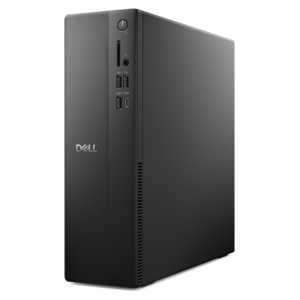
$899.99
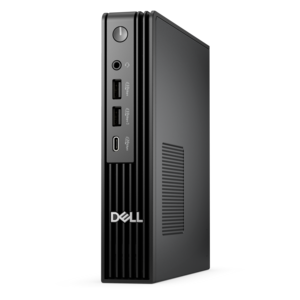
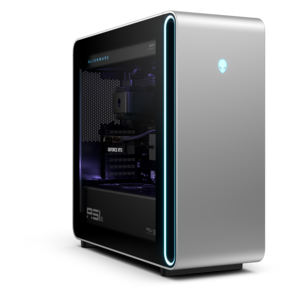
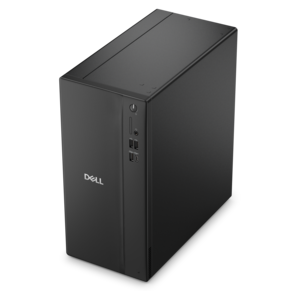
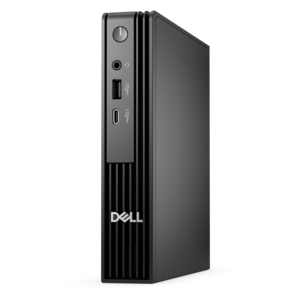
A versatile desktop for everyday productivity and creative tasks.
Explore desktop computers for your home or workspace, and compare desktop PCs based on the tasks you need to handle. Consider processor performance, memory, graphics, and available ports alongside size and form factor to find a computer that fits your setup.
A versatile desktop for everyday productivity and creative tasks.
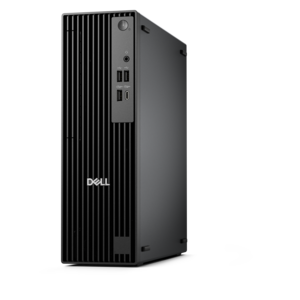
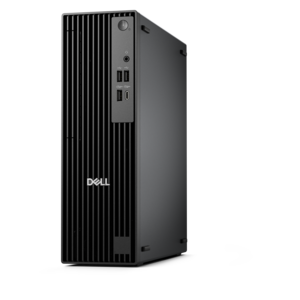
A compact desktop delivering reliable performance and security for everyday productivity.
A space-saving desktop engineered for exceptional speed and efficiency in a sleek, compact design.
A high-performance AI-ready business desktop with security, seamless manageability, and expandable capabilities for demanding tasks.
A powerful desktop designed to boost everyday productivity in a streamlined setup.
A compact desktop designed for everyday productivity and creative tasks.
A scalable tower workstation delivering reliable, outstanding performance for demanding multi-threaded applications.
A business-ready tower desktop with AI-enhanced productivity, robust security, seamless manageability, and expandable performance.
A business-ready tower desktop delivering reliable everyday performance with essential security features for productive workflows.
A reliable workstation desktop delivering excellent performance with professional graphics for demanding productivity and creative workloads.
An AI-powered Copilot+ PC featuring Series 3 Intel Core Ultra processors for efficient performance.
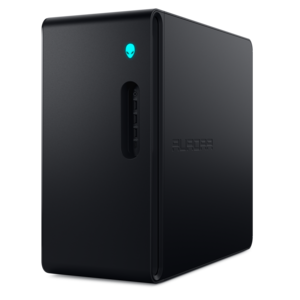
A purpose-built gaming desktop featuring efficient airflow and improved acoustics for immersive play in any setting.
An ultracompact, high-performance business desktop with optional AI capabilities, robust security, and seamless manageability.
A space-saving business desktop delivering reliable everyday performance with essential security features for productive work.
An ultracompact AI-ready desktop delivering robust business performance with exceptional security and seamless manageability.
A powerful gaming desktop featuring an advanced design for a legendary gaming experience.
A business-ready tower desktop delivering dependable performance and security for everyday productivity workloads.
An ultracompact business desktop offering Copilot+ PC options, AI-enhanced productivity, robust security, and seamless manageability.
A business-ready tower desktop with Copilot+ PC options, robust security, manageable features, and expandable performance.
A flagship gaming desktop featuring AMD Ryzen 9000X3D series processors, advanced design, and high-performance hardware.
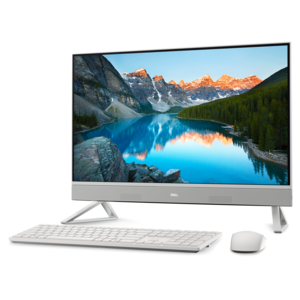
A space-saving all-in-one desktop designed for productive work and immersive entertainment.
A compact thin client supporting cloud software, ThinOS, Windows 11 IoT Enterprise, or no operating system.
A compact, high-performance desktop with AI PC options, robust security, and streamlined manageability for demanding workloads.
A sleek all-in-one desktop featuring a spacious display for streamlined computing and everyday productivity.
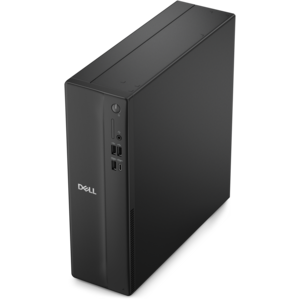
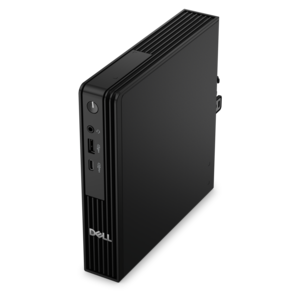
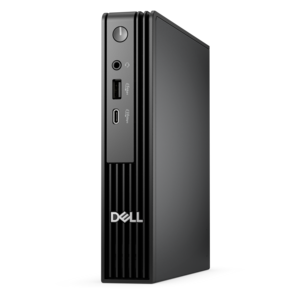
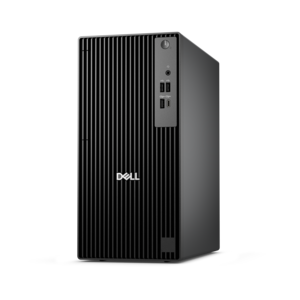
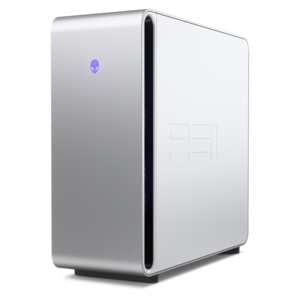
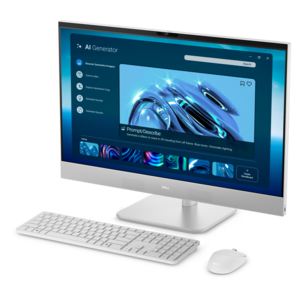
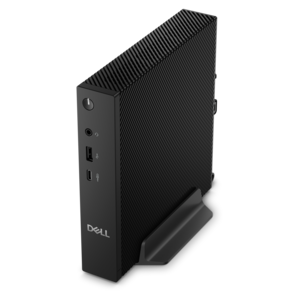
A desktop computer is a personal computer designed to stay in a fixed location, usually on or near a desk, with a setup suited to regular work, study, entertainment, or creative projects. Desktop computers come in several common forms: traditional towers, all-in-one computers, and compact mini PCs. A tower houses the main components in a separate case and connects to a monitor, keyboard, and mouse, giving the workspace flexibility as needs change. Depending on the design, a tower may also have room for additional internal components or future upgrades. An all-in-one computer combines the main computing components and display in a single housing, reducing the number of separate pieces on the desk. This format can suit a home office, a shared family workspace, or a small apartment where a tidy arrangement matters. Mini PCs use a compact enclosure and connect to an external display, making them useful where desk space is limited; some support compatible mounting brackets that position the computer behind a monitor. The best physical fit depends on more than the size of the computer itself. A tower needs clearance around its vents, an all-in-one needs enough depth for its stand, and any setup needs space for comfortable keyboard and mouse use. Many desktop enclosures combine metal structural parts with plastic panels, with construction, weight, and access to internal components varying by design. A computer tucked beneath a desk should remain clear of feet, loose fabric, and crowded cable bundles rather than disappearing into an enclosed corner. On a narrow writing desk, a compact computer and a carefully sized monitor can leave room for a notebook and a cup of coffee kept safely away from electronics. In a dedicated office, a larger tower may fit comfortably beside the desk while the display stays at a useful viewing height. These differences make desktop computers adaptable to both streamlined spaces and permanent workstations built around a full day of use.
Desktop performance depends on the combination of processor, memory, drive, and graphics capabilities, not simply the size of the case. Everyday activities such as checking email, writing documents, attending video calls, and browsing the web generally require less computing power than editing high-resolution video or playing demanding games. For a workspace centered on these familiar tasks, Entry Level Desktops provide a relevant category to explore. A processor handles the instructions that keep applications running, while memory gives active programs room to work. Enough memory for the intended workload helps when a browser full of research tabs sits alongside a spreadsheet, a presentation, and a video meeting. A solid-state drive can support responsive startup and application loading, while its capacity determines how much room is available for installed programs, photos, videos, and other local files. Creative workloads have their own demands: organizing a family photo collection is different from working with large image files, layered artwork, or lengthy video projects. Integrated graphics can handle many everyday visual tasks, while dedicated graphics may be appropriate for demanding games, certain design applications, and other graphics-intensive work. Actual requirements depend on the software, screen resolution, and complexity of the project. For gaming desktops, graphics performance, cooling, and the demands of individual games all matter, especially when a higher-resolution display is part of the setup. The monitor also shapes the experience of using a desktop. A larger screen can make side-by-side documents easier to arrange, and a second display can keep reference material visible without constant window switching. Support for multiple displays varies by computer, so compatible video connections and supported resolutions are important details. Ports matter in ordinary routines, too: connecting a keyboard, mouse, headset, external drive, or camera is simpler when the computer has the right connections in accessible locations. For frequent video calls, a compatible webcam and microphone may be needed unless they are built into the setup. An all-in-one may integrate some of these features, while a tower or mini PC typically relies on separately connected accessories.
A desktop computer works best as part of a workspace that supports the person using it. Students may use one for research, assignments, and online coursework; remote workers may keep documents and communication tools open throughout the day; and creative users may spend hours refining photographs, illustrations, or video timelines. A shared household computer can provide a consistent place for managing appointments, completing forms, printing documents, and keeping personal projects organized. Separate user accounts help keep each person’s files and preferences distinct, while built-in accessibility settings and compatible accessories can make the setup more comfortable for different users. Screen height, readable text, an appropriately positioned keyboard, and room to move a mouse all contribute to a practical arrangement. For someone receiving a desktop as a birthday or graduation gift, the available desk space, intended software, and need for a monitor and accessories matter as much as the computer’s specifications. Long-term durability also depends on everyday conditions and care. Clear vents allow cooling systems to move air, and a firm, stable surface helps keep the enclosure secure. Dust buildup, pet hair, and clutter around vents can interfere with airflow, particularly in a computer that stays in the same corner for years. Exterior cleaning should follow the manufacturer’s directions, with the computer powered down and liquids kept away from openings; screen care may require different materials from those used on the enclosure. Regular operating system and application updates help maintain compatibility and security, and backups protect important files if the computer is damaged or a component fails. Repairability and upgrade options vary considerably. Some towers allow access to replaceable memory, drives, or graphics components, while compact computers and all-in-one designs may offer fewer changes. A desktop suited to its intended workload, with appropriate cooling and a comfortable physical setup, can become a dependable part of daily life, from a quiet morning of household tasks to an evening spent creating, studying, or playing.
Add the products you would like to compare, and quickly determine which is best for your needs.