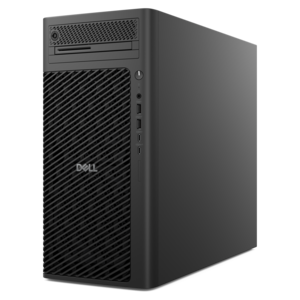
$1499.00
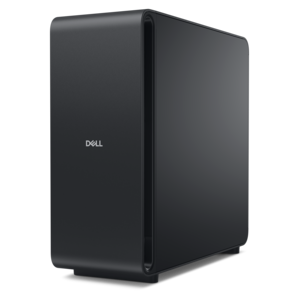
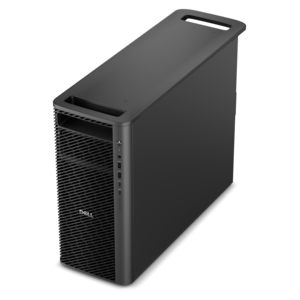
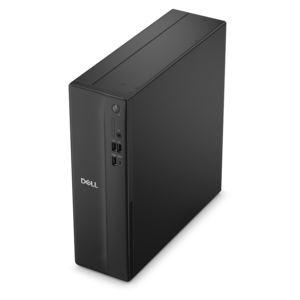
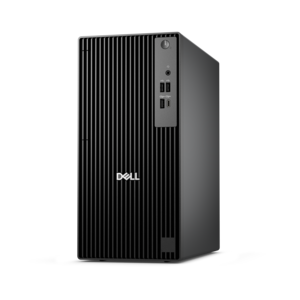
A scalable desktop delivering the world’s fastest single-threaded performance for demanding professional workloads.
Experience seamless streaming with our top-tier selection of desktops for streaming. Whether you're broadcasting your gameplay, hosting a live event, or enjoying high-definition content, our desktops offer the performance and reliability you need. Designed to handle demanding tasks with ease, these desktops ensure smooth and uninterrupted streaming sessions. Explore our range of powerful machines tailored to elevate your streaming experience to the next level.
A scalable desktop delivering the world’s fastest single-threaded performance for demanding professional workloads.
A slim desktop delivering exceptionally fast CPU and GPU performance for demanding professional workloads.
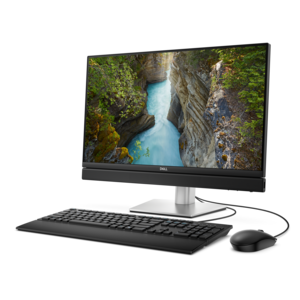
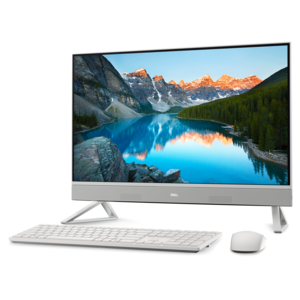
A space-saving all-in-one desktop designed for productive work and immersive entertainment.
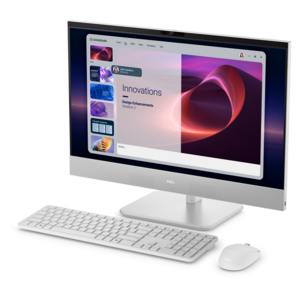
A space-saving, AI-ready all-in-one desktop with a 24-inch display and streamlined security and manageability features.
A powerful desktop featuring advanced graphics and expansive upgradeability for creative workflows, gaming, and demanding performance.
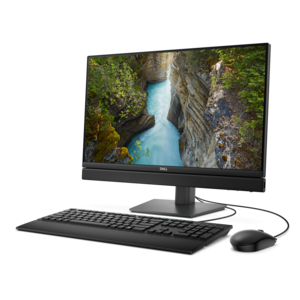
An all-in-one desktop offering space-saving design for productivity and entertainment.
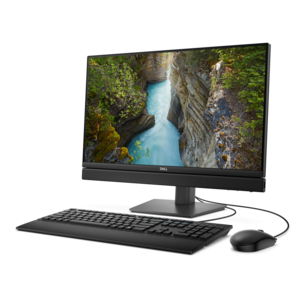
An AI-ready all-in-one desktop with an optional 5MP IR camera and streamlined security and manageability features.
A high-performance desktop combining Intel Xeon 6 processors and advanced graphics for demanding professional workloads.
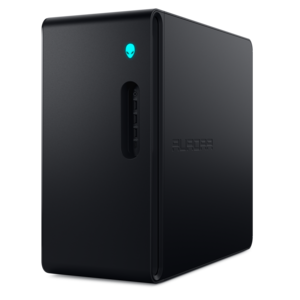
A gaming desktop with a purpose-built design, efficient airflow, and improved acoustics for versatile setups.
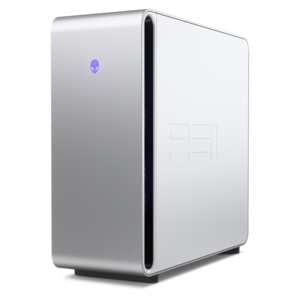
A flagship gaming desktop with advanced design and up to AMD Ryzen 9000X3D series processors for gameplay.
A high-performance desktop powered by the NVIDIA Grace Blackwell Ultra Desktop Superchip with MaxCool technology.
A scalable professional desktop delivering elite computing power with massive expandability.
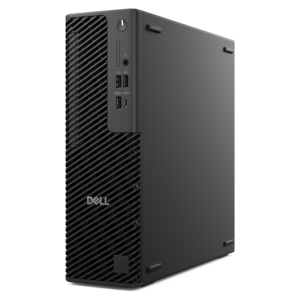
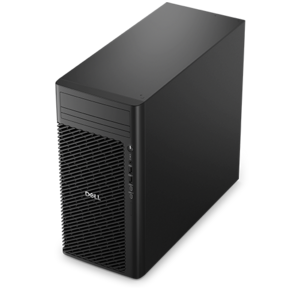
A business-ready tower desktop delivering reliable everyday performance with essential security features for productive workflows.
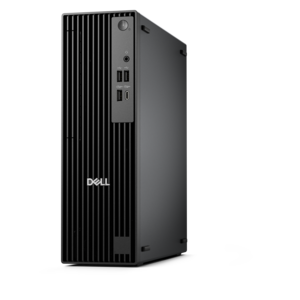
A space-saving business desktop delivering reliable everyday performance with essential security features for productive workflows.
A powerful desktop designed to boost everyday productivity in a streamlined setup.
A compact desktop delivering reliable performance and security for everyday productivity.
A space-saving desktop delivering reliable performance and security for everyday productivity.
A reliable workstation desktop delivering excellent performance with professional graphics for demanding productivity and creative workloads.
A business-ready tower desktop with Copilot+ PC options, robust security, manageable features, and expandable performance.
A sleek all-in-one desktop featuring a spacious display for streamlined computing and everyday productivity.
A compact, high-performance desktop with AI PC options, robust security, and streamlined manageability for demanding workloads.
A space-saving desktop engineered for exceptional speed and efficiency in a sleek, compact design.
A business-ready tower desktop with AI-enhanced productivity, robust security, seamless manageability, and expandable performance.
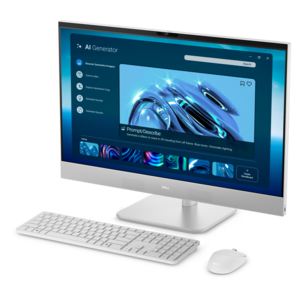
A space-saving all-in-one desktop with AI options, enhanced productivity, and robust security and manageability features.
Desktops for streaming bring together the processing power, graphics capabilities, and connectivity needed to share live video while keeping everyday tasks responsive. For a creator broadcasting a game, hosting a live conversation, or demonstrating a digital art project, the computer often runs several jobs at once: capturing video, mixing microphone audio, displaying chat, and recording a copy for later editing. A well-matched configuration gives those tasks room to run without making every scene change or application switch feel like an interruption. For gaming and livestreaming on the same desktop, a modern multicore processor, a compatible hardware video encoder, and sufficient memory form a practical foundation. An eight-core processor can provide useful headroom for demanding games and background applications, although core count alone does not determine performance; processor generation, architecture, and the software being used also matter. A dedicated graphics card with hardware encoding can handle much of the video-compression workload, leaving more processor capacity for the game and other applications. Some integrated graphics also support hardware encoding and can suit lighter broadcasts, such as webcam conversations or screen-sharing sessions. Around 16GB of memory can support a straightforward streaming setup, while 32GB offers more breathing room for gaming, animated overlays, browser tabs, and simultaneous recording. More demanding editing or production work may benefit from additional memory, but extra capacity is most useful when the workload can actually use it. These distinctions separate a desktop intended for creating live content from one used primarily to watch movies, sports, or recorded videos, which generally needs far less computing power. A student sharing a creative project, a musician performing from a home studio, and a gamer broadcasting a fast-moving match may all use streaming desktops, but their priorities differ. The common thread is a balanced system that suits the content, the applications, and the length of a typical session rather than a single impressive specification.
The rhythm of a broadcast makes some desktop features especially noticeable. During a fast-moving game, the graphics hardware must render the action while the system captures frames and prepares them for the audience. Hardware encoding can reduce the strain, but it does not eliminate every performance limit, so a gaming and streaming desktop benefits from graphics headroom beyond what the game alone requires. Compatibility between the encoder, broadcast software, and streaming platform matters as much as the presence of an encoder itself. A 1080p broadcast at 60 frames per second places different demands on a system than a mostly stationary presentation at 30 frames per second, and higher resolution does not automatically produce a clearer stream if the internet upload connection cannot sustain the selected bitrate. Smooth results depend on the full combination of computer performance, encoding settings, and connection consistency. Fast solid-state drives help applications launch promptly and make large recordings easier to work with. A 1TB SSD can be a useful starting point for a desktop that holds games, creative applications, and locally recorded video, although recording quality and session length determine how quickly that space fills. Someone who keeps every two-hour broadcast will need more room than someone who saves only short highlights. Connections also shape the experience: a webcam, microphone, capture device, keyboard, and mouse can occupy several ports before any other accessories are added. Multiple display outputs can support a main screen for the content and a second monitor for chat, audio levels, and broadcast controls, provided the graphics configuration supports the intended displays. A console-focused creator may use a compatible capture device to bring gameplay into the desktop, while a dedicated second computer can take on broadcast duties in a two-computer arrangement. Neither approach is necessary for every creator; a capable single desktop often keeps the workspace simpler. For a broader view of systems suited to live content creation, Computers for Streaming provides a related starting point beyond the desktop format.
Physical design matters when a streaming desktop shares space with a microphone, lighting, and a camera. A compact case can leave more room for a drawing tablet or music controller, while a larger tower may offer additional expansion space and more flexibility for cooling. Exterior dimensions are only part of the fit: cables need clearance behind the case, vents need unobstructed space, and front-facing ports should remain easy to reach. Placing a tower inside a tight cabinet or directly against a wall can restrict airflow, particularly during long sessions that keep the processor and graphics hardware busy. Case construction varies, with metal frames, plastic panels, mesh openings, and sometimes glass side panels contributing to weight, appearance, and access. A glass panel adds a clear view of the interior but needs careful handling, while ventilation and accessible dust filters can make routine upkeep more manageable. Cooling design also affects the sound of a broadcast. Fans working hard beside a sensitive microphone may become audible during a quiet conversation, even when the desktop is performing normally. Thoughtful placement, suitable airflow, and microphone positioning can help keep mechanical noise out of the foreground without enclosing the computer. Regular care includes keeping vents clear, cleaning filters according to the manufacturer's directions, and powering down before appropriate maintenance. Software updates and compatible drivers help support reliable operation, though major changes are better tested before an important broadcast than moments before going live. For long-term use, accessible memory slots and documented component compatibility can make future upgrades more practical; not every desktop supports the same changes. These details matter to frequent creators building a lasting workspace as well as occasional streamers who also use their computer for school, work, or entertainment. As a gift for an aspiring broadcaster or creative hobbyist, a desktop is most useful when matched to the recipient's existing monitor, peripherals, software, and available space. The result is a setup that feels comfortable through an evening of gameplay, a live workshop, or a relaxed conversation with viewers, with the computer supporting the activity rather than competing for attention.
Add the products you would like to compare, and quickly determine which is best for your needs.