$409.00
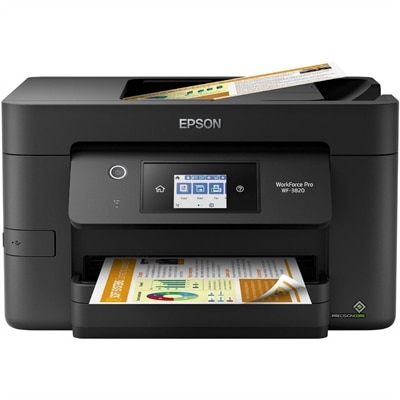
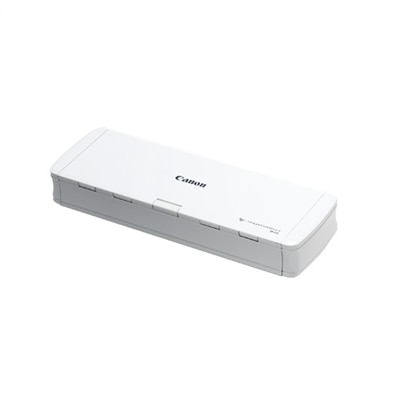
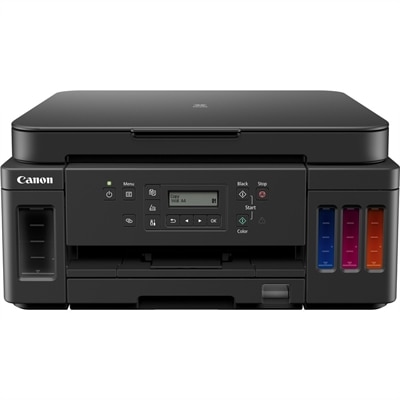
A 600 dpi scanner with duplex scanning at 45 ppm, 60-sheet ADF, and OCR-enabled searchable PDFs.
Explore a wide selection of document readers designed to make accessing and managing your digital documents effortless. Whether you need a reliable solution for work, school, or personal use, document readers offer convenient ways to view and interact with various file formats. Find the perfect option to streamline your workflow and enhance productivity with document readers suited for every need.
A 600 dpi scanner with duplex scanning at 45 ppm, 60-sheet ADF, and OCR-enabled searchable PDFs.
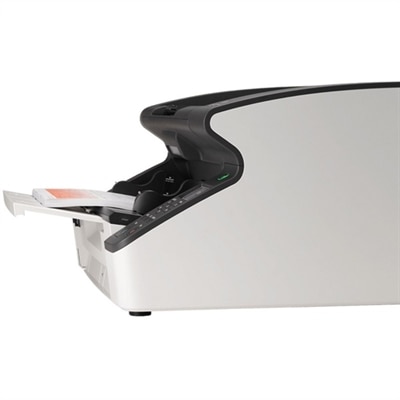
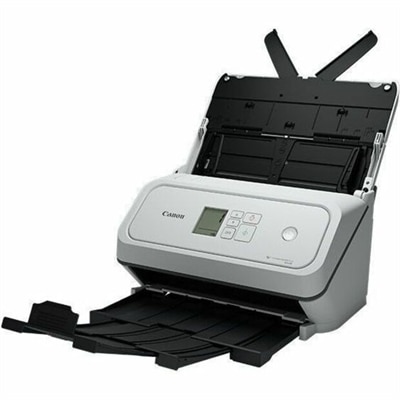
A USB scanner with 600 dpi optical resolution, 90-ppm duplex scanning, and a 300-sheet feeder.
Document readers are software applications and device-based tools that help you open, view, search, organize, and work with digital documents in everyday settings. They commonly support PDF, DOC, DOCX, XLS, XLSX, PPT, PPTX, TXT, image, and other widely used file formats, making it easier to access everything from invoices and application forms to presentations, spreadsheets, scanned records, and reference materials. A document reader may be used as a straightforward viewer for opening a file, or it may include practical features such as page thumbnails, bookmarks, full-text search, zoom controls, text selection, printing, file sharing, and cloud storage access. Some applications can display password-protected or encrypted documents, while others can recognize text within scanned pages through optical character recognition. When choosing from document reader products, begin with the devices and operating systems that will be used most often. A Windows laptop or desktop may be the primary choice for school, work, and household administration, while a mobile device can provide convenient access when traveling, commuting, or handling paperwork away from a desk. Compatibility with the file formats you receive is equally important, particularly if documents arrive as spreadsheets, slide presentations, scanned images, or large PDF files. A clear interface, dependable performance, and support for accessibility features can make a noticeable difference when reading for long periods or managing a large collection of files.
The right document reader can make routine tasks feel less scattered. Imagine opening a folder containing a lease, a school permission form, a repair estimate, and several scanned receipts; instead of searching through separate applications or printing each page, a capable reader can bring those files into one organized workspace. Look for tools that make navigation intuitive, with quick access to recent files, page previews, bookmarks, and search results that are easy to follow. Annotation features are useful for highlighting a passage, adding a note beside a figure, drawing attention to a signature line, or marking a document for later review. If the reader is intended for professional use, consider support for commenting, form filling, digital signatures, redaction, document comparison, and controlled sharing. For students and remote workers, smooth scrolling, adjustable text size, split-screen viewing, and reliable cloud access can help keep research and assignments moving without unnecessary interruptions. Those who handle household paperwork may value simple scanning, file naming, folder organization, and the ability to save a completed form without printing it. A larger monitor can provide a comfortable view of two pages or a document beside a reference window, while a portable laptop or mobile device can keep important files available during appointments, travel, or a quiet afternoon at a café. For more advanced PDF workflows on a Windows computer, PDF Editing Software For Windows can be considered when viewing needs extend to editing and document preparation.
Document readers are useful for a wide range of people, from students and educators to office teams, freelancers, homeowners, and family members who want a cleaner way to manage digital paperwork. They can also be a thoughtful technology gift for someone setting up a home office, returning to school, organizing personal records, or replacing a paper-heavy filing routine. During the cooler months, when more time may be spent indoors sorting receipts, reviewing insurance documents, preparing travel paperwork, or catching up on reading, a reliable reader can help turn a crowded digital folder into a more manageable library. Before selecting one, review the supported platforms, file formats, privacy practices, storage options, and system requirements. Check whether the application works offline, whether it can open files directly from email or cloud folders, and whether it preserves document formatting when files are viewed on different screens. Security is another important consideration: choose solutions with trustworthy update practices and features that help protect confidential financial, medical, academic, or work-related information. Performance matters as well, especially when opening lengthy reports, image-heavy PDFs, scanned manuals, or presentations with embedded graphics. A reader that loads pages promptly and maintains clear text at different zoom levels can reduce eye strain and make extended sessions more comfortable. Whether the goal is simply to read a file, keep references close at hand, annotate a contract, complete a form, or maintain a well-ordered digital archive, document reader products offer a practical way to make everyday information easier to access and use across compatible computers and mobile devices.
Add the products you would like to compare, and quickly determine which is best for your needs.