$699.99
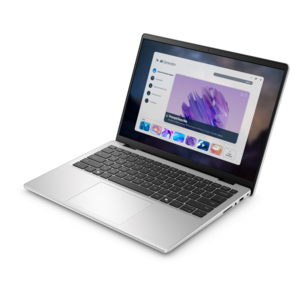
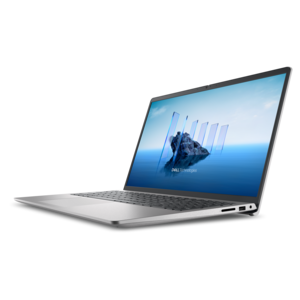
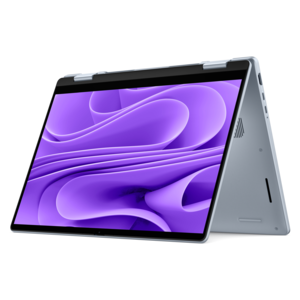
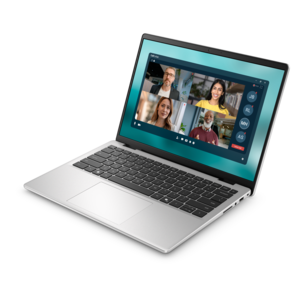
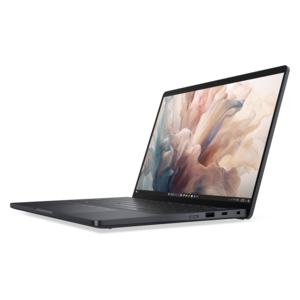
A thin, lightweight laptop crafted from eco-friendly materials with Series 3 Intel Core processors for productivity.
Find laptop essentials for students to support coursework, online classes, and everyday study sessions. Compare options for your setup with your laptop’s compatibility, available desk space, and portability needs in mind, focusing on what fits your study routine and budget.
A thin, lightweight laptop crafted from eco-friendly materials with Series 3 Intel Core processors for productivity.
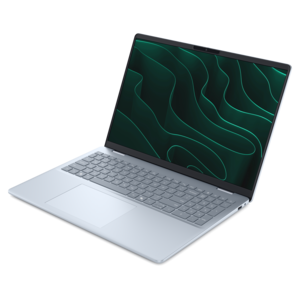
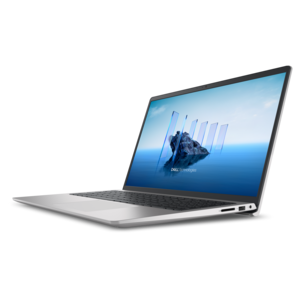
A portable laptop with a sleek design, 16:10 display, and AI PC options for productivity anywhere.
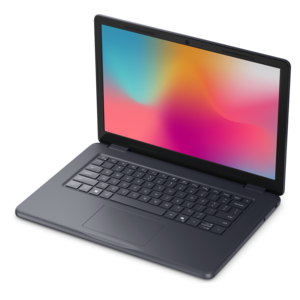
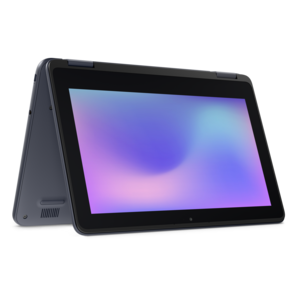
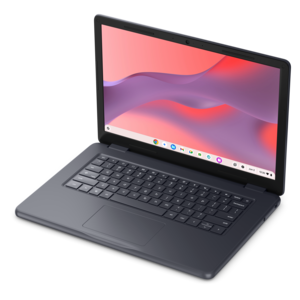
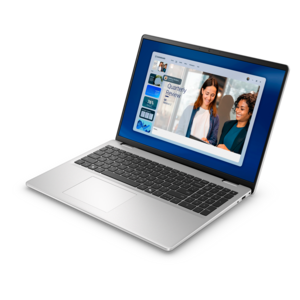
A durable, serviceable laptop designed specifically for demanding education environments.
A thin, lightweight laptop made with eco-friendly materials and Series 3 Intel Core processors for productivity.
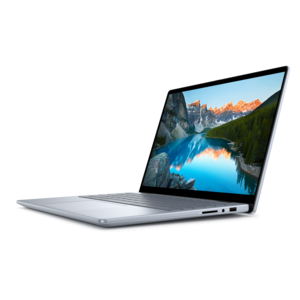
A sleek, portable laptop with an expansive 16:10 display for reliable productivity anywhere.
A durable, serviceable laptop or 2-in-1 designed specifically for demanding education environments.
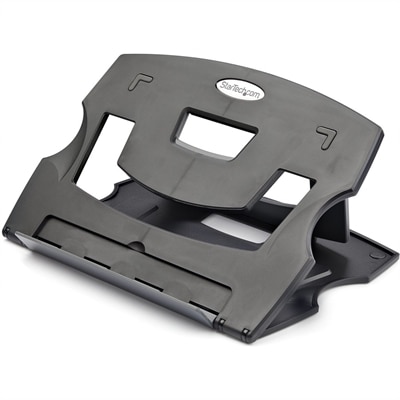
A lightweight, foldable laptop riser with six adjustable angles and a vented platform for ergonomic cooling.
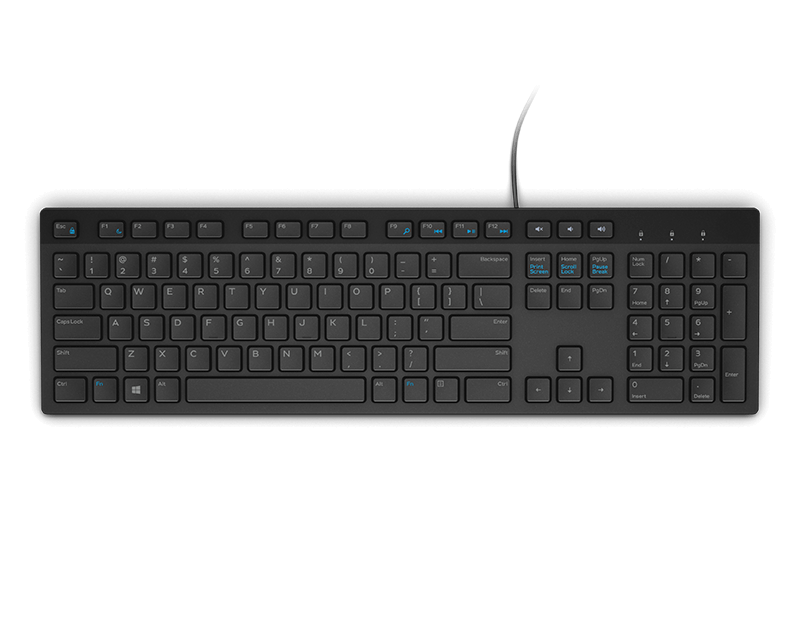
A wired English-US keyboard in black, designed for convenient everyday home and office computing.
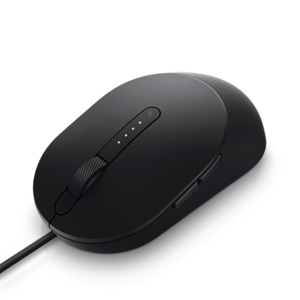
A wired black mouse designed for faster, smarter everyday computing.
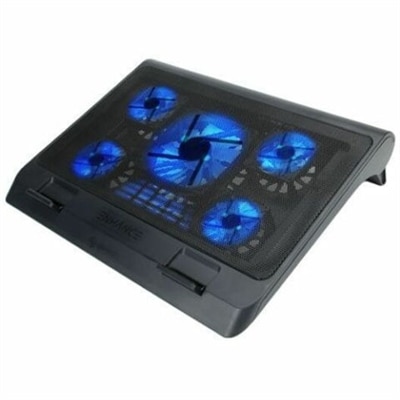
A metal mesh cooling stand with five quiet blue LED fans, dual USB ports, adjustable height.
A lightweight briefcase made from durable 100% recycled fabric with 360° protection.
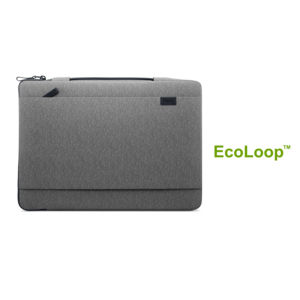
A lightweight laptop sleeve made with recycled materials, featuring a retractable handle for convenient protection.
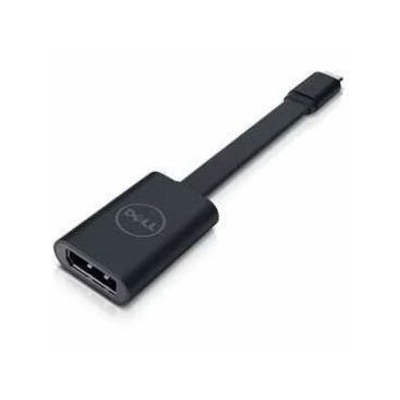
A USB-C to DisplayPort adapter connecting compatible laptops and tablets to high-resolution displays.
A sustainable, lightweight protective case offering custom-fit coverage and exceptional usability for detachable laptops.
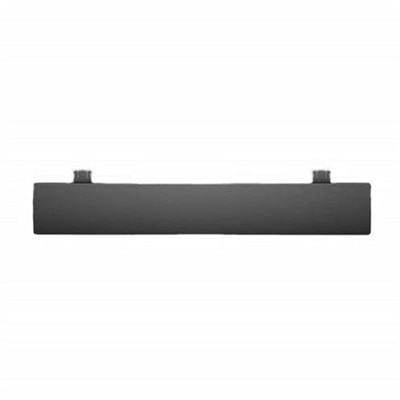
A black OEM replacement component designed for compatible KB216 keyboards and KM636 mice.
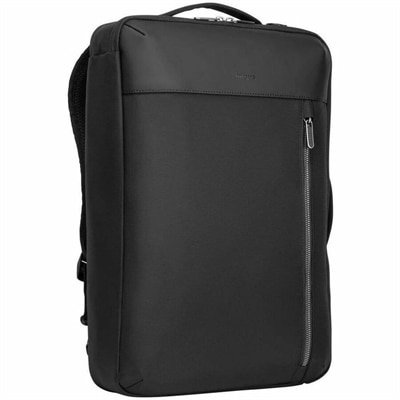
A versatile black convertible backpack with laptop protection, multiple carrying options, padded comfort, and organized storage.
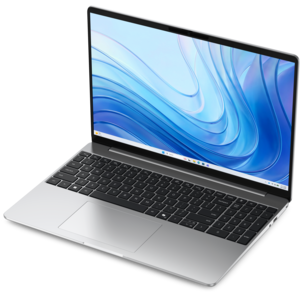
A laptop featuring an FHD camera, enlarged ergonomic keyboard, and AMD Ryzen™ processing.
A versatile 2-in-1 laptop with Intel Core processors, DDR5 memory, and multiple modes for creative work.
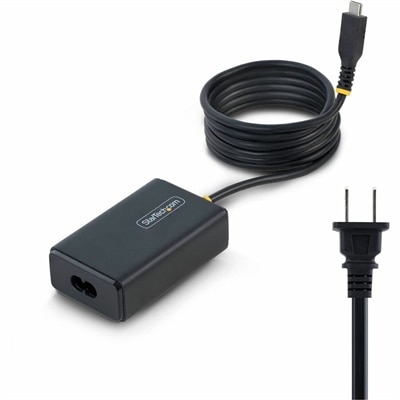
A 65W USB-C Power Delivery adapter with tethered cable, broad voltage support, certifications, and comprehensive safety protections.
A versatile 2-in-1 laptop with AI experiences, all-day battery life, and seamless multitasking.
A durable, serviceable Chromebook designed specifically for education environments.
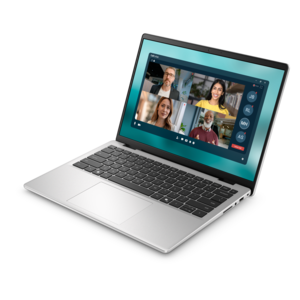
A slim, lightweight laptop with Intel® Core™ processors and graphics for productive work anywhere.
An AI-ready laptop with a spacious display, designed for creators and developers seeking high performance.
A lightweight AI PC delivering outstanding performance and battery life for highly mobile professionals.
Laptop essentials for students bring together a dependable computer, protection for everyday travel, compatible charging equipment, and accessories that make studying more comfortable. The right combination supports the full school day, from taking notes in a morning lecture to reviewing a shared presentation at the library and finishing an assignment at home. A student laptop needs to suit both the coursework and the way it travels. A lightweight design is easier to carry between buildings, while a larger display offers more room for research documents, spreadsheets, and side-by-side windows. Processor capability and memory affect how comfortably a computer handles multiple applications, browser tabs, and video calls at once. Writing papers and working through online assignments place different demands on a laptop than editing video, developing software, or using design applications, so academic program requirements provide useful context for performance needs. Compatibility with required software, testing platforms, and accessibility tools matters just as much as physical design. A comfortable keyboard, readable screen, and responsive touchpad are everyday details that become especially noticeable during a long afternoon of drafting and revision. Display brightness and glare control can influence readability near a library window or under classroom lighting, while adjustable text size can make dense material easier to navigate. Battery runtime varies with screen brightness, applications, and workload, making charging access an important part of a portable setup rather than an afterthought. Port selection also shapes which accessories connect directly and which need an adapter. Students moving between home, campus, and shared workspaces often benefit from a setup that remains simple to pack and reconnect. The most useful laptop essentials fit those routines without adding unnecessary weight or complexity. For students taking remote or hybrid courses, camera placement, microphone clarity, and a stable surface for the computer also contribute to a more practical learning environment. Together, these features help create a setup suited to lectures, independent study, collaborative work, and the occasional change of location when a familiar desk gives way to a crowded study room.
Protection and portability are central to student laptop accessories because a computer often shares a bag with notebooks, textbooks, a lunch container, and the small objects that accumulate during a semester. A padded sleeve helps separate the laptop from neighboring contents, while a backpack with a dedicated computer compartment keeps it from shifting freely inside the main section. Fit depends on the laptop’s actual width, depth, and thickness, not screen size alone; an oversized compartment may allow movement, while an overly tight sleeve can put pressure on corners or make removal awkward. Soft interior lining, cushioned edges, reinforced seams, and sturdy zipper construction are useful details for frequent travel. Woven synthetic fabrics can offer a practical balance of low weight and resistance to everyday abrasion, though water-resistant material should not be confused with waterproof protection. A securely closed drink container belongs in a separate compartment whenever possible. For longer walks across campus, padded shoulder straps and a comfortable back panel make the carrying experience more manageable, especially when a charger and books add weight. Compact cable organization helps keep connectors from tangling with pens or catching on notebook spirals. Charging accessories need to match the computer’s power requirements and supported connection standards; a connector that physically fits does not automatically provide the right charging performance. USB-C ports can support different combinations of charging, data transfer, and video output, so compatibility depends on the capabilities of both the laptop and the accessory. A hub or adapter can make classroom displays and desk peripherals easier to connect, provided it supports the intended functions. Secure connections and enough cable length for the workspace help prevent awkward stretching across a table or tension at a port. Routine care is similarly straightforward: bags and sleeves benefit from attention to their fabric care labels, and electronics should be kept away from moisture and excessive heat. Keeping crumbs and loose debris out of a carrying compartment also helps protect surfaces and connectors through repeated trips between classes.
At a desk, laptop essentials for students often center on screen placement, input comfort, and a workspace that can shift between focused reading and collaborative assignments. A laptop stand can raise the display closer to a comfortable viewing height, while a separate keyboard and mouse allow the hands to remain lower on the work surface. This arrangement is especially useful during longer writing sessions, when raising the laptop alone would also raise its built-in keyboard. An external monitor adds room for comparing sources, following a lecture beside a document, or viewing detailed creative work, although the laptop’s display connections and supported output determine compatibility. Monitor dimensions, stand depth, and adjustment range matter on a small desk where books and handwritten notes still need space. A compact keyboard leaves more room for a mouse, while a fuller layout may suit coursework involving frequent number entry. Mouse shape and size are personal considerations, particularly for students who alternate between a home desk and a library table. Headphones with a microphone can help students hear course audio and participate in online discussions without relying on speakers in a shared room. Comfort around the ears, microphone position, and convenient controls become more noticeable during extended sessions. For roommates working different schedules, a focused personal audio setup can also make a shared space easier to use respectfully. The Student Laptop Accessories collection brings these supporting categories into the broader picture of a student workspace, where carrying protection, charging compatibility, and desktop comfort each serve a distinct purpose. These accessories can also make thoughtful gifts for a high school graduate or a student beginning a new academic program, especially when laptop dimensions, connection types, and daily routines are known. Durability comes from suitable materials and careful handling as well as construction. Clear ventilation openings, gentle cable handling, and cleaning according to manufacturer directions help maintain the equipment used every day. A well-matched setup feels equally practical during a quick review before class and an evening spent turning research into a finished assignment.
Add the products you would like to compare, and quickly determine which is best for your needs.