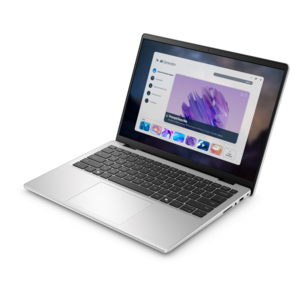
$998.00
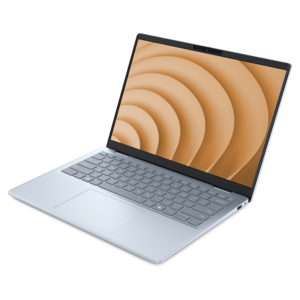
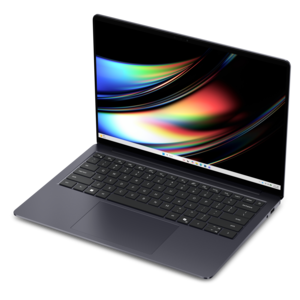
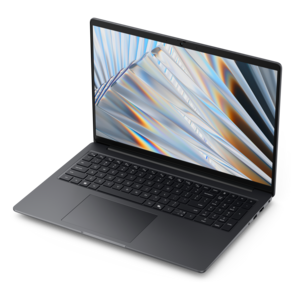
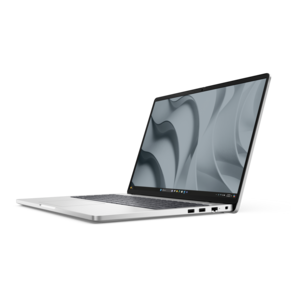
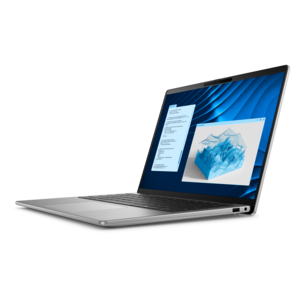
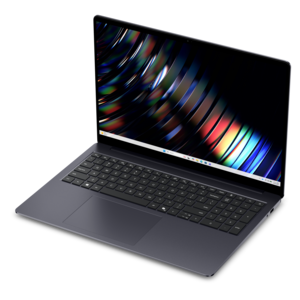
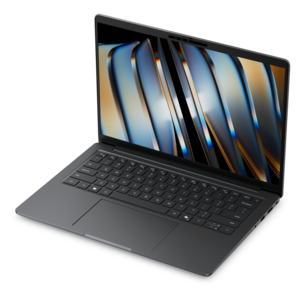
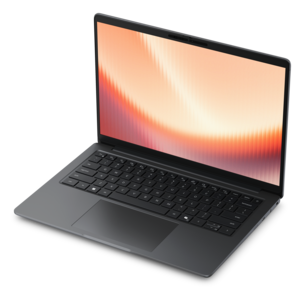
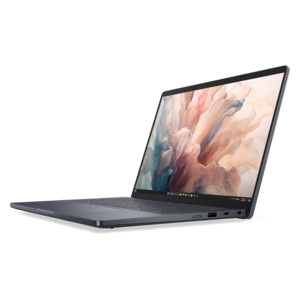
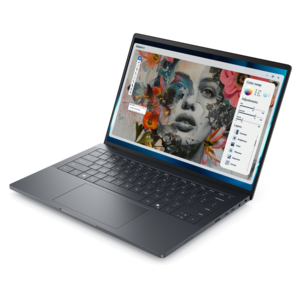
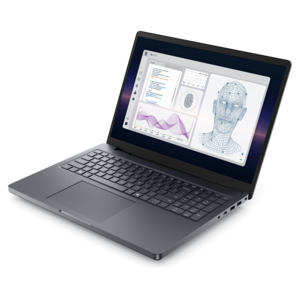
A portable laptop with a sleek design, 16:10 display, and AI PC options for productivity anywhere.
Explore laptops with AI for work, study, and everyday tasks. Compare AI capabilities alongside processor, memory, battery life, and screen size to find a laptop that fits your routine, and check individual specifications for support for the AI apps and features you plan to use.
A portable laptop with a sleek design, 16:10 display, and AI PC options for productivity anywhere.
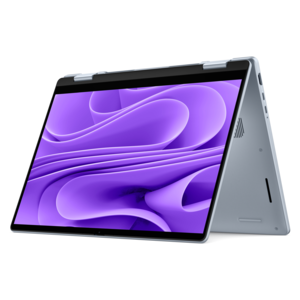
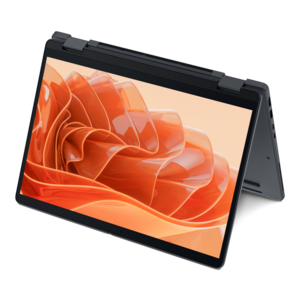
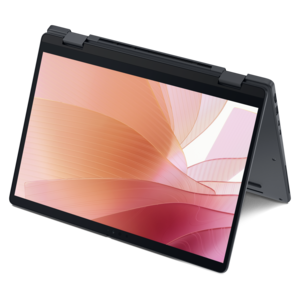
A versatile 2-in-1 laptop with AI experiences, all-day battery life, and seamless multitasking.
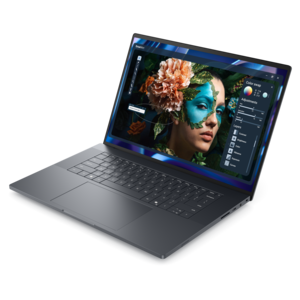
A sleek, lightweight laptop with Intel Core Ultra processors, NVIDIA graphics, and advanced on-device AI.
A lightweight AI-powered laptop designed for creative professionals and small businesses.
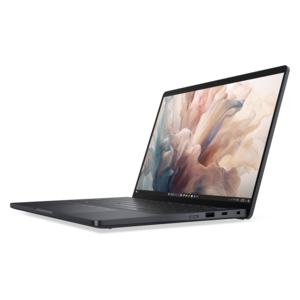
A lightweight AI PC delivering outstanding performance and battery life for highly mobile professionals.
A powerful productivity laptop with scalable performance and advanced on-device AI capabilities.
An AI-ready laptop with a spacious display, designed for creators and developers seeking high performance.
A remarkably thin laptop powered by AMD Ryzen AI PRO 400 Series processors for professional performance.
A thin, lightweight Copilot+ PC combining powerful Intel CPU, GPU, and NPU performance for productive multitasking.
A sleek laptop powered by AMD Ryzen AI 400, designed for smooth, capable multitasking.
A remarkably thin 2-in-1 laptop powered by AMD Ryzen AI PRO 400 Series processors for performance.
A productivity-focused Copilot+ PC powered by a capable AMD CPU, GPU and NPU combination.
An AI-powered, lightweight laptop with Intel Arc graphics, ideal for creative professionals and small businesses.
A professional laptop powered by AMD Ryzen AI PRO processors for complex workflows and productive results.
A durable modular laptop with a 16:10 display, numeric keypad, robust security, and built-in AI options.
A high-performance professional laptop with on-device AI and exceptional battery life for unplugged productivity.
A thin 2-in-1 laptop powered by AMD Ryzen AI PRO 400 Series processors for versatile performance.
A sleek laptop powered by the latest AMD Ryzen AI 400 Series processors for demanding users.
A thin, durable laptop powered by AMD Ryzen™ AI PRO 400 Series processors for professional work.
A portable, durable laptop with modular design, strong security, spacious 16:10 display, and built-in AI options.
A thin, lightweight Copilot+ PC combining powerful AMD CPU, GPU, and NPU performance for enhanced productivity.
A remarkably thin laptop powered by AMD Ryzen AI PRO 400 Series processors for professional performance.
A premium laptop with QHD+ resolution, ComfortView Plus, built-in AI, and Intel vPro platform.
A sleek workstation delivering exceptional performance with advanced on-device AI and exuberant style.
Laptops with AI combine the everyday versatility of a portable computer with hardware and software designed to support artificial intelligence tasks. An AI laptop typically includes a neural processing unit, or NPU: a specialized processor that accelerates compatible machine-learning workloads alongside the central processing unit, or CPU, and graphics processing unit, or GPU. The CPU handles a broad range of computing tasks, the GPU excels at graphics and parallel processing, and the NPU is built to perform certain AI operations efficiently. In Laptops With Built-In NPU for AI Acceleration, dedicated acceleration can support features such as background effects during video calls, speech processing, and image enhancement when the application uses that hardware. NPU performance is often expressed in TOPS, meaning trillions of operations per second. This figure describes theoretical processing capacity under specified conditions; it does not measure the overall speed of a laptop or guarantee that every AI application will run faster. The processor, memory, software, and workload all influence the experience. Some AI features run locally on the device, while others require an internet connection and processing on remote systems. Local processing can reduce the need to transmit certain information and may allow supported functions to work without an internet connection, but it does not automatically make every application private or every feature available offline. Permissions, account settings, and the application’s handling of data still matter. For someone joining a call from a busy kitchen, compatible AI audio processing might help separate speech from surrounding noise. For someone working through a recording, supported transcription software might turn spoken discussion into searchable text. These capabilities depend on the software and configuration, and generated text or summaries still need review for accuracy. The practical value of an AI laptop comes from how well its supported features fit daily routines, rather than from the AI designation alone.
The rest of the laptop remains just as important as its AI capabilities. Responsive everyday use depends on a balanced combination of processor performance, memory, fast storage, and software compatibility. A workday with a video meeting, a large spreadsheet, several documents, and many browser tabs puts different demands on a computer than an evening spent organizing photos or drafting a paper. Sufficient memory helps keep those activities moving together, while storage capacity determines how much room there is for applications, recordings, creative projects, and downloaded files. Some locally run AI models also occupy considerable storage space and require substantial memory, so their published requirements matter beyond the presence of an NPU. For creative work, graphics capability may be especially relevant: photo editing, video effects, and certain AI applications can rely heavily on the GPU rather than the NPU. Application support also varies by operating system, processor architecture, and software version, making compatibility with essential programs a meaningful part of the overall fit. A clear display brings its own everyday advantages. Text readability, brightness, glare control, and comfortable viewing angles affect long stretches of reading and editing, while color accuracy matters for work involving photographs or visual layouts. Higher resolution can reveal finer detail, although display settings and scaling influence how comfortably text appears. A touchscreen or convertible design suits handwritten notes, sketching, and reviewing documents in a more flexible position; a conventional clamshell design offers a familiar setup for sustained typing. The keyboard, touchpad, webcam, microphones, and speakers shape the experience during the tasks that happen most often. Clear microphones and a well-positioned camera remain useful even when AI enhancements are enabled. Ports for a monitor, external drive, or other accessories can also simplify a desk setup. Battery runtime varies with screen brightness, applications, wireless activity, and power settings. An NPU can improve efficiency for supported AI tasks, but it does not remove the battery demands of a bright screen, intensive graphics work, or a full day of multitasking.
Physical design determines how comfortably an AI laptop moves between places and holds up to regular use. A compact, lighter chassis is easier to carry across campus or between meetings, while a larger screen provides more space for side-by-side documents, detailed spreadsheets, and creative tools. Screen size alone does not tell the whole story: the laptop’s dimensions, weight, and power adapter affect how neatly it fits into a backpack or shoulder bag. Aluminum and magnesium enclosures can provide a rigid feel, while well-designed polymer housings can also suit daily travel; durability depends on construction, hinges, and handling rather than material alone. A steady hinge, comfortable palm rest, and keyboard layout with enough room for natural hand placement become noticeable during a long writing session. Cooling design matters, too, because sustained workloads produce heat, and fan noise can be more apparent in a quiet classroom or shared workspace. A hard, flat surface allows ventilation openings to function as intended; blankets and soft cushions can obstruct airflow. Routine care includes keeping crumbs and dust away from openings, handling the charging cable without pulling on the connector, and cleaning the screen with a soft cloth according to the manufacturer’s directions. A padded sleeve helps protect the finish during travel, although it is not a substitute for careful handling. Software updates, strong sign-in protection, and regular backups support dependable use alongside that physical care. These laptops can suit college students balancing research and coursework, professionals moving between home and office, and creators exploring supported tools for writing, audio, or image work. They can also make a thoughtful graduation gift when the configuration matches the recipient’s course requirements and preferred applications. Accessibility features such as supported captions, dictation, and speech enhancement may offer additional value, depending on the software. Across those uses, a well-matched AI laptop remains a practical personal computer first, with specialized acceleration adding useful capabilities where the hardware and applications work together.
Add the products you would like to compare, and quickly determine which is best for your needs.