$599.99
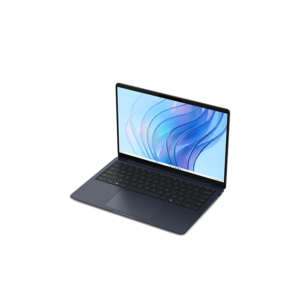
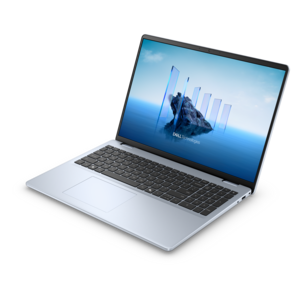
A laptop featuring Intel® 13th Gen processors, a built-in FHD camera, and an enlarged ergonomic keyboard.
Laptops with Turbo Boost deliver enhanced performance for users who demand speed and efficiency. Ideal for multitasking, creative projects, and demanding workloads, these laptops offer a responsive experience that keeps up with your needs. Whether you're working, studying, or gaming, laptops with Turbo Boost provide the extra power to help you stay productive and enjoy seamless computing every day. Explore a range of options designed to elevate your workflow and support your ambitions.
A laptop featuring Intel® 13th Gen processors, a built-in FHD camera, and an enlarged ergonomic keyboard.
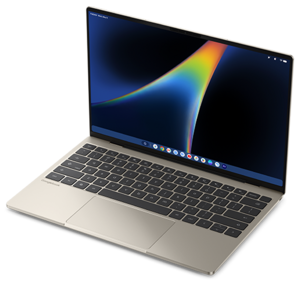
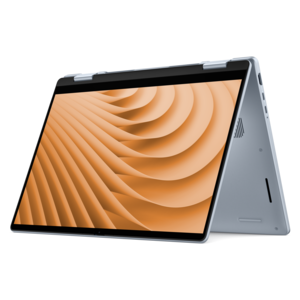
A versatile 2-in-1 laptop with Intel Core processors, DDR5 memory, and multiple modes for creative work.
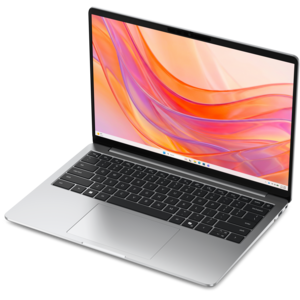
A laptop featuring an FHD camera, enlarged ergonomic keyboard, and AMD Ryzen™ processing.
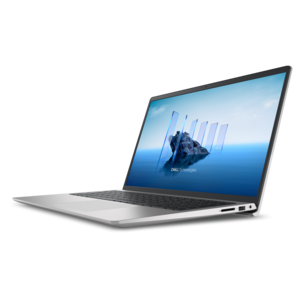
A portable laptop with a sleek design, 16:10 display, and AI PC options for productivity anywhere.
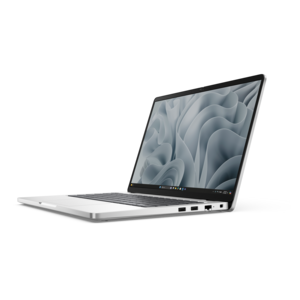
A thin, lightweight laptop made with eco-friendly materials and Series 3 Intel Core processors for productivity.
A thin, lightweight laptop crafted from eco-friendly materials with Series 3 Intel Core processors for productivity.
A razor-thin, featherlight laptop designed for intelligent productivity with Gemini-powered features.
A thin, lightweight laptop crafted with eco-friendly materials and powered by AMD Ryzen 200 Series processors.
A durable productivity laptop featuring an expansive 16:10 display and convenient numeric keypad.
A versatile 2-in-1 laptop designed for AI experiences and seamless multitasking on the go.
A sleek, portable laptop with an expansive 16:10 display for reliable productivity anywhere.
A slim, lightweight laptop with Intel® Core™ processors and graphics for productive work anywhere.
A modern laptop with AMD Ryzen™ processors, delivering effortless productivity and captivating entertainment in a design.
A versatile 2-in-1 laptop with AI experiences, all-day battery life, and seamless multitasking.
A modern laptop with Intel® Core™ processors and graphics for effortless productivity and captivating entertainment.
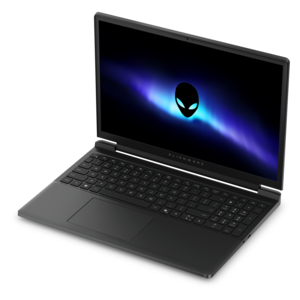
A streamlined gaming laptop featuring Intel Core processors and NVIDIA GeForce RTX graphics for powerful performance.
A lightweight AI-powered laptop with Intel Arc graphics, ideal for creative professionals and small businesses.
A sleek laptop powered by the latest AMD Ryzen™ AI 400 Series processors for demanding users.
A durable, modular productivity laptop featuring robust security, a 16:10 display, numeric keypad and AI options.
A stylish, lightweight AI-powered laptop designed to boost productivity for creatives and small businesses.
A high-performance laptop with AI-enhanced experiences and accelerated creative workflows in a sleek design.
An AI-ready laptop with a spacious display, designed for creators and developers seeking high performance.
A durable, modular laptop featuring robust security, a spacious display, and built-in AI options for workdays.
A sleek laptop powered by AMD Ryzen™ AI 400, designed for powerful performance and modern multitasking.
Laptops With Turbo Boost are designed to adjust processor speed automatically as your workload changes. During lighter activities such as reading, email, note-taking, streaming music, or browsing with a few tabs open, the processor can operate at a lower speed to help manage power use and heat. When you launch a demanding application, compile code, export a video, work with large spreadsheets, or enter a game, the processor can temporarily raise its clock speed when conditions allow. This dynamic behavior is commonly associated with Intel Turbo Boost and AMD Precision Boost technologies, although the exact name and performance characteristics depend on the processor family and laptop configuration. The result is a laptop that can feel responsive during everyday tasks while having additional short-term performance available for more intensive moments. Turbo Boost is not a permanent speed setting and does not mean the processor runs at its highest advertised frequency all the time. Boost behavior depends on workload, temperature, power limits, battery status, and the laptop’s cooling design. A strong configuration pairs a capable processor with sufficient memory, fast solid-state storage, and a cooling system that can move heat away from the components. When those pieces work together, opening a large presentation, switching between creative applications, or loading a detailed game can feel smoother and more immediate. This makes laptops with Turbo Boost a practical choice for students moving between research, writing, and video calls; professionals handling demanding office applications; creators editing photos or video; developers testing software; and gamers who want extra processor headroom during active play. For someone who carries a laptop from a quiet library desk to a home office, the appeal is flexibility: the computer remains efficient for routine work but can respond with more speed when the task becomes more demanding.
When comparing Laptops With Turbo Boost, look beyond the processor’s maximum GHz figure. A higher peak frequency can be useful, but real-world performance also depends on the number of processor cores, the generation of the chip, memory capacity, graphics hardware, storage speed, display resolution, and the laptop’s ability to sustain performance without excessive heat. A laptop with ample RAM is better prepared for browser tabs, communication tools, documents, and creative software running together. Fast solid-state storage can shorten startup and loading times, while a dedicated graphics processor may be important for modern games, 3D work, animation, or accelerated video production. Screen size and resolution affect both comfort and portability: a compact display can make a travel bag lighter, while a larger screen may provide a more comfortable workspace for timelines, spreadsheets, and detailed artwork. Battery capacity, charger size, keyboard feel, webcam quality, port selection, and wireless connectivity also deserve attention because these are the features used throughout the day, not just during demanding bursts. Consider how the laptop will be positioned as well. A thin design may suit commuting and classroom use, while a roomier chassis can provide more space for fans, heat pipes, and airflow. Boost performance is limited by thermal conditions, so fans may become more audible and the surface may feel warmer during extended gaming, rendering, or other intensive work. That behavior is normal, but a well-designed system should manage heat without making the keyboard uncomfortable or causing distracting slowdowns. Anyone who has exported a video while sitting at a kitchen table knows the value of steady performance: a project that finishes reliably is often more useful than a brief peak speed that quickly fades. For additional context on how laptop designs manage demanding workloads, explore Laptops With Advanced Cooling Systems.
These laptops can also make thoughtful gifts for a college student, a remote worker, a creative hobbyist, or a family member replacing an older computer. The most suitable choice depends on what the recipient does each day. A student may prioritize moderate weight, a comfortable keyboard, dependable battery life, and enough performance for research, presentations, coding, and occasional creative projects. A photographer or video enthusiast may benefit from more memory, a larger or higher-resolution display, stronger graphics capability, and a processor that can accelerate exports and previews. A gamer may place greater emphasis on dedicated graphics, refresh rate, cooling, storage capacity, and a keyboard designed for extended sessions. For a professional who works across locations, a balance of portability, videoconferencing features, security options, battery life, and responsive multitasking may matter more than the highest performance tier. It is also helpful to think about the next several years rather than only the first setup. Choosing enough memory and storage from the beginning can reduce the need for compromises as applications grow more capable and files become larger. During warmer weather, keeping vents clear and using the laptop on a firm surface can help maintain airflow; during cooler months, the same simple habits support consistent performance in a home office or study area. Avoid placing a laptop on bedding, cushions, or other soft surfaces that can obstruct ventilation. A boost-enabled processor handles speed adjustments automatically, so most people can simply open the lid and work without changing settings. Advanced users may find manufacturer utilities that offer performance, quiet, or battery-focused modes, but the best setting is the one that matches the task and remains comfortable for the person using it. Whether it is used for schoolwork at a sunlit desk, spreadsheets at a shared workspace, creative projects after dinner, or gaming with friends, a laptop with Turbo Boost offers a useful blend of everyday efficiency and responsive performance when extra processing power is needed.
Add the products you would like to compare, and quickly determine which is best for your needs.