$39.99
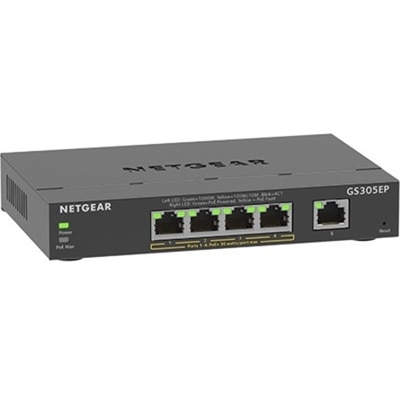
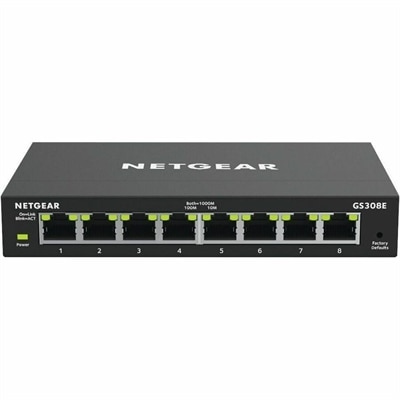
A managed Ethernet switch providing VLANs, QoS, and IGMP snooping for optimized SOHO network traffic.
Unlock the potential of streamlined technology solutions with managed devices, designed to elevate your operational efficiency and enhance user experience. Whether you're a dynamic business leader or an IT professional, managed devices offer seamless integration and robust performance to meet your evolving needs. With these devices, you can focus on what truly matters—driving innovation and achieving your goals—while enjoying the peace of mind that comes with reliable support and optimized functionality. Explore a world where technology works for you, not the other way around.
A managed Ethernet switch providing VLANs, QoS, and IGMP snooping for optimized SOHO network traffic.
A smart managed Ethernet switch with four PoE+ ports, VLAN, QoS, IGMP Snooping, and uninterrupted power.
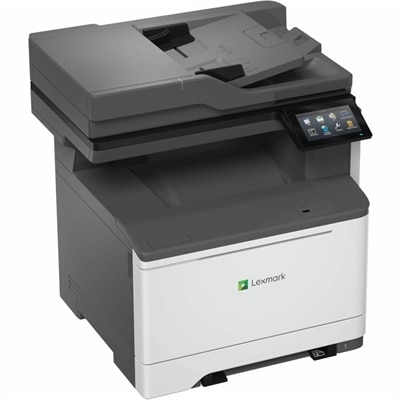
A wired and wireless color laser multifunction printer delivering 35 ppm, duplex scanning, faxing, and security.
A smart docking station offering up to 130W USB-C power delivery and remote management capabilities.
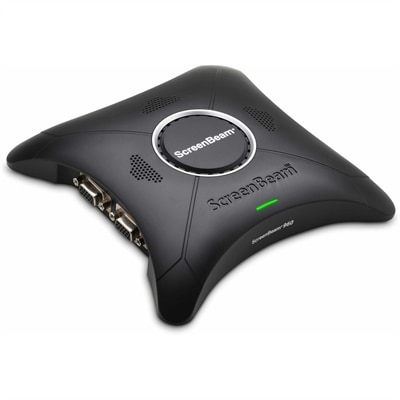
A wireless display receiver enabling app-free presentations, extended desktops, interactive touch, and centralized remote management.
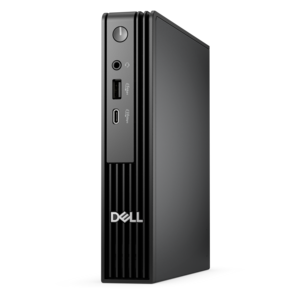
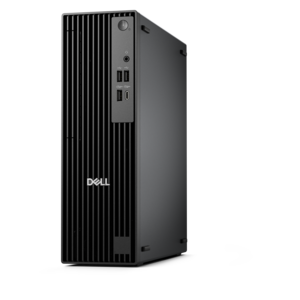
A micro desktop with AI PC options, robust security and seamless manageability for business productivity.
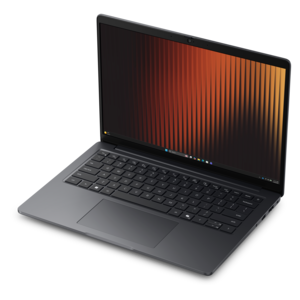
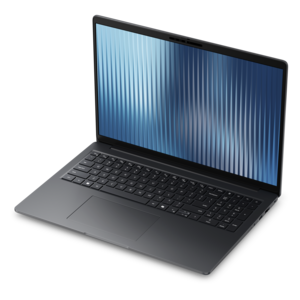
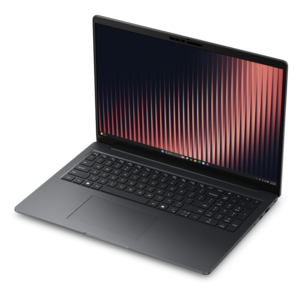
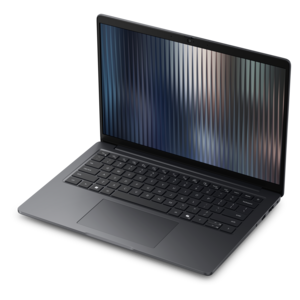
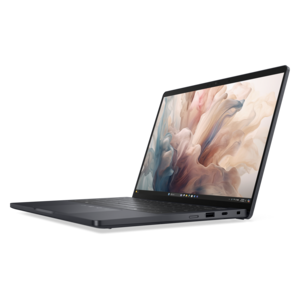
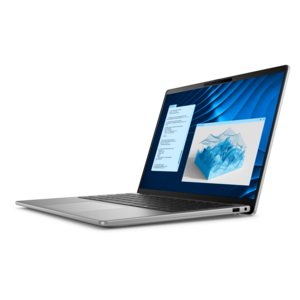
A durable, lightweight business laptop powered by AMD Ryzen processors with commercial-grade security and manageability.
A high-performance business desktop with Copilot+ PC options, AI-enhanced productivity, robust security, and manageability.
A thin, lightweight business laptop with durable construction and commercial-grade security and manageability.
A thin, lightweight business laptop powered by AMD Ryzen processors with commercial-grade security and manageability.
A durable, lightweight business laptop with commercial-grade security and manageability for everyday productivity.
Managed devices are computers and mobile products configured so an organization can apply security, access and support policies from a central administrative system. A managed device may be a laptop, desktop, tablet, smartphone, monitor or approved accessory supplied by an employer, school, healthcare organization or other institution. It may also be personally owned equipment that has been approved for work through a bring-your-own-device program. Once enrolled, the device typically connects to a management platform through a lightweight application or a built-in operating system framework. Administrators can then send configuration profiles over the air, rather than setting up every device by hand. These profiles may require a screen lock, strong password, automatic encryption, approved network settings and current software. IT teams can make business applications available, remove unapproved applications, schedule updates and check whether a device meets the organization’s requirements before allowing access to work accounts or files. If a laptop is left in an airport lounge or a phone slips from a coat pocket on the commute home, an administrator may be able to lock it, locate it through approved controls or remove corporate information remotely. For a helpful overview of the policies, enrollment steps and responsibilities involved, explore Device Management. These controls are designed to protect company data without turning everyday work into a maze of manual steps. A new employee can receive a prepared computer, sign in and find the appropriate tools waiting for them; a student can use a school-issued tablet with required learning applications already in place; and a distributed team can work with consistent protections whether members are at a kitchen table, a shared office or a library desk.
Choosing products for a managed environment starts with the people who will use them and the work they need to complete. A mobile professional who travels between meetings may value a light laptop, a comfortable keyboard, dependable battery life and a display that remains easy to read in changing light. Someone working with spreadsheets, design files or multiple browser windows may benefit from a larger screen or an additional monitor, while a customer service team may need a comfortable headset, webcam or other accessory for long conversations. A shared reception desk, classroom or clinic may call for a durable desktop setup that is simple to sign in to, clean and maintain. Consider the operating systems supported by the organization’s management platform, along with processor performance, memory, storage capacity, connection options, camera quality and accessibility features. Compatibility matters just as much for accessories as it does for the main computer: a docking solution, display, keyboard, mouse or headset should work with the ports, drivers and conferencing applications already in use. It is also wise to review the enrollment experience. Some organizations need devices that can be registered before they reach the user, while others prefer a straightforward setup in which an employee signs in and receives policies automatically. Look for practical service details, including warranty coverage, repair options, battery support and the expected replacement cycle. A device that performs well on the first day should remain manageable after repeated travel, software updates and changes in staffing. Clear asset labels and a documented handoff process can make it easier to track equipment, assign responsibility and prepare a returned device for its next user without carrying over old accounts or data.
Managed devices can support nearly any setting where information must remain protected while people stay productive. Small businesses can give each employee a consistent work environment without asking every person to become a security specialist. Larger organizations can establish different profiles for finance, design, education, field service or other teams, limiting access according to job responsibilities. Schools and training programs can distribute equipment with age-appropriate settings, approved learning tools and restrictions that reduce distractions. Families purchasing a computer for a student may not operate a formal management program themselves, but they can still appreciate products that support separate accounts, regular updates, privacy controls and reliable recovery options. Managed equipment can also be useful when a relative needs a dependable computer configured by a caregiver, or when a volunteer group shares devices among rotating members. The most effective setup balances protection with a clear understanding of privacy: users should know what information the organization can access, which activity is monitored, whether personal applications are allowed and what happens when the device is lost, returned or removed from management. Personal and organizational data may be kept separate when the platform supports that arrangement, and a remote action should be designed to remove business information without unnecessarily affecting personal content. As work and study routines shift from warm outdoor days to cooler months indoors, a well-chosen managed device helps people move between locations without sacrificing consistency. It keeps essential applications available, makes security requirements easier to follow and gives administrators a practical way to maintain a fleet of laptops, desktops, tablets, smartphones, monitors and accessories throughout their useful lives.
Add the products you would like to compare, and quickly determine which is best for your needs.