$1299.99
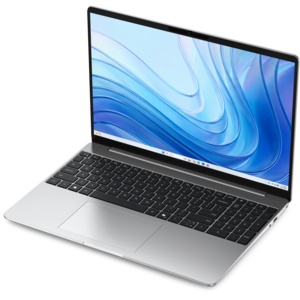
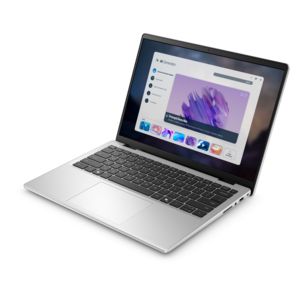
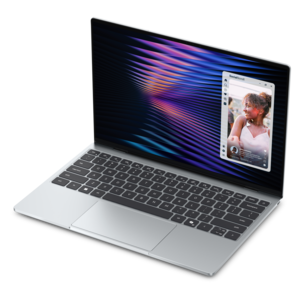
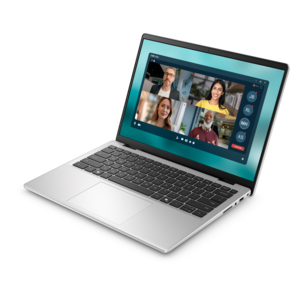
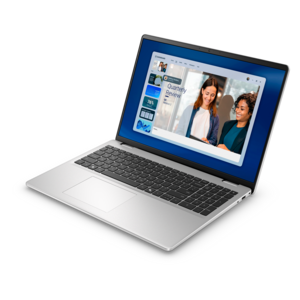
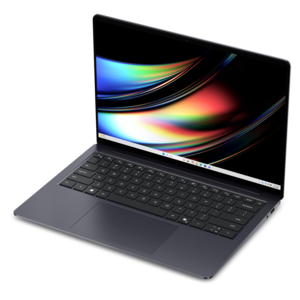
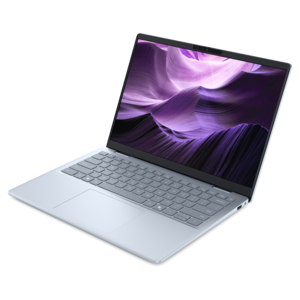
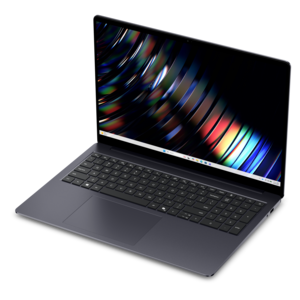
A sleek laptop powered by the latest AMD Ryzen™ AI 400 Series processors for demanding users.
Discover the next level of performance and connectivity with PCIe laptops, designed to meet the demands of modern computing. Whether you’re a professional seeking seamless multitasking or a gamer looking for enhanced speed, these laptops offer advanced capabilities to keep you productive and entertained. Explore a wide selection of PCIe laptops and find the perfect match for your lifestyle and needs.
A sleek laptop powered by the latest AMD Ryzen™ AI 400 Series processors for demanding users.
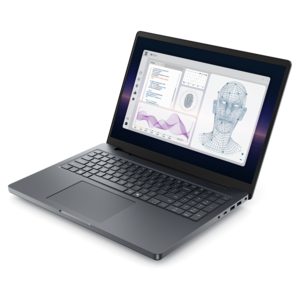
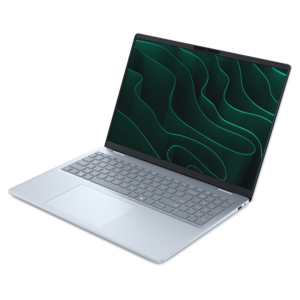
A powerful professional laptop delivering productivity, scalability, ease of use, and advanced on-device AI.
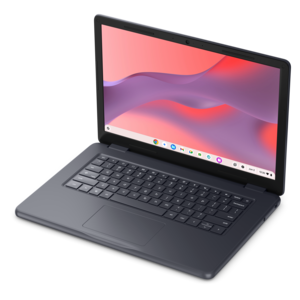
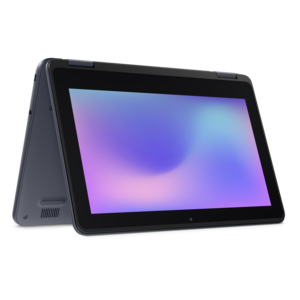
A durable, serviceable Chromebook designed specifically for education environments.
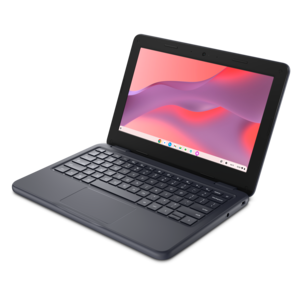
A durable, serviceable Chromebook designed specifically for education environments.
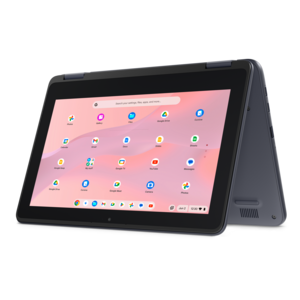
A durable, serviceable Chromebook designed for K–12 learning environments.
A durable, serviceable laptop or 2-in-1 designed specifically for K-12 learning environments.
A thin, lightweight laptop crafted from eco-friendly materials with Series 3 Intel Core processors for productivity.
A durable, serviceable laptop or 2-in-1 designed specifically for demanding education environments.
A versatile 2-in-1 laptop with Intel Core processors, DDR5 memory, and multiple modes for creative work.
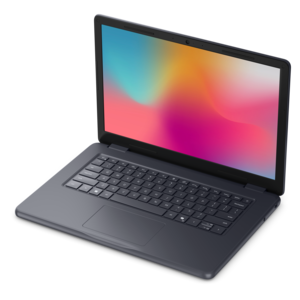
A laptop featuring an FHD camera, enlarged ergonomic keyboard, and Intel 13th Gen processors.
A durable, serviceable laptop designed specifically for demanding education environments.
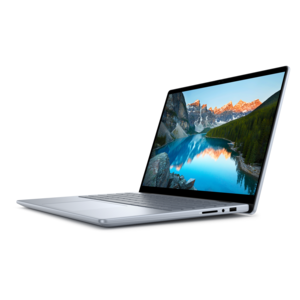
A portable laptop with a sleek design, 16:10 display, and AI PC options for productivity anywhere.
A remarkably thin, lightweight laptop designed for ultimate mobility.
A sleek, portable laptop with an expansive 16:10 display for reliable productivity anywhere.
A slim, lightweight laptop with Intel® Core™ processors and graphics for productive work anywhere.
A modern laptop with AMD Ryzen™ processors delivers effortless productivity and captivating entertainment.
A laptop featuring an FHD camera, enlarged ergonomic keyboard, and AMD Ryzen™ processors for everyday productivity.
A durable, modular laptop with robust security, a spacious 16:10 display, and optional built-in AI.
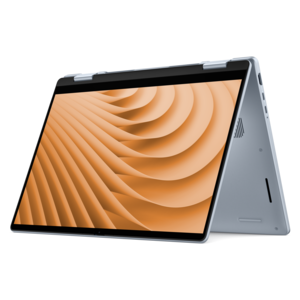
A versatile 2-in-1 laptop designed for AI experiences and seamless multitasking on the go.
A sleek laptop powered by AMD Ryzen AI 400, designed for smooth, capable multitasking.
A portable, durable laptop with modular design, strong security, spacious 16:10 display, and built-in AI options.
A versatile 2-in-1 laptop with AI experiences, all-day battery life, and seamless multitasking.
A durable productivity laptop featuring an expansive 16:10 display and convenient numeric keypad.
An AI-powered, lightweight laptop with Intel Arc graphics, ideal for creative professionals and small businesses.
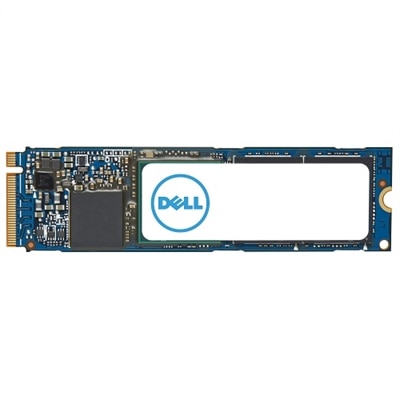
PCIe laptops use Peripheral Component Interconnect Express, a high-speed internal connection standard that allows components such as solid-state drives and dedicated graphics processors to communicate with the rest of the computer. When a laptop description highlights PCIe, it most often refers to a PCIe-connected NVMe solid-state drive, or SSD. PCIe provides the connection, while NVMe is the communication protocol designed to take advantage of fast flash memory. Together, they support responsive everyday computing, from starting the operating system to opening applications and moving large files. That responsiveness matters in familiar moments: reopening a project before a meeting, loading a photo library after a weekend trip, or switching between research documents while a presentation takes shape. Compared with older SATA-connected SSDs, PCIe NVMe drives generally offer greater bandwidth, although the difference you notice depends on the task and the rest of the laptop. Large file transfers can benefit substantially, while opening a small document may feel much the same on either type of SSD. Many laptop specifications also mention M.2, which describes a physical format rather than a speed standard. An M.2 drive is not automatically a PCIe NVMe drive, so the complete specification matters more than the shape alone. PCIe generations, including Gen 4 and Gen 5, offer different bandwidth ceilings, and the number of lanes assigned to a component also affects its available bandwidth. A newer generation can support faster transfers, but the laptop and drive must both support that connection speed to use it. Actual performance also depends on the drive’s controller, flash memory, temperature, and workload. For shoppers comparing PCIe laptops, the most useful starting point is the complete configuration: processor, memory, SSD capacity, graphics capabilities, display, and battery life. PCIe is an important part of that configuration, not a promise that every application will run faster.
Choosing a PCIe laptop becomes easier when its specifications are matched to the work it will handle. For school assignments, household paperwork, video calls, and everyday office applications, a balanced computer with sufficient memory and a capable NVMe SSD often makes more sense than prioritizing the highest advertised drive speed. Someone who keeps most documents online may be comfortable with a smaller internal drive, while a photographer returning with thousands of images or a student installing specialized software may appreciate more room from the start. A 512GB SSD can accommodate many everyday workloads, while 1TB or more gives larger collections of applications, photos, and games additional breathing space. Usable capacity will be lower than the advertised figure after formatting, the operating system, and installed software are accounted for. For video editing, large design projects, and other demanding creative work, look beyond peak sequential read speeds. Sustained write performance, cooling, processor capability, and available memory can all influence how smoothly a project moves from import to export. Picture a laptop on a kitchen table with an external monitor beside it, a timeline full of clips, and reference images open in another window: the experience depends on those parts working together, not on one impressive specification. Gaming places its own demands on the system. A fast PCIe SSD can shorten some loading times and help games retrieve assets, but it does not automatically produce higher frame rates. The graphics processor, processor, memory, resolution, and game settings remain central to gaming performance. Dedicated laptop graphics processors commonly communicate over PCIe, though they are generally integrated into the laptop’s design rather than supplied as removable desktop-style cards. Display quality deserves similar attention. Text clarity helps during long writing sessions, accurate color is valuable for visual work, and a suitable refresh rate can make fast-moving games feel smoother. Weight, keyboard comfort, fan noise, and battery endurance round out the decision, particularly for anyone carrying a laptop between classrooms, offices, and home.
Expansion and long-term ownership are worth considering before choosing between otherwise similar PCIe laptops. Unlike many desktop computers, laptops generally do not provide open PCIe expansion slots for installing full-size add-in cards. Some include one or more accessible M.2 slots for compatible SSDs; others have limited upgrade options or components that are not user-replaceable. An available M.2 slot also does not guarantee that every M.2 drive will fit or work. Drive length, connector keying, supported interface, clearance, and thermal requirements all need to match the laptop’s documentation. PCIe devices generally support operation across compatible generations, but a faster drive will be limited by the connection the laptop provides, and physical or firmware restrictions can still affect compatibility. Before planning an upgrade, check the service manual, confirm whether a slot is already occupied, and understand any requirements for transferring the operating system and backing up files. Browsing PCIe Components can provide context for available hardware, but laptop compatibility should always be verified separately. External expansion is a different consideration. Certain laptops support PCIe tunneling through compatible high-speed ports, which can enable specialized external hardware, including some external graphics enclosures. A USB-C connector alone does not establish that support, and USB4 capabilities vary by implementation. The laptop, port, cable, enclosure, operating system, and attached hardware must all support the intended setup; external graphics performance can also differ from an internal connection. For everyday accessories, check simpler needs too, such as monitor connections, charging support, and enough ports for a mouse or external backup drive. These practical details are especially useful when choosing a laptop as a graduation gift or for someone beginning a new job. The recipient may value a comfortable keyboard and an easy-to-carry design more than the fastest available SSD, while a creative hobbyist may appreciate greater capacity and room to upgrade. A well-matched PCIe laptop brings together quick access to files, appropriate computing power, and the flexibility needed for the way its owner actually works and relaxes.
Add the products you would like to compare, and quickly determine which is best for your needs.