$14.99
A comfortable, easy-to-set-up wireless mouse designed for reliable everyday productivity.
Elevate your efficiency and streamline your workflow with our diverse range of productivity tools. Whether you're working from home, in the office, or on the go, these tools are designed to enhance your daily tasks and help you achieve more in less time. From devices that keep you connected to accessories that optimize your workspace, our selection caters to every professional need. Explore the possibilities and discover how the right productivity tools can transform the way you work.
A comfortable, easy-to-set-up wireless mouse designed for reliable everyday productivity.
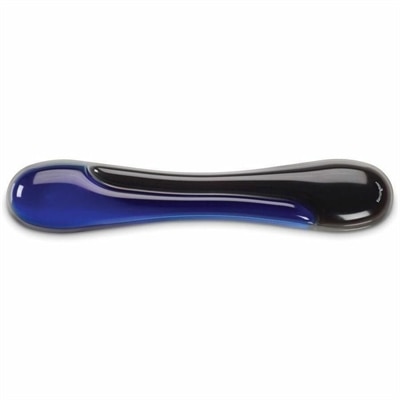
A blue gel keyboard wrist rest with ergonomic support, ventilation, wipe-clean finish, and TAA compliance.
A reliable wireless keyboard and mouse combo designed for everyday productivity and lasting performance.
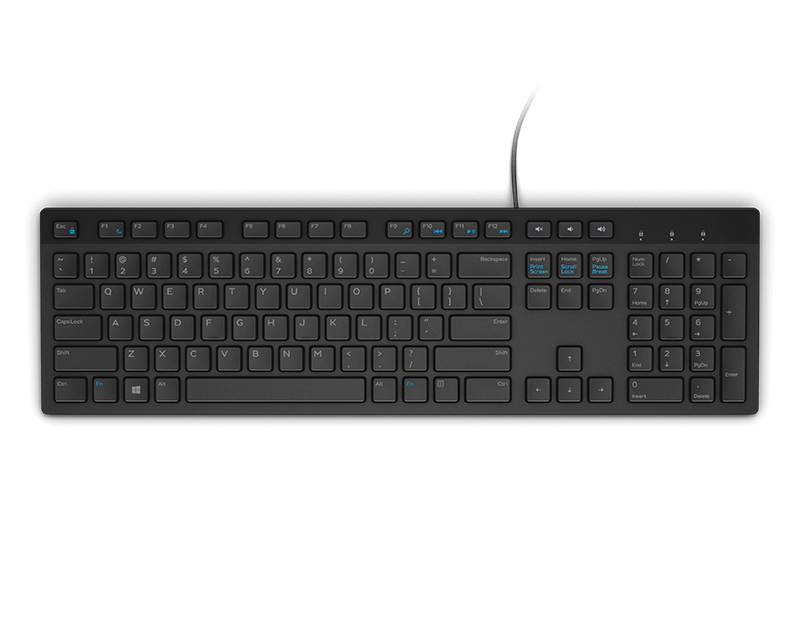
A wired productivity keyboard with built-in collaboration keys, designed for comfortable, efficient typing.
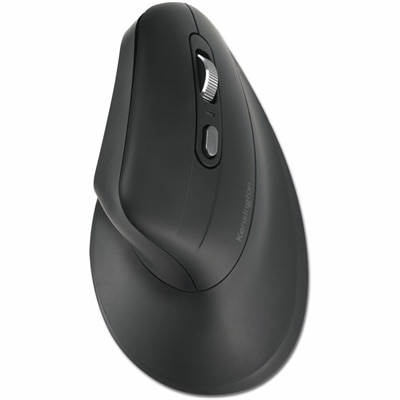
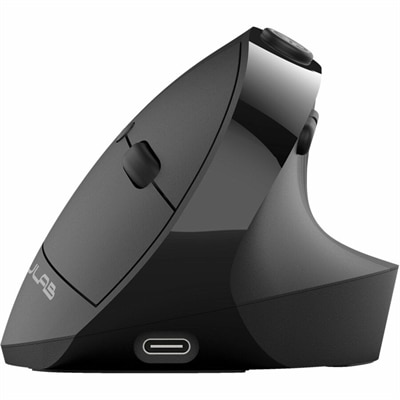
A vertical ergonomic mouse with 57% recycled plastic, Bluetooth 5.4, USB-A connectivity, five-button navigation and encryption.
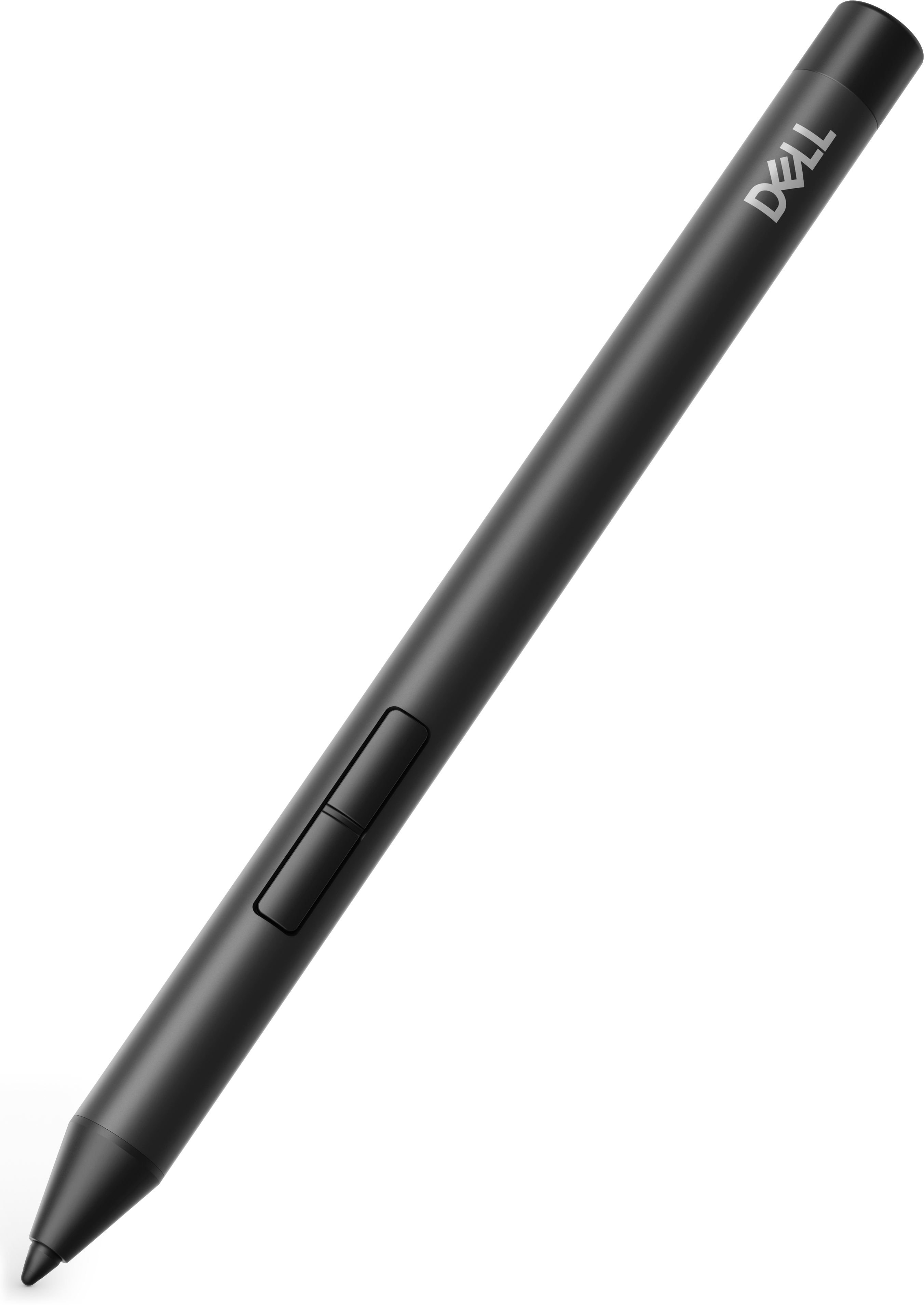
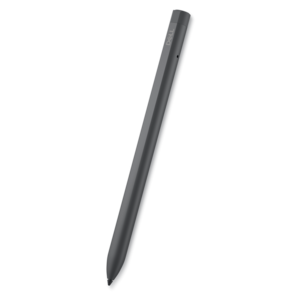
A precision active pen offering multiprotocol compatibility and smooth operation for creative, productive, comfortable workflows.
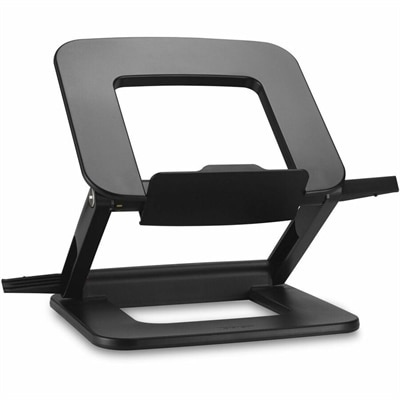
A compact laptop stand offering six adjustable viewing angles, dual locking latches, and a fold-flat design.
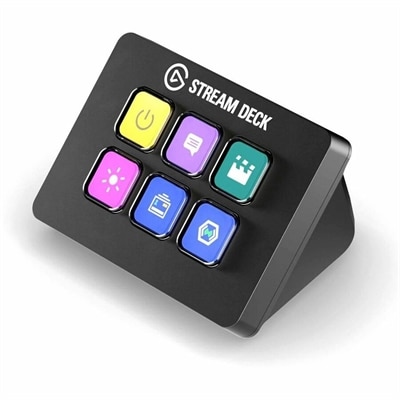
A compact six-key control pad with customizable drag-and-drop controls for streamlined workflows on PC and Mac.
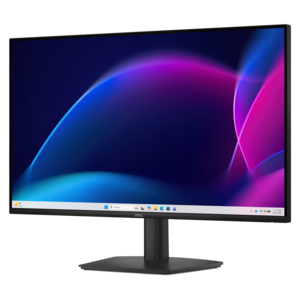
A smooth 100Hz monitor with TÜV Rheinland 3-star eye comfort certification for everyday productivity.
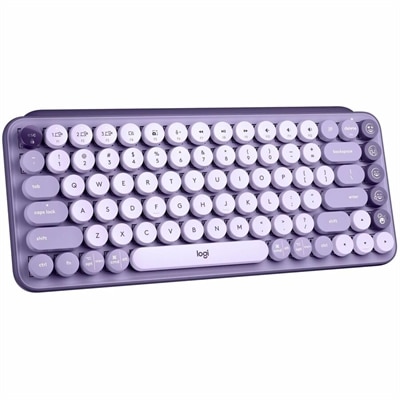
A colorful mechanical wireless keyboard with customizable emoji keys, Bluetooth connectivity, and multi-device switching.
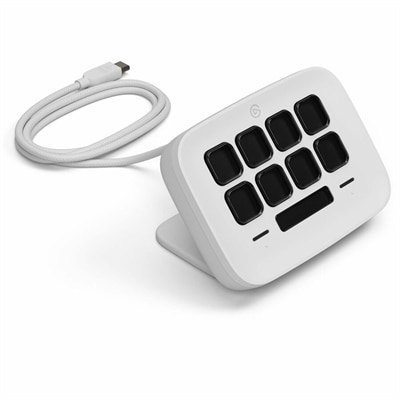
An eight-key USB controller with customizable shortcuts, real-time Infobar, Touch Points, and Windows or Mac compatibility.
A productivity-focused fixed-stand monitor certified by TÜV Rheinland® for 3-star eye comfort.
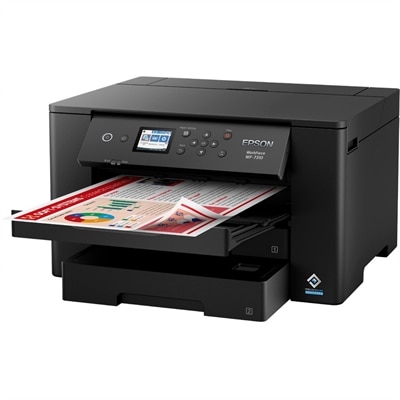
A wireless wide-format color inkjet printer with PrecisionCore technology, dual 250-sheet trays, and fast 25-ppm printing.
A professional docking station delivering 130W power and versatile connectivity for streamlined productivity.
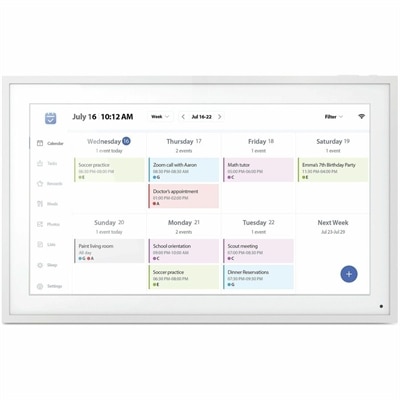
A smart Wi-Fi digital frame featuring 1080p IPS touchscreen, calendar syncing, task planning, and auto-rotation.
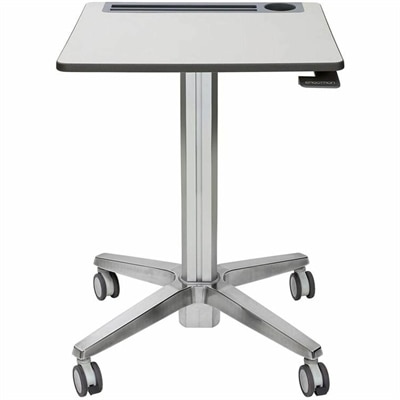
A mobile sit-stand desk that creates flexible, dynamic spaces for learning, collaboration, and productive movement.
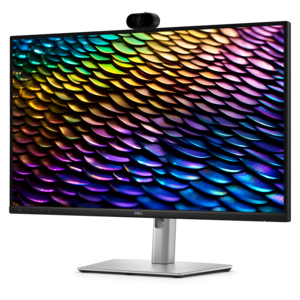
A QHD IPS conferencing monitor with integrated webcam, speakers, microphone, and USB-C connectivity for productive collaboration.
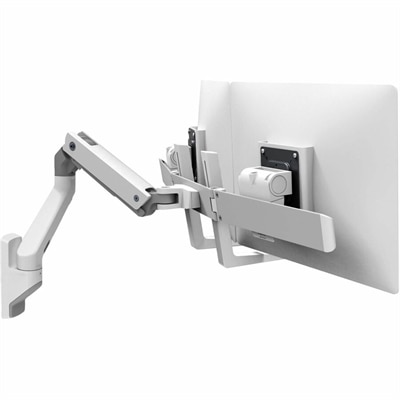
A white wall-mounted dual-monitor arm supporting two 32-inch displays with Constant Force repositioning technology.
A thin, lightweight laptop crafted from eco-friendly materials with Series 3 Intel Core processors for productivity.
A remarkably thin, lightweight laptop designed for ultimate mobility and effortless everyday productivity.
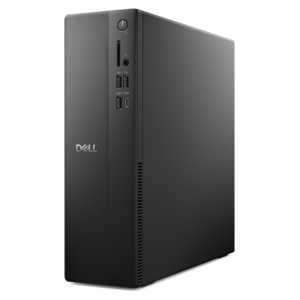
A compact desktop designed for everyday productivity and creative tasks.
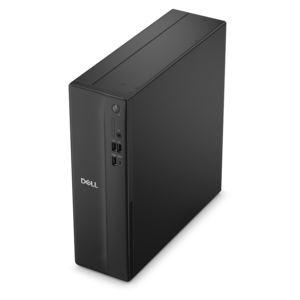
A versatile desktop for everyday productivity and creative tasks.
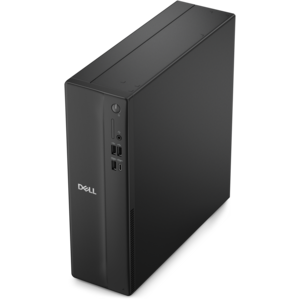
A space-saving desktop delivering reliable performance and security for everyday productivity.
A portable laptop with a sleek design, 16:10 display, and AI PC options for productivity anywhere.
Productivity tools are the everyday devices and accessories that help turn scattered tasks into a clear, manageable workday. A dependable laptop can support writing, research, video meetings, project planning, and creative work from nearly anywhere, while a desktop can provide a steady home base for demanding routines and long stretches of focused work. Monitors give documents, calendars, reference material, and communication apps more room to breathe, making it easier to compare information without constantly switching windows. Accessories such as keyboards, mice, webcams, headsets, docking solutions, and chargers can make a noticeable difference in comfort and efficiency, especially when a workspace needs to serve several purposes throughout the day. Together, these tools support common productivity needs such as managing tasks, tracking time, organizing notes, scheduling appointments, collaborating with colleagues, and preparing presentations. They can also make it easier to use digital assistants and AI-powered applications for drafting, summarizing, brainstorming, researching, and turning rough ideas into an organized first draft. The best setup is rarely the most complicated one. It is the collection of tools that fits naturally into a person’s habits, keeps frequently used information easy to reach, and removes small points of friction that tend to add up over the course of a busy day.
When choosing productivity tools, begin with the way the device will be used rather than focusing only on specifications. Someone who works between a home office, a shared workspace, and a kitchen table may value a lightweight laptop, long battery life, a comfortable display, and compact accessories that are simple to pack. A person whose work stays in one location may prefer a desktop with a larger screen, a full-size keyboard, and a layout that leaves room for notebooks, reference materials, or a second display. Screen size, resolution, brightness, and adjustability matter when reading spreadsheets, editing images, reviewing detailed documents, or spending many hours in video meetings. Performance should match the workload: everyday browsing and office applications may call for a different level of processing power and memory than development, content creation, data analysis, or multitasking across demanding applications. Connectivity is another practical consideration. Look for the ports, wireless capabilities, and expansion options needed for displays, external drives, printers, cameras, and other accessories. Comfort deserves equal attention. A responsive keyboard, a precise pointing device, a clear camera, and a headset that reduces distractions can help a workday feel less tiring. During the cooler months, when more time may be spent indoors, a well-arranged workspace can become a reliable place for focused work, online learning, household planning, or personal projects. Exploring Modern Workplace Tools can also help shoppers compare the broader mix of devices and accessories that support changing work styles.
Productivity tools can be useful for nearly anyone who needs to organize information or make time for meaningful work. Students can use a laptop and accessories to take notes, attend classes, manage assignments, and keep research materials together. Remote and hybrid professionals may benefit from a comfortable workstation that separates meetings, focused tasks, and collaboration without requiring a complete room makeover. Small-business owners, freelancers, and creative professionals often need flexible equipment that can shift from administrative work to customer communication, design, editing, or presentations. Families may find shared devices helpful for coordinating schedules, handling forms, planning travel, and supporting schoolwork, while an additional monitor or ergonomic accessory can make a thoughtful gift for someone setting up a first home office or refreshing a familiar workspace. A useful approach is to picture a typical day from beginning to end: the morning calendar review, the quick capture of an idea, the hours spent in applications, the afternoon meeting, and the final task check before signing off. Notice where interruptions, cramped screens, slow transitions, or uncomfortable positioning tend to occur, then choose tools that address those specific moments. A consistent setup can make task lists easier to follow, calendars easier to protect, and notes easier to find later. Whether the goal is to complete coursework, manage a growing business, create polished work, or simply bring more order to daily responsibilities, the right combination of computers, displays, and accessories can help make productivity feel less like a constant struggle and more like a dependable routine.
Add the products you would like to compare, and quickly determine which is best for your needs.