$519.99
A 27-inch QHD IPS display with a 2K camera, dual microphones, and built-in speakers for seamless collaboration.
Room solutions for Google Meet are designed to help you create a seamless, collaborative environment for virtual meetings of any size. Whether you're outfitting a small huddle space or a large conference room, you'll find a variety of options that support clear communication and effortless connectivity. Explore flexible setups and innovative technologies that make it easy to enhance your workspace and ensure productive online meetings with room solutions for Google Meet.
A 27-inch QHD IPS display with a 2K camera, dual microphones, and built-in speakers for seamless collaboration.
A graphite video conferencing camera offering AI-driven insights, seamless connectivity, and advanced audio engineering.
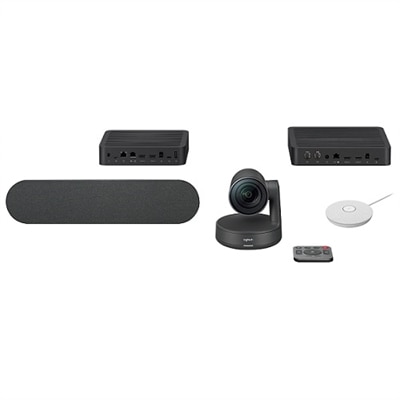
A studio-quality videoconferencing kit with white mic pods, ideal for medium to large meeting rooms.
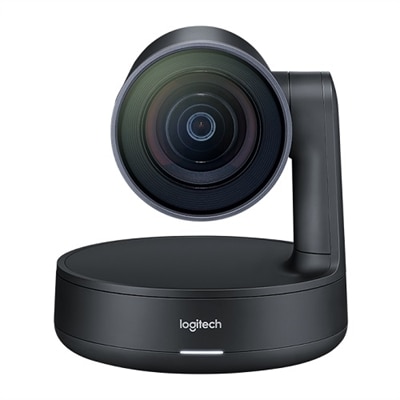
A USB 3.1 Type C video conferencing camera with AI features for small meeting rooms.
A 4K video conferencing camera with 120-degree FOV and optimized audio for small rooms.
A matte black slate gray camera with 4K sensor, 15X HD zoom, and automated framing technology.
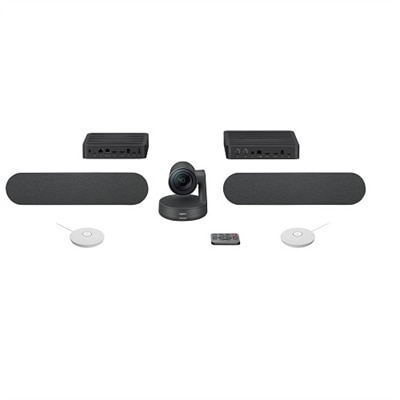
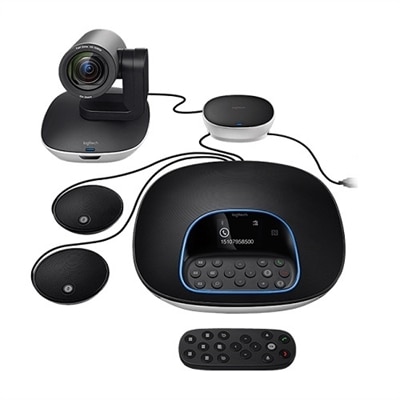
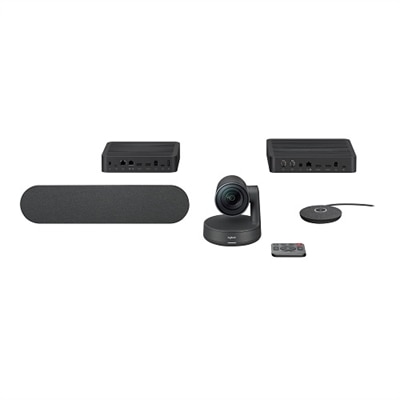
A versatile video conferencing system with HD video, clear audio, and expansion mics for large rooms.
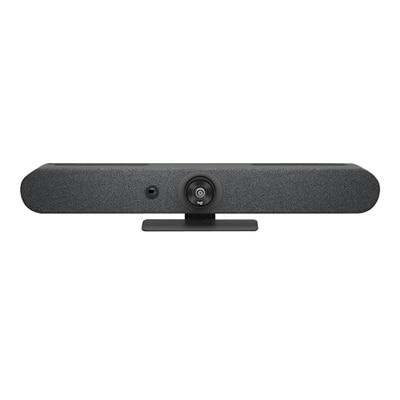
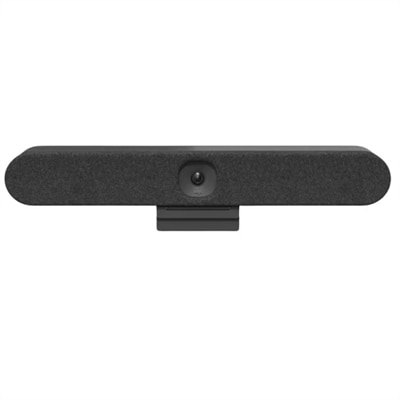
An all-in-one video conferencing bar with AI intelligence and versatile mounting for seamless hybrid meetings.
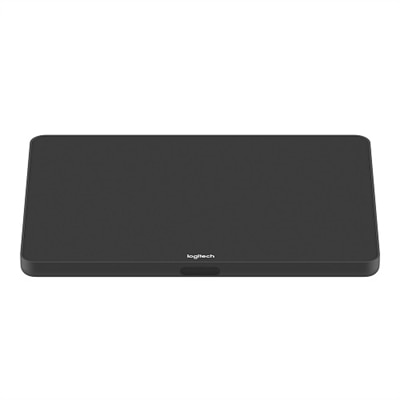
A sleek graphite touch controller with a 10.1" display, offering versatile mounting and easy content-sharing.
A sleek videoconferencing kit with 4K optics, modular audio, and automation for natural meetings.
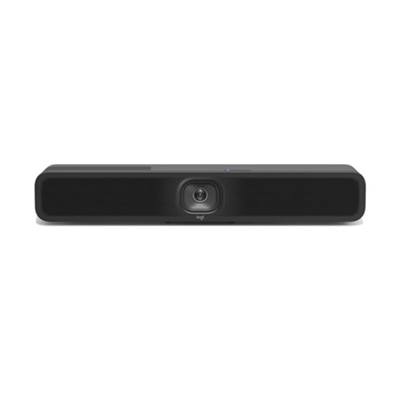
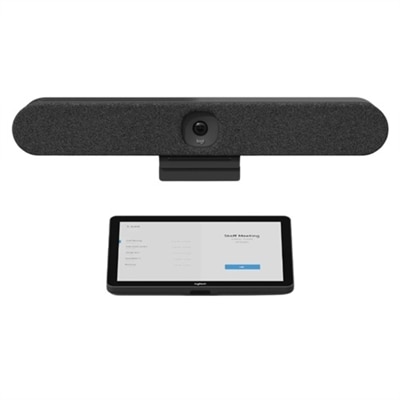
An all-in-one video bar and touch controller with PoE, perfect for small rooms up to 6 people.
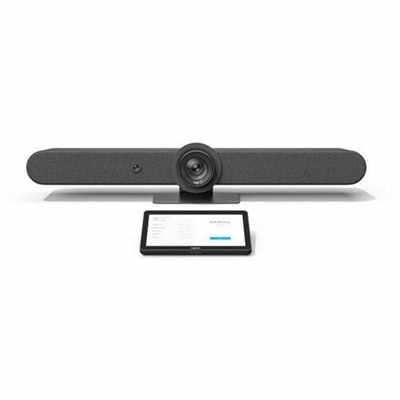
A universal video conferencing kit with a sleek touch controller and Rally Bar Huddle for mid-size rooms.
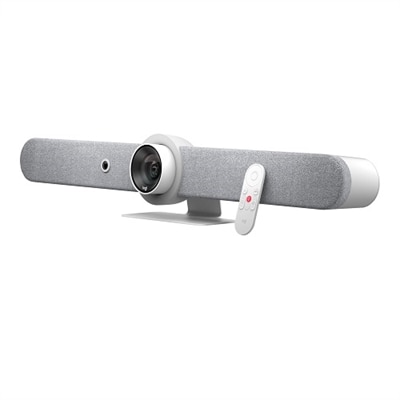
A sleek white all-in-one video bar offering cinema-quality video and audio for midsize meeting rooms.
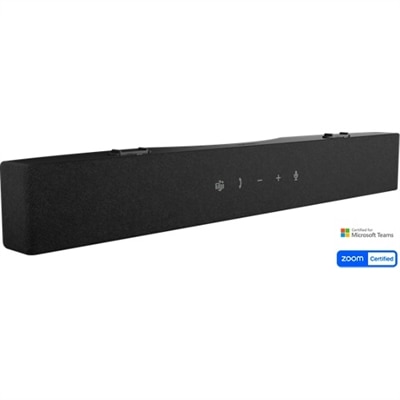
An AI-powered soundbar featuring advanced noise-cancellation for crystal-clear conferencing audio.
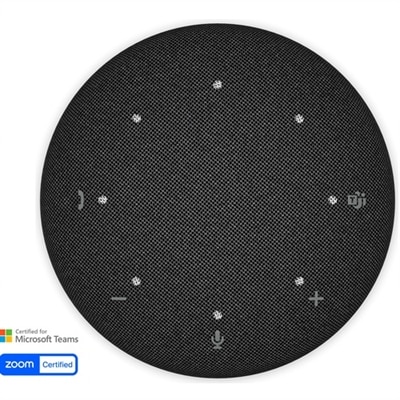
A portable wireless speakerphone featuring AI-powered dual-directional noise-canceling microphones for clear audio anywhere.
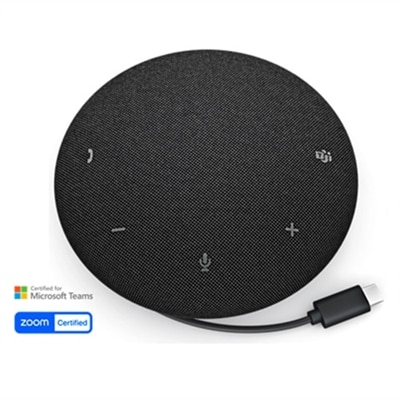
A portable wired speakerphone with AI-powered dual-directional noise-canceling microphones for clear audio anywhere.
A 55-inch 4K monitor designed for seamless team collaboration with USB-C power delivery and eco-friendly features.
A 75-inch 4K touch monitor with 20-point InGlass Touch and USB-C power for seamless collaboration.
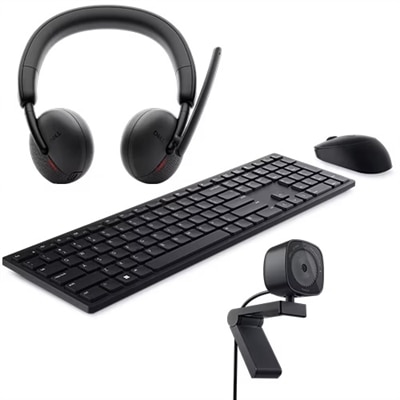
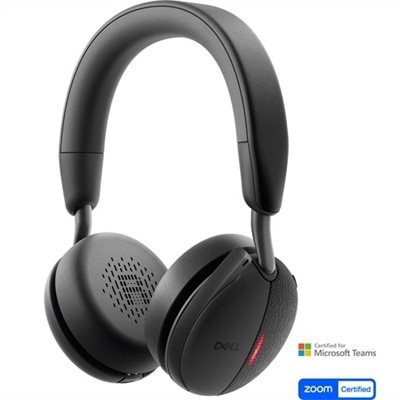
A productivity-enhancing bundle featuring a wireless keyboard, mouse, 2K webcam, and AI noise-canceling headset.
A comprehensive videoconferencing kit featuring a speaker and white mic pod for seamless collaboration.
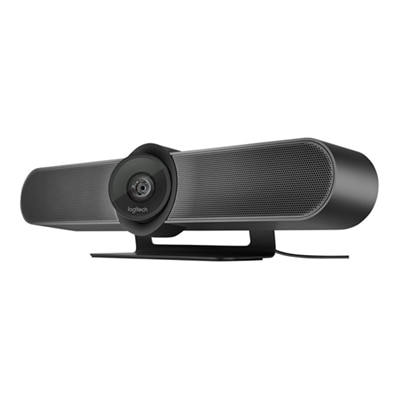
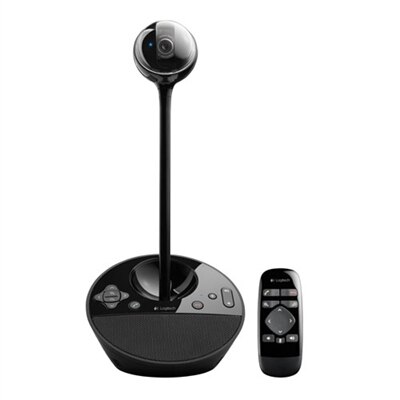
A black video conferencing camera offering HD 1080p video and superior speakerphone audio for small groups.
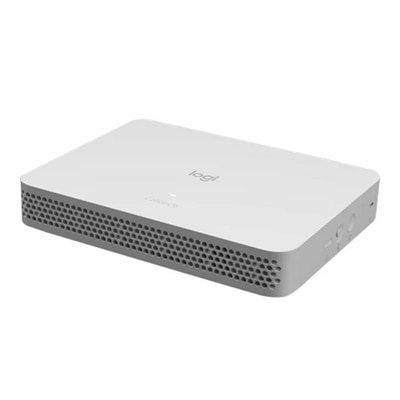
A sleek, low-profile appliance that simplifies HD video conferencing deployment in large meeting rooms.
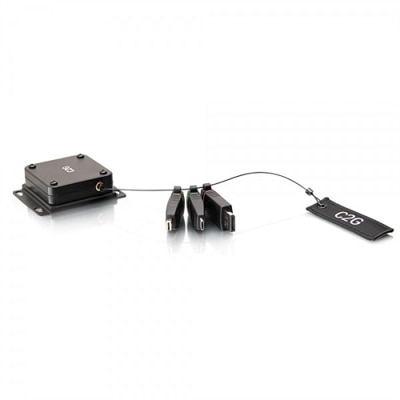
A retractable universal adapter mount with color-coded connectors, supporting 4K HDMI and multiple device connections.
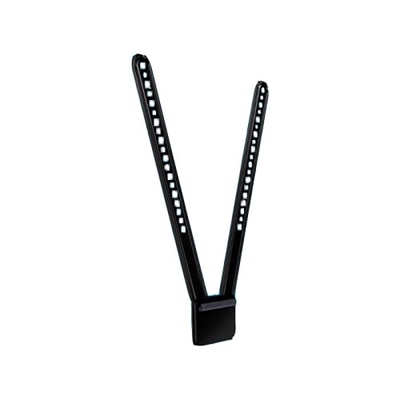
A black swing-up mount securely attaches the MeetUp ConferenceCam to VESA-compatible TVs or monitors.
Room Solutions for Google Meet help turn an ordinary meeting space into a dependable place for conversation, collaboration and shared decision-making. Rather than piecing together equipment that was designed for individual use, a room-focused setup brings the essential components together around the way people actually meet: a camera that can capture everyone at the table, microphones that pick up natural voices, speakers that keep conversations clear, a display for faces and shared content, and a simple control interface for joining calls and adjusting the room. These solutions can support a compact huddle area, a traditional conference room, a classroom, a training space or a larger boardroom. They are useful for businesses with hybrid teams, schools and community organizations coordinating across locations, medical and professional offices that need a polished virtual experience, and home offices where a laptop alone no longer feels sufficient. A well-planned room can make a noticeable difference in the small moments of a meeting: remote participants can follow the discussion without asking someone to repeat a comment, people seated at the far end of a table remain visible, and screen sharing feels more like working together at the same table. As work patterns continue to blend in-person and remote participation, a Google Meet room solution offers a consistent foundation for recurring meetings, presentations, interviews, team check-ins and training sessions.
Room size and seating capacity are among the most important considerations when comparing solutions. A small huddle room used by two to six people typically benefits from a compact camera and speaker system with a wide field of view, clear microphone pickup and automatic framing that keeps the group comfortably in view without constant manual adjustment. Medium rooms may call for a camera with a broader viewing angle or pan, tilt and zoom capabilities, along with tabletop or expandable microphones that help voices carry from different seats. Large rooms and boardrooms often need multiple microphones, additional speakers, a larger display or more than one display, and camera coverage designed to include both the presenter and the wider group. Room shape matters as much as the number of chairs; a long table, open seating arrangement or glass-walled space can affect camera placement, sound reflection and screen visibility. Look for equipment that is compatible with Google Meet and designed to work as an integrated room system, including a dedicated meeting computer or appliance, a touch controller for one-touch joining, a camera with automatic framing and speaker tracking, and audio hardware suited to the room’s dimensions. A whiteboard camera or other collaboration accessory can be helpful for teams that sketch ideas, review diagrams or teach from a shared surface. Easy setup, dependable updates, cable management and straightforward controls are also worth prioritizing, since the best room is one that employees can use confidently without waiting for technical assistance. For spaces that need flexible placement or a cleaner appearance, explore Wireless Conference Room Solutions and consider how power, connectivity and device placement will work before selecting a configuration.
The people using the room should guide the final choice. A small business may want a practical setup that lets a few employees meet with clients from a quiet, professional space, while a growing company may prefer a modular arrangement that can adapt as teams move between rooms. A school or training department might place greater emphasis on capturing a presenter, displaying instructional material and making remote learners feel included. In a home office, a larger monitor, a separate webcam and a comfortable audio setup can create a more natural meeting environment while leaving a laptop free for notes and documents. Room solutions can also be thoughtful workplace gifts for a newly remote employee, a manager responsible for a distributed team or a professional building a dedicated office at home, especially when the setup improves both work calls and personal video conversations. During warmer seasons when teams may move between offices and flexible workspaces, and during cooler months when more meetings take place indoors, reliable room equipment helps maintain a steady experience across changing routines. Before purchasing, measure the room, count the usual and maximum number of participants, identify where people sit and present, and check whether the display will be readable from every seat. Consider privacy features, camera controls, microphone expansion, accessibility needs and the availability of nearby power. A solution that starts quickly, keeps voices and faces clear, and fits naturally into the room encourages people to use Google Meet without hesitation. With the right combination of compatible computing, display, camera, audio and control accessories, a meeting space can feel welcoming to the person sitting at the table and to the colleague joining from miles away.
When choosing a Google Meet room solution, consider features such as high-definition video quality, intelligent audio with noise suppression, easy-to-use touch controllers for one-touch join, and seamless integration with your calendar and collaboration tools. Remote management capabilities and scalable components are also important for supporting different room layouts and team sizes.
Yes, most Google Meet room solutions are designed with remote management in mind. IT administrators can use the Google Admin console to monitor device health, deploy updates, and troubleshoot issues, helping to ensure smooth operation across all meeting spaces without the need for on-site visits.
Google Meet room solutions are ideal for businesses of all sizes, educational institutions, remote teams, and hybrid work environments. They also make valuable additions to home offices or shared workspaces, providing a professional video conferencing experience for meetings, presentations, and collaborative projects.
Touch controllers simplify the meeting process by allowing users to join meetings with a single tap, manage in-room devices, and control camera and audio settings. They also enable integration with room booking systems and calendars, making it easy to schedule and start meetings efficiently.
Many Google Meet room solutions are compatible with workplace booking systems, including dell workplace solutions meeting room booking. This integration allows users to reserve meeting spaces, manage schedules, and ensure that rooms are equipped and available when needed.
Add the products you would like to compare, and quickly determine which is best for your needs.