Selecting filter(s) will refresh the results and may change the availability of other options.
Find secure laptop cases to help protect your computer on your commute or while traveling. Compare laptop compatibility, case dimensions, and listed security features to choose an option that fits your device and how you carry it.
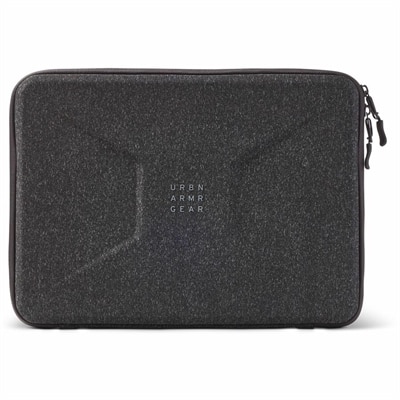
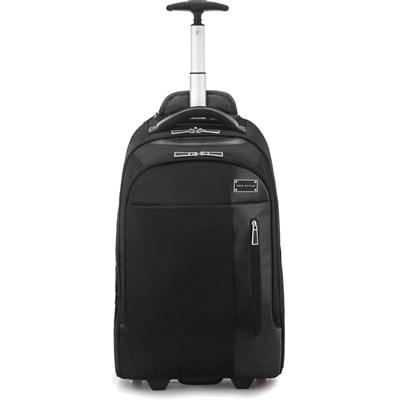
Secure laptop cases help protect your computer during commutes, business travel, and everyday trips between home, school, and the office. Choosing the right laptop carrying case starts with fit: compare your laptop’s exterior dimensions with the case’s listed interior measurements rather than relying on screen size alone. A properly sized compartment should hold the device securely without placing excessive pressure on its edges or allowing it to shift freely. As you compare protective laptop cases, look for features such as cushioning around the laptop compartment, protection at the corners, and closures that keep the device contained while you are moving. If you regularly carry a charger, mouse, or other laptop accessories, separate compartments can help keep those items organized and away from the computer’s surface. Your preferred carrying style matters, too. A slim laptop sleeve may work well inside another bag, while a laptop briefcase or backpack can provide a more convenient way to carry your computer alongside daily essentials.
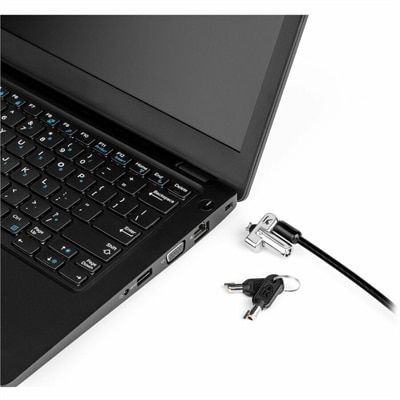
The best secure laptop case for your routine balances physical protection, portability, and practical security features. If limiting casual access is a priority, check whether a case includes a locking closure or supports a compatible lock, and review how that mechanism works before choosing. A lockable laptop case can add an obstacle to unauthorized access, but it does not make a computer theft-proof or replace keeping your belongings within sight. For frequent travel, consider how easily you can retrieve your laptop for screening, carry the case through crowded spaces, and store it without putting pressure on the device. Comfortable handles or adjustable straps may also be useful if you carry your laptop for extended periods. Check any stated water-resistance or impact-protection information carefully, since protection levels vary by design. Pairing a well-fitted protective laptop case with strong device passwords, current security updates, and regular backups helps address both everyday handling risks and the separate need to protect your files.
FAQs:
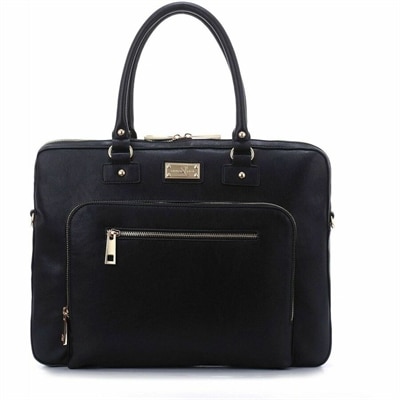
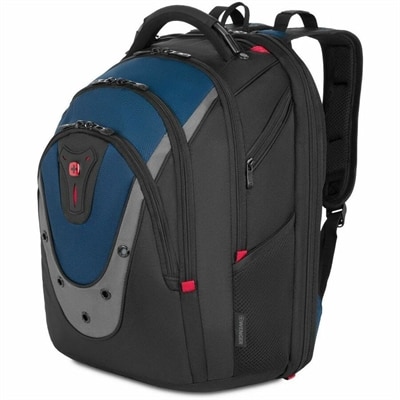
Common laptop case formats include handheld cases, shoulder bags, and backpacks. Consider whether you prefer carrying your laptop by a handle, using a shoulder strap, or keeping your hands free with backpack straps.
Closure designs vary and may include zippers, buckles, keyed latches, or combination latches. Review the closure details and consider which opening method best suits your daily routine.
Consider separate compartments for your laptop, documents, charger, and smaller accessories. Interior dividers and dedicated pockets can help you keep work essentials organized without placing everything in one compartment.
Consider understated colors, minimal exterior detailing, and a structured silhouette for a traditional office look. For a more casual workplace, choose a style that complements your everyday wardrobe and preferred carrying method.
Follow the manufacturer's care instructions, since cleaning methods vary by construction and finish. Empty the compartments before cleaning, remove loose debris, and use only the cleaning products recommended for the case.