$829.99
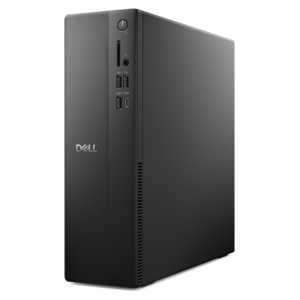
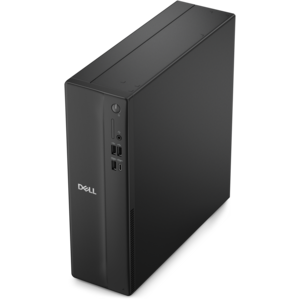
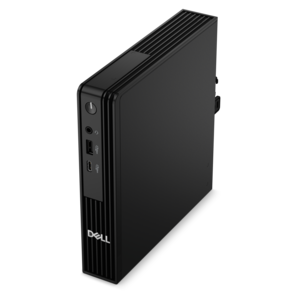
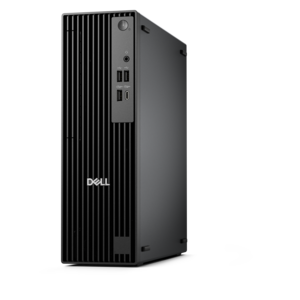
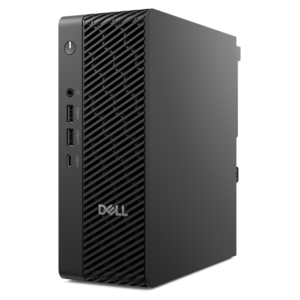
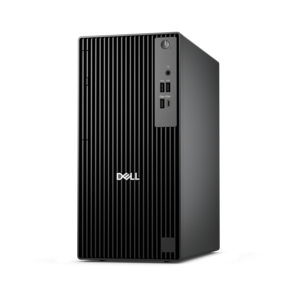
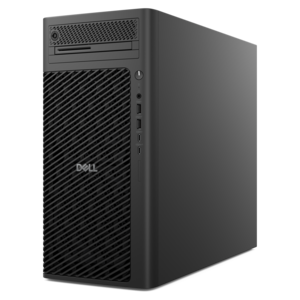
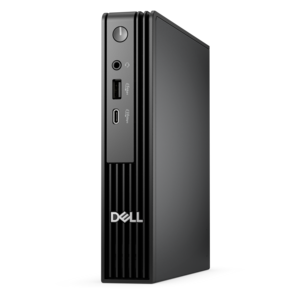
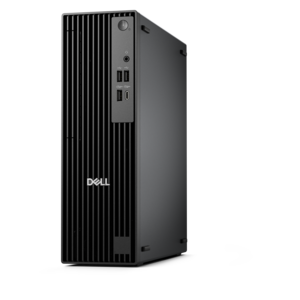
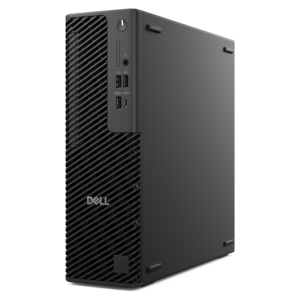
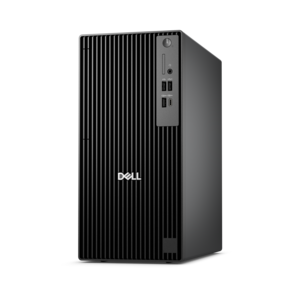
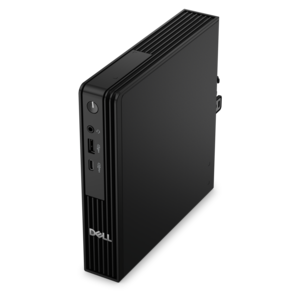
A powerful desktop designed to boost everyday productivity in a streamlined setup.
Student desktops are designed to support learning, creativity, and productivity throughout the academic journey. Whether you’re tackling assignments, collaborating on group projects, or enjoying downtime with your favorite entertainment, the right desktop can make all the difference. Explore a wide selection of student desktops that deliver reliable performance and help keep you connected and organized for every class and study session. Find the perfect fit for your workspace and power your success this semester and beyond.
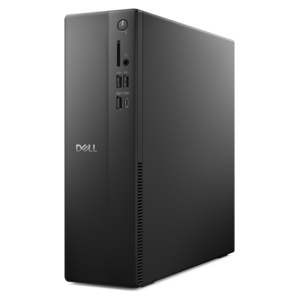
A powerful desktop designed to boost everyday productivity in a streamlined setup.
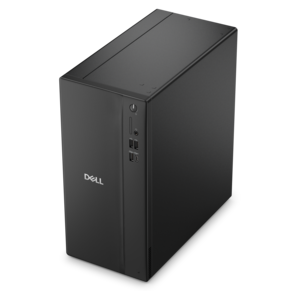
A versatile desktop for everyday productivity and creative tasks.
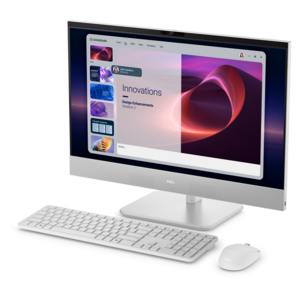
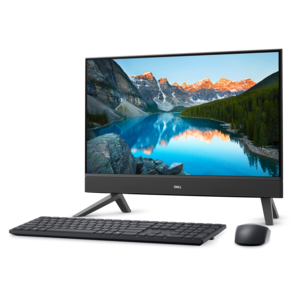
A space-saving all-in-one desktop designed for productive work and entertaining.
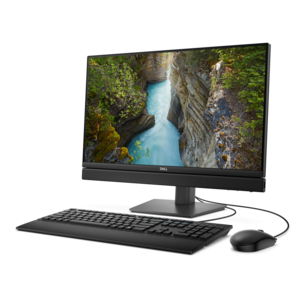
A space-saving all-in-one desktop with AI options, enhanced productivity, and robust security and manageability features.
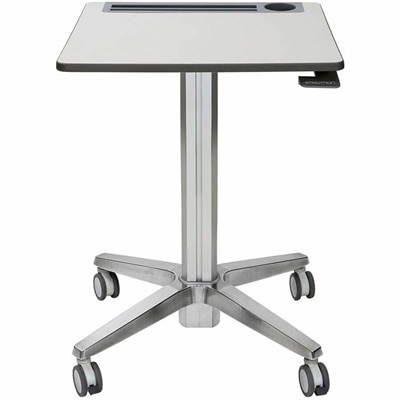
A mobile sit-stand desk enabling flexible, active learning and workspaces.
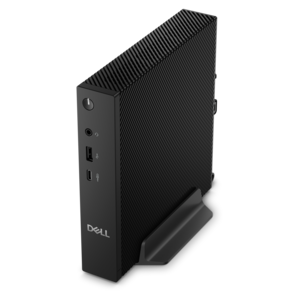
A compact thin client supporting cloud software, ThinOS, Windows 11 IoT Enterprise, or no operating system.
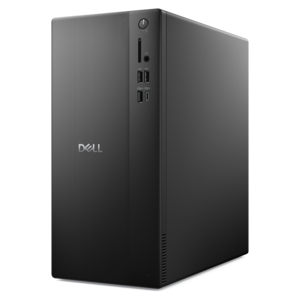
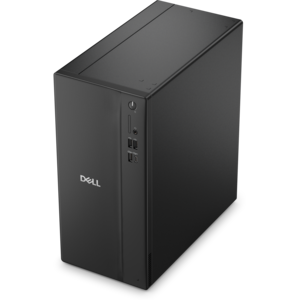
A business-ready tower desktop delivering reliable everyday performance with essential security features for productive workflows.
A compact desktop designed for everyday productivity and creative tasks.
A space-saving desktop delivering reliable performance and security for everyday productivity.
A compact desktop delivering reliable performance and security for everyday productivity.
A business-ready tower desktop delivering dependable performance and security for everyday productivity workloads.
A space-saving, business-ready desktop delivering reliable everyday performance with essential security features.
A compact all-in-one desktop designed for productive work and everyday entertainment.
An ultracompact business desktop with Copilot+ PC options, AI-enhanced productivity, robust security, and streamlined manageability.
A space-saving desktop designed to boost everyday productivity.
A reliable workstation desktop delivering excellent performance with professional graphics for demanding productivity and creative workloads.
A business-ready tower desktop with Copilot+ PC options, robust security, manageable features, and expandable performance.
A compact, high-performance desktop with AI PC options, robust security, and streamlined manageability for demanding workloads.
A space-saving desktop engineered for exceptional speed and efficiency in a sleek, compact design.
A business-ready tower desktop with AI-enhanced productivity, robust security, seamless manageability, and expandable performance.
A scalable desktop delivering the world’s fastest single-threaded performance for demanding professional workloads.
An ultracompact high-performance business desktop with AI PC options, robust security, and seamless manageability.
A high-performance business desktop with Copilot+ PC options, AI-enhanced productivity, robust security, and manageability.
A slim desktop delivering exceptionally fast CPU and GPU performance for demanding professional workloads.
Student desktops provide a dependable home base for coursework, research, creative projects and everyday communication. Unlike a laptop, a desktop setup can remain comfortably arranged in one place, with a full-size monitor, keyboard and mouse ready whenever it is time to write a paper, join a video class or review a spreadsheet. Students living in a bedroom, shared apartment or residence hall may appreciate a compact tower that fits neatly beside a monitor, while an all-in-one design can help reduce cable clutter by combining the computer and display in a single streamlined unit. Desktops can also be a thoughtful gift for a student preparing for a new academic term, starting a certification program or building a dedicated study space at home. A capable system can support the quiet, practical routines that make schoolwork easier: opening reference materials alongside a document, organizing digital notes, backing up photographs and assignments, and keeping communication tools available without relying on a small mobile screen. For students who spend cooler months working indoors, a comfortable desktop area with a clear display and an ergonomic chair can turn an unused corner into a welcoming place to focus.
When comparing student desktop options, begin with the type of work the computer will handle most often. General coursework, web research, word processing, presentations and streaming can run smoothly on a system with a modern multi-core processor and at least 8GB of memory. For heavier multitasking, coding assignments, large research projects, photo editing or specialized educational software, 16GB of memory can provide more breathing room and help the computer remain responsive when several applications and browser tabs are open. Solid state storage is another important consideration because it helps the computer start quickly, opens files with less waiting and operates quietly. A 256GB solid state drive may suit students who primarily use cloud storage, while 512GB or more gives additional room for applications, class materials, media and locally stored projects. It is also useful to check whether the system includes convenient connections for monitors, external drives, headphones and other accessories. Students who move between online classes and in-person work may value built-in Wi-Fi and Bluetooth, while those using video conferencing should look for compatibility with a webcam, microphone and speakers. A desktop with straightforward setup and familiar software can be especially helpful for younger students, returning learners or anyone who prefers technology that stays out of the way.
Space, display comfort and long-term flexibility can matter just as much as internal specifications. Slim towers are well suited to narrow desks and can often be paired with a monitor sized for comfortable reading, while all-in-one desktops conserve surface area and create a clean appearance with fewer visible cables. A larger, high-resolution display can make a noticeable difference when reviewing detailed diagrams, reading digital textbooks or arranging multiple windows side by side, particularly during long study sessions. Students interested in art, design, music production or introductory game development may want additional processing capability, more memory and room for larger files, while students focused on writing and communication may place greater value on a quiet system, a comfortable keyboard and clear text on screen. Families can also consider upgrade potential, warranty coverage, included accessories and the availability of technical support before choosing a desktop. A system that meets today’s assignments while leaving some room for future software can be a sensible investment as coursework becomes more demanding. Explore Windows Desktops to compare desktop styles and find an option that fits a student’s workspace, schedule and daily computing habits.
Add the products you would like to compare, and quickly determine which is best for your needs.