$39.99
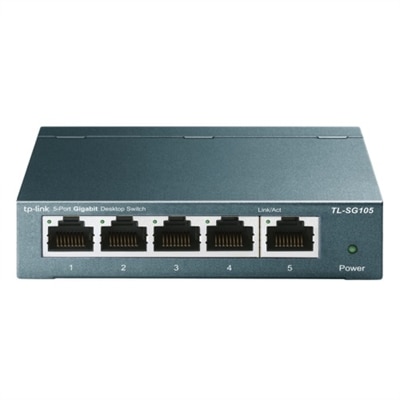
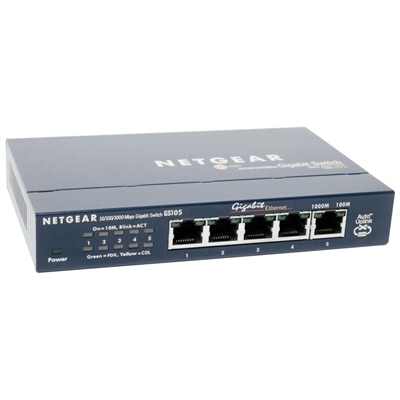
A compact, fanless five-port Gigabit Ethernet switch with a durable metal chassis for quiet, reliable networking.
Discover the seamless connectivity and enhanced performance that comes with the latest in switch networks technology. Whether you're upgrading your home setup or optimizing a business environment, finding the right network switch is essential for efficient data management and smooth communication between devices. Explore a diverse range of options designed to meet the demands of modern networking, ensuring reliable connections and scalable solutions. Elevate your network infrastructure with cutting-edge innovations that support your digital lifestyle and empower your operations.
A compact, fanless five-port Gigabit Ethernet switch with a durable metal chassis for quiet, reliable networking.
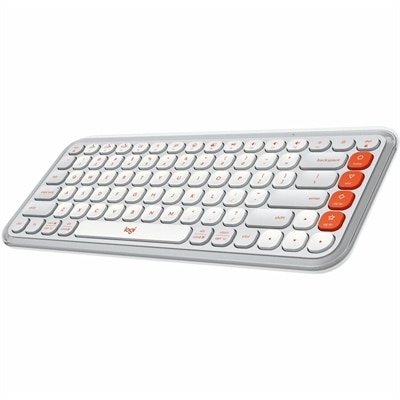
A compact off-white and orange Bluetooth keyboard with quiet low-profile keys, programmable controls, and three-device switching.
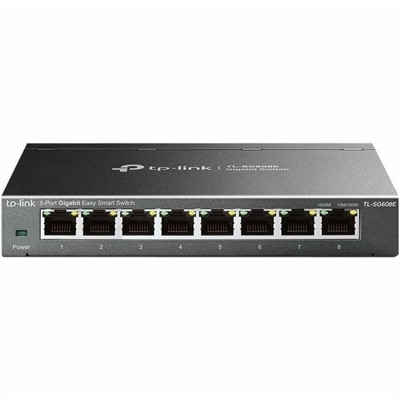
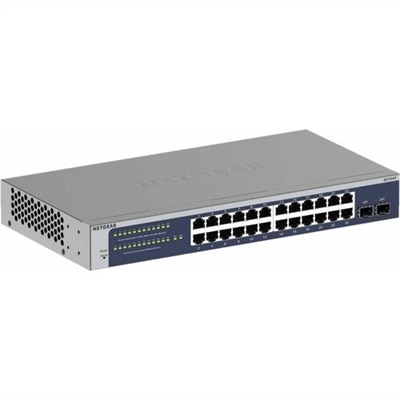
An 8-port Gigabit smart switch featuring durable metal construction, QoS, VLAN, IGMP Snooping, and fanless design.
Switching networks can mean choosing a different Wi-Fi connection, moving between cellular lines, activating a new SIM or eSIM, or selecting a physical device designed to connect multiple wired devices in one location. The right choice depends on how you use your computer and mobile devices, where you work, and how many connections you need to manage. In a home office, a reliable connection can help a laptop stay in touch with cloud files while a monitor, printer, phone, and other accessories share the same workspace. In a family room, connected devices may include a desktop, streaming equipment, game system, smart television, and mobile devices moving throughout the house. A small workspace may need only a few available ports, while a growing home business or shared office may benefit from additional capacity and clearer control over connected equipment. When comparing options, consider the number of devices you expect to use today, along with the connections you may add during the next few years. Count wired devices rather than relying only on the number of people in the household, since one person may use a computer, monitor, printer, phone, and storage accessory at the same time. It is also useful to review connection speed, port type, power requirements, placement, and physical size. A compact design can sit neatly beside a laptop dock or beneath a desk, while a larger unit may be better suited to a dedicated equipment shelf. Cable length and organization matter as well; a tidy arrangement makes it easier to identify each connection when you are adjusting a workspace, replacing a computer, or helping someone troubleshoot. For a more structured business setup, browse Managed Network Switches as a related resource.
The devices that connect to a network can influence the experience just as much as the connection hardware itself. A laptop used for video meetings benefits from dependable wireless capability, a clear camera, a comfortable keyboard, and enough performance to keep several applications open without hesitation. A desktop may be a better fit for a permanent workspace where a larger display, full-size keyboard, and wired accessories remain in place. Monitors can make a connected setup more comfortable by giving documents, conversations, and creative tools their own space, while docks and adapters can reduce the tangle of cables around a modern computer. If you are preparing a workspace for a student, remote worker, creative professional, or family member, think about the daily rhythm of that person’s routine. Someone who moves between rooms may value a lightweight computer and simple wireless setup; someone who works at one desk may prefer a larger screen and more available connections. During the cooler months, when work, study, and entertainment often move indoors, flexible equipment can help a spare room become a productive office or a dining table become a temporary project area. Before making a choice, check compatibility with the computer’s operating system, available ports, wireless standards, power source, and any accessories already in use. Confirm that the equipment can fit comfortably where it will be placed and that ventilation remains unobstructed. It is also worth considering ease of setup: clearly labeled ports, straightforward controls, and accessible settings can save time when a new device joins the household. For mobile devices, switching from one Wi-Fi connection to another usually involves opening Settings, selecting Wi-Fi, choosing the available connection, and entering its password when prompted. Cellular lines and SIM or eSIM profiles are managed through the device’s mobile-data settings, while changing providers may require activation from the new carrier. On a Windows computer or Mac, the Wi-Fi menu typically appears in the taskbar or menu bar, where you can select another available connection. These simple steps help make connected computing more adaptable, whether you are refreshing a home office, arranging equipment for a small organization, or giving a practical technology gift to someone setting up a new space.
Add the products you would like to compare, and quickly determine which is best for your needs.