$1379.99
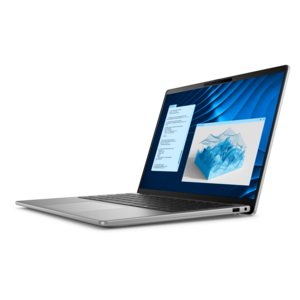
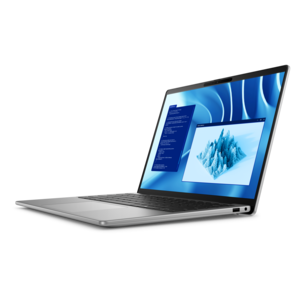
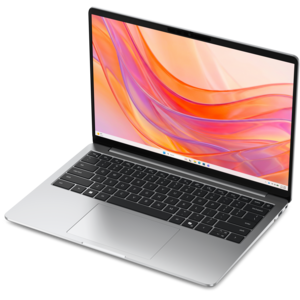
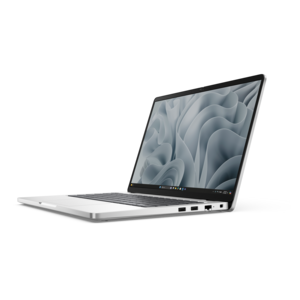
An AI-powered, lightweight laptop with Intel Arc graphics, ideal for creative professionals and small businesses.
Discover the next generation of portable computing with Windows 11 ARM laptops, designed to deliver a seamless experience for work, creativity, and entertainment. These innovative devices combine sleek design with advanced technology, making them ideal for users who value performance and versatility on the go. Explore a wide selection of Windows 11 ARM laptops to find the perfect match for your lifestyle and computing needs.
An AI-powered, lightweight laptop with Intel Arc graphics, ideal for creative professionals and small businesses.
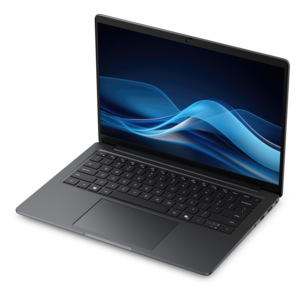
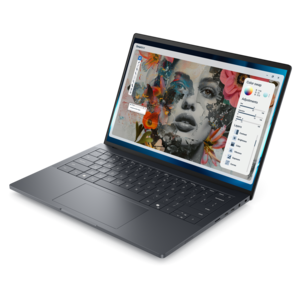
A sleek laptop powered by AMD Ryzen AI 400, designed for smooth, capable multitasking.
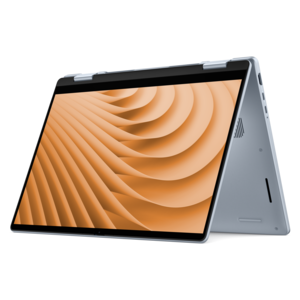
A versatile 2-in-1 laptop designed for AI experiences and seamless multitasking on the go.
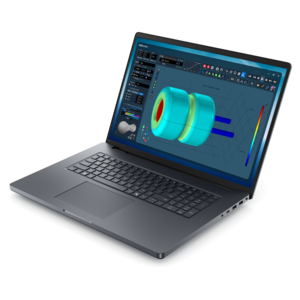
An AI-ready laptop with a spacious display, designed for creators and developers seeking high performance.
A professional laptop delivering powerful on-device AI, impressive unplugged performance, and groundbreaking battery life.
A sleek laptop delivering smooth AI experiences and accelerated creative workflows for demanding high-performance users.
A productivity-focused Copilot+ PC powered by a capable AMD CPU, GPU and NPU combination.
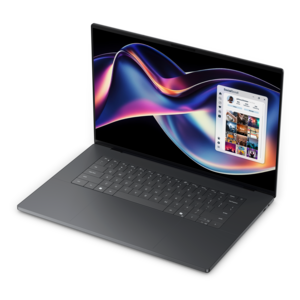
A thin, high-performance 16-inch laptop with exceptional battery life, designed for creators.
A premium laptop delivering powerful on-device AI, game-changing unplugged performance, and outstanding battery life.
A powerful productivity laptop with scalable performance and advanced on-device AI capabilities.
A sleek workstation delivering exceptional performance with advanced on-device AI and exuberant style.
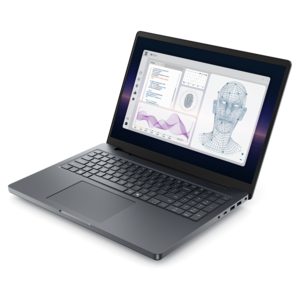
A laptop featuring Intel® 13th Gen processors, a built-in FHD camera, and an enlarged ergonomic keyboard.
A powerful professional laptop delivering productivity, scalability, ease of use, and advanced on-device AI.
A laptop featuring an FHD camera, enlarged ergonomic keyboard, and AMD Ryzen™ processing.
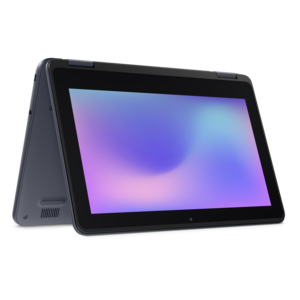
A durable, serviceable laptop or 2-in-1 designed specifically for demanding education environments.
A thin, lightweight laptop crafted with eco-friendly materials and powered by AMD Ryzen 200 Series processors.
A thin, lightweight laptop crafted from eco-friendly materials with Series 3 Intel Core processors for productivity.
A durable, serviceable laptop designed specifically for demanding education environments.
A thin, lightweight laptop made with eco-friendly materials and Series 3 Intel Core processors for productivity.
A portable laptop with a sleek design, 16:10 display, and AI PC options for productivity anywhere.
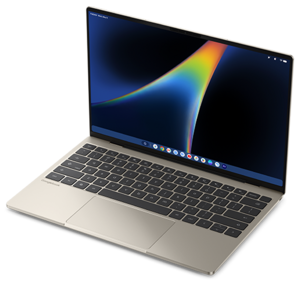
A razor-thin, featherlight laptop designed for intelligent productivity with Gemini-powered features.
A sleek, portable laptop with an expansive 16:10 display for reliable productivity anywhere.
A slim, lightweight laptop with Intel® Core™ processors and graphics for productive work anywhere.
A durable, modular laptop with robust security, a spacious 16:10 display, and optional built-in AI.
Windows 11 ARM laptops pair a familiar desktop environment with processors built on the Arm architecture, bringing a power-efficient approach to portable computing. They run Windows 11 rather than a mobile operating system, with the desktop, file management, multitasking tools, and keyboard-and-mouse workflows people expect from a laptop. Their appeal centers on balancing everyday responsiveness with battery endurance in a design that can travel comfortably between a desk, a classroom, and a seat on the train. For someone whose day includes writing documents, reviewing spreadsheets, browsing research, and joining video meetings, that balance can mean less time planning around an outlet. Actual battery life depends on the laptop’s battery capacity, screen settings, wireless activity, applications, and workload; a bright display and sustained video processing draw more power than reading a document. Arm architecture alone does not guarantee a particular runtime or performance level. These laptops are especially relevant to students, frequent travelers, remote workers, and households looking for a portable computer for communication and everyday projects. A morning might begin with lecture notes, continue with a shared presentation over lunch, and end with streaming video at home. Many everyday tasks fit naturally into that routine, although the experience depends on both the hardware configuration and the software involved. Some configurations also include a neural processing unit, or NPU, which can handle supported artificial intelligence tasks efficiently. Features such as background effects or local image processing depend on the device, operating system version, and application, so an NPU should not be treated as a promise that every AI feature will work. The defining consideration is how the complete laptop supports its intended use: comfortable typing, a readable screen, responsive applications, and enough endurance for the places it will go. For a graduation gift or a computer for someone starting a new role, familiarity with the recipient’s daily software matters as much as portability.
Software compatibility is an important distinction within Windows 11 on Arm. Applications built to run natively on Arm can take direct advantage of the processor architecture, while Windows 11 can run many applications written for x86 and x64 processors through emulation. Emulation broadens software support, but it does not make every program compatible or guarantee the same performance and efficiency as a native version. Everyday browsing, document work, communication, and media playback can be a strong fit when the required applications support the platform. Browser-based workflows can also reduce dependence on a particular desktop application, although extensions, connected hardware, and workplace security requirements still deserve attention. A student who mainly uses an online learning portal has different needs from an engineering student whose coursework requires specialized desktop tools. Similarly, a remote employee working in shared documents may have fewer compatibility concerns than someone relying on a particular corporate VPN, security utility, or older accounting application. Device drivers must support Windows on Arm, which makes compatibility with printers, scanners, audio interfaces, and other peripherals more than a matter of having the right connector. A USB port can provide a physical connection without ensuring that every device feature will function. Employer-managed systems may also have requirements that need confirmation before a laptop becomes part of a work routine. Gaming calls for the same specificity: support varies by title, graphics requirements, launch software, and anti-cheat components. An Arm-based laptop should not automatically be assumed to suit a demanding game library simply because it runs Windows 11. Creative work depends on the full workflow, too, including plug-ins, codecs, capture equipment, and export demands rather than the main application alone. Memory capacity influences comfort when several applications and browser tabs stay open, while the processor and cooling design affect sustained workloads. The strongest match is a configuration that handles the actual daily workload, not just a short list of headline specifications. Confirmed support for essential software and accessories helps make the transition feel familiar from the first sign-in through a full working day.
Physical design has just as much influence on everyday satisfaction as processor architecture. A smaller, lighter laptop slips more easily into a commuter bag and leaves room for a notebook on a narrow lecture-hall desk, while a larger screen can make side-by-side documents and detailed spreadsheets more comfortable to read. Screen resolution affects sharpness, but brightness, reflections, text scaling, and viewing angles shape the experience under office lights or beside a sunny window. Touch input and convertible hinges, where included, can add flexibility for reading, presenting, or marking up documents; pen support depends on the individual configuration. For shoppers drawn to handheld reading and touch-first use, Tablets With Windows 11 offer a related form factor to consider, with keyboard arrangements and lap comfort that may differ from a conventional laptop. On a traditional notebook, keyboard spacing, key feel, palm-rest depth, and touchpad placement affect comfort during long writing sessions. A clear webcam and well-positioned microphones matter when the kitchen table becomes a meeting space, while the port selection determines how easily a monitor, headset, or other accessory fits into the setup. External display support and charging capabilities vary even among connectors that look alike. Materials and construction also deserve a practical view: metal chassis can feel rigid, and well-designed composite housings can keep weight manageable, but neither material alone establishes durability. Hinge stability, panel fit, and protection during transport all contribute to how a laptop holds up. A padded sleeve helps prevent scratches and cushions minor bumps, while keeping loose cables and other objects away from the closed screen reduces pressure on the display. Routine care is straightforward: power down before cleaning, use a soft cloth with a manufacturer-approved method, and keep liquids away from openings. Clear vents and a firm supporting surface help the cooling system work as intended. Together, these details shape a Windows 11 ARM laptop that feels comfortable to carry, dependable to work on, and suited to the pace of daily life.
Add the products you would like to compare, and quickly determine which is best for your needs.