Dell Unity: Det går inte att konfigurera Unity Integrated SRS eller SCG (Centralized Secure Remote Services) (felkod: 0x6400b82) (kan korrigeras av användaren)
Summary: Användaren eller kunden kan inte konfigurera integrerad SRS eller SCG (tidigare centraliserade Secure Remote Services) på grund av felkod: 0x6400b82
This article applies to
This article does not apply to
This article is not tied to any specific product.
Not all product versions are identified in this article.
Symptoms
Du kan ha angett ogiltiga Dell EMC-supportuppgifter. Kontrollera det med hjälp av kommandot "settings –> Support Configuration -> Dell EMC Support Credentials" i Unisphere eller med uemcli-kommandot "/sys/support/account". (Felkod: 0x6400b82)
Cause
En av orsakerna till felmeddelandet: 0x6400b82 beror på Unitys S/N och att plats-ID inte är kopplat till kundens registrerade e-postadress till Dell Technologies-supportkonto.
Resolution
Kunden eller användaren måste se till att e-postmeddelandet för Dell Technologies supportkonto är kopplat till Unitys S/N och plats-ID för att konfigurera integrerad SRS eller SCG och eller centraliserad SRS.
Följ anvisningarna nedan för att kontrollera om kontot är kopplat.
1) Gå till Dell Technologies supportsida härifrån
2) Logga in med ditt konto
3) Välj Administrationssupport från supportens huvudsida på den nedersta sidan.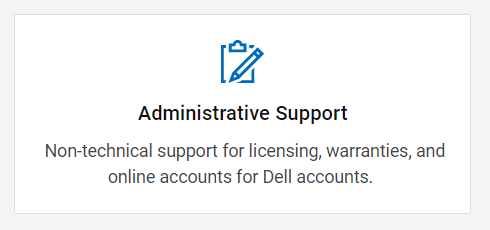
4) Välj Enterprise Online Account Help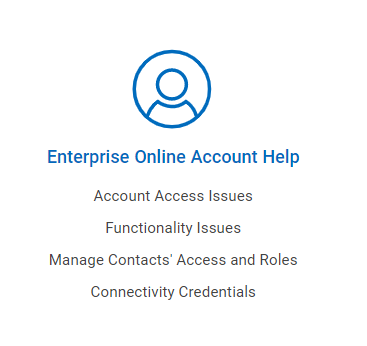
5) I "Tell us more" –> Manage Contacts Access and Roles
Enter Unity's registered Site ID (wait for about 3 seconds and the Site ID pops out and you can select it)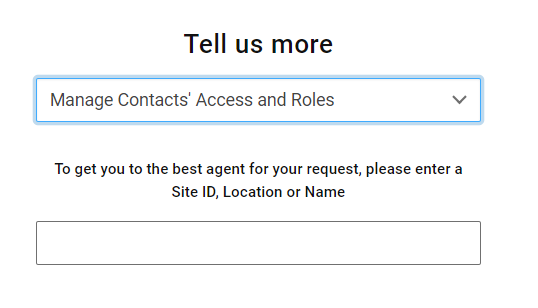
6) Välj önskad metod för kontaktsupport (Om "Chat" inte är tillgängligt väljer du Create Service Request)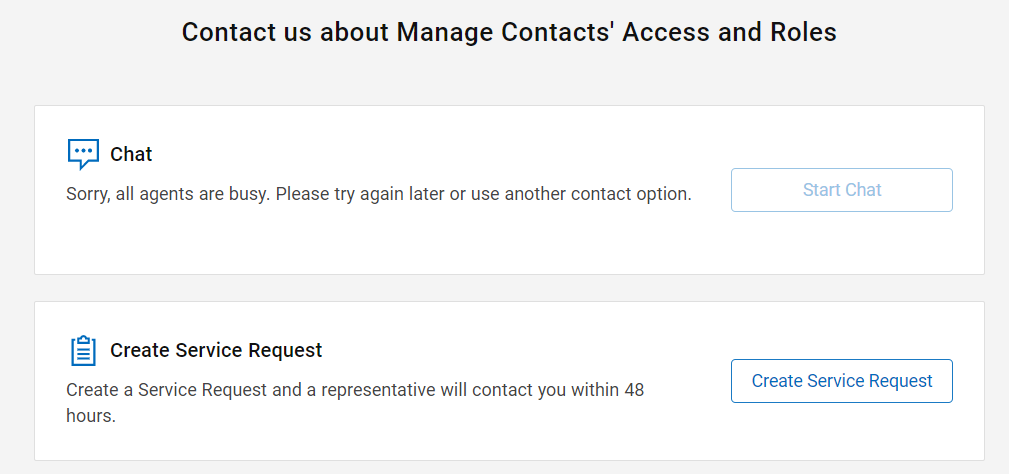
7) Fyll i nödvändig information
Fråga nedan som ett exempel.
"För närvarande kan vi inte konfigurera SRS eller SCG med Dells supportkontos e-postadress; xxxxx@xxxxx.com."
Please help to confirm whether Unity's S/N:XXXX is associated with Dell Support Account email address xxxxx@xxxxx.com." "If it is not associated, help to associate the Email account"
Efter den första kontakten hjälper Dells tekniska support till att kontrollera om användarens konto är berättigat till att konfigurera SRS eller SCG.
Supporten kan be om ytterligare information för att bekräfta kundens aktuella status.
Följ deras instruktioner och ge ytterligare information efter behov.
8) När Unitys S/N och kontot är kopplat försöker du konfigurera SRS igen för att se om felkoden: 0x6400b82 visas.
Om problemet inte löser sig samlar du in serviceinformationsloggen och kontaktar vår support.
Hänvisa även till support som kunden har följt denna KB.
Affected Products
Dell EMC Unity, Dell EMC Unity Family |Dell EMC Unity All FlashArticle Properties
Article Number: 000212176
Article Type: Solution
Last Modified: 07 Nov 2025
Version: 5
Find answers to your questions from other Dell users
Support Services
Check if your device is covered by Support Services.