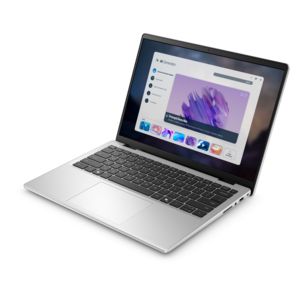
$259.99
A versatile portable monitor designed to expand productivity wherever you work.
Hardware for remote workers is essential for creating a productive and efficient workspace away from the traditional office. The right tools can help streamline daily tasks, enhance communication, and support seamless connectivity. Whether setting up a dedicated home office or working from various locations, having reliable hardware ensures you stay organized and focused. Explore a wide selection of devices and accessories designed to meet the unique needs of remote professionals.
A versatile portable monitor designed to expand productivity wherever you work.
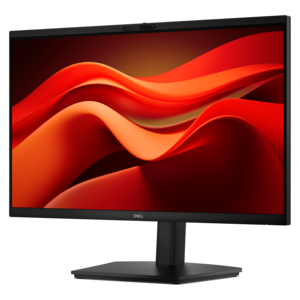
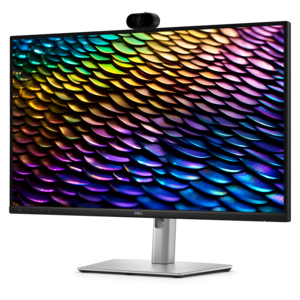
A Full HD conferencing monitor with built-in webcam, speakers, and microphone for seamless everyday collaboration.
A smart docking station offering up to 130W USB-C power delivery and remote management capabilities.
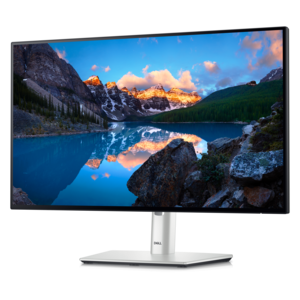
A TÜV-certified USB-C hub monitor offering 4-star eye comfort, enhanced productivity and extensive connectivity.
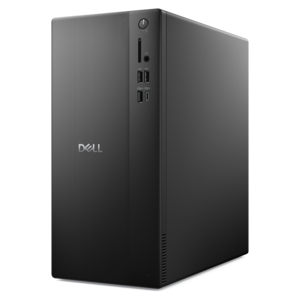
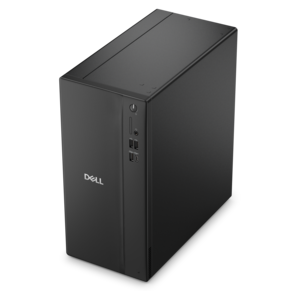
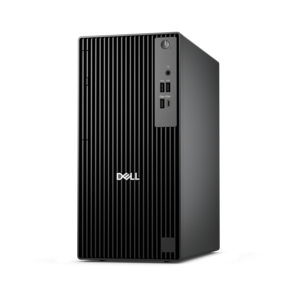
A business-ready tower desktop delivering reliable everyday performance with essential security features for productive workflows.
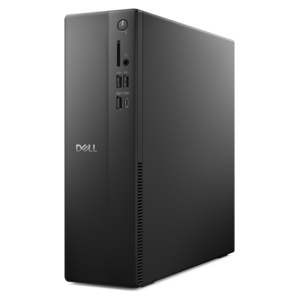
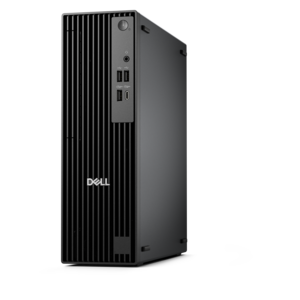
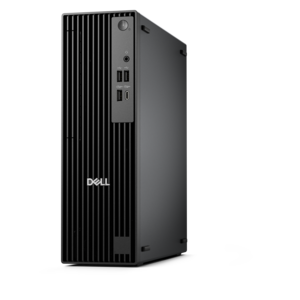
A space-saving business desktop delivering reliable everyday performance with essential security features for productive workflows.
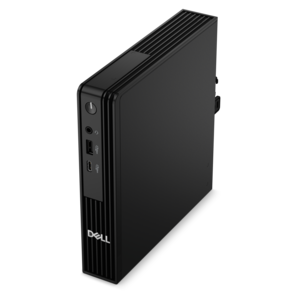
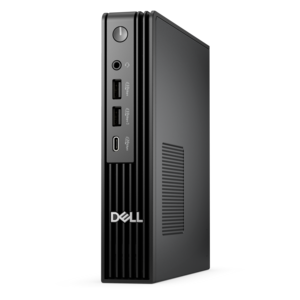
A compact desktop delivering reliable performance and security for everyday productivity.
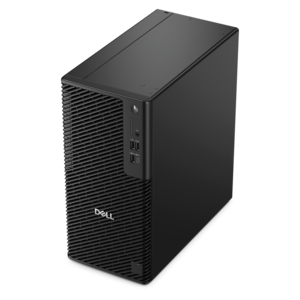
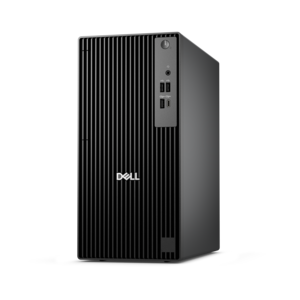
A business-ready tower desktop delivering dependable performance and security for everyday productivity workloads.
A reliable workstation desktop delivering excellent performance with professional graphics for demanding productivity and creative workloads.
A business-ready tower desktop with Copilot+ PC options, robust security, manageable features, and expandable performance.
A business-ready tower desktop with AI-enhanced productivity, robust security, seamless manageability, and expandable performance.
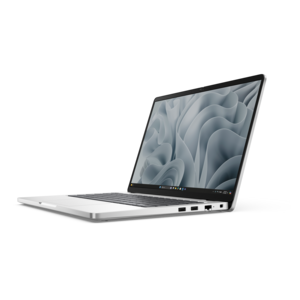
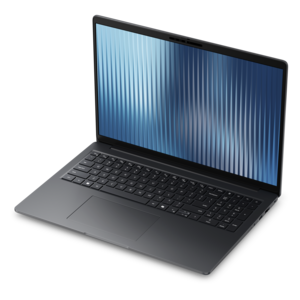
A durable, modular laptop with robust security, a spacious display, and optional built-in AI for workdays.
A high-performance business desktop with Copilot+ PC options, AI-enhanced productivity, robust security, and manageability.
An ultracompact, AI-ready business desktop delivering robust performance with exceptional security and seamless manageability.
A durable, lightweight business laptop powered by AMD Ryzen processors with commercial-grade security and manageability.
A compact, high-performance business desktop supporting heavy workloads, AI-enhanced productivity, and secure manageability in tight spaces.
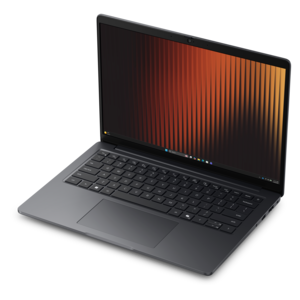
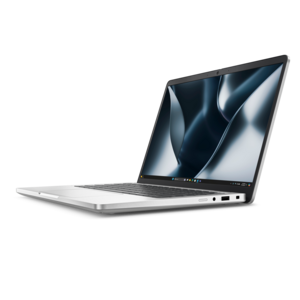
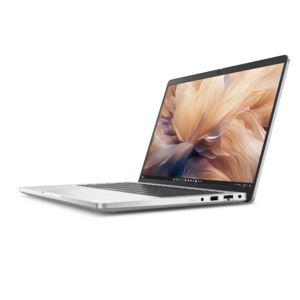
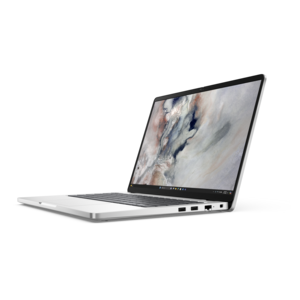
A secure, scalable commercial AI PC in a sleek, durable aluminum body for on-the-go multitasking.
A sleek aluminum commercial AI PC delivering robust security, scalability, productivity, and laptop or 2-in-1 functionality.
A durable, modular laptop featuring robust security, a spacious display, and optional built-in AI for workdays.
A durable, lightweight business laptop offering reliable productivity with commercial-grade security and manageability.
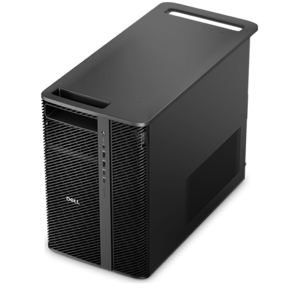
A scalable, high-performance workstation designed to handle critical professional tasks and evolving workloads.
Remote work hardware should make a home office feel dependable, comfortable and ready for the day’s priorities, whether that day includes video meetings, focused writing, financial analysis, creative projects or a mix of tasks that changes from one hour to the next. A capable laptop or desktop is the foundation. Look for a current-generation processor, at least 16GB of memory for smooth multitasking and a fast solid-state drive with enough capacity for essential applications and files. A laptop can be a practical choice for people who move between a dedicated office, a kitchen table and a quiet corner of the house, while a desktop may suit workers who prefer a permanent workstation, a larger display and room for more accessories. Screen size, battery life, camera quality, port selection and weight all deserve attention when comparing computers. Someone who spends much of the day in spreadsheets or browser tabs may benefit from a larger display and generous memory, while a professional who travels between locations may value a lighter design and efficient battery performance. For a more complete Work From Home Setup, consider how every piece will work together rather than choosing each item in isolation. The best arrangement is one that reduces small daily frustrations: a computer that wakes quickly, a display that leaves enough room for documents side by side and accessories that connect without a tangle of adapters.
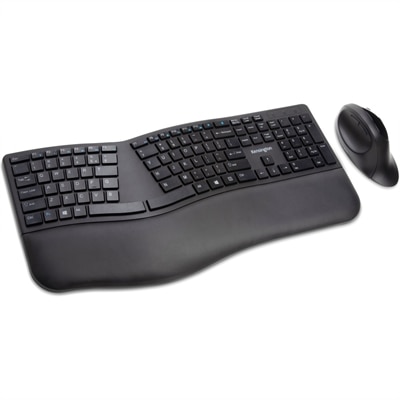
An external monitor can transform a compact laptop into a more spacious workstation. A second screen is useful for keeping a meeting, reference document or calendar visible while completing work on the main display, and an ultrawide screen can provide a broad, continuous workspace for timelines, dashboards and creative applications. Full HD resolution is a sensible starting point for everyday office tasks, while higher resolution can make text, images and fine details appear sharper. Adjustable height, tilt and viewing angles are important considerations because positioning the top of the screen near eye level can help support a more natural posture. A laptop stand can provide that lift, especially when paired with a separate keyboard and mouse. An ergonomic keyboard with a comfortable layout and a mouse that fits the hand can make long writing, research or design sessions feel less taxing. A USB-C hub or docking station can simplify a desk by helping connect a laptop to a monitor, power and compatible peripherals through a central accessory; check the computer’s available ports and the dock’s supported display resolution before purchasing. For video calls, an external webcam with 1080p resolution can offer a clearer, more polished image than a built-in camera, particularly when placed at eye level. A small desk lamp or adjustable light can soften shadows and improve visibility during calls, while a headset with a clear microphone can help voices sound natural in a busy household. Noise-reducing or noise-canceling audio is especially useful for focused work, shared living spaces and conversations held during the noisier parts of the day. These accessories can also make thoughtful gifts for a remote employee, freelancer, student, consultant or family member who has gradually assembled a workspace from whatever was available at home.
Comfort and flexibility matter just as much as technical specifications. An adjustable office chair with supportive lumbar cushioning, a stable base and a seat height that allows feet to rest comfortably can make extended work sessions easier to manage. A height-adjustable desk or desk converter gives workers the option to alternate between sitting and standing, adding movement to a routine that might otherwise keep them in one position for hours. A footrest, monitor arm or compact cable-management accessory may be worthwhile when space is limited, especially in apartments, shared rooms or multipurpose spaces that need to return to their original use at the end of the day. People who work remotely in cooler months may move their office closer to a window for natural light or into a quieter room as household routines change, so portable hardware and flexible layouts can be valuable. Before buying, measure the desk surface, confirm the weight and size limits for stands or monitor mounts, review compatibility for ports and operating systems, and consider whether the computer will handle the most demanding regular task rather than only basic email. A worker who primarily writes may prioritize a comfortable input setup and a bright, readable monitor; someone who conducts frequent calls may place greater emphasis on a webcam, microphone and headphones; and a creative professional may need a more powerful processor, a color-accurate display and expanded screen space. Choosing hardware around real habits, available room and the rhythm of the workday creates a setup that feels personal and practical, from the first morning message to the final task completed in a quiet home office.
Add the products you would like to compare, and quickly determine which is best for your needs.