$103.99
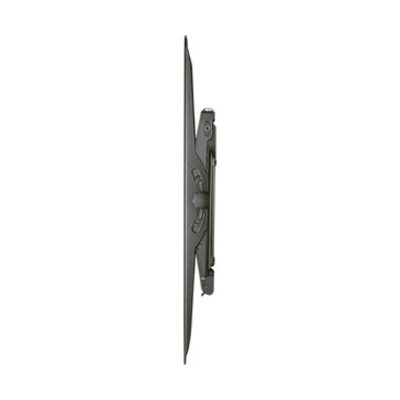
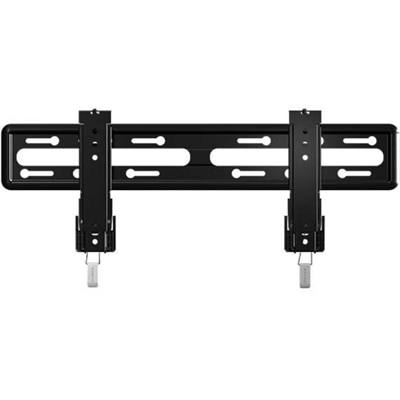
A fixed-position black TV mount with side-to-side adjustment, safety tab, and tool-free assembly.
Find accessories for flat screen TVs to complete or update your viewing setup. Use your TV’s model, screen size, and available connections to narrow your options, and check each accessory’s compatibility, dimensions, and installation requirements to find the right fit for your television and space.
A fixed-position black TV mount with side-to-side adjustment, safety tab, and tool-free assembly.
A black heavy-gauge steel tilting wall mount offering low-profile placement, adjustable leveling, and broad TV compatibility.
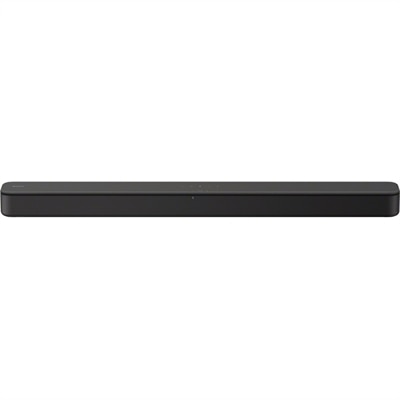
A black two-channel sound bar with Bass Reflex, virtual surround, HDMI ARC, USB and Bluetooth streaming.
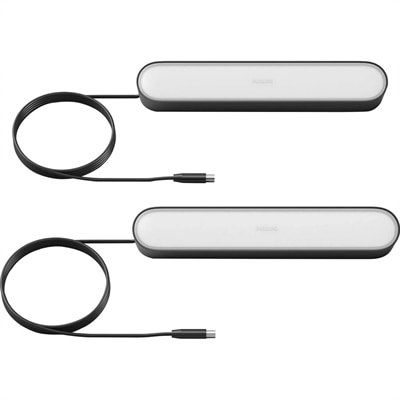
A black integrated-LED smart lighting pair offering millions of colors, voice control, and versatile mounting.
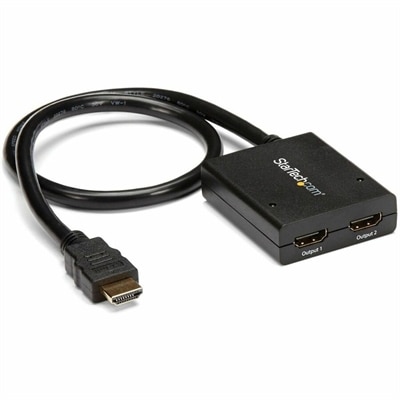
A powered two-port HDMI splitter supporting 4K at 30Hz, 3D video, and backward-compatible 1080p displays.
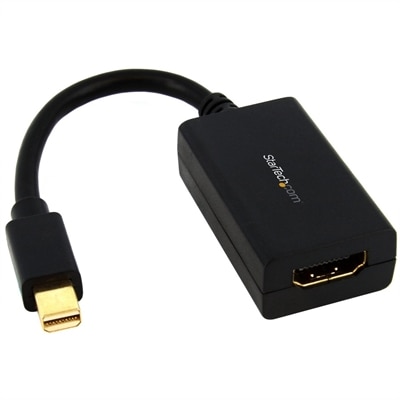
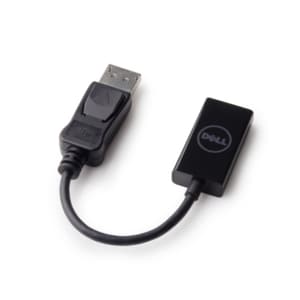
A passive adapter connecting Mini DisplayPort devices to HDMI displays, supporting 1080p resolution and 7.1 audio.
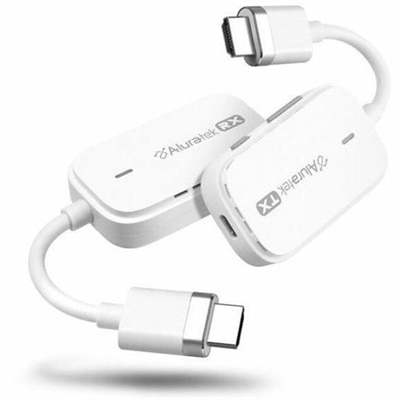
A plug-and-play wireless HDMI kit supporting Full HD 1080p streaming up to 100 feet.
Accessories for flat screen TVs help position the screen, connect entertainment devices, improve listening comfort, and keep the surrounding space organized. A thoughtfully arranged entertainment area brings together TV Accessories that suit the screen, the room, and everyday viewing habits. Wall mounts, tabletop stands, audio accessories, cables, and screen-care supplies each serve a different purpose, whether the setting is a compact bedroom or a living room shared by the whole household. Mounting hardware deserves particular attention because screen size alone does not establish compatibility. The television’s weight, mounting-hole pattern, and manufacturer requirements all affect the fit. VESA measurements describe the horizontal and vertical spacing between mounting holes on compatible displays, while the mount’s rated weight capacity establishes a separate limit. Steel and aluminum components can provide sturdy support when the complete assembly is appropriate for the television and mounting surface. A low-profile mount keeps the screen close to the wall for a streamlined appearance, while a tilting design allows some adjustment to the viewing angle. An articulating arm offers more positioning flexibility when seating extends from a sofa to a nearby breakfast nook, although its movement requires clearance for the screen and connected cables. Wall construction also matters: drywall, wood studs, masonry, and other surfaces require suitable attachment methods, and the correct installation approach depends on the mount and building materials. For furniture-based setups, replacement stands and tabletop bases need compatible attachment points, sufficient weight capacity, and a footprint that rests fully on the supporting surface. Stable furniture and properly installed anti-tip restraints are especially important in homes with children or pets. Comfortable placement also leaves room for ventilation, access to ports, and soundbar positioning without blocking the picture or the remote-control receiver. Heat sources, direct sunlight, and reflections from nearby windows can influence where a screen works best, making the surrounding room just as relevant as the television’s dimensions.
Connections and sound shape how an entertainment setup performs after the screen is in place. HDMI cables carry digital video and audio between compatible devices, but support for particular resolutions, refresh rates, and other features depends on the cable’s capabilities as well as the connected equipment. A cable does not add detail beyond the source material or the television’s abilities; an appropriate connection helps supported signals reach the display reliably. Clearly stated specifications and recognized cable certification are more useful indicators than decorative packaging or an unusually thick jacket. Length matters, too. A short connection may fit neatly between adjacent components, while a television on a movable arm needs enough slack to extend and turn without tugging on its ports. Excess cable can create clutter behind furniture, but sharply bent or tightly stretched connections can place unnecessary stress on connectors. Where wiring passes through a wall, cable ratings and installation methods must be appropriate for that use, and ordinary television power cords should not be routed inside walls. Audio accessories address a different part of the experience. A compatible soundbar or speaker system can make dialogue easier to follow and give movies, concerts, and games a fuller presentation, although results depend on the equipment, placement, room acoustics, and listening settings. Rugs, curtains, and upholstered seating absorb sound differently from bare floors and large glass surfaces, so the same audio setup may sound different in two rooms. HDMI ARC and eARC connections can simplify audio routing between compatible televisions and audio equipment; optical connections offer another option when supported. Compatibility remains important because available ports and supported audio formats vary. For late-night viewing in an apartment or a shared home, compatible headphones can provide more private listening, with wireless connection support and audio delay worth considering. Power accessories also have distinct roles: a basic power strip adds outlets, while a surge protector is designed to help reduce exposure to certain voltage spikes within its stated limits. Neither replaces sound electrical practices, and connected equipment must remain within the accessory’s electrical rating.
The finishing details often determine whether a television area stays comfortable and manageable through daily use. Cable clips, sleeves, and surface-mounted raceways can gather loose wiring along a console or wall, leaving fewer dangling loops around furniture. Flexible sleeves suit groups of cables that may need occasional adjustment, while rigid channels provide a more structured appearance along a fixed route. Adhesive attachments depend on the condition and finish of the surface beneath them, and removal can affect delicate paint or other finishes. Cords should remain clear of walkways, moving furniture parts, and areas where they could be pinched or damaged. Reusable ties make future changes easier without compressing cables as tightly as an overtightened fastener. Remote-control accessories contribute another kind of convenience, particularly in households where several people use the same entertainment space. Compatibility with the television and connected components determines which functions a replacement or universal remote can operate. Clearly separated buttons, readable labels, and a comfortable grip may matter more than an extensive feature list for someone who mainly watches familiar channels. Protective covers and designated holders can help keep frequently handled controls easier to find and less exposed to everyday bumps, though they do not make electronics damage-proof. Screen care calls for a gentler approach than cleaning the furniture beneath it. A clean, soft microfiber cloth can lift dust without the rough texture of paper towels, while any cleaning solution should be approved for the screen’s surface and used according to the television manufacturer’s directions. Spraying liquid directly onto the display risks moisture reaching edges or openings, and excessive pressure can damage the panel. Ventilation openings also need to remain unobstructed rather than hidden beneath decorative covers or tightly packed accessories. For a housewarming, a new apartment, or a refreshed family room, television accessories can be practical gifts when the recipient’s equipment and space are known. Matching the connection type, mounting requirements, viewing habits, and care needs makes these additions useful long after the room is first arranged.
Add the products you would like to compare, and quickly determine which is best for your needs.