$103.99
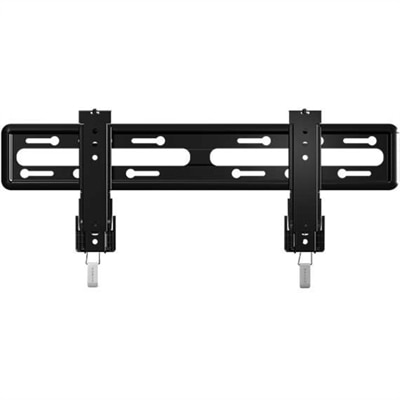
A fixed-position black TV mount with side-to-side adjustment, safety tab, and tool-free assembly.
Enhance your home entertainment setup with a wide selection of TV accessories designed to complement your viewing experience. From sleek wall mounts and sturdy stands to essential cables and remote controls, find everything you need to organize, connect, and personalize your TV area. Explore practical solutions that help you create a comfortable and organized space for enjoying your favorite shows, movies, and games. With the right TV accessories, elevating your setup is simple and convenient.
A fixed-position black TV mount with side-to-side adjustment, safety tab, and tool-free assembly.
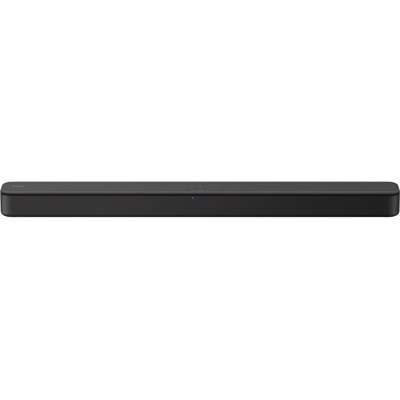
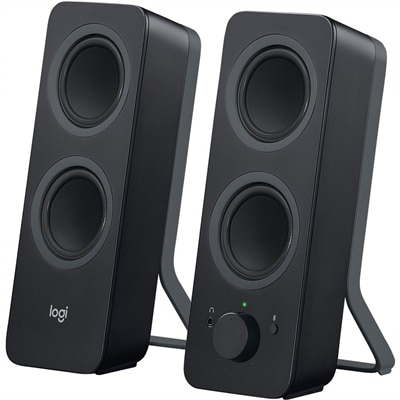
A black two-channel sound bar with Bass Reflex, virtual surround, HDMI ARC, USB and Bluetooth streaming.
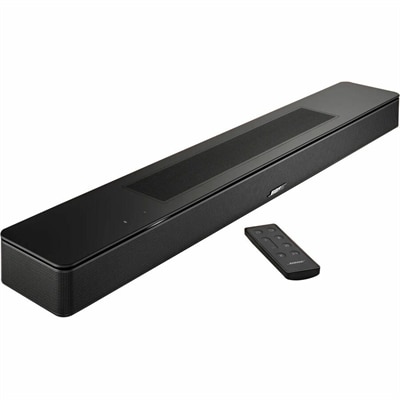
A black smart soundbar with Dolby Atmos and voice assistant support for immersive home entertainment.
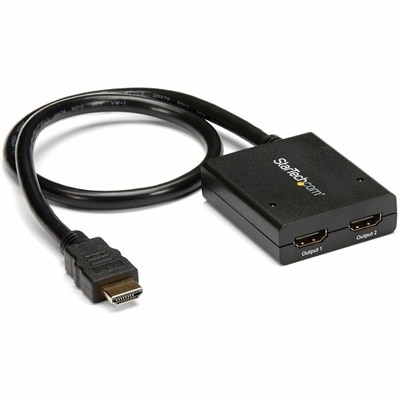
A powered two-port HDMI splitter supporting 4K at 30Hz, 3D video, and backward-compatible 1080p displays.
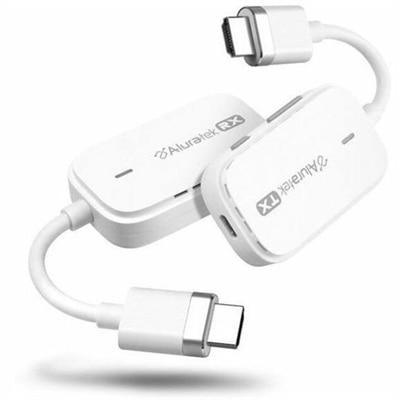
A plug-and-play wireless HDMI kit supporting Full HD 1080p streaming up to 100 feet.
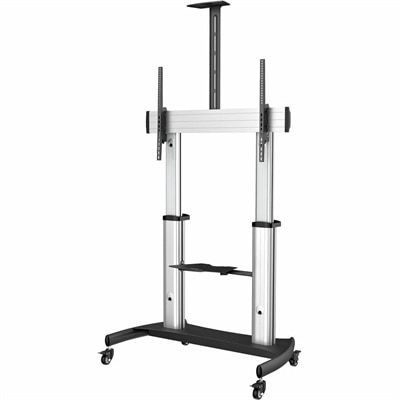
A heavy-duty rolling TV cart with adjustable height, tilt, dual shelves, cable management, and 220lb capacity.
TV accessories help a screen fit the room around it, with support for clearer sound, comfortable viewing, convenient controls, and a more organized entertainment area. Common categories include wall mounts, soundbars, streaming devices, universal remotes, anti-tip restraints, HDMI cables, bias lighting, surge protectors, and cable management accessories. Each serves a different purpose, whether the setup is a compact bedroom television, a family room shared by movie fans and gamers, or a living room where the screen needs to blend into the furniture. Mounting hardware has a particularly important role because screen size alone does not determine compatibility. A TV wall mount needs to match the television’s weight and mounting-hole pattern, often described by its VESA measurements, as well as the wall’s construction and the required installation hardware. Fixed mounts hold a screen close to the wall for a low-profile appearance, while tilting mounts allow vertical angle adjustments. Full-motion mounts can extend and swivel, making them useful in rooms where seating stretches from a sofa to an adjoining dining area. Their movement also requires enough clearance for nearby furniture and connected cables. Steel and aluminum are common structural materials, but rated capacity, joint construction, and correct installation matter more than appearance. A tabletop stand offers another approach when wall mounting is not practical, provided its footprint fits the furniture and its attachment points match the screen. For households with children or pets, properly installed anti-tip restraints help reduce tipping risks; securing both the television and its supporting furniture according to their instructions is important. Viewing comfort depends on placement as much as hardware. A screen positioned near seated eye level usually feels more natural during a long movie than one placed high above the seating area. Access to ports, ventilation openings, and power connections also deserves space in the finished arrangement, so an uncluttered appearance does not come at the expense of everyday usability.
Audio and connection accessories shape what happens once the screen is on. A soundbar can make dialogue easier to follow and give music, sports, and movie soundtracks more presence than compact built-in speakers, although results depend on the room, placement, and supported audio formats. In an apartment, clear speech at a moderate volume may matter more than deep bass; in a larger living room, broader sound coverage may be the priority. Soundbar dimensions should work with the television stand without covering the screen or blocking the remote-control sensor. Models with upward-firing speakers need suitable overhead clearance, while any speaker benefits from placement that follows its manufacturer’s recommendations rather than being tucked into a closed cabinet. Connections are equally important. HDMI ARC and eARC can carry television audio to compatible audio equipment, but both connected devices must support the relevant features, and eARC supports higher-bandwidth audio formats when the rest of the setup does too. Optical audio remains useful for compatible equipment, though its format support differs from HDMI. The broader Audio Video Accessories category covers related connection and setup needs across entertainment spaces. HDMI cable selection depends on the resolution, refresh rate, and features the connected equipment uses, not simply whether the plugs fit. A game console connected for high-refresh-rate play may have different cable requirements from a television used mainly for everyday viewing. Cable length matters as well: a run should reach comfortably without pulling on a port, while excessive slack can become difficult to manage behind a narrow console. Braided jackets can resist everyday abrasion, but flexibility and strain relief also affect how neatly a cable fits into tight spaces. Streaming devices add access to supported apps and services through a compatible television input, making them useful when a screen’s existing app interface no longer meets household needs. They still require appropriate power, an internet connection, and any applicable service accounts or subscriptions; picture quality and audio capabilities depend on the full connection path.
The smaller details of a TV setup often make the greatest difference during daily use. A compatible universal remote can reduce the shuffle between separate controls, especially when several people share the same screen. Compatibility is more specific than the number of devices a remote can operate: infrared controls generally need a clear path to the receiving sensor, while Bluetooth and other control methods depend on supported equipment and pairing. Large, well-spaced buttons, readable labels, and a comfortable grip can be helpful in a guest room or for anyone who prefers straightforward controls over a crowded interface. Behind the screen, bias lighting adds a soft glow to the surrounding wall and can make the contrast between a bright picture and a dark room feel less abrupt. Neutral white illumination is generally better suited to preserving the perceived balance of the picture than strongly colored light, while adjustable brightness allows a subtle effect rather than a distracting halo. Adhesive-backed lighting needs a clean, compatible surface and placement that leaves ventilation openings uncovered. Cable clips, reusable fabric ties, and flexible sleeves keep cords grouped and easier to trace when equipment changes. Gentle loops are preferable to sharp bends, and cables should not be pinched behind furniture or routed where footsteps can damage them. Surge protectors offer protection against certain voltage spikes, but an ordinary power strip does not necessarily provide surge protection, and no protector guarantees protection from every electrical event. Electrical ratings, safety certification, and protection-status indicators are meaningful considerations, along with following instructions against overloading or connecting strips in a chain. Care is usually simple but should match the material and manufacturer’s directions: a soft, dry cloth suits many accessory housings, while moisture and sprayed cleaners should stay away from ports and electrical openings. Periodic checks for loose fasteners, worn cords, and dust buildup help keep the arrangement dependable. For a housewarming or a gift to a movie enthusiast, TV accessories can be thoughtful additions when the recipient’s equipment, room dimensions, and viewing habits are known. The most useful choices solve a familiar inconvenience, from a remote that is difficult to navigate to cables that crowd the back of a favorite media cabinet.
Add the products you would like to compare, and quickly determine which is best for your needs.