$749.99
A black 34-inch curved WQHD IPS monitor with built-in webcam, speakers, microphone, and eye comfort technology.
Upgrade your study setup with a back to school webcam with microphone combo, designed to help students stay connected and engaged throughout the academic year. Whether attending virtual classes, collaborating on group projects, or catching up with friends and family online, these convenient combos make it easy to communicate clearly and confidently. Find the perfect option to support your educational goals and enhance your digital learning experience.
A black 34-inch curved WQHD IPS monitor with built-in webcam, speakers, microphone, and eye comfort technology.
A black 27-inch QHD IPS monitor with built-in webcam, speakers, microphone, and advanced eye comfort features.
A black 23.8-inch FHD monitor with built-in webcam, speakers, microphone, and anti-glare display.
A black 23.8-inch Full HD IPS monitor with built-in webcam, speakers, microphone, and eye comfort technology.
A versatile 16-inch laptop with Intel Core 7 processor, 16GB DDR5 memory, and 1TB SSD storage.
A sleek laptop with a 16-inch 2K anti-glare display, Intel Core 7 processor, and 1TB SSD.
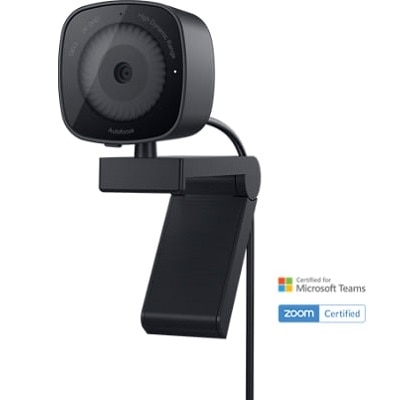
A 2K QHD webcam with noise reduction, face detection, HDR, and integrated privacy shutter.
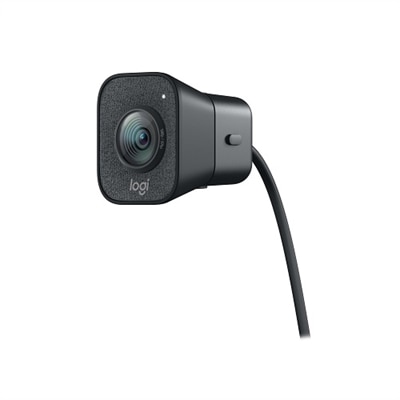
A graphite webcam delivering smooth 1080p HD video at 60fps with AI facial tracking and USB-C connectivity.
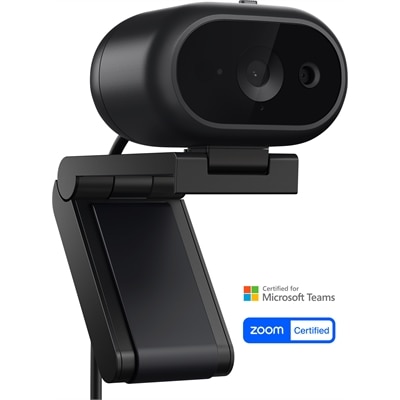
A 2K QHD webcam offering automatic exposure, smart scene detection, and secure collaboration across major platforms.
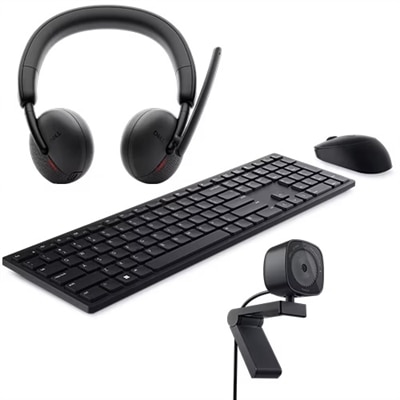
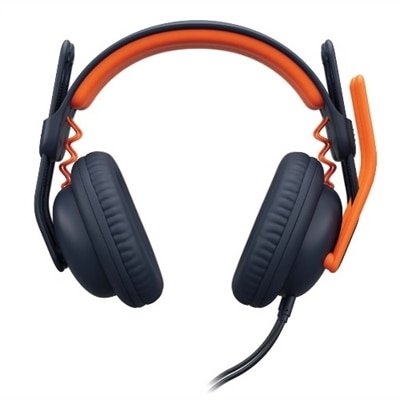
A productivity-enhancing bundle featuring a wireless keyboard, mouse, 2K webcam, and AI noise-canceling headset.
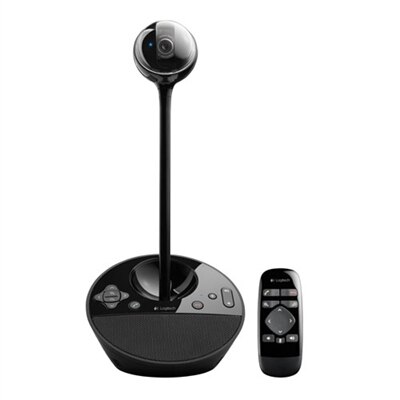
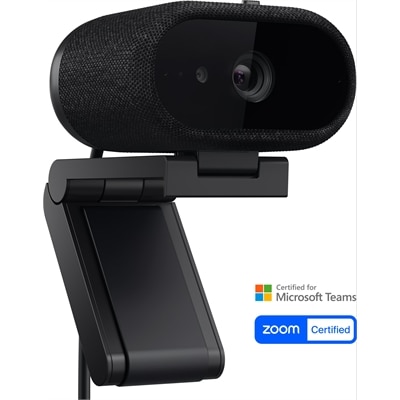
A black video conferencing camera offering HD 1080p video and superior speakerphone audio for small groups.
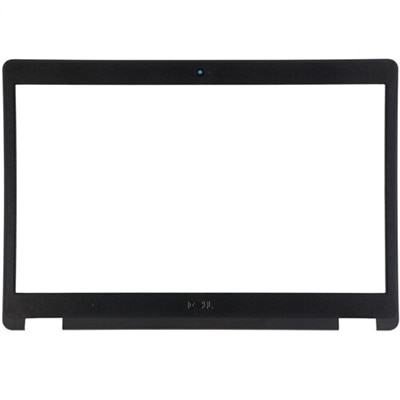
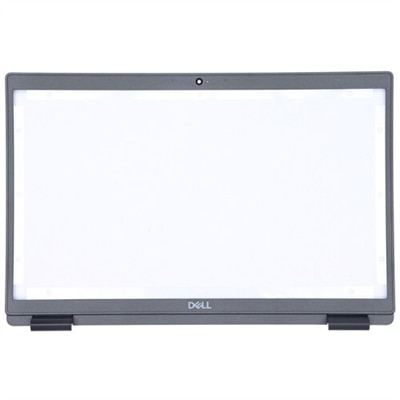
A replacement bezel featuring an HD camera and microphone, designed for seamless integration with your system.
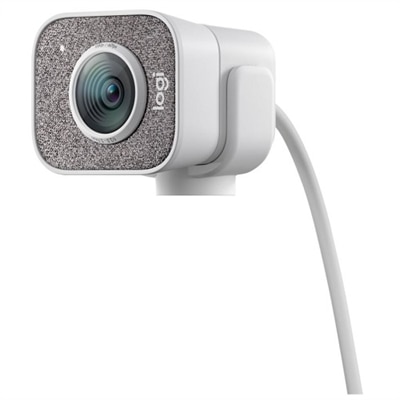
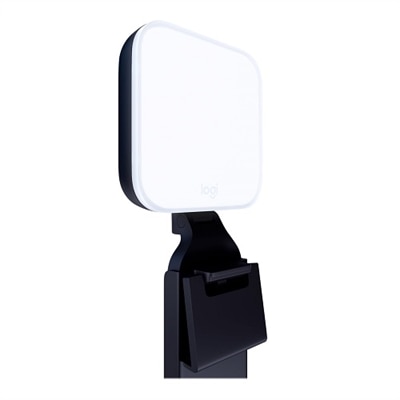
A white streaming camera with dual microphones, AI autofocus, USB-C connectivity, and full HD 1080p at 60fps.
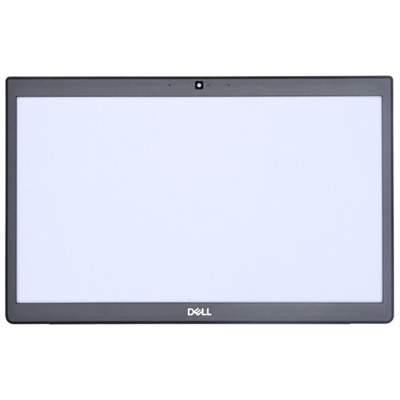
A replacement bezel with HD camera and microphone, designed for seamless integration with your system.
A replacement bezel featuring an HD camera and microphone, designed for seamless compatibility with your system.
A back-to-school webcam with microphone combo can turn an ordinary laptop or desktop setup into a more comfortable space for virtual classes, study groups, tutoring sessions and video calls. For students moving between a bedroom desk, a shared family workspace and a dorm room, an all-in-one camera and microphone solution keeps the essentials together without requiring a complicated collection of accessories. The camera helps classmates and instructors see a clear, natural image, while the built-in microphone captures spoken answers, presentations and group discussions from the same compact device. This type of setup is also useful for college students attending remote lectures, learners meeting with academic advisers, participants in online clubs and anyone balancing in-person classes with occasional virtual coursework. A webcam and microphone combo can make a thoughtful gift for a student who is starting a new school year, especially when a laptop’s built-in camera produces a dim image or its microphone picks up keyboard noise. For a straightforward starting point, browse the available Back To School Webcams options and compare the features that fit the student’s room, schedule and daily routines. The best choice is often the one that feels easy enough to use before an early class, dependable enough for a long presentation and compact enough to leave room for notebooks, a water bottle and a charging cable.
Image quality is one of the first considerations when comparing these products. A webcam with 1080p resolution can provide a sharper, more detailed picture than a lower-resolution camera, helping facial expressions, handwritten work held up to the camera and presentation gestures appear more clearly. Automatic light correction is valuable in real homes and dorms, where the available light may change from a bright window in the afternoon to a desk lamp during the cooler months. Autofocus can help keep the image clear when a student leans toward the screen to read notes and then sits back to speak. A wide field of view may be useful for showing a small whiteboard, a project display or two people sharing a desk, while a narrower view can keep the frame focused on one speaker and reduce distractions in the background. Sound deserves equal attention. A built-in microphone offers convenient plug-and-play communication for general classes and casual calls, while a model with noise reduction or directional pickup can make speech easier to understand near a keyboard, hallway or active household. Students who speak frequently during seminars, lead group projects or record presentations may appreciate a combo with a stronger microphone design, or the option to connect a headset or separate USB microphone later. Clear audio often matters more than visual polish; a bright, well-framed image cannot compensate for words that fade into fan noise or room echo.
Practical design details can shape the everyday experience just as much as resolution and microphone specifications. Check that the mounting clip is compatible with the thickness of a laptop display or monitor, and look for a stable base or standard tripod connection when desk placement is preferred. A flexible mount can help position the camera at eye level, which creates a more natural conversation than looking down from a laptop’s built-in bezel. A student may place the webcam above a monitor for class, move it to a small desk stand for a presentation or pack it away between assignments, so a compact shape and manageable cable can be helpful. USB connectivity is generally convenient, but it is still important to confirm that the computer has the necessary port or that an appropriate adapter is available. Compatibility with common video calling, classroom and recording applications can prevent last-minute setup problems. Privacy features, such as a physical lens cover or a camera that can be angled away, add reassurance when the webcam remains connected. Lighting also has a noticeable effect: placing the desk so a window is in front of the student rather than directly behind them usually produces a clearer face, while a small lamp positioned slightly to one side can soften shadows. With the camera mounted securely, the microphone close enough to hear speech and the background kept simple, a student can begin a virtual lesson with fewer distractions and more confidence. These combinations suit a range of learning spaces, from a quiet home office to a compact dorm desk, and provide a practical way to support communication throughout the school year and into the cooler months.
Add the products you would like to compare, and quickly determine which is best for your needs.