$74.99
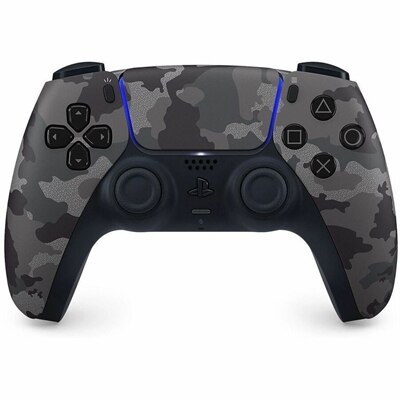
A grey camouflage wireless controller with haptic feedback, adaptive triggers, and a built-in microphone for gaming.
Find devices with built-in microphones for video calls, online meetings, and voice chat without a separate mic. Review microphone specifications and compatibility in each product’s details to choose an option that fits your setup.
A grey camouflage wireless controller with haptic feedback, adaptive triggers, and a built-in microphone for gaming.
A wired gaming headset with Hi-Res certified drivers, Dolby Atmos spatial audio, and comfortable adjustable design.
A portable wired speakerphone with AI-based dual-directional noise-canceling microphones for clear, distraction-free calls anywhere.
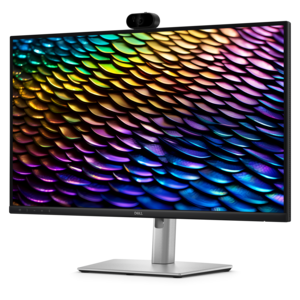
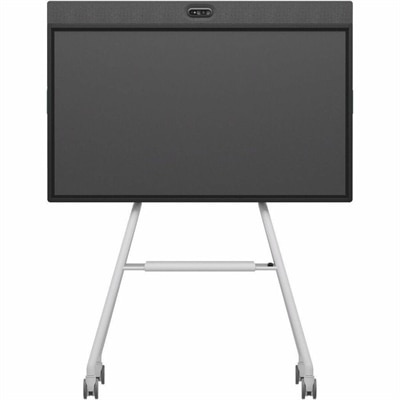
A QHD IPS conferencing monitor with integrated webcam, speakers, microphone, and USB-C connectivity for productive collaboration.
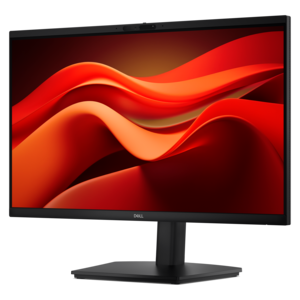
A Full HD conferencing monitor with built-in webcam, speakers, and microphone for seamless everyday collaboration.
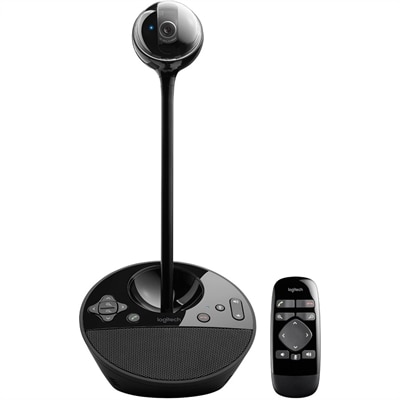
A 1080p conference camera with full-duplex speakerphone audio, autofocus, remote pan-tilt-zoom, and echo cancellation.
A black 12MP wireless camera delivering 1080p streaming with USB-C connectivity and smartphone control.
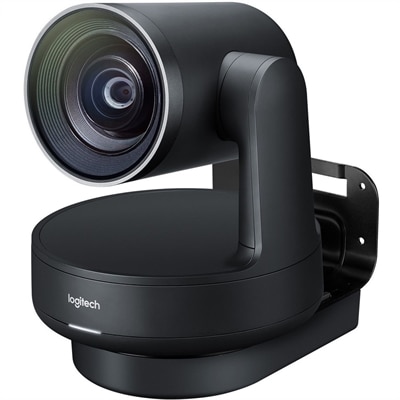
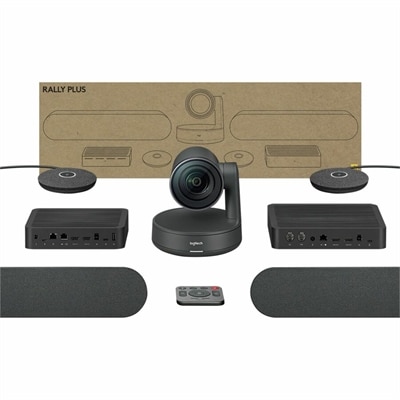
A 4K UHD conference camera system with dual speakers, white microphone pods, and studio-quality video.
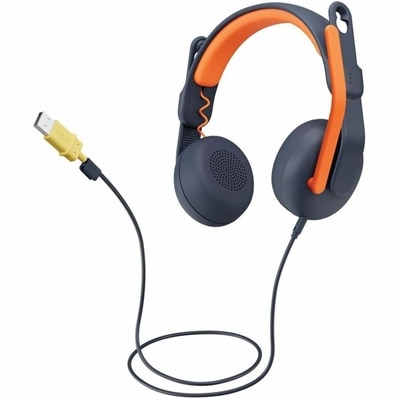
A USB-A wired on-ear headset with microphone, adjustable fit, comfortable pads, and voice-focused audio for learners.
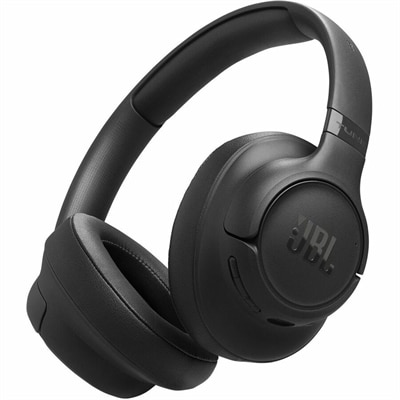
A foldable wireless headset with Pure Bass sound, noise cancellation, dual microphones, Bluetooth 6.0, and up to 76-hour battery life.
Built-in microphones are sound-capture components integrated into a device, allowing it to pick up speech without a separate microphone connected to it. Found in many laptops, webcams, headsets, and select monitors and desktop computers, they support everyday activities such as video meetings, online classes, voice messages, and conversations with family. Their appeal is straightforward: fewer separate pieces to carry, less equipment on the desk, and a microphone that travels with the device. A laptop with an integrated microphone can move from a kitchen table to a study space without requiring a separate audio accessory, while a webcam with built-in microphones can bring both picture and voice capture to a desktop setup. Microphones capture sound; speakers or headphones play it back, so the presence of one does not automatically mean a device includes the other. Microphone designs also differ. A single microphone captures sound from one position, while a microphone array uses multiple elements that may work with processing to emphasize a voice or reduce unwanted sound. Features described as beamforming, noise reduction, or echo cancellation serve different purposes, and their effectiveness depends on the device, software, and surroundings. Beamforming can help favor sound from a particular direction, noise reduction can lessen certain background sounds, and echo cancellation can reduce the chance that audio playing through speakers returns to the conversation through the microphone. None of these features makes every room silent. The quiet hum of a fan, nearby typing, and voices across a shared workspace can still affect what another person hears. For everyday communication, the most useful combination is a microphone suited to the speaking distance, compatible software, and a comfortable device position. Clear pickup matters when a student contributes to a class discussion, a remote worker explains a project, or someone shares a story with relatives across the country. Integrated audio makes those moments easier to start, especially when a conversation happens between other tasks rather than at a permanently arranged recording space.
The device surrounding a built-in microphone shapes how it fits into daily life. On a laptop, microphone openings may sit near the camera, along the display bezel, or elsewhere on the chassis; their location can influence how easily they pick up a voice when the screen angle changes. A monitor or webcam places audio capture closer to eye level, although pickup still depends on the distance between the screen and the person speaking. An integrated headset microphone moves with the wearer and may remain closer to the mouth, making it a different fit for someone who takes calls while changing position or working near other people. Comfort then becomes part of the audio experience: headset weight, headband adjustment, ear-cushion materials, and room for glasses can matter during a long afternoon of conversations. For screen-based devices, a stable stand, an adjustable display, and a natural viewing position can help keep both the camera and microphone use comfortable. Materials such as plastic, metal, fabric mesh, and cushioning serve different roles in the housing and wearable components, but the outer finish alone does not establish microphone quality. Pickup pattern, placement, processing, and the surrounding room are more meaningful considerations. Durability also involves the whole device, including hinges on portable computers, mounting points on webcams, and moving parts on headsets. Integrated microphones eliminate a separate microphone body to pack, but their small openings still need protection from dust, spills, and physical obstruction. A finger resting along a bezel, a cover fitted over an opening, or a device pressed against soft furnishings can interfere with sound. Care is generally simple and should follow the manufacturer's directions: gentle exterior cleaning, with liquids kept away from openings and no sharp objects inserted into them. Routine handling that keeps ports and microphone grilles clear helps preserve everyday usability without treating the microphone as a component that needs frequent adjustment.
Built-in microphones suit a wide range of routines, from quick check-ins to longer conversations where convenience matters as much as audio clarity. A student using the same laptop for coursework and group projects benefits from having voice capture ready wherever there is a suitable place to sit. Someone joining a training session from a home office may prefer a webcam that brings the microphone and camera into one accessory. For a shared household computer, integrated audio can simplify calls without leaving another device on an already busy desk. These features can also be useful when choosing a computer or accessory as a practical gift for someone starting college, setting up a workspace, or staying in touch with distant family. The best fit depends on how and where the recipient communicates, not simply whether a microphone is listed among the features. A quiet room with soft furnishings presents different conditions from an open kitchen with hard surfaces and several people nearby. Speaking distance matters as well: a microphone intended for someone seated in front of a screen may not capture a person across the room with the same clarity. Connection type, operating-system support, and compatibility with preferred communication apps help determine how an integrated microphone becomes part of an existing setup. Privacy controls are another meaningful distinction. Depending on the device, these may include a microphone mute button, an indicator light, or software controls; a camera shutter does not necessarily turn off the microphone. Permissions and input selection also affect which microphone an app uses when several audio devices are connected. For a fixed workspace where independent placement is important, Desktop Microphones provide a separate category to consider alongside integrated options. A separate microphone can sit nearer the speaker without moving the screen, while a built-in microphone keeps the setup compact. Both approaches have a place, with the choice shaped by room conditions, comfort, portability, and the kinds of conversations that fill the day.
Add the products you would like to compare, and quickly determine which is best for your needs.