$624.99
A versatile Thunderbolt 5 smart dock delivering up to 300W power with remote management capabilities.
Charging docks are essential accessories for keeping your devices powered up and organized. Whether you're looking to streamline your workspace or ensure your gadgets are always ready for use, charging docks offer a convenient solution. Designed to accommodate multiple devices, they help reduce clutter while providing an efficient charging experience. With a variety of styles and configurations available, these versatile tools can cater to different needs and preferences, making them a perfect addition to any home or office setup. Discover the ideal charging dock that fits seamlessly into your lifestyle and keeps your technology at its best.
A versatile Thunderbolt 5 smart dock delivering up to 300W power with remote management capabilities.
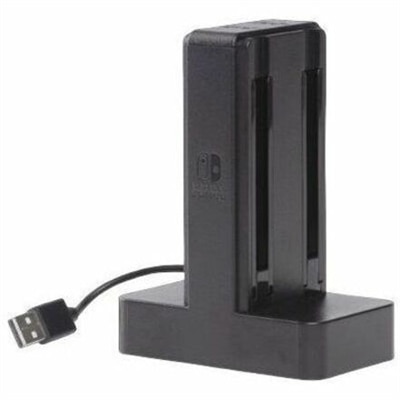
A weighted USB-powered dock charges four Joy-Con controllers simultaneously with individual LEDs and easy slide-in connectivity.
A convenient charging stand offering rapid wireless charging for compatible wireless ANC headsets.
A portable 7-in-1 USB-C hub offering fast charging and versatile connectivity for modern professionals.
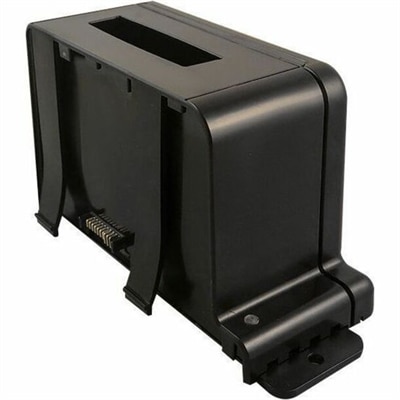
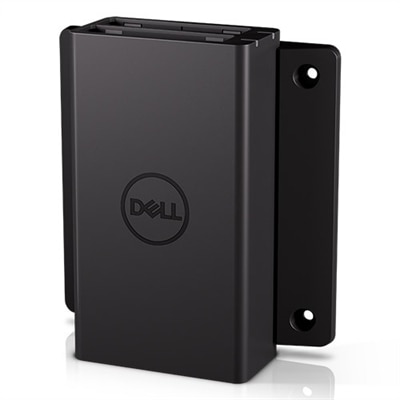
A modular multi-bay charger supporting up to 16 Dell Latitude Rugged batteries with interchangeable charging bays.
A professional docking station delivering 130W power and versatile connectivity for streamlined productivity.
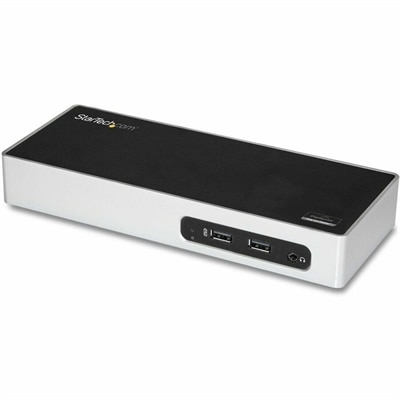
A USB 3.0 docking station with dual-monitor HDMI, DVI/VGA, six USB-A ports, Gigabit Ethernet, and audio.
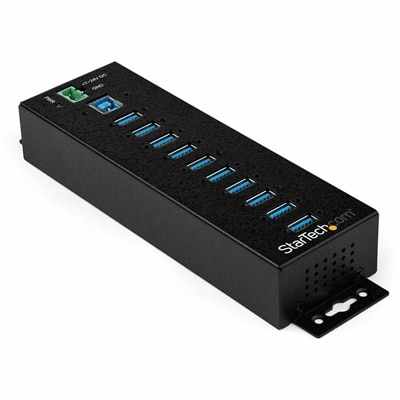
A rugged metal 10-port USB 3.2 Gen 1 hub with 5Gbps connectivity, versatile mounting, and power adapter.
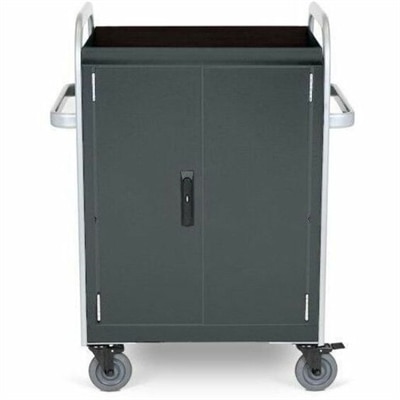
A durable welded cart charges and updates 32 devices with Ethernet connectivity and dual cooling fans.
Charging docks and carts help keep laptops, tablets, phones, and other everyday electronics powered, organized, and ready for use. Rather than leaving devices scattered across desks, counters, or classroom tables, a dedicated charging solution creates one dependable place for storage and power. Smaller desktop docks fit neatly in home offices, reception areas, bedside spaces, and shared workstations, while larger mobile carts provide room for many devices at once. This makes them useful in classrooms, training rooms, libraries, healthcare offices, businesses, and households where several people rely on electronics throughout the day. When choosing a charging dock or cart, start by considering the number and type of devices it needs to support. A compact unit may be suitable for a few phones or tablets, while a larger cart can accommodate a group of laptops or a combination of devices with different sizes. Check the available charging connections, interior dimensions, shelf spacing, and power requirements so the equipment fits comfortably without forcing cables or devices into tight spaces. USB-C compatibility can be especially helpful for newer laptops, tablets, and phones, while flexible cable arrangements can make it easier to support a mixed collection of electronics. For workspace planning ideas, explore Multi-Device Charging Stations for Workspaces.
The layout and construction of a charging dock or cart can make a noticeable difference in daily use. Built-in cable channels, numbered slots, or separated compartments help prevent cords from tangling and make it easier to return each device to its proper place. A well-organized interior also reduces the time spent searching for a missing charger at the end of a meeting, lesson, or workday. Mobile carts with casters can be moved between rooms when devices need to follow a class, presentation, workshop, or shared project, while a stationary dock may be the better fit for a permanent desk or counter. If the cart will be used in a busy setting, look for sturdy construction, a stable frame, smooth-rolling wheels, and doors or compartments that protect devices when they are not in use. Locking features can add another layer of control in shared spaces, particularly where many people access the equipment. Ventilation is another important consideration. Devices generate heat while charging, so openings that allow air to circulate can help support safer, more consistent operation. Keep the unit on a level surface, avoid blocking vents, and follow the manufacturer’s guidance for how many devices can charge at the same time. A power strip or charging system should not be overloaded, and cables should be inspected periodically for fraying, loose connections, or other signs of wear. These practical details are easy to overlook until a crowded table becomes a nest of cords or a device is returned to the wrong charger; a thoughtful dock or cart helps prevent those everyday frustrations.
Charging docks and carts can support many different routines and users. In a school, a cart can give students a predictable place to return laptops or tablets after a lesson, with teachers able to move the entire set between classrooms as needed. In an office, a shared charging area can keep loaner computers and mobile devices together for onboarding, conferences, training sessions, or flexible workspaces. At home, a compact dock can turn a hallway console, kitchen counter, or home office shelf into a simple charging hub for the household. It can also be useful for anyone who manages devices for a community group, studio, small business, or volunteer organization. These products may make a practical gift for a student, remote worker, frequent traveler, or family that shares several electronics, especially when the recipient values a tidy space and easy access to a full battery. Think about where the unit will live, how often it may need to move, and whether users will charge devices overnight or during short breaks. Measure the intended area before choosing a model, leaving enough room to open doors, connect cables, and provide airflow around the unit. During the cooler months, when indoor routines often bring people together around shared work, study, and entertainment spaces, a central charging location can make daily transitions feel smoother. The best choice balances capacity, compatibility, organization, mobility, security, ventilation, and available space, creating a dependable home for the electronics people use from the first task of the day through the final check before bedtime.
Add the products you would like to compare, and quickly determine which is best for your needs.