$388.99
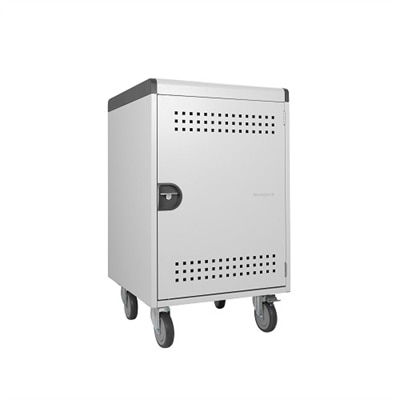
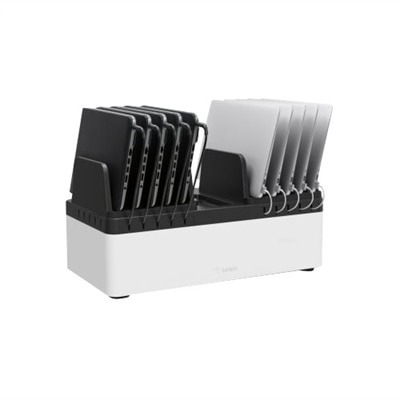
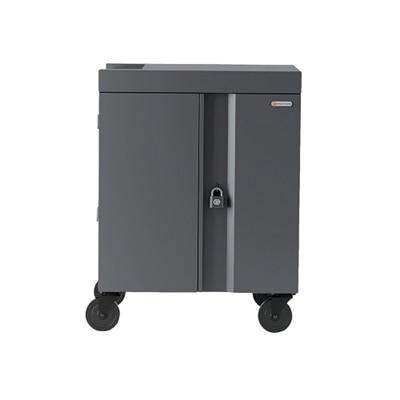
A sturdy metal charging station with adjustable dividers, surge protection, cable management, and secure locking door.
Charging lockers for schools provide a convenient and secure solution for managing students’ electronic devices throughout the day. With the increasing use of laptops, tablets, and smartphones in educational environments, these lockers help keep devices powered and organized. Designed to support busy school settings, charging lockers offer peace of mind for both students and staff by ensuring devices are ready for learning whenever they’re needed. Explore options that can help enhance device management and promote productivity in your school.
A sturdy metal charging station with adjustable dividers, surge protection, cable management, and secure locking door.
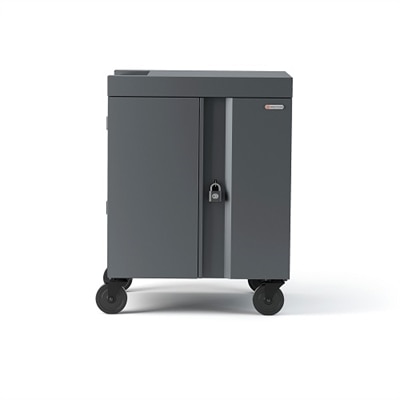
A secure charging cabinet efficiently charges, transports, and stores up to 30 devices with ease.
A cool gray and white charging cart efficiently charges, secures, and transports up to 36 USB-C devices.
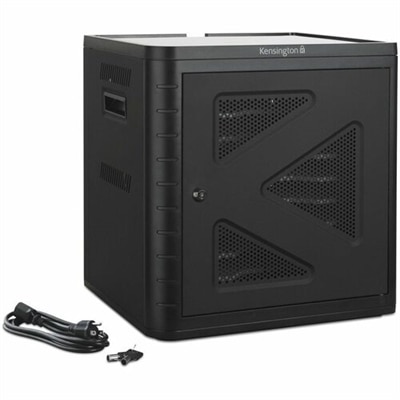
A secure black charging cabinet with USB-C PD 3.0, fast charging up to 10 devices simultaneously.
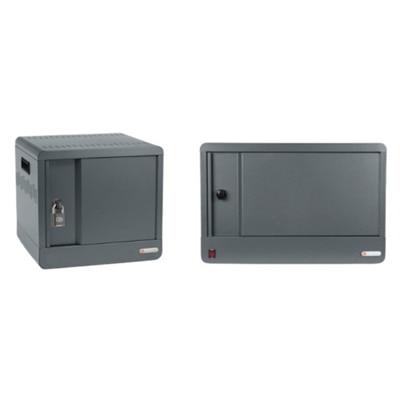
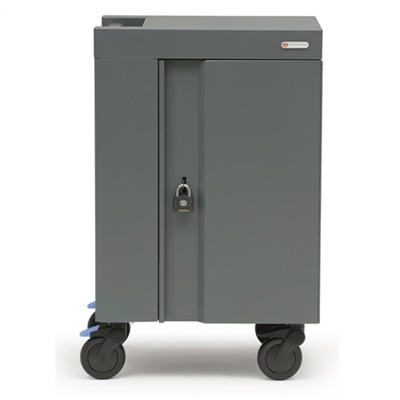
A cool gray charging station for up to 20 devices, featuring a secure locking system and compact design.
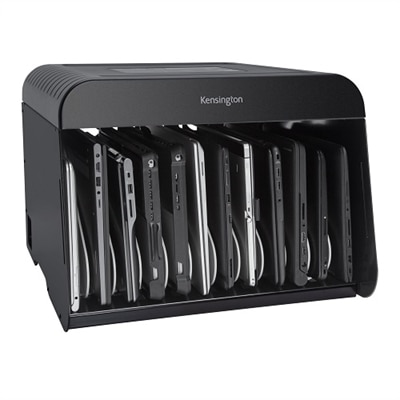
A sturdy metal charge station that organizes and charges up to 12 devices with built-in surge protection.
A cool gray charging cart with secure locking, ergonomic design, and smart charging for 36 devices.
A cool gray charging cart with ergonomic design, secure locking, and smart charging for multiple devices.
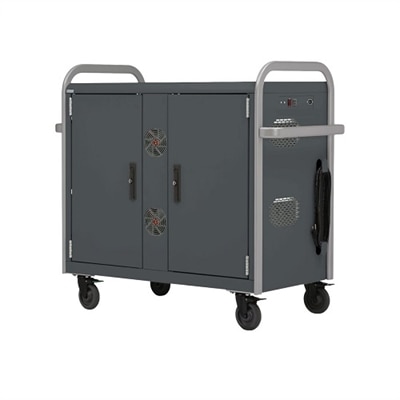
A rugged cart for 24 notebooks with Ethernet cables, cooling fans, and platinum rails.
A versatile charging station with fixed dividers, accommodating up to 10 USB-compatible devices securely.
A cool gray charging cart with ergonomic design, secure locking, and built-in timer for devices.
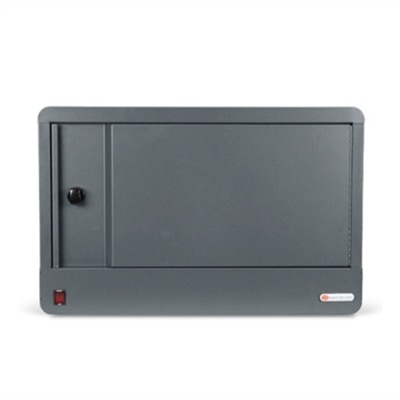
A sleek, cool gray charging station with a secure lock, perfect for tight spaces.
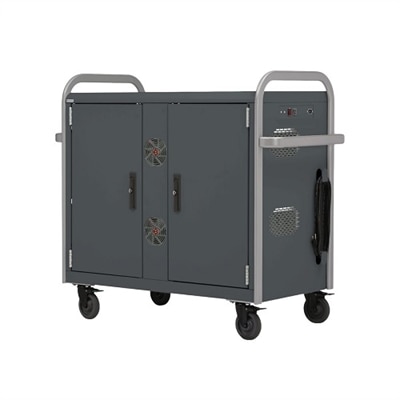
A rugged cart for 32 notebooks in cool gray with platinum rails, featuring Ethernet and cooling fans.
Charging lockers for schools provide a practical way to store, organize and recharge student devices in classrooms, libraries, media centers, offices and shared learning spaces. A typical unit contains individual compartments with built-in charging connections, allowing students or staff members to place a smartphone, tablet, laptop or other approved electronics in a designated bay while the device powers up. This arrangement can support classroom phone policies by keeping personal devices secured and out of sight during instruction, while also helping students begin the school day with enough battery life for assignments, transportation updates and after-school communication. In a busy hallway, a charging locker can turn a tangle of adapters and devices into a clearly managed routine: each student uses an assigned compartment, connects the appropriate cable, closes the door and retrieves the device at a scheduled time. Schools may also use these lockers to manage shared laptops, tablets or loaner computers. A technology coordinator can place fully charged devices in labeled bays before a class arrives, collect equipment after a lesson and identify missing or damaged items without sorting through a crowded cart. For schools that rely on mobile computing throughout the day, a larger Laptop Charging Stations solution may complement individual lockers by providing a central location for charging a classroom or department fleet. During the cooler months, when students spend more time indoors and technology use often increases across lessons, a consistent charging location can make daily transitions calmer and reduce last-minute searches for an open outlet.
Capacity is one of the first considerations when selecting charging lockers for schools. Count the devices that need to be stored at the same time, then allow room for enrollment changes, shared classrooms, replacement equipment and occasional visitors. Smaller configurations can suit a counseling office, specialized classroom or elementary-grade team, while higher-capacity designs are better suited to middle schools, high schools, libraries and central technology rooms. The size of each compartment matters as much as the number of bays. A phone-only compartment may be compact, but a laptop or tablet bay should provide enough clearance for the device, its charging connector and a protective case if students are expected to leave cases attached. Check cable length, connector type and cable management before purchasing, particularly if the school uses a mix of USB-C, USB-A or other charging standards. A well-designed interior keeps cords accessible without allowing them to become knotted, pulled out or trapped in a closing door. Ventilation is another important detail because multiple devices charging together can create heat. Look for airflow and construction appropriate for continuous school use, along with electrical protection and a power design that matches the building’s available outlets. Durable steel or similarly robust construction can help a locker withstand frequent opening, closing and movement between rooms, while rounded edges, stable feet and wall-mounting or anchoring options may improve safety in high-traffic areas. The best location is easy for authorized users to reach but does not obstruct hallways, exits or accessible routes. A library counter, technology office or classroom wall may work well, provided there is adequate clearance for doors and supervision.
Access controls should reflect the school’s routines, age groups and technology policies. Keyed compartments can be straightforward for small programs, although lost keys create an administrative burden. PIN-based locks can give students self-service access without requiring physical credentials, while RFID or card-based systems may integrate more naturally with existing identification practices. Some schools may prefer staff-controlled access for shared devices, especially when laptops contain testing software, student records or other sensitive information. Consider whether the locker records access activity, whether codes can be reset easily and whether staff can open a compartment when a student forgets a PIN or leaves a device behind. Network-connected features and usage reports can be useful for technology departments managing equipment across several buildings, but they may not be necessary for a single classroom. Ask about software requirements, connectivity, user permissions and ongoing licensing before choosing a managed system. Day-to-day usability is equally important: doors should open smoothly, indicators should be easy to read, and students should be able to identify their bay without crowding around the unit. Clear labels and a simple checkout procedure can help younger students learn responsibility, while older students may benefit from assigned compartments for personal devices during exams, assemblies and focused study periods. Staff members can also use charging lockers to secure laptops, tablets and accessories overnight rather than leaving equipment spread across desks. Before installation, review warranty coverage, replacement cables, lock service, cleaning requirements and support availability. A charging locker is most effective when it fits the school’s device fleet, space constraints and supervision plan, giving students reliable access to powered technology while helping educators protect equipment, reduce distractions and keep the learning environment orderly.
Add the products you would like to compare, and quickly determine which is best for your needs.