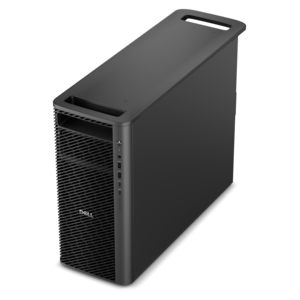
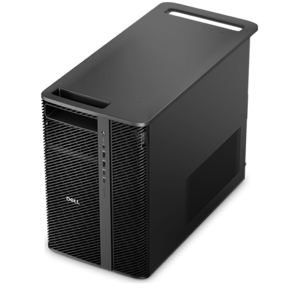
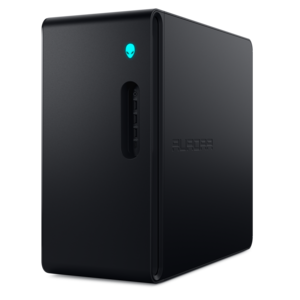
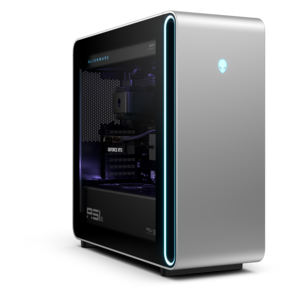
$829.99
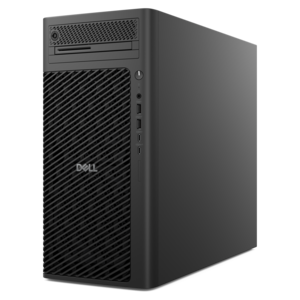
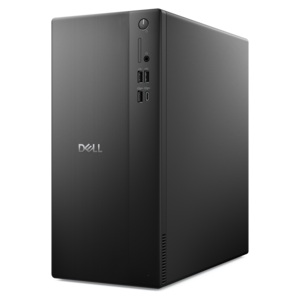
A powerful desktop designed to boost everyday productivity in a streamlined setup.
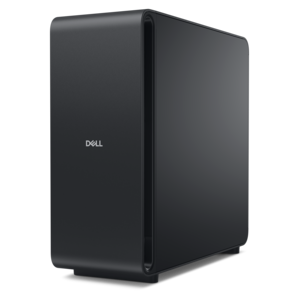
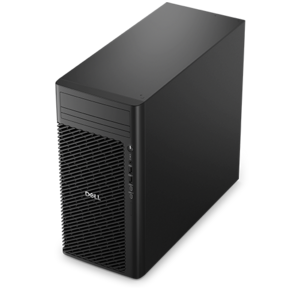
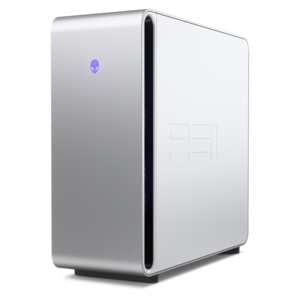
Browse computer towers for a desktop PC that fits your workspace and everyday tasks. Compare processor, memory, and storage specifications, along with available ports and expansion options, to choose a tower that supports the software and peripherals you use.
A powerful desktop designed to boost everyday productivity in a streamlined setup.
A high-performance AI-ready business desktop with security, seamless manageability, and expandable capabilities for demanding tasks.
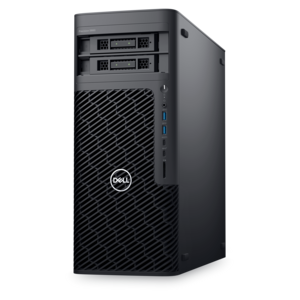
A scalable tower workstation delivering reliable, outstanding performance for demanding multi-threaded applications.
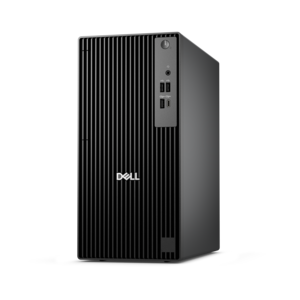
A business-ready tower desktop delivering reliable everyday performance with essential security features for productive workflows.
A business-ready tower desktop with AI-enhanced productivity, robust security, seamless manageability, and expandable performance.
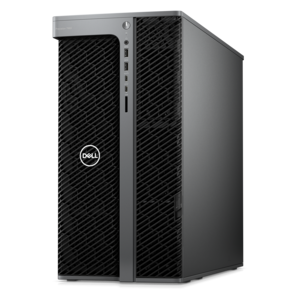
A scalable desktop delivering the world’s fastest single-threaded performance for demanding professional workloads.
A workstation with Xeon processing, dual 300W graphics, 56TB storage, 2TB memory, and Windows 11 Pro.
A business-ready tower desktop with Copilot+ PC options, robust security, manageable features, and expandable performance.
A scalable tower workstation with professional graphics and up to a 56-core Intel Xeon processor.
A space-saving desktop designed to boost everyday productivity.
A reliable workstation desktop delivering excellent performance with professional graphics for demanding productivity and creative workloads.
A high-performance desktop powered by the NVIDIA Grace Blackwell Ultra Desktop Superchip with MaxCool technology.
A high-performance desktop combining Intel Xeon 6 processors and advanced graphics for demanding professional workloads.
A flagship gaming desktop with AMD Ryzen 9000X3D processors, advanced design, and high-performance hardware.
A scalable professional desktop delivering elite computing power with massive expandability.
A scalable, high-performance workstation designed to handle critical professional tasks and evolving workloads.
A gaming desktop with a purpose-built design, efficient airflow, and improved acoustics for versatile setups.
A powerful gaming desktop featuring an advanced design for legendary gaming performance.
A computer tower is a desktop computer built around an upright enclosure that houses its main working components: the motherboard, processor, memory, drives, power supply, and, in some configurations, a dedicated graphics card. The motherboard connects those components, while the processor carries out the instructions that keep applications running. Memory, often called RAM, holds information being used by active programs, and solid-state drives or hard disk drives retain documents, photos, software, and other files. A tower desktop typically connects to a separate monitor, keyboard, and mouse, creating a workspace that can be arranged around different screen sizes, seating positions, and everyday routines. That separation is part of its appeal. A student can keep research open on one screen while writing on another, a remote worker can position a webcam at eye level, and a photographer can pair the computer with a display suited to detailed image work. The right performance profile depends on the tasks happening behind those screens. Browsing, email, word processing, and video calls generally place different demands on a computer than editing high-resolution footage, creating three-dimensional designs, or playing graphically intensive games. Processor capability affects how quickly the system handles demanding calculations, while sufficient memory helps several applications remain responsive at the same time. A solid-state drive can contribute to quicker startup and application loading compared with a conventional hard disk drive, although overall responsiveness also depends on the rest of the configuration. Integrated graphics can support many everyday desktop tasks; a dedicated graphics card provides additional resources for workloads that benefit from them. For creative applications and games, published software requirements provide useful context because performance needs can vary considerably. Computer towers bring these components together in a format suited to a dedicated desk, a shared family workspace, a study corner, or a room where the computer handles everything from homework to an evening gaming session.
The enclosure shapes both the appearance of a tower computer and how comfortably it fits into that space. Full towers generally provide more internal room, mid-towers balance component space with a manageable footprint, and mini-towers emphasize compact placement. Those categories describe broad approaches rather than standardized exterior dimensions, so the actual height, width, and depth matter more than the label alone. A tower tucked beside a desk needs space for rear connectors and cable bends, not just enough room to slide into an opening. A unit placed on the desktop needs a stable surface and enough clearance to keep ventilation openings unobstructed. Furniture and accessories, including Computer Racks, should accommodate the computer’s weight, dimensions, and airflow requirements. Case construction commonly combines steel or aluminum with plastic trim, and some designs incorporate glass side panels. Metal panels provide a sturdy enclosure, plastic can shape handles and front controls, and glass makes internal lighting and components visible while adding weight and requiring careful handling. A restrained exterior can blend into a home office, while a more expressive chassis can become a visible part of a gaming setup. Practical details often matter as much as appearance: an accessible power button, conveniently placed USB ports, and a headphone connection can make everyday use more comfortable. Connections differ by configuration, and the monitor outputs need to match the intended display setup. Depending on the desktop’s design, those outputs may be located on the motherboard panel or on a dedicated graphics card. Cooling is another important part of the enclosure. Fans, vents, and internal component placement work together to move heat away from the processor and other hardware, with fan sound changing as workloads increase. A quiet room used for recording audio may call for different acoustic priorities than a busy family room. Placement on a firm surface, away from thick carpeting and enclosed cabinets, helps preserve the airflow the computer was designed to use.
A desktop computer tower can serve as a long-term part of a workspace, but durability depends on more than the outer case. Reliable everyday use also involves suitable cooling, secure connections, careful handling, and maintenance appropriate to the design. Dust can collect around vents and filters, particularly in rooms with pets or near the floor, so accessible filters and straightforward exterior cleaning can make upkeep less cumbersome. A soft, dry cloth is generally useful for removing surface dust, while cleaning methods for glass panels, vents, and internal components should follow the manufacturer’s directions. The computer should be shut down and disconnected from power before cleaning that requires it, and liquid should not be sprayed directly into openings. Keeping drinks away from the enclosure and giving cables enough slack helps reduce accidental spills, pulled connectors, and strain during routine desk adjustments. Towers are also associated with expansion, although the amount and type of expansion vary substantially. Some designs allow additional memory, another compatible drive, or a different graphics card; others use compact layouts or specialized components that limit those changes. An upgrade depends on factors such as motherboard support, physical clearance, cooling capacity, power supply capability, and accessible expansion slots. A larger case does not automatically guarantee compatibility with every component. For a household that expects school projects, photo collections, and creative interests to grow, those details can influence how well the computer adapts over time. For someone whose routine stays centered on writing, browsing, and calls, a simpler configuration may be a better match for the actual workload. A tower can also be a thoughtful gift for a graduate establishing a study space, a family member building a home office, or a hobbyist spending more time on digital art. The recipient’s preferred software, existing monitor connections, desk dimensions, and comfort with setup all matter. Because a tower is usually only one part of a complete desktop setup, the accompanying display and input devices deserve attention, too. Together, those choices create a computer workspace that feels comfortable during a quick morning check-in and remains practical through a full afternoon of focused work.
Add the products you would like to compare, and quickly determine which is best for your needs.