Data Center SSD Drives
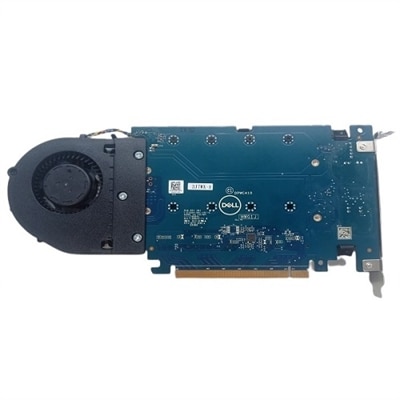
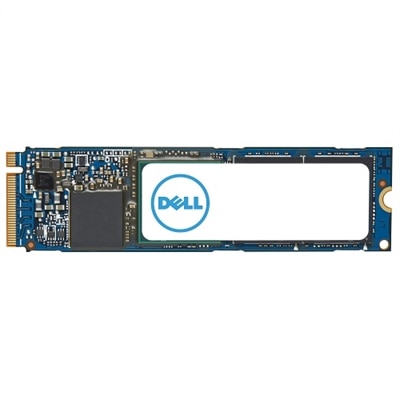
Data center SSD drives provide reliable, high-performance storage solutions designed to meet the demands of modern enterprise environments. Ideal for supporting business-critical applications, these drives help organizations manage large volumes of data efficiently and securely. Explore a wide selection of data center SSD drives to enhance your infrastructure’s speed, scalability, and overall productivity.
This product is not available
Check out the following recommendations.




Data Center SSD Drives
For professional computing environments, dependable hardware begins with matching each component to the way people work. Teams that handle large creative projects, financial models, software development, engineering applications, or continuous business operations often look for systems that respond quickly and remain consistent throughout the day. When choosing components for laptops and desktops, consider compatibility first: check the supported interface, physical dimensions, operating system requirements, power specifications, and available expansion space before placing an order. Performance ratings can be useful, but real-world results also depend on the processor, memory, motherboard, cooling system, and software. A balanced configuration usually feels better than one exceptionally fast component paired with older hardware. It is worth reviewing endurance ratings, expected workload, operating temperature, and manufacturer support, especially when a computer will be used for long work sessions or shared by several people. Clear documentation and straightforward installation can save valuable time during an upgrade, whether the work takes place in a small office, a design studio, a classroom, or a home workspace. For teams maintaining multiple computers, consistent component specifications can simplify deployment, troubleshooting, and future replacement. For individual users, the right choice may bring faster application launches, smoother file handling, and a more responsive experience during everyday tasks. Shoppers can also consider monitors, docking stations, keyboards, mice, webcams, and other accessories that make a workstation more comfortable and productive. A bright, adjustable monitor can reduce eye strain during a long afternoon, while a reliable dock can keep displays and peripherals organized with fewer cables across the desk. These practical details often matter just as much as headline performance because they shape how a computer feels from the first task of the morning to the final project of the day.
Before selecting a component, make a short list of the applications, devices, and work habits it must support. A developer may value quick access to project files and dependable performance during repeated builds, while a photographer or video editor may prioritize smooth handling of large media libraries and a quiet, responsive workstation. An office user may care most about fast startup, dependable multitasking, and easy integration with existing equipment. Organizations should also consider maintenance schedules, warranty coverage, replacement planning, and the number of systems that may need the same configuration over time. Checking the computer manufacturer’s compatibility information is especially important when updating an existing system, since not every component works with every generation or chassis. Keep the installation environment clean and well ventilated, follow the manufacturer’s instructions, and maintain current firmware and system updates when recommended. For a home office, a thoughtful upgrade can make a familiar computer feel refreshed without changing the entire workspace. For a growing business, standardized configurations can help employees get to work with fewer interruptions and make technical support more predictable. These products may also be a practical gift for a student, remote worker, hobbyist, or family member who spends time learning, creating, or managing projects on a computer; a useful upgrade is often more meaningful than an item chosen only for appearance. Compare specifications carefully, look beyond peak figures, and choose equipment that fits the system already in place and the work expected over the coming years. Shoppers exploring related professional hardware can also visit Enterprise SAS SSD Drives for additional options.
FAQs:
Data center SSD drives provide significantly faster data access speeds, lower latency, and higher reliability compared to traditional hard drives. They are designed for continuous, high-volume workloads and offer advanced features such as power loss protection and enhanced error correction, making them ideal for critical applications and minimizing downtime.
Read-intensive data center SSDs are optimized for workloads with a high ratio of read operations, such as content delivery networks or database queries. Mixed-use SSDs are built to handle a balanced combination of read and write operations, making them suitable for environments where both types of tasks occur frequently, such as virtualization or transaction processing.
NVMe (Non-Volatile Memory Express) technology enables data center SSDs to communicate with host systems via the PCIe interface, significantly increasing data transfer speeds and reducing latency. This results in more efficient processing of large datasets and improved performance for demanding applications like AI, analytics, and virtualization.
IT professionals, system integrators, and organizations running high-density servers or storage arrays often benefit from upgrading to enterprise m.2 SSD or U.2 drives. These form factors allow for greater storage density, improved airflow, and enhanced scalability, making them ideal for data centers, cloud service providers, and businesses with evolving storage needs.
Yes, data center SSDs can be an excellent choice for home labs and small business servers. Their high endurance, reliability, and performance ensure consistent operation and data integrity, even in environments where uptime and data security are priorities. They are especially valuable for users running virtual machines, databases, or other demanding applications.