$4157.00
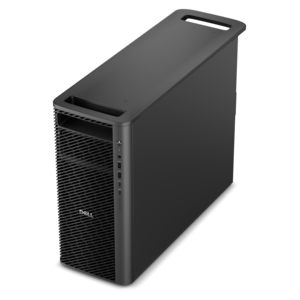
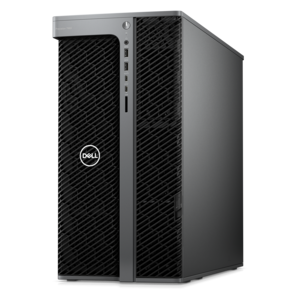
A dense, powerful rack-ready desktop engineered to optimize demanding computing environments.
Explore desktop PCs for game development with options to support tasks such as coding, 3D design, rendering, testing, and gameplay. Compare available configurations by processor, graphics capabilities, memory, operating system, and connectivity to find a setup that fits your development workflow.
A dense, powerful rack-ready desktop engineered to optimize demanding computing environments.
A high-performance desktop combining Intel Xeon 6 processors and advanced graphics for demanding professional workloads.
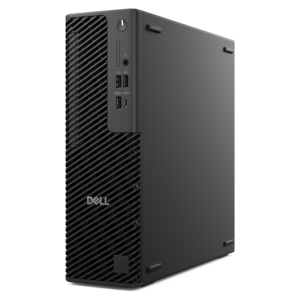
A slim desktop delivering exceptionally fast CPU and GPU performance for demanding professional workloads.
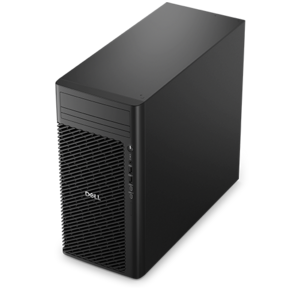
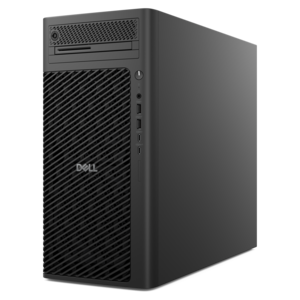
A reliable workstation desktop delivering excellent performance with professional graphics for demanding productivity and creative workloads.
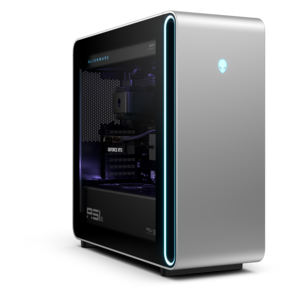
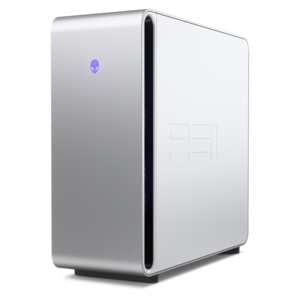
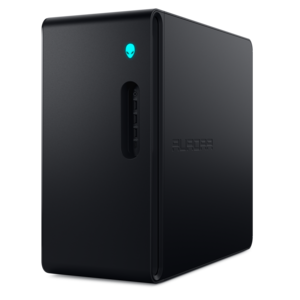
A powerful gaming desktop featuring an advanced design for a legendary gaming experience.
A high-performance desktop powered by the NVIDIA Grace Blackwell Ultra Desktop Superchip with MaxCool technology.
A scalable professional desktop delivering elite computing power with massive expandability.
A scalable desktop delivering the world’s fastest single-threaded performance for demanding professional workloads.
A flagship gaming desktop featuring AMD Ryzen 9000X3D series processors, advanced design, and high-performance hardware.
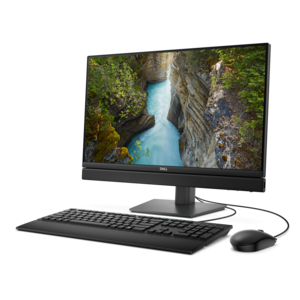
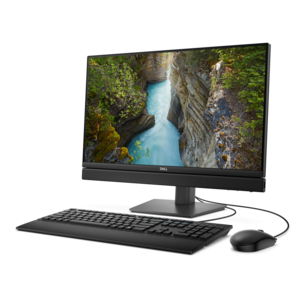
A space-saving, AI-ready all-in-one desktop with a 24-inch display and streamlined security and manageability features.
A scalable tower workstation with professional graphics and up to a 56-core Intel Xeon processor.
A purpose-built gaming desktop featuring efficient airflow and improved acoustics for versatile gaming setups.
A space-saving all-in-one desktop with AI options, enhanced productivity, robust security, and simplified manageability.
Game development desktop PCs provide a dedicated foundation for building interactive worlds, from a first playable scene to a polished release with detailed environments, responsive characters and immersive sound. Unlike a basic home computer, a desktop configured for development can handle demanding creation tools, game engines, code editors, digital art programs and testing workflows with greater ease. A capable processor helps compile projects, run simulations and manage background tasks, while a dedicated graphics processor supports real-time lighting, textured environments, visual effects and smooth viewport performance. Ample memory is valuable when an engine, reference materials, communication tools and creative applications are open together, and fast solid-state storage can help projects, assets and applications load with less interruption. Expandability is another important advantage: a desktop can offer room for additional memory, larger internal storage or future graphics upgrades as development needs grow. These systems can suit aspiring developers experimenting with their first platform game, students learning programming and 3D design, hobbyists creating mods and independent teams bringing original concepts to life. They are also useful for experienced creators who want a dependable workstation for prototyping, level design, animation, testing and publishing. A desktop PC can turn a spare room, study area or shared creative space into a more focused development environment, giving each project a home where ideas can move from a sketch on paper to a playable experience on screen.
When comparing game development desktop PCs, begin by considering the type of projects the user expects to create. Two-dimensional games, small puzzle experiences and introductory coding projects may run comfortably on a more modest configuration, while open-world environments, high-resolution assets, advanced physics and real-time visual effects typically call for stronger graphics capability and more processing headroom. Check the recommended requirements for the preferred development software, then allow additional capacity for operating system updates, creative applications, source files, reference images and test builds. Memory is especially important for multitasking; switching between an engine, modeling software, audio tools and a browser full of documentation is much easier when the system has room to keep everything responsive. Cooling and airflow also deserve attention, particularly during long build sessions or extended testing. A well-ventilated chassis can help maintain consistent performance, while a quiet design is welcome when concentration matters. The display setup can shape the experience, too. A larger screen or a multi-display arrangement can keep code, scene hierarchies, asset libraries and the game window visible without constant switching. Consider the available ports for displays, controllers, drawing devices, headsets and other accessories, along with the size of the workspace and the system’s upgrade potential. For creators who collaborate remotely, reliable connectivity and a comfortable keyboard and mouse can make reviewing files, joining team sessions and documenting progress feel more natural. These practical details often matter as much as headline specifications because game development involves many small steps repeated over hours: importing an asset, adjusting a script, testing a scene, finding an unexpected issue and trying again.
A game development desktop PC can be a thoughtful gift for a creative student, aspiring programmer, digital artist or game enthusiast who enjoys making as much as playing. It can support a new learner working through coding lessons, a teenager exploring level design after school or an adult pursuing an independent project during quiet evenings and weekends. The best fit depends on more than performance alone. Think about the recipient’s current skill level, the tools they plan to use, the kinds of games they hope to create and whether they need room to grow into more advanced work. A straightforward setup may help a beginner build confidence without unnecessary complexity, while an experienced creator may appreciate stronger graphics performance, generous memory and flexible expansion options. A dedicated desktop can make an inviting centerpiece for a creative routine, whether that means refining a character after dinner, testing a new mechanic on a quiet weekend or collaborating with friends on a small project. Keep ergonomics in mind as well: a supportive chair, an uncluttered desk, suitable lighting and a comfortable display height can make long sessions more pleasant. Those looking for a portable option for classes, shared workspaces or development away from a fixed desk can also explore Laptops for Game Development. Whether used for learning, professional creation or personal expression, the right computer gives developers the responsiveness and flexibility to experiment freely, solve problems patiently and keep building until an early idea begins to feel like a living world.
Add the products you would like to compare, and quickly determine which is best for your needs.