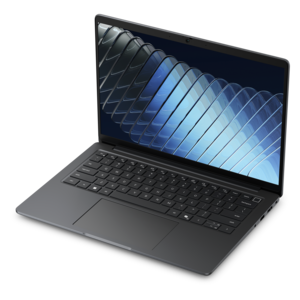
$169.99
A professional docking station delivering 130W power and versatile connectivity for streamlined productivity.
Explore the dynamic world of peripheral connections, where seamless integration meets cutting-edge technology to enhance your digital experience. Whether you're looking to expand your workstation capabilities or seeking innovative ways to connect your devices, understanding the variety of peripheral options available is essential. From USB hubs and docking stations to wireless adapters and more, these connections are designed to streamline your setup and boost productivity. Dive into a selection of versatile solutions that cater to both personal and professional needs, ensuring your devices communicate effortlessly while maintaining a clutter-free environment.
A professional docking station delivering 130W power and versatile connectivity for streamlined productivity.
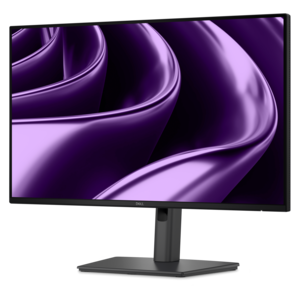
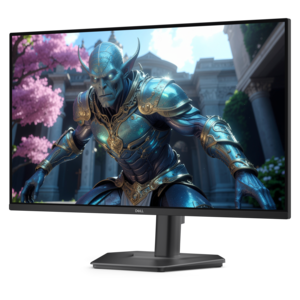
A QHD monitor with 144Hz refresh rate, USB-C connectivity, built-in speakers, and TÜV-certified eye comfort.
A smart docking station offering up to 130W USB-C power delivery and remote management capabilities.
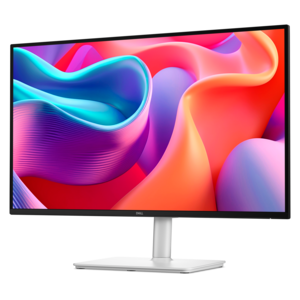
A Full HD USB-C hub monitor offering extensive connectivity, 100W power delivery, and TÜV-certified eye comfort.
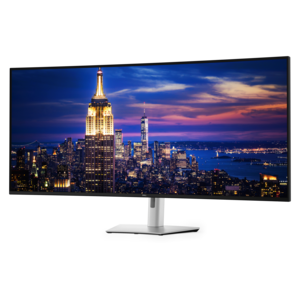
A 6K ultrawide monitor with Thunderbolt hub connectivity, exceptional clarity, seamless multitasking, and all-day eye comfort.
Peripheral connections are the links that let a computer work naturally with the equipment around it. A laptop or desktop may provide the processing power, but a mouse, keyboard, monitor, headset, speakers, printer, camera, or external drive can make that computer more comfortable and capable for everyday tasks. These connections generally use a physical cable or a wireless signal. Universal Serial Bus (USB) is widely used for input devices, charging, storage, and accessories, while HDMI and DisplayPort commonly carry video from a computer to a monitor or other display. Audio jacks can connect compatible headsets or speakers, and Bluetooth can pair a computer with wireless input and audio devices without adding another cable across the desk. Wi-Fi can support compatible wireless accessories, including printers and cameras, when they are designed to communicate through a home or office network. Choosing the right connection begins with checking the ports and wireless capabilities on the computer, then comparing them with the requirements of the accessory. Port shape, data speed, display resolution, charging support, cable length, and operating-system compatibility can all affect the experience. A compact laptop may have a limited selection of ports, making a hub or dock useful for expanding the available connections, while a desktop may offer more built-in options for a permanent workstation. Before purchasing, it helps to make a simple inventory of the equipment already in use and note which connections are occupied. This small step can prevent an awkward setup in which a needed display, headset, or input device cannot be connected at the same time.
The best peripheral connection is the one that fits the way a person works, creates, studies, plays, or relaxes. Someone moving between rooms may appreciate wireless accessories that keep a workspace uncluttered, while a person who spends long hours at a desk may prefer the consistent response of a wired connection. A wired mouse or keyboard can be ready as soon as it is plugged in, with no battery to recharge or pairing process to repeat. Wireless options can make a shared family desk feel calmer by reducing cable clutter and allowing equipment to be repositioned easily. A monitor connected by HDMI or DisplayPort can provide more room for documents, creative applications, video calls, or reference material, and using more than one display can help separate a primary task from supporting information. A headset connection can keep conversations private in a busy home, while speakers may be better suited to music, films, or a room where sound can be shared. For a student, remote worker, or frequent traveler, lightweight accessories that connect quickly can turn a kitchen table, guest room, or quiet corner into a productive workspace during the cooler months. For a gift, peripheral accessories are practical choices because they can improve a computer someone already owns without requiring a complete replacement. A thoughtfully chosen keyboard, mouse, headset, monitor, or compact connection accessory can make a familiar setup feel more personal and comfortable. Consider the recipient’s habits: a frequent video caller may benefit from an easier audio connection, a creative user may value additional screen space, and someone who enjoys games may look for responsive input and dependable connectivity. Color, size, ergonomics, portability, and accessibility features matter as much as technical specifications, particularly when an accessory will be used for several hours at a time.
When comparing peripheral connections, focus on the details that influence daily convenience rather than choosing by appearance alone. USB connections come in different shapes and capabilities, so a cable or accessory that physically fits may not support the same transfer speed, display output, or power delivery as another. USB-C is reversible and increasingly common on modern computers, but its functions can vary by device and port; checking the computer’s specifications is important before expecting video output or high-speed charging. HDMI and DisplayPort connections also have different versions and capabilities, and the computer, cable, and display must work together to achieve the desired resolution and refresh rate. Wireless accessories should be evaluated for pairing range, battery life, charging method, and the number of devices they can remember. In a shared household, simple switching between computers can be especially helpful, while a permanent desk setup may favor dedicated connections that remain in place. Cable management has a practical role, too: keeping cords long enough to reach comfortably but short enough to avoid tangles can make a desk safer and easier to clean. A reliable connection should also feel stable during ordinary use, without frequent dropouts, unexpected disconnections, or a need to reset the accessory. For broader connectivity needs, explore Networking Peripherals to find equipment designed to help compatible devices communicate. Whether arranging a first home office, refreshing a family computer area, or preparing a more immersive entertainment space, matching each accessory to the computer’s available connections creates a setup that feels effortless. As routines shift between work, learning, communication, and downtime, well-chosen peripherals can add comfort and flexibility while helping existing computers remain useful for longer.
Add the products you would like to compare, and quickly determine which is best for your needs.