$699.99
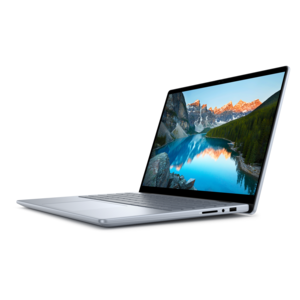
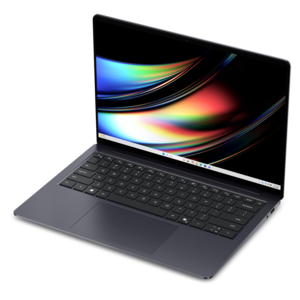
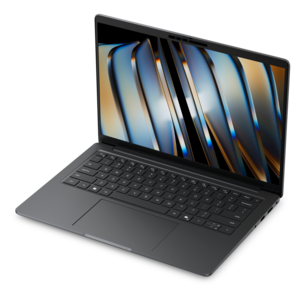
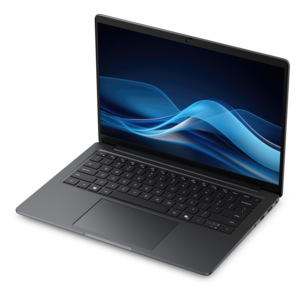
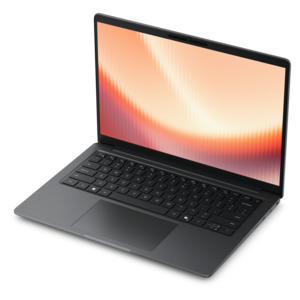
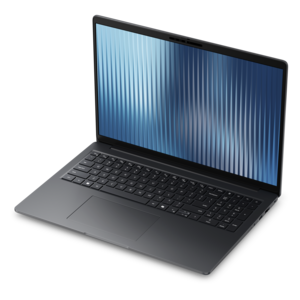
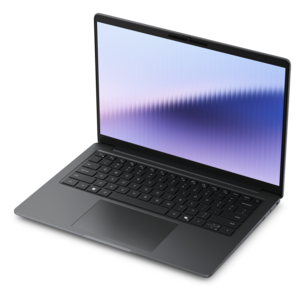
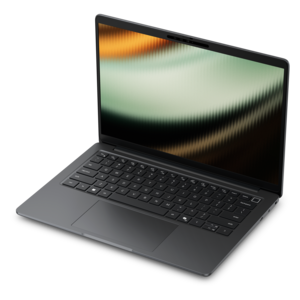
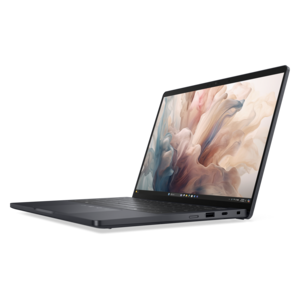
A thin, lightweight laptop crafted from eco-friendly materials with Series 3 Intel Core processors for productivity.
Unleash your creative potential with a wide array of photo editing tools designed for Windows. Whether you're a professional photographer or an enthusiastic hobbyist, the right software can transform your images into stunning works of art. Delve into the world of photo editing for Windows and discover versatile solutions that cater to every level of expertise. From basic retouching to advanced manipulation, these tools offer intuitive interfaces and powerful features to help you achieve your artistic vision effortlessly. Explore options that enhance your workflow and elevate your photos to new heights, all within the familiar environment of your Windows device.
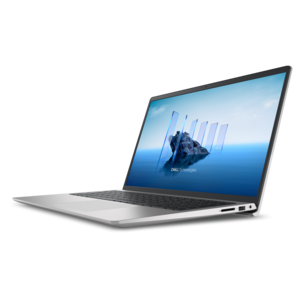
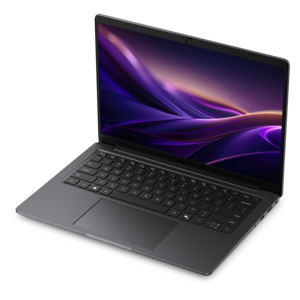
A thin, lightweight laptop crafted from eco-friendly materials with Series 3 Intel Core processors for productivity.
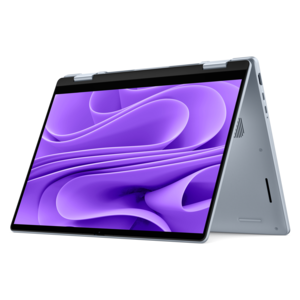
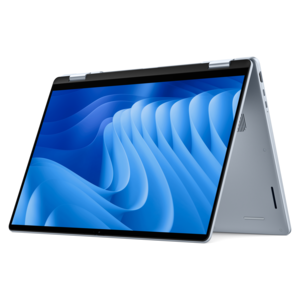
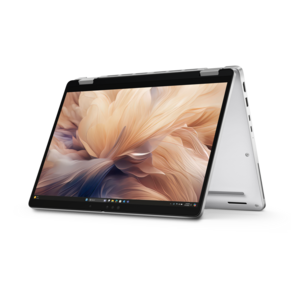
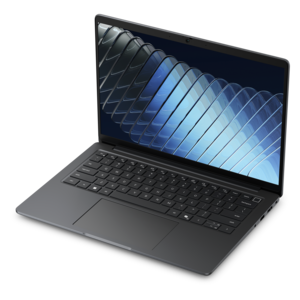
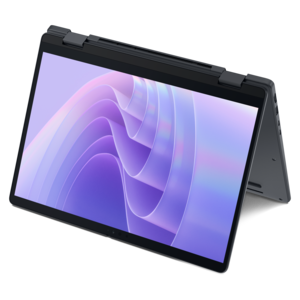
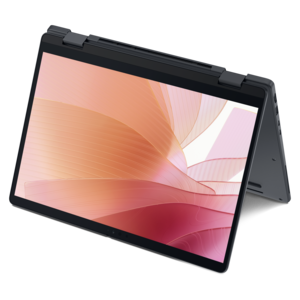
A versatile 2-in-1 laptop with Intel Core processors, DDR5 memory, and multiple modes for creative work.
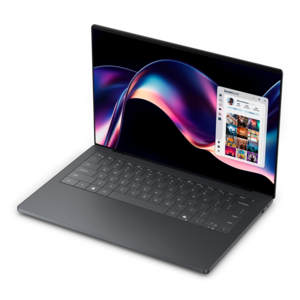
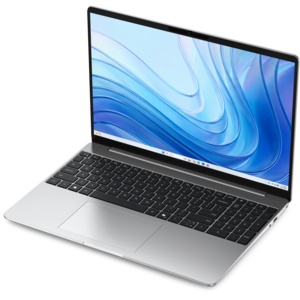
A modern laptop with AMD Ryzen™ processors, delivering effortless productivity and captivating entertainment in a design.
A versatile 2-in-1 laptop with AI experiences, all-day battery life, and seamless multitasking.
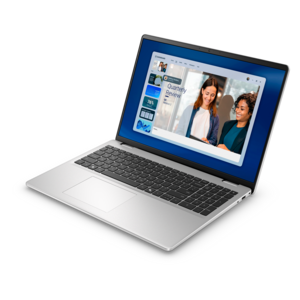
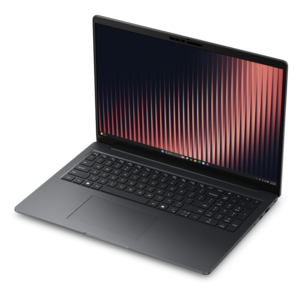
A durable productivity laptop featuring an expansive 16:10 display and convenient numeric keypad.
A sleek laptop powered by AMD Ryzen™ AI 400, designed for powerful performance and modern multitasking.
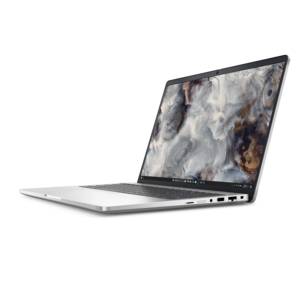
A thin, lightweight business laptop powered by AMD Ryzen processors with commercial-grade security and manageability.
A secure, scalable commercial AI PC featuring a durable aluminum body and spacious productivity-focused display.
A versatile 2-in-1 laptop with built-in AI and a spacious display for creative work.
A thin, durable laptop powered by AMD Ryzen™ AI PRO 400 Series processors for professional work.
A secure, scalable commercial AI PC featuring a sleek, durable aluminum body for productive multitasking.
A productivity-focused Copilot+ PC powered by a capable AMD CPU, GPU and NPU combination.
A sleek, modular laptop featuring durable construction, robust security, a spacious 16:10 display, and built-in AI.
A remarkably thin laptop powered by AMD Ryzen AI PRO 400 Series processors for professional performance.
A durable modular laptop with a 16:10 display, numeric keypad, robust security and built-in AI options.
A creator-focused laptop with built-in AI, a spacious display, and Intel Arc graphics for demanding workflows.
A thin, high-performance creator laptop delivering exceptional battery life for demanding creative work.
A durable, lightweight business laptop featuring commercial-grade security and manageability for everyday productivity.
A powerful Copilot+ PC combining Intel CPU, GPU, and NPU performance to enhance productivity.
A powerful, ultra-thin laptop with a durable chassis, designed for productive work wherever you go.
A thin 14-inch laptop built for mobile creation with exceptional battery life.
A remarkably thin 2-in-1 laptop combining portability and performance with Series 3 Intel Core Ultra processors.
Photo Editing For Windows covers a wide range of creative needs, from quick improvements to family snapshots to detailed work on high-resolution images. A Windows computer with a responsive processor, sufficient memory, fast solid-state storage and a clear display can make everyday editing feel smooth and natural. The right setup helps images open quickly, adjustments appear without long pauses and larger projects remain manageable as your photo library grows. For casual editing, a capable laptop offers the flexibility to move from a desk to a kitchen table, a studio corner or a comfortable chair near a window. A desktop can be a strong choice for photographers and creators who prefer a larger screen, full-size keyboard, extra ports and the ability to add more memory or storage over time. A separate monitor is also worth considering when accurate color, fine detail and a spacious workspace matter. Look for a display with a sharp resolution, wide viewing angles and color reproduction that makes it easier to distinguish subtle changes in skin tones, blue skies, shadow detail and warm indoor lighting. An adjustable stand can add comfort during longer sessions, while a keyboard and mouse designed for precise control may help when trimming selections, naming files or working through a large collection. These products can suit beginners learning the basics, students creating visual projects, travelers organizing images from a camera or phone, small-business owners preparing website graphics and experienced photographers refining their work before sharing or printing it.
Windows includes built-in tools that cover many of the corrections people make most often. The Photos app can crop and rotate an image, change its aspect ratio, straighten a tilted horizon and flip the composition when needed. Basic adjustments for brightness, contrast, highlights, shadows, saturation and warmth can bring a dull image closer to the way a scene looked in person. These controls are useful for rescuing a backlit portrait, bringing detail into a dim landscape or softening the harsh color cast created by indoor bulbs. Newer editing features may also include tools that remove distracting objects, blur or replace a background and make selective changes without requiring advanced technical knowledge. Markup options can be helpful for drawing on an image, circling a detail, adding a handwritten note or highlighting an area before sending it to someone else. For more involved drawing and graphic creation, Windows also provides a simple canvas-based application, while a separate built-in video editor can help turn photographs into slideshows and short visual stories. Hardware selection should reflect the kind of work you expect to do. Someone making occasional corrections to phone photos may be comfortable with a lightweight laptop and a modest amount of storage, while a person working with RAW files, layered compositions or high-resolution scans will benefit from more memory, a stronger processor and ample solid-state space. A dedicated graphics processor can help with demanding effects and large files, although it is not essential for every editing task. It is also wise to think about file backup, since a damaged drive or accidental deletion can erase years of photographs. External storage, cloud synchronization and a consistent folder structure can keep original files, edited copies and exported images easier to find. When the work includes recorded narration, soundtracks or spoken notes alongside visual projects, related creative tools such as Audio Editing Software For Windows may complement a photo-focused setup.
The best Photo Editing For Windows setup should fit both the images being created and the way the creator prefers to work. A photographer who spends cooler months sorting a growing collection may value a bright, comfortable display, quiet operation and a memory card reader that simplifies transfers. A student might prioritize a portable laptop, dependable battery life and enough performance for editing between classes, while a family member receiving a computer as a gift may appreciate a straightforward interface, a comfortable screen and an easy way to organize shared albums. For home offices and creative workspaces, an external monitor can provide room to keep the image, editing controls and file folders visible at the same time. Connecting a full-size keyboard and precise mouse can make repeated tasks less tiring, especially when adjusting dozens of images from a gathering, trip or outdoor walk. Storage capacity deserves particular attention because high-resolution photos accumulate quickly, and edited versions often occupy additional space. Fast wireless connectivity can simplify cloud backups and software updates, while USB ports and other connections make it easier to add a camera, card reader, external drive or display. Ergonomics matter as well: a screen positioned near eye level, comfortable viewing brightness and a chair that supports good posture can make a noticeable difference during long editing sessions. Whether the goal is to preserve autumn colors, prepare images for a printed album, create polished social media visuals or build a portfolio, a well-matched Windows computer and accessory setup can make the creative process more dependable. Start with the most frequent tasks, consider the size and type of files involved, and choose a combination of portability, screen quality, performance and storage that leaves room for skills and projects to grow.
Add the products you would like to compare, and quickly determine which is best for your needs.