$99.99
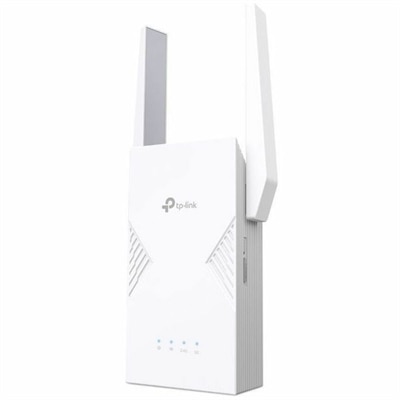
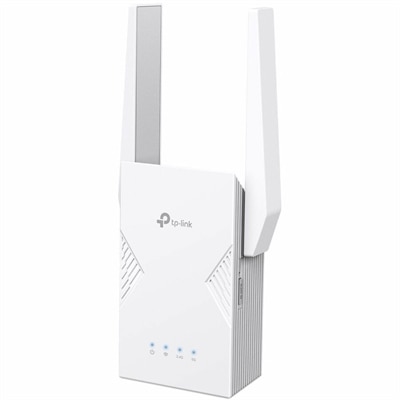
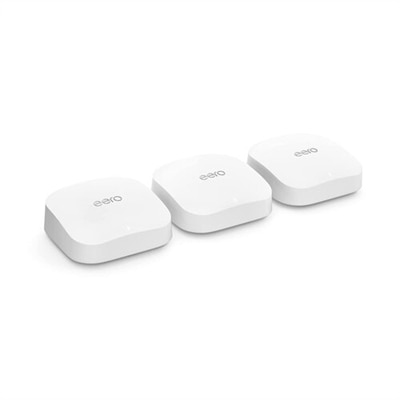
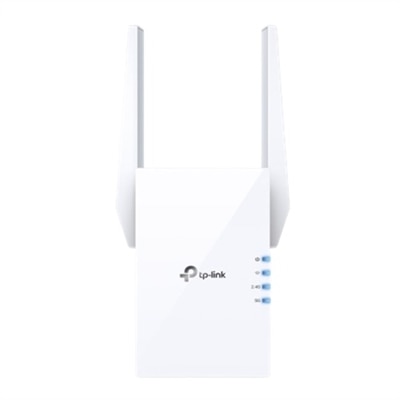
A wireless range extender that boosts WiFi 6 signals for seamless, high-speed coverage throughout your home.
Plug in WiFi extenders are an essential tool for ensuring seamless internet connectivity throughout your home or office. These devices work by amplifying your existing WiFi signal, helping to eliminate dead zones and provide a stronger, more reliable connection in areas where the signal may be weak. Whether you're streaming your favorite shows, playing online games, or managing important tasks, plug in wifi extenders can help you stay connected without interruption. Easy to install and use, they offer a convenient solution for enhancing your network coverage and optimizing your online experience.
A wireless range extender that boosts WiFi 6 signals for seamless, high-speed coverage throughout your home.
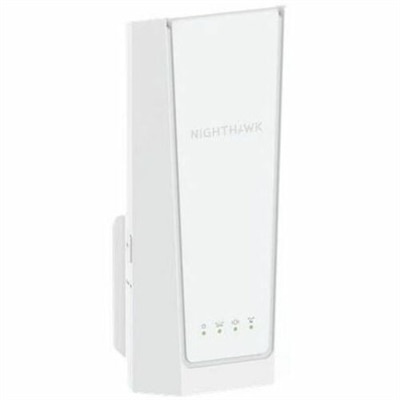
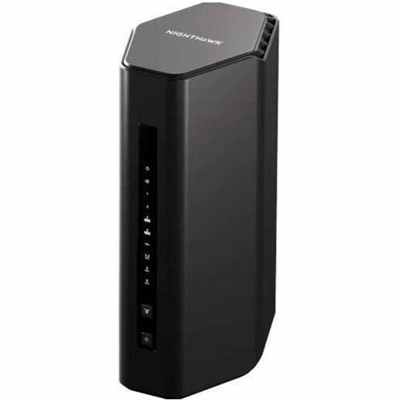
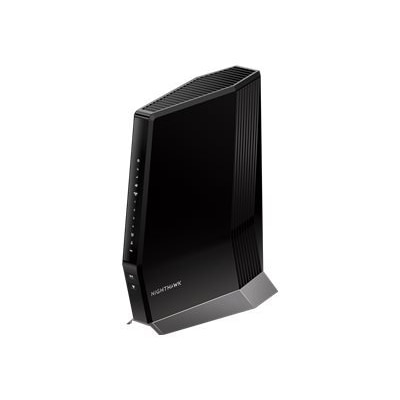
A dual-band Wi-Fi 7 range extender delivering up to 5 Gbps speeds for seamless whole-home coverage.
A dual-band Wi-Fi 7 range extender delivering up to 3.6 Gbps speeds and ultra-low latency connectivity.
A dual-band Wi-Fi 7 range extender delivering 3.2 Gbps speeds, low latency, and whole-home mesh coverage.
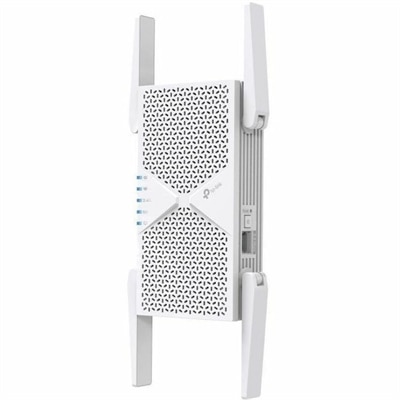
A dual-band Wi-Fi 7 range extender delivering up to 6.5 Gbps speeds and seamless whole-home coverage.
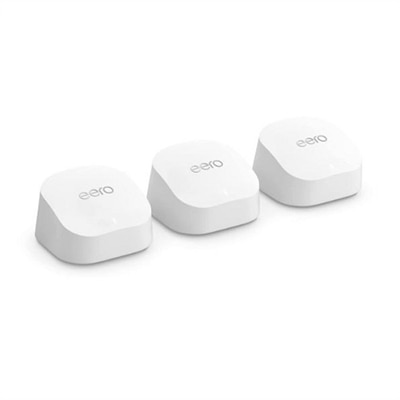
A powerful mesh Wi-Fi system offering 6,000 sq ft coverage, 2.3 Gbps speeds, and smart home integration.
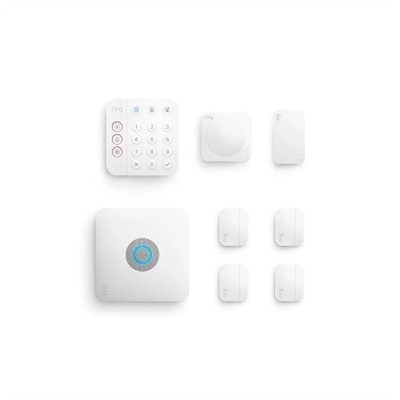
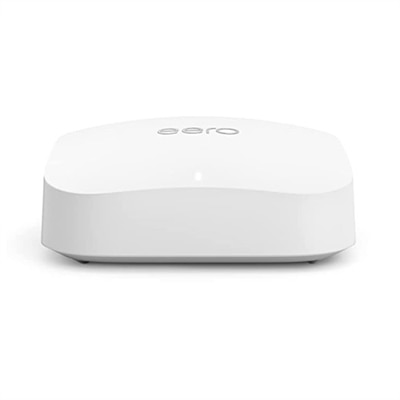
An 8-piece security kit with built-in eero Wi-Fi 6 router for reliable, secure home connectivity.
Plug-in WiFi extenders offer a practical solution for anyone looking to boost wireless coverage throughout their home or office, especially as more people work remotely or enjoy streaming and gaming across multiple devices. When warmer weather encourages outdoor gatherings or when cooler evenings mean more time spent inside, a strong and reliable WiFi connection remains essential. With a plug-in wifi extender, you can easily address frustrating dead zones—those areas where your signal just doesn’t reach. These devices are designed for simplicity; just connect the extender wifi unit to a standard wall outlet, follow the straightforward setup process—often as simple as pressing a WPS button or using a dedicated mobile app—and you’re ready to enjoy improved connectivity. Whether you’re setting up a home office in a spare room, streaming movies in a basement den, or trying to get a stable connection on the patio, a pc wifi extender can make all the difference.
A plug-in WiFi extender is a thoughtful gift for students moving into a new dorm, families upgrading their home network for smart devices, or anyone who’s noticed their video calls freeze at the worst possible moment. These extenders are especially helpful in multi-story homes, older buildings with thick walls, or spaces where the router can’t be centrally located. Before choosing an extender, consider the size of the area you want to cover and the types of devices you’ll connect. Look for features like dual-band support, which helps manage multiple devices without slowing down your network, and compatibility with your existing router. Reading a dell wifi extender review can provide insight into real-world performance and ease of installation, helping you select the right model for your needs. Many users appreciate the convenience of a dell extender for its seamless integration and reliable signal boost, enhancing everything from online classes to late-night gaming sessions.
As you plan your network improvements for the season ahead, remember that a plug-in wifi extender is just one way to enhance your wireless experience. If you’re considering a more comprehensive upgrade, explore additional options and expert advice on our WiFi Upgrades page. With the right tools in place, you can enjoy uninterrupted connectivity wherever you need it most—indoors or out, during busy workdays or relaxing weekends. Reliable WiFi isn’t just a convenience; it’s the backbone of today’s connected lifestyle, making every device and every moment online smoother and more enjoyable.
Add the products you would like to compare, and quickly determine which is best for your needs.