Portable Document Scanners For Laptops
Portable document scanners for laptops offer a convenient solution for digitizing paperwork, receipts, and important documents on the go. Ideal for students, professionals, and anyone needing efficient document management, these compact devices seamlessly integrate with laptops to make scanning easy and accessible from virtually anywhere. Explore a wide selection of portable document scanners for laptops designed to help you stay organized and productive whether you're at home, in the office, or traveling.
This product is not available
Check out the following recommendations.
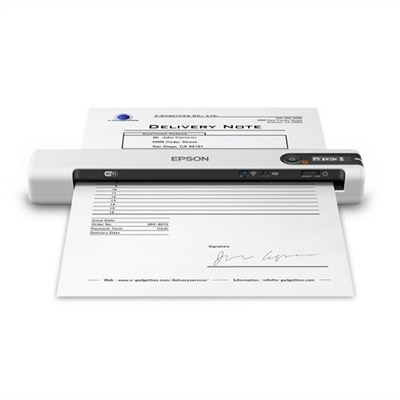
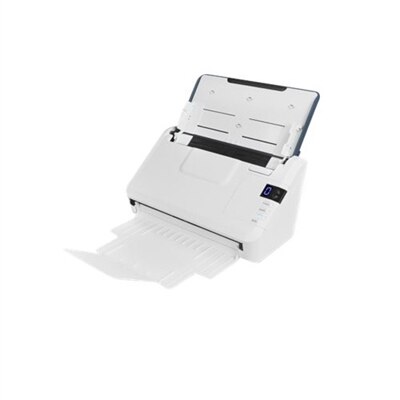
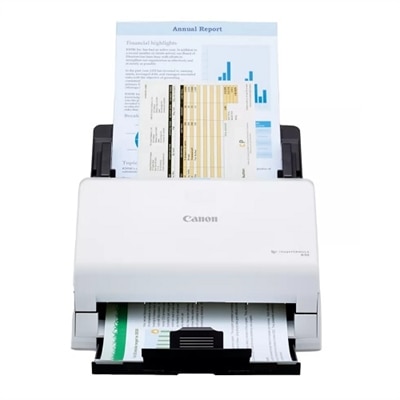
Portable Document Scanners For Laptops
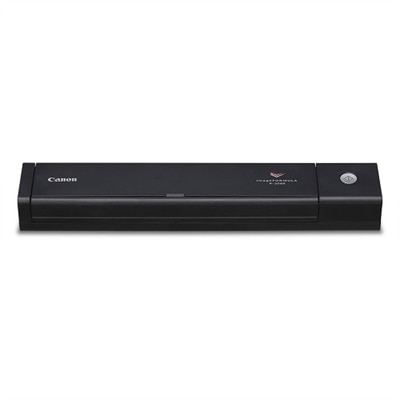
Portable document scanners for laptops offer a practical way to turn paper records into organized digital files without committing valuable desk space to a full-size office machine. Compact enough to slip into a laptop bag, briefcase, or drawer, these scanners are useful for remote workers, traveling professionals, students, home-office users, real estate agents, healthcare providers, field technicians, and anyone who handles paperwork away from a permanent workspace. A lightweight single-sheet scanner can capture receipts, signed forms, invoices, identification cards, handwritten notes, and photographs at a kitchen table, in a client’s office, or while working from a library or shared workspace. Many models connect to a laptop through USB, making them a convenient choice when a computer is already open and nearby. Battery-powered and wireless options provide more freedom when outlets are limited, while some can send scans directly to a laptop, mobile device, memory card, or cloud-connected workflow. During the warmer months and into the cooler months, portable scanning equipment can be especially useful for people moving between home, school, work, and travel. It also makes a thoughtful gift for a college student organizing research materials, a small-business owner keeping track of receipts, or a family member digitizing household records and cherished photographs. Before choosing a scanner, consider where and how often it will be used, how much room is available in a laptop bag, and whether the convenience of wireless operation is worth selecting a battery-powered design.
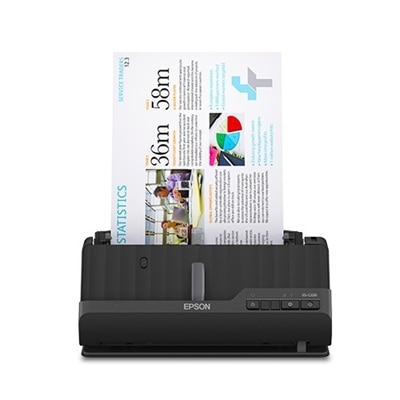
The way documents feed through a portable scanner has a direct effect on everyday convenience. Manual single-sheet feed models are typically slim and easy to pack, making them well suited to occasional scanning, travel paperwork, receipts, and short documents. They can also accommodate unusual items that may not be handled well by a traditional automatic feeder, provided the scanner’s supported paper size and thickness match the task. If scanning multi-page reports, contracts, forms, or school materials is part of the routine, a model with an automatic document feeder can reduce the need to stand by and insert every page individually. Look for a feeder capacity that fits the usual workload, along with a design that returns pages neatly and minimizes the amount of clear desk space needed. Scan speed is another consideration: specifications may be listed as pages per minute or as the time required to capture a single sheet, and real-world results can vary with resolution, color mode, paper condition, and software settings. Resolution matters when fine print, signatures, diagrams, or photos need to remain clear. For everyday text documents, a moderate resolution may provide a good balance between legibility and file size, while photographs and detailed graphics may benefit from a higher setting. Duplex scanning, which captures both sides of a page in one pass, can be valuable for forms and reports printed on both sides. Paper handling features such as automatic cropping, deskewing, blank-page removal, and image rotation can make a noticeable difference when a folder of unevenly placed documents needs to become a polished digital archive.
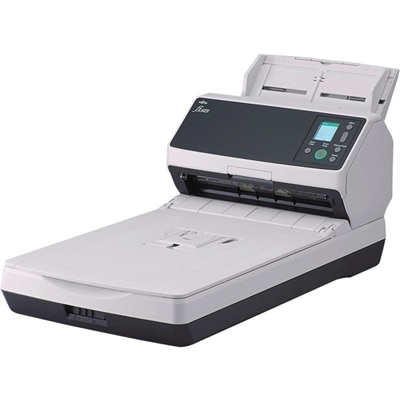
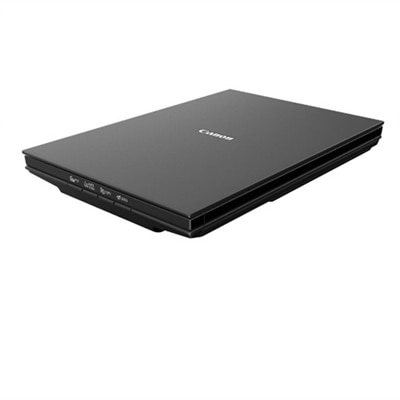
Software compatibility is just as important as the scanner’s physical design, especially when the device is intended for use with a laptop. Confirm that the scanner supports the operating system and connection method used by the computer, and review whether the included software can save files in common formats such as PDF, JPEG, or TIFF. Optical character recognition, commonly called OCR, converts printed words in an image into searchable text and may allow information to be copied into an editable document. This feature is helpful when searching a long agreement, locating a line item in a receipt, or reusing information from a form instead of retyping it. For confidential paperwork, check how files are saved and shared, and use password protection or encrypted storage when appropriate. USB bus-powered scanners draw energy from the laptop, which keeps the setup simple and avoids maintaining a separate battery, while battery-and-Wi-Fi models can be more convenient when scanning away from a desk or in a location without an accessible outlet. Pay attention to battery life, charging time, wireless setup, and whether a cable remains available as a backup. A compact scanner should also be easy to clean and store, with accessible paper paths for removing a misfeed and a footprint that works in the intended space. For users who mostly scan books, delicate originals, thick documents, or several pages at once, a larger Flatbed Document Scanners may provide a better fit. By matching feed type, power source, scan volume, software features, and portability to real working habits, it becomes easier to choose a document scanner that keeps paper under control while fitting naturally alongside a laptop.
FAQs:
Portable document scanners for laptops are versatile and can handle a wide range of documents, including receipts, contracts, business cards, ID cards, photographs, and multi-page reports. Many models also support scanning both single sheets and smaller items, making them ideal for organizing both professional and personal paperwork.
Most portable digital document scanners come with dedicated scanning software that is easy to install and use on both Windows and macOS laptops. Some models also offer compatibility with third-party applications or cloud services, allowing for direct upload to platforms like Google Drive or Dropbox.
Many modern laptop scanners feature duplex scanning, which allows you to capture both sides of a document in a single pass. This is particularly useful for scanning contracts, forms, and other double-sided paperwork efficiently.
Yes, several portable document scanners for laptops offer wireless connectivity through Wi-Fi or Bluetooth. This enables you to scan documents directly to your laptop or even to cloud storage without needing a physical USB connection.
Portable document scanners are especially beneficial for students, remote workers, business travelers, and professionals who need to manage paperwork on the go. They are also a great gift for anyone looking to reduce paper clutter and streamline their workflow, whether in a home office or while traveling.